


A new all-in-one retro console is trying to capture the attention of nostalgia-seekers at a time when they’re not spending as much money. It’s a preconfigured, TV-friendly box — a super console (or Linux-based computer) — that also serves as a 4K-capable streaming device — no keyboards, no driver hunts, and no command-line gymnastics needed at all. It’s currently on sale for $84.97, or just 46% off its retail price, which is a fraction of what you’d spend to piece together a similar DIY setup.
Plug-and-Play setup with dual OS simplicity and speed
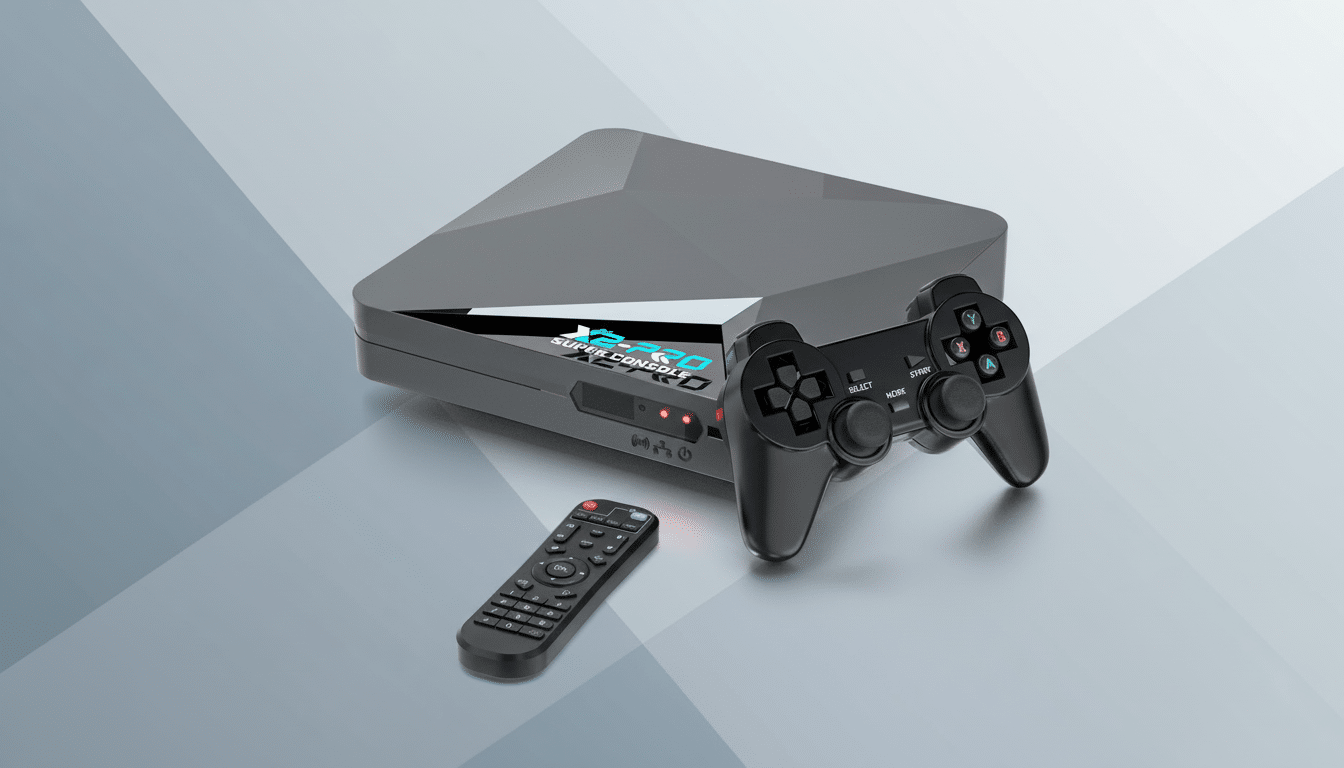
It is a plain and simple pitch for the X2 Pro: plug it into HDMI, power it up, play. It comes with a dual-boot setup — Android 9.0 (for streaming apps, etc.) and EmuELEC 4.6 (for retro gaming) — so you can switch from Netflix or YouTube to a curated front end for classic systems in seconds. It comes with two wireless controllers, and the interface is modeled on the familiar EmulationStation-style launcher that sorts platforms, box art, and save states neatly.
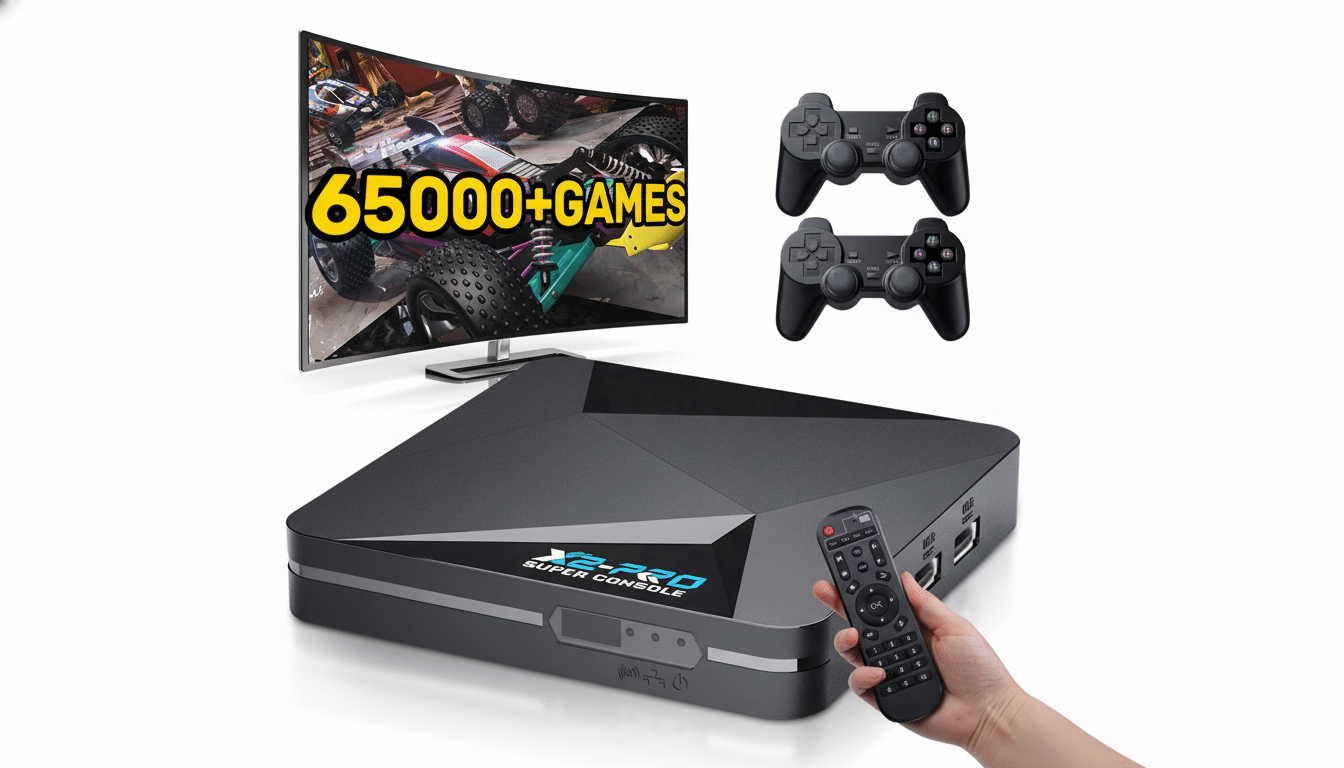
Behind the scenes, a quad-core Amlogic S905X2 processor and Mali-G31 GPU take care of business. The system-on-chip is also a popular choice in smaller streamers, and it adds hardware decode for up-to-date codecs. EmuELEC should give you an optimized emulation layer. Storage is also provided via a microSD card, with USB ports available for additional games, save backups, or connect arcade sticks.
What 4K streaming actually means on this device
With hardware such as this, “4K streaming” typically just means it can output 4K and decode a 4K stream of video. For real 4K playback on premium apps, you’re relying on licensing and certification — namely Widevine L1 and per-app approval. Netflix and Prime Video, for instance, will restrict resolution on uncertified Android boxes. YouTube is broader, and 4K files can be pushed through local media players with no problem.
Translation: you should get nice, crispy 4K menus and smooth playback if apps support it, but don’t count on every service delivering footage in native 4K; that’s a common restriction among budget streamers, not just the X2 Pro. Industry trackers like Nielsen’s The Gauge have illustrated that streaming now leads US TV time, so the convenience of a single box for retro play and mainstream apps is an everydude calling card, even if app-by-app resolution rules apply.
Emulation performance and practical limits explained
Due to the S905X2’s history, 8-bit and 16-bit systems like NES, SNES, Genesis, and PC Engine run almost perfectly. Tons of PS1 and most N64 games play perfectly fine with the appropriate cores and settings. Portable systems such as the Game Boy Advance and Neo Geo Pocket also comfortably fall within the chipset’s range.
Dreamcast and PSP games are a mixed bag in terms of performance. GameCube and Wii tend to be above this type of hardware. Look forward to standard quality-of-life inclusions — save states, controller remapping, shaders for those desired CRT-style scanlines, and fast boots — all without the effort of tracking down and installing individual emulator binaries. Tweakers are welcome to still swap cores (yes, we ported them) and change configs (we have a lovely new settings menu), but the default experience is streamlined toward living room entertainment.
How it compares to DIY builds and FPGA-based options
Compared to a Raspberry Pi with RetroPie or a Windows mini PC, the X2 Pro sacrifices some ultimate flexibility for zero-setup convenience. There’s no BIOS scavenger hunt, no front-end theming marathon, and no hacking on dozens of controller profiles. A Pi 4 is very capable, but it can also get more expensive than you think once you add a board, case, power supply, storage, and gamepads — and it still requires me to carve out some time on the weekend doing Tinkertoy.
And while existing FPGA solutions like MiSTer or cartridge-focused experiences such as those from Analogue’s consoles have zeroed in on the niche of cycle-accurate preservation, the X2 Pro prioritizes breadth and ease. FPGA rigs are popular because of their almost-perfect latency and fidelity, though they cost more and require more hands-on time. Both as a streaming device, and even generally within the category of Android TV boxes like the Nvidia Shield TV, the X2 Pro goes head-to-head with them; ad-supported app plans are going to cost you, but given how expensive this was at one time I suppose it’s still quite an attractive value proposition.
Legal and ethical considerations for using ROMs
Any plug-and-play device that boasts “thousands of games” brings up a crucial question: game rights. The Entertainment Software Association has not missed an opportunity to remind us that it is, in fact, illegal to download ROMs of games you do not own. Play using games that you own, per best practices, dump your cartridges where you can, but also check out the rich homebrew and public-domain offerings the scene has to offer. Preservation groups and archivists still fight for wider access, though the legal line has been holding strong in most places.
Bottom line: a convenient retro box with caveats
If you’re after couch-ready retro gaming with a modern streaming layer, the Super Console X2 Pro hits a sweet spot of price and simplicity. You can expect performance that really shines on most 8- and 16-bit libraries, with decent results on PS1 and much of N64 (game-dependent), but mixed to poor overall output beyond that. Addressing 4K as a platform-level feature, and not the be-all and end-all of every application, will shield you from any disappointment.
If you’re a purist totally focused on absolute accuracy or 100% compatibility, DIY PCs, MiSTer units, or the top tier of Android TV hardware are probably better fits for you. For others — say, newcomers looking for a living-room device that “just works” — this plug-and-play console is an attractive, low-friction way to get retro nights back up on the big screen.
