


I purchased a weekend-long superpower for 20 dollars. I shipped around “24 days” of dev work with Codex inside my editor in about six hours of active prompting. The caveat? Invisible brakes that lock up just as the flow is going right.
What’s changed: Codex everywhere for $20
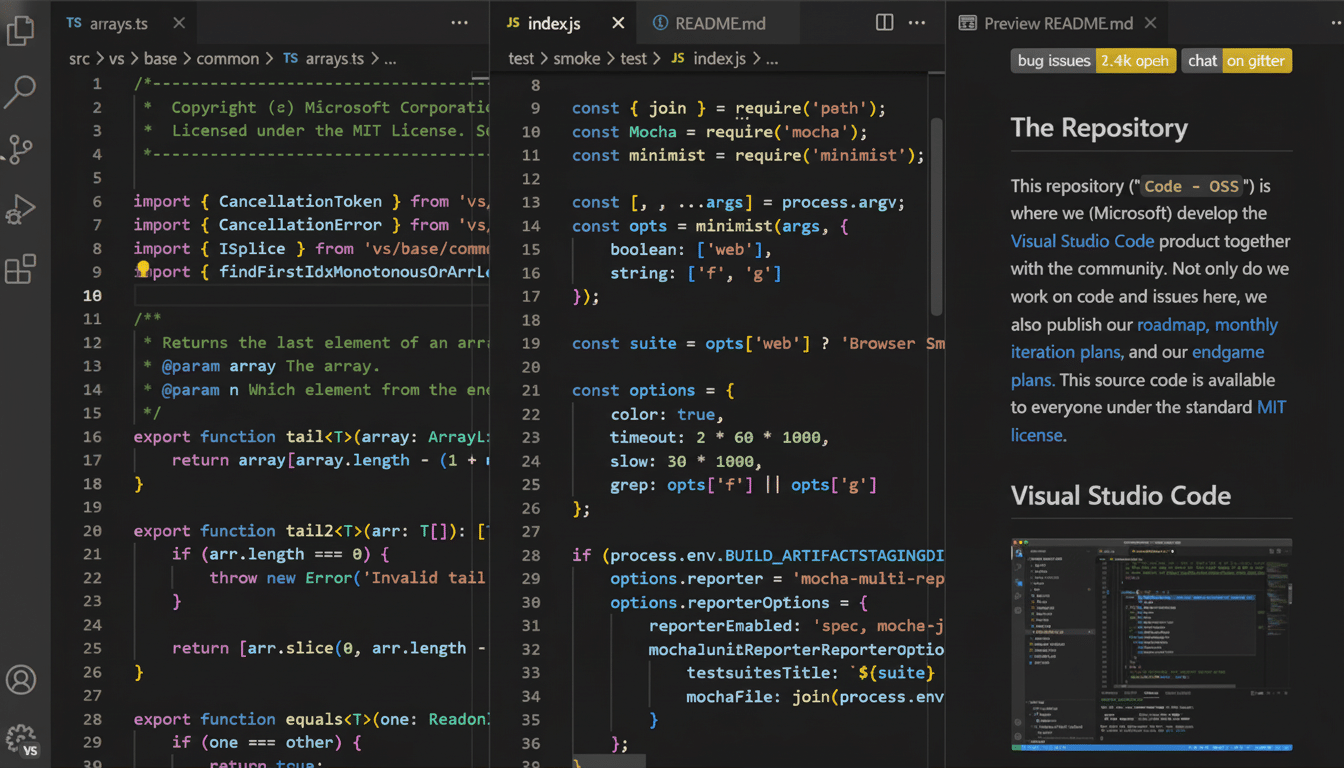
OpenAI’s Codex works in VS Code, Cursor and Windsurf … and is bundled with the $20 ChatGPT Plus plan. That’s a pivotal shift. For too long that’s been constrained to terminals, or GitHub-only workflows — now it’s where many (most?) of us are actually writing code. A high quality assistant that sees your whole repo for the price of a coffee per week is too hard to resist for solo builders and small teams.

Six hours, four projects: why the boost felt real
In practice, Codex fulfilled the role of a fast, tireless pair who was deeply familiar with my codebase. I used it to revamp an ancient HTML/CSS welcome screen (my nemesis), stabilize an unreliable JavaScript signup flow, bolt in a modular sub-tab system, add backup/restore for app settings via JSON, all with a UI. I also prototyped a activity gauge on site with analytics. None of this was mission-critical, but each project usually takes me a day or longer. With Codex, it was hours.
The numbers aren’t outlandish. GitHub’s research indicates that Copilot users are up to 55% more efficient in controlled tests, while McKinsey has found a more general category of “generative tools” boosts productivity by 20-45% on software development work. The lift is when the AI can see cross-file relationships and refactor in context — exactly what Codex did inside my editor.
The catch: Opaque restrictions and mid-run shutdowns
Then the wheels wobbled. After a period of awesome sessions, Codex would abruptly start rate-limiting – first briefly, and then at an extended interval, until we were totally locked out for days – in the middle of multi-file commits. No meter, no countdown, no “you’re getting close to your cap” alerts. Just a stop sign.
That’s risky. Cutoffs in the middle of a run can leave code in limbo if the tool fails before it has a chance to write out its summary or diff. Yes you can be saved by version control, but recovering means lost time and time burned, time most for us burning ‘free server time’… And, while the $20 plan is cheap, not knowing how much coding you’re truly getting is a scheduling nightmare. Even pros on tight deadlines can’t have a “surprise cooldown.”
$20 vs. $200 — and why some pay $800
There’s a reason people who are full-time engineers shell out cash for pro tiers. More expensive plans typically increase token and rate ceilings, lower waits and provide longer context windows. In a YouTube discussion not long ago, two developers said they pay about $800 a month altogether across tools like Claude Code, Cursor’s higher tier and OpenAI’s premium plan — but the extra throughput pays for itself in shipped features, they argued.
24 days of code in 6 hours with Codex AI – clock and net catching code
Looking at salaries, that math works out. For even a slight throughput gain may pay for the few hundred dollars of Tool Spend. For weekend coders, students, or indie maintainers, however, $200–$800 per month is steep, and the $20 tier’s stop‑and‑go behaviour can cause problems in the small windows when you can actually build.
This isn’t autopilot: risks and guardrails
Codex didn’t supersede judgment; it intensified it. I had to scope changes precisely, test iteratively and guide it around dead ends. It made confident mistakes. You should be throwing away 30 to 50 percent of your suggestions, especially on complex logic – in line with what many teams tell us they’re seeing in their early rollouts.
Use it like a power tool. Use branches, tiny diffs, and precise prompts. Keep your test suite close. For anything security-important: listen to OWASP, do static analysis, and require peer review. Several organizations — Microsoft, Google and the National Institute of Standards and Technology — recommend layers of assurance when using AI-generated code. The speed is intoxicating; the blast radius of a delicate bug is not.
Who should upgrade — and who can hold off
If you’re shipping production code on a schedule, budget for a higher tier that will zap surprise cooldowns and give you extended context. Then, the predictable throughput is the actual deal. If you’re an OSS maintainer or a hobbyist, the $20 plan can be amazing for focused sprints—just don’t plan on it to rely on it to finish a critical migration; plan around reach the throttle bottleneck.
The headline truth remains: in a few hours, Codex helped me produce something that would have taken me weeks. But without transparent quotas or end-of-run cut-offs, until the $20 plan comes online, it’s best treated as an on-demand booster, not a daily driver. Upgrade for consistency; stay frugal for the spurts. In any case, keep holding on to the wheel.
