


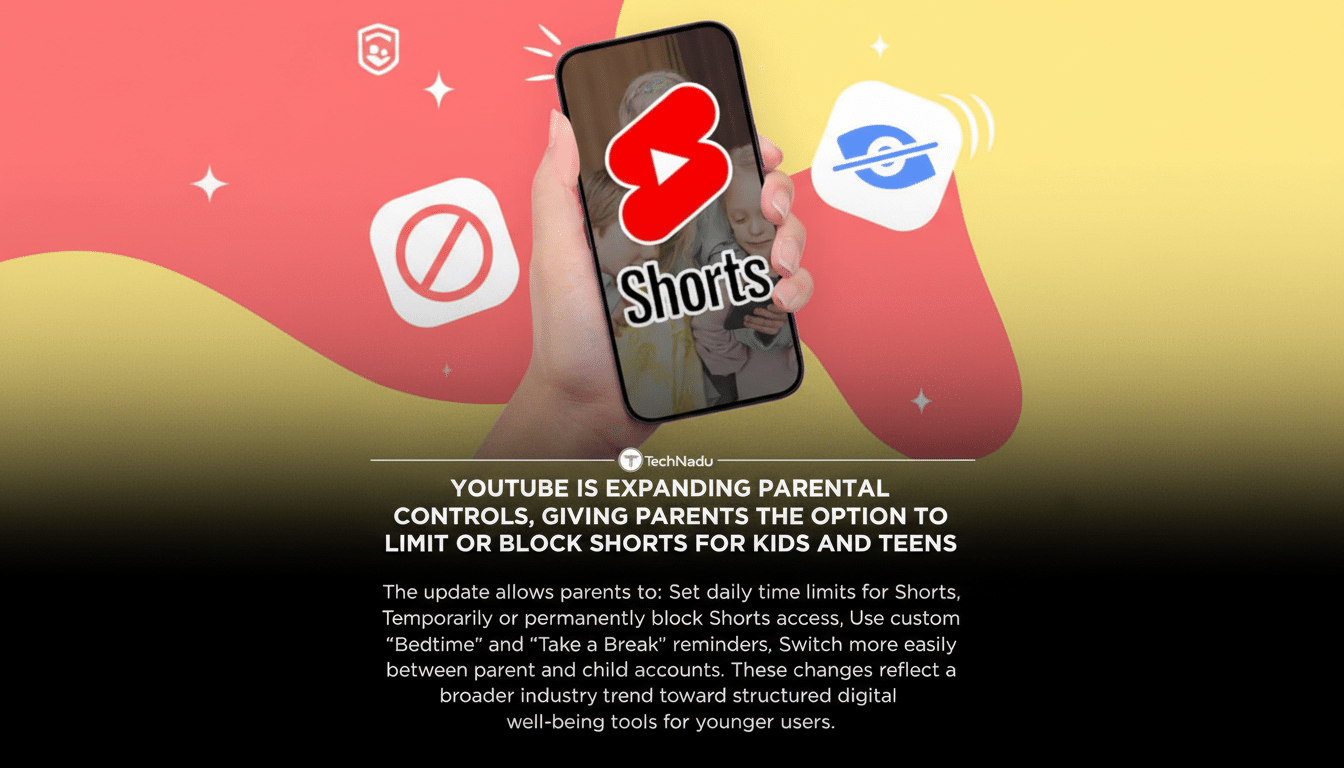
YouTube is rolling out new tools that let parents dial back how long their kids spend scrolling Shorts, the platform’s bite-sized, endlessly swipeable video feed. The controls allow guardians to block Shorts entirely or set specific time allowances, adding a layer of friction to a format that’s designed to keep viewers watching.
What Parents Can Set: Time Limits and Reminders for Shorts
Families using YouTube’s supervised experience will see new options to manage Shorts: parents can choose hard limits of 15, 30, or 45 minutes, or bump the allowance to 60 or 120 minutes. There’s no custom timer, which keeps choices simple but may frustrate those who want more granular control.
- What Parents Can Set: Time Limits and Reminders for Shorts
- Built for Supervised Accounts in YouTube Family Controls
- Why This Matters Now for Teens and Short-Form Video
- Guidance For Creators And Recommendations
- How It Compares to Rivals in Teen Screen-Time Tools
- What Parents Should Watch For When Using Shorts Limits

If a child hits the limit, Shorts access freezes until a parent extends time or the next day begins, depending on the setting. YouTube is also activating Bedtime and Take a Break reminders by default for supervised accounts, with parents able to adjust the schedule to fit routines like homework hours or weekends.
Built for Supervised Accounts in YouTube Family Controls
The features live inside YouTube’s supervised experience, which ties into Google’s Family Link for account setup and permissions. YouTube says it is also redesigning its login flow so adults can switch between their own account and a child’s profile in a few taps, making it easier to tweak settings on the fly or hand off a device for kid-safe viewing.
To curb workarounds, YouTube has been deploying age signals and machine learning to predict when a user might be under 18 and shift them into a teen experience. That won’t stop a determined kid from logging out or borrowing a friend’s device, but it tightens the safety net across apps and the web.
Why This Matters Now for Teens and Short-Form Video
Short-form video is exceptionally sticky because every swipe brings a new, highly personalized clip. According to the Pew Research Center, 95% of U.S. teens use YouTube, and 19% say they are on it almost constantly. The U.S. Surgeon General and the American Psychological Association have urged platforms and families to introduce more “speed bumps” that interrupt infinite scroll and support healthier habits.
Time caps for Shorts don’t remove YouTube from a teen’s media diet; they rebalance it. Many families set different rules for “lean-back” long-form learning and short-form entertainment. By making Shorts a distinct, timed activity, parents can protect study time or family hours without blocking the entire service.
Guidance For Creators And Recommendations
Alongside parental controls, YouTube is issuing teen-focused content guidelines developed with the American Psychological Association, Boston Children’s Hospital, and other experts. The company says these principles inform recommendations, giving a lift to high-quality educational videos from creators like Khan Academy, CrashCourse, and TED-Ed when teens browse.
For creators, the incentive is straightforward: align with age-appropriate best practices and the algorithm is more likely to surface your videos to younger audiences. That could shift the Shorts mix teens actually see after their limits reset—fewer low-value clips, more enriching options.
How It Compares to Rivals in Teen Screen-Time Tools
TikTok set a default 60-minute daily screen-time limit for accounts of users under 18, with a passcode prompt required to extend viewing. Instagram offers supervision tools, daily time limits, and quiet mode. YouTube’s approach is narrower—targeting the Shorts feed specifically—but can be layered with device-level controls like Apple’s Screen Time and Android’s Digital Wellbeing for stronger coverage across apps.
What Parents Should Watch For When Using Shorts Limits
Because durations are fixed, families seeking custom increments—say, 20 or 90 minutes—will need to combine YouTube’s settings with OS-level tools. It’s also worth checking whether limits apply consistently across phones, tablets, TVs, and the web for the child’s supervised profile. As always, software guardrails work best when paired with clear expectations about what’s appropriate to watch and when.
The bigger picture is that platforms are beginning to build in healthy friction where feeds are most compelling. If YouTube follows through—making limits easy to set, hard to circumvent, and visible to kids—it could become a model for how to balance attention-grabbing design with teen well-being, without cutting families off from the educational side of the platform.
