


YouTube’s long-promised native app for Apple Vision Pro has finally arrived, closing a conspicuous gap in the headset’s media lineup and freeing viewers from the compromises of browser-based playback. The launch lands roughly two years after the first tease, and it brings full access to YouTube’s massive catalog in a spatial computing setting.
What the Native App Delivers on Apple Vision Pro
The Vision Pro app supports the formats that made YouTube a go-to destination for immersive video: 3D, 360-degree, and VR180. Shorts are also here, though their portrait orientation isn’t the main draw for a headset. Crucially, the app plugs into your existing YouTube account, so watch history, subscriptions, playlists, and recommendations all carry over for a familiar experience.
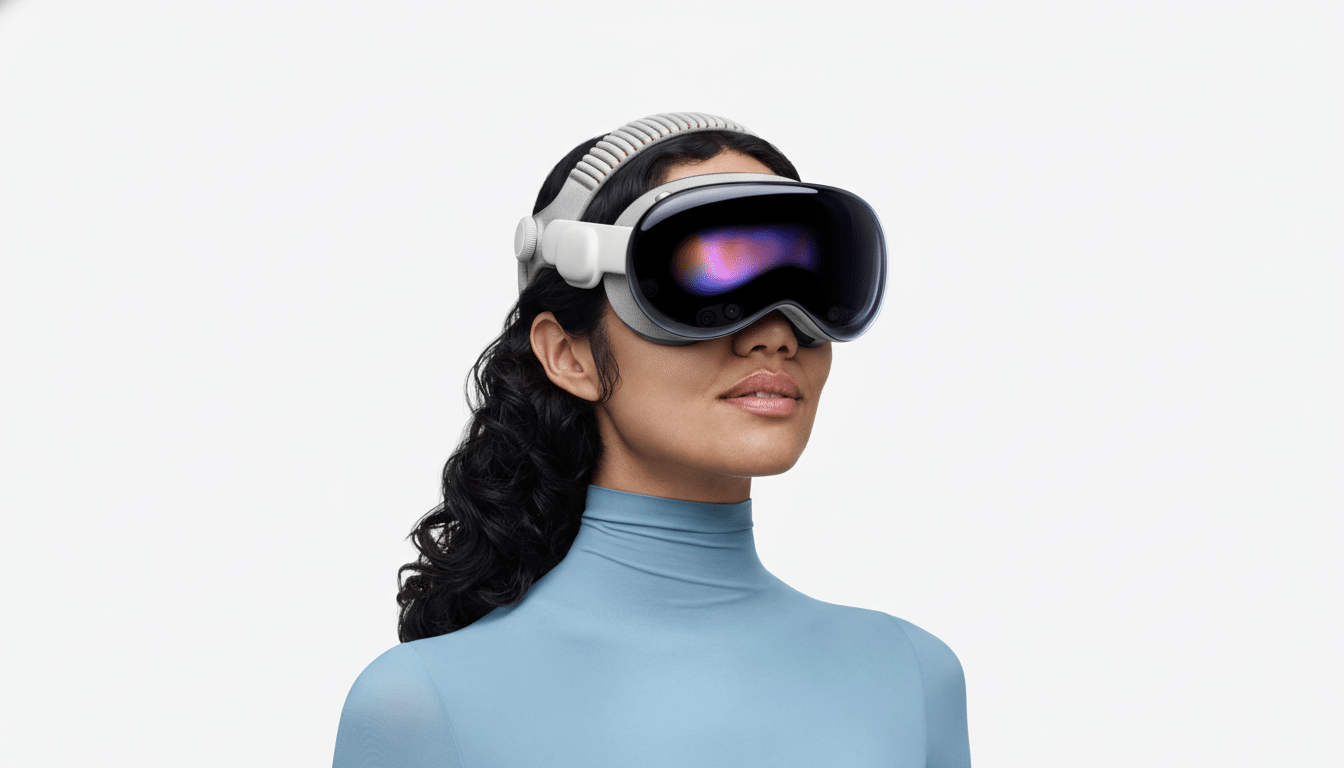
Standard videos benefit from Apple’s visionOS environments, enabling viewers to scale screens dramatically and drop into virtual spaces that feel closer to a private theater than a living room. That combination—YouTube’s breadth with Vision Pro’s environments—finally matches what many early adopters expected on day one.
8K on Board, but Content Remains Scarce for Now
Owners of the latest Vision Pro M5 hardware can stream 8K footage in the new app, a technical milestone that underscores Apple’s and Google’s push toward ultra‑high‑resolution VR. The catch is supply: native 8K content on YouTube is still limited, a fact industry trackers like Omdia and others have cited when discussing the broader slowdown in 8K adoption. When you do find true 8K assets, expect hefty bandwidth needs—tens of megabits per second—so a robust Wi‑Fi 6E or Wi‑Fi 7 connection is advisable.
A Delay With Real Consequences for Vision Pro Users
Google didn’t commit to visionOS support until the headset’s debut window, noting a native app was on its roadmap. In the interim, YouTube pointed Vision Pro owners to Safari, which worked but lacked the frictionless controls, format handling, and environments a native app can offer. The void also spurred a short-lived ecosystem of third-party solutions, most prominently Juno from Christian Selig—the developer behind Apollo for Reddit—which was subsequently removed after YouTube cited API and trademark violations.
The absence of YouTube mattered because it sidelined the world’s largest video platform from Apple’s spatial computing story. With more than two billion logged-in monthly users, YouTube’s gravitational pull shapes where creators invest time. The new app realigns incentives, making Vision Pro a legitimate target for channels that already publish 360 and VR180 content for platforms like Meta Quest.
Creator and Viewer Implications for Immersive Video
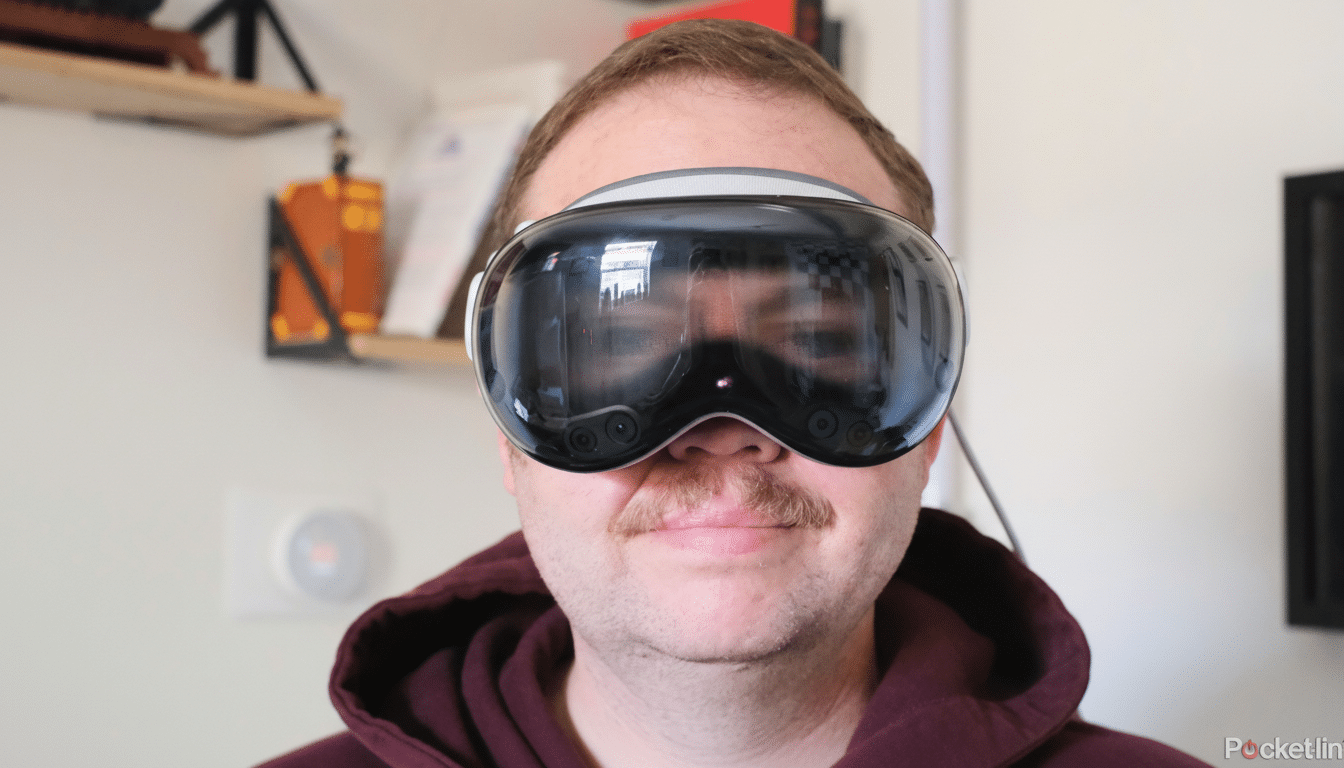
For creators, Vision Pro support means a cleaner path to audiences without extra distribution workarounds. YouTube’s metadata and format flags for 3D, 360, and VR180 carry straight into the Vision Pro experience, preserving spatial depth and correct projection. Expect more channels to resurrect or expand immersive experiments—think travel vloggers shooting VR180 city walks, science outlets posting 360 launches, or studios releasing behind-the-scenes sets in spherical video.
For viewers, the practical win is reliability and polish. Native transport controls, quick environment switching, and tight account integration beat tab juggling in Safari. Subtle improvements—like consistent head‑locked UI elements and smooth seeking in high‑bitrate videos—add up in daily use, and they’re the differences that make people actually stick with a headset for long sessions.
How It Compares to Other Headsets and Platforms
YouTube’s VR app on Meta Quest has long set the baseline for immersive streaming, especially for 360 and VR180. With the Vision Pro release, Google is effectively bringing feature parity to Apple’s platform while letting Apple differentiate on presentation—namely, the high‑resolution micro‑OLED panels and visionOS environments. The result is less about exclusive content and more about delivery quality and comfort.
Getting Started with YouTube on Apple Vision Pro
The app is available in the Apple App Store for Vision Pro. Sign in with your existing account to pull in your subscriptions and library, then explore immersive categories by searching for terms like “VR180,” “360,” and “3D.” If you’re chasing pristine quality, verify stream resolution in the app’s playback settings and make sure your network can handle the higher bitrates.
Bottom line: the most conspicuous hole in Vision Pro’s media lineup is finally plugged. It won’t instantly spawn a flood of new 8K or spherical videos, but it removes friction for creators and viewers alike—and that’s the prerequisite for any platform hoping to grow beyond early adopters.
