


Google’s Gemini has finally made its way into the living room. But now the company’s aspirations for it sound more tangible: It’s started to help bring its AI assistant to Google TV, promising that you’ll be able to better search and receive recommendations from your TV — as well as command it hands-free in ways closer to what you can do with phones — than before. The catch: timing for rollouts varies widely by device, brand and region. Here’s where things stand now, and how to find out when your TV or streamer is next.
Who currently has Gemini on Google TV devices today
Confirmed as part of the first wave of TVs to ship with Gemini on Google TV out of the box are TCL’s high-end QM9K range. TCL claims these sets come with Gemini enabled out of the box, so this is among the first wide-ranging looks at Google’s TV-oriented AI experience. If you’ve already unboxed a QM9K, there should be nothing for you to do — you’ll just experience the new assistant interface from the system UI.
- Who currently has Gemini on Google TV devices today
- Which Google TV devices could be next in line
- Why Gemini on Google TV is happening in phased rollouts
- How to tell when Gemini actually hits your Google TV
- What Gemini actually does on Google TV for viewers
- The scale at stake for Android TV OS and Google TV
- How to get your Google TV device ready right now
- Bottom line: when you’ll get Gemini on Google TV
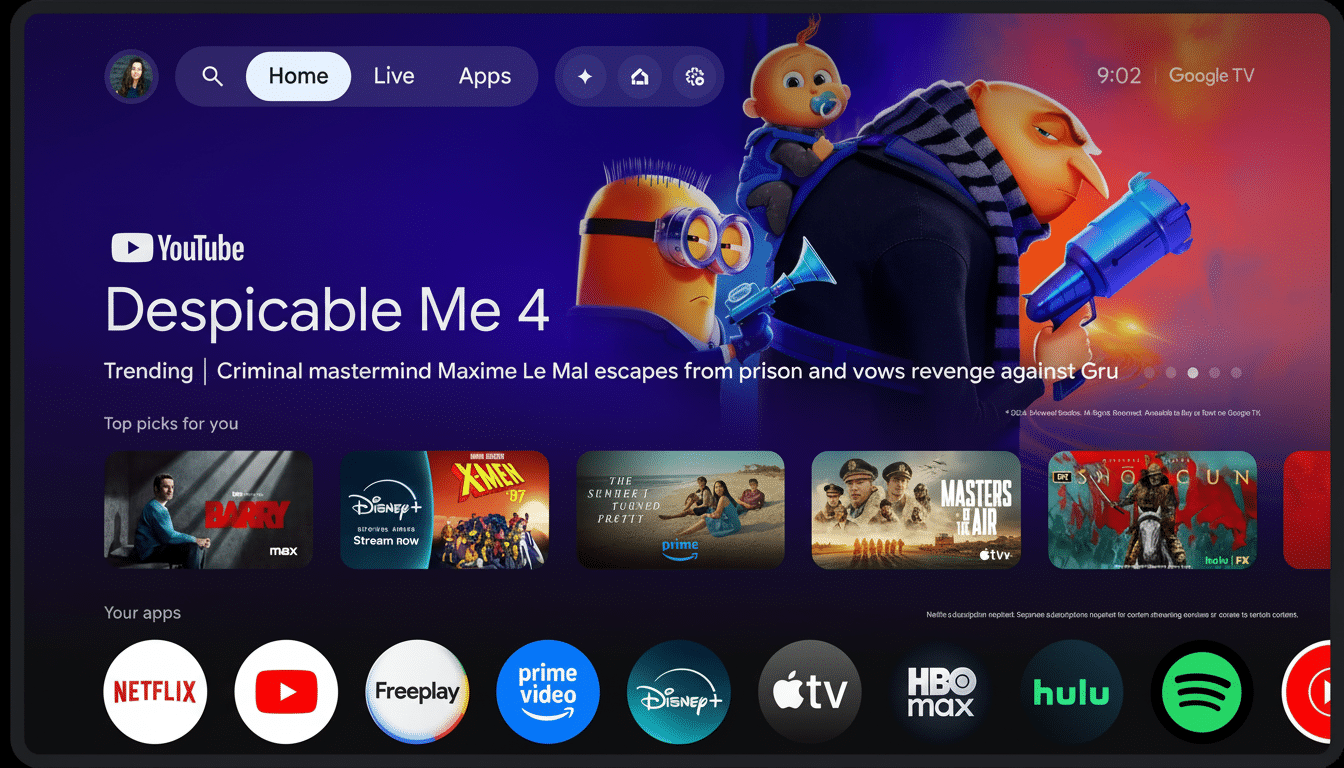
Everyone else has to wait. That means that owners of previous TCL models, sets from other partners and standalone streaming devices built on Google TV will have to wait for an update. It seems to follow Google’s pattern for its large platform changes, where a flagship hardware family serves as an initial testbed before everyone can use it.
Which Google TV devices could be next in line
Google has publicly stated that more Google TV devices will receive Gemini “later this year,” including further televisions from top partners and popular streaming hardware. Although the company hasn’t released a nuts-and-bolts, model-by-model schedule, that second wave is expected to include current-generation devices running the newer versions of Android TV OS with the Google TV interface — including the Chromecast with Google TV and comparable partner streamers.
Brand timelines will vary. TV manufacturers such as Sony, Hisense and TCL operate on their own schedule to roll out support for the new features, with most of the Gemini support being added via a combination of a system update, an updated Google app for Android TV OS, and enablement on Google’s side at the server level. If your device is still getting frequent security patches, along with regular updates to the apps you use most often — phone, mail, and so on — then you’re probably in the category of folks who can expect to be included.
Why Gemini on Google TV is happening in phased rollouts
Bringing a conversational AI to the TV is far more than just a skin change on the old Assistant. Google has to enable a myriad of new back-end services, test voice and remote-mic interaction with tens of hardware designs, and make that ecosystem work with content-partner integrations in an averagely hard-to-control living room environment. That includes staged releases, activating region by region and feature flags that turn on only after a device passes certification checks.
It’s also real that there is fragmentation in the Android TV OS. Sets in the field are running different OS versions and chipsets. Most of Gemini’s heavy lifting is done in the cloud, but its on-device features — wake-word processing, UI animations and app deep-linking — still require tuning. Partners and Google have learned from the rollout of past assistant programs: less is more.
How to tell when Gemini actually hits your Google TV
The most obvious tell is the interface. Press your Assistant button, or use hands-free voice (if that’s supported on your TV). How to know if you’re in: If a new chat-style overlay with Gemini branding pops up, you’re in. If not, try these checks:
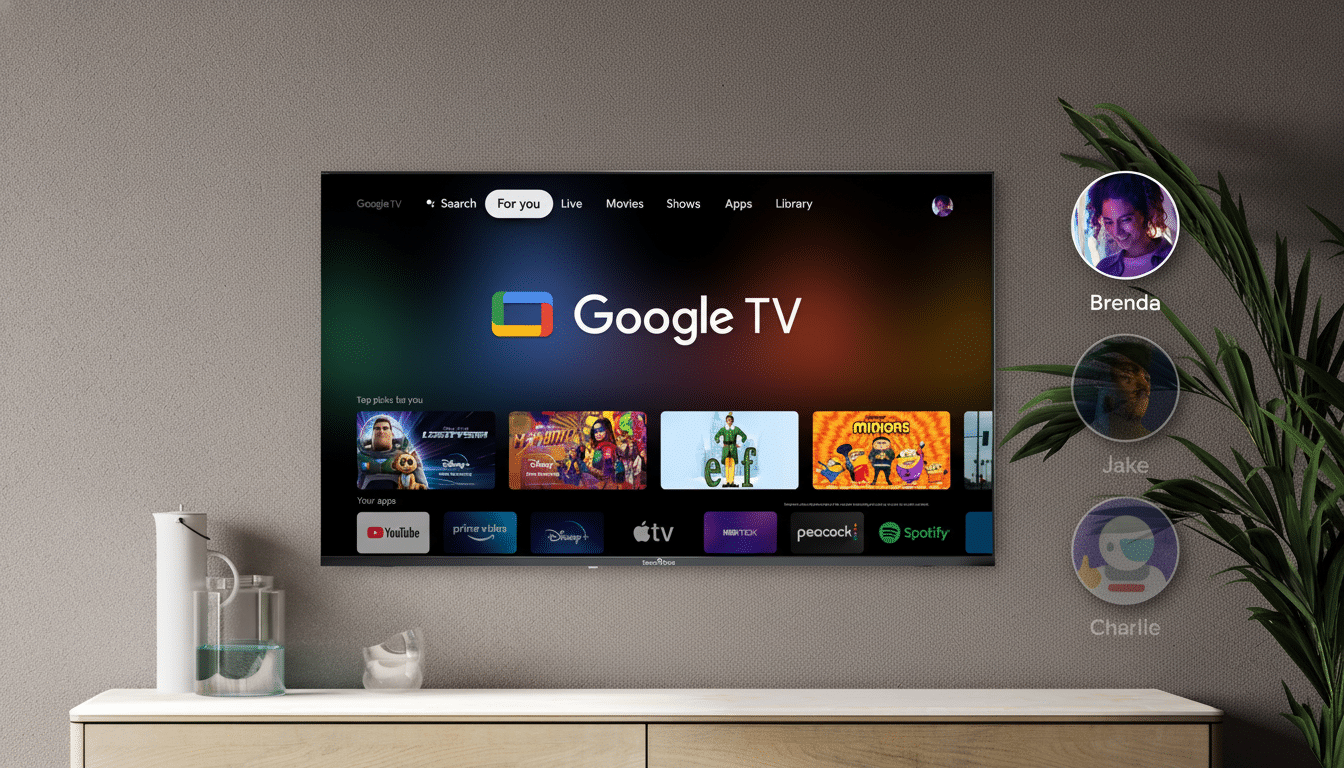
- Update the system: Settings > System > About > System update.
- Update apps: Open Google Play on your TV and make sure the Google app, Google Play services, and core system components are updated.
- Sign in and enable voice: Make sure your Google account is signed in, with voice and audio activity turned on, and that the language is set to a language you would like to check weather for.
Some details may start showing up after the software update, as server-side toggles go live. Totally normal; it’s common for Google to enable features in stages both to control load as well as to gather telemetry.
What Gemini actually does on Google TV for viewers
Gemini on TV is more about entertainment and hardware discovery and home control, not long-form text chat. You’ll be able to make natural asks, like “show comedies under two hours from the 90s,” follow up with multi-step requests, and even deeper links into apps — like YouTube, Netflix and Prime Video (when those partners offer support for the necessary intents).
You should also receive smarter smart-home control on the big screen, contextual answers about what’s playing, and help with everyday questions with zero need to leave your couch.
Some generative features — image creation or code assistance, for example — are not the point here and may not even figure in. The kids’ profiles and supervised accounts are intentionally crippled; they are not meant to compete with the regular Plex experience.
The scale at stake for Android TV OS and Google TV
Google said its Android TV OS (which powers Google TV) hit more than 220 million monthly active devices globally earlier this year. That scale explains the caution: a modest UI change affects tens of millions of living rooms, and AI behaviors must be consistent across remotes, microphones, and content catalogs that can have regional variations.
How to get your Google TV device ready right now
- Free space: Purge unnecessary apps so that updates can install properly.
- Check inputs: If your TV relies on a Bluetooth remote mic, replace batteries and re-pair the remote, lest flaky voice pickup ensue.
- Check privacy: In account settings, check voice and activity controls you’re OK with; Gemini depends on those permissions for personalization.
- Language/region availability will vary: some products may only be available in your selected region, and in another one they may not. Eligibility can be assisted by setting your device as per your locale.
Bottom line: when you’ll get Gemini on Google TV
As of the moment, TCL’s QM9K sets are the safe bet for Gemini on Google TV out of the gate. For everyone else — meaning those who own Chromecast with Google TV and TVs from big-name partners, Google says the rollout happens later this year and will be staggered. Keep your device updated and be on the lookout for the new assistant UI, as capabilities should become available gradually as Google flips the server-side switch for your model and region.
