


Windows 11 25H2 is launching, but it’s not one of those headlining updates that reshapes the desktop. Think of it as a minor, act-of-enabling release, low on drama and high in light that throws the switch for features many PCs got quietly in monthly updates. The upside is significant: shorter installs, fewer reboots, no more compatibility worries and a fresh servicing clock for support.
What Actually Changes in Windows 11 25H2
There isn’t a lot of “new” in 25H2, at least not anything we haven’t seen come into Windows 11 from Microsoft over the past year. And if you use Phone Link, a Mobile section will pop up beside the Start menu listing messages, calls and recent photos. The lock screen is updated with reorderable widgets (Weather, Traffic, Watch list and so on) and the digital clock is now back in Notification Center above the calendar just to the left or right of search, where you can still choose to have it show seconds.
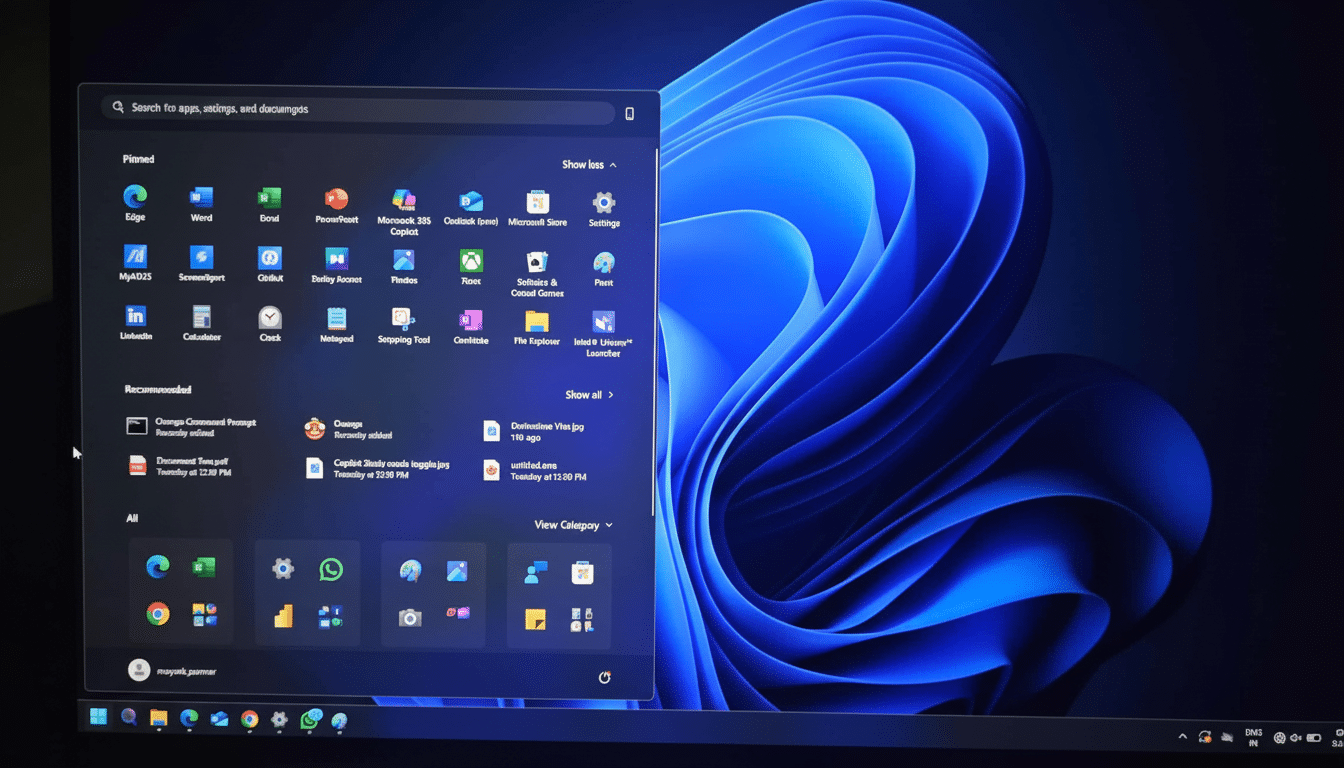
Accessibility sees meaningful refinement. Narrator includes AI-powered image descriptions and a recap that helps you review and copy previous output. Scan mode interaction is enhanced when using keyboard shortcuts to navigate the start or end of content such as tables and lists.
Two system-level tweaks stand out. The well-known Blue Screen of Death is replaced with a cleaner black version, and Quick Machine Recovery promises to help expedite the repair process and minimize downtime. Meanwhile, for migrations, Windows Backup’s PC Pairing makes things easier to move from one device to another (think of this like restoring files and key settings with less manual setup).
Smaller touches round things out: a Press to Talk option for Copilot you turn on with a quick Alt+Space hold (as well as an optional “Hey Copilot” wake phrase), a revamped gamepad touch keyboard layout that gives controller-friendly acceleration, and an Edit button in the Windows share sheet that pops open Photos so you can subtly tweak your image before sharing.
How the Controlled Feature Rollout Works in 25H2
Microsoft is doing controlled feature rollout so not everyone sees 25H2 at the same time. The company rolls out availability, monitors telemetry, and employs safeguard holds to prevent machines with known driver or software issues from being updated until the proper fixes are ready. If you turned on the “Get the latest updates as soon as they are available” toggle in Windows Update, you’re in the first group that gets them.
Technically, 25H2 is delivered by a slim enablement package that opens features already dormant on your machine. That’s why the download is typically measured in megabytes, not gigabytes, and installation usually finishes with just a single quick reboot. For organizations using Windows Update for Business, Intune or WSUS, it is pretty simple to send this feature out in rings and measure the reliability of activation before broad deployment.
Why It’s Still Relevant For IT And Security
25H2 may be unspectacular in terms of features, but it’s important because it resets the support window. Home and Pro editions will get 24 months of servicing, while Enterprise and Education will receive 36 months. That buys you time for those security updates, quality fixes and compliance milestones — something that is important enough to matter in regulated environments or with long-lived hardware fleets.
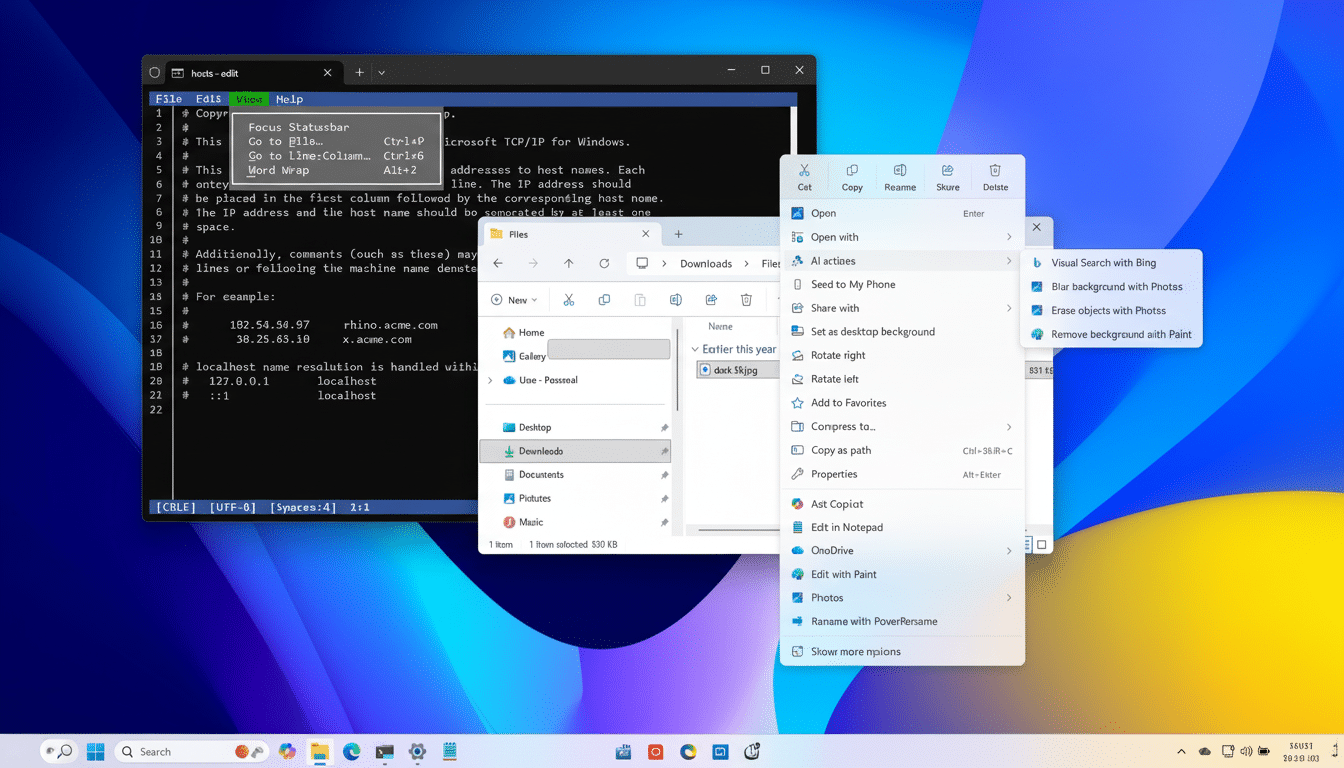
Enablement releases are low impact, which also minimizes change risk. Since the majority of binaries are already in place through cumulative updates, app compatibility and driver stability will be consistent with that in the current branch. And there’s generally smoother help-desk loads reported on enablement rollouts than full version upgrades, he added—though Microsoft’s own guidance is that customers have fewer restarts and can deploy faster.
What Microsoft Took Out and What Still Stays in 25H2
Microsoft isn’t stripping down core behaviors; it’s trimming legacy fat. PowerShell 2.0 and the legacy WMIC command-line tool both retire, pointing administrators toward more modern supported successors like PowerShell 7+ and CIM/WMI cmdlets. For the most part, these removals are just non-event and whatever old tools they pointed to have been deprecated for a long time.
In the meantime, Microsoft still runs many of its AI and Copilot experiences separately from OS, and update those through the Windows Store or cloud services. So now there are independent gates for those advanced on-device features (for Copilot+ PCs), which may surface previously invisible aspects separately from 25H2, and again shows Microsoft choosing to ship new capabilities when they’re ready, rather than saving it all for an annual drop.
The Bottom Line About Windows 11 Updates in 25H2
25H2 is more of a roadmap: Windows as an always-on service with constant delivery and once-in-a-while enablement flips. It results in less disruption for users, distributes risk for Microsoft and allows IT to work in predictable waves. It also reflects the way that major apps and browsers ship: often, incrementally and in conjunction with what’s pejoratively called telemetry.
There’s another angle: adoption. StatCounter suggests that Windows 11 now powers about a third of desktop PCs worldwide. For a platform of that size and hardware variety, the conservative enablement releases are a practical way to advance the ecosystem without breaking what people depend on day in and day out.
The upshot: There are no fireworks to be found in Windows 11 25H2, and that’s kind of the point. If you would like the best security posture right now and a clean slate for support runway with minimal friction, install it when it is in Windows Update. When it doesn’t make an appearance right away, that’s just a matter of your device being behind the safeguard hold — let the rollout do its thing and you’re likely to have a more smooth upgrade when it finally does show up.
