


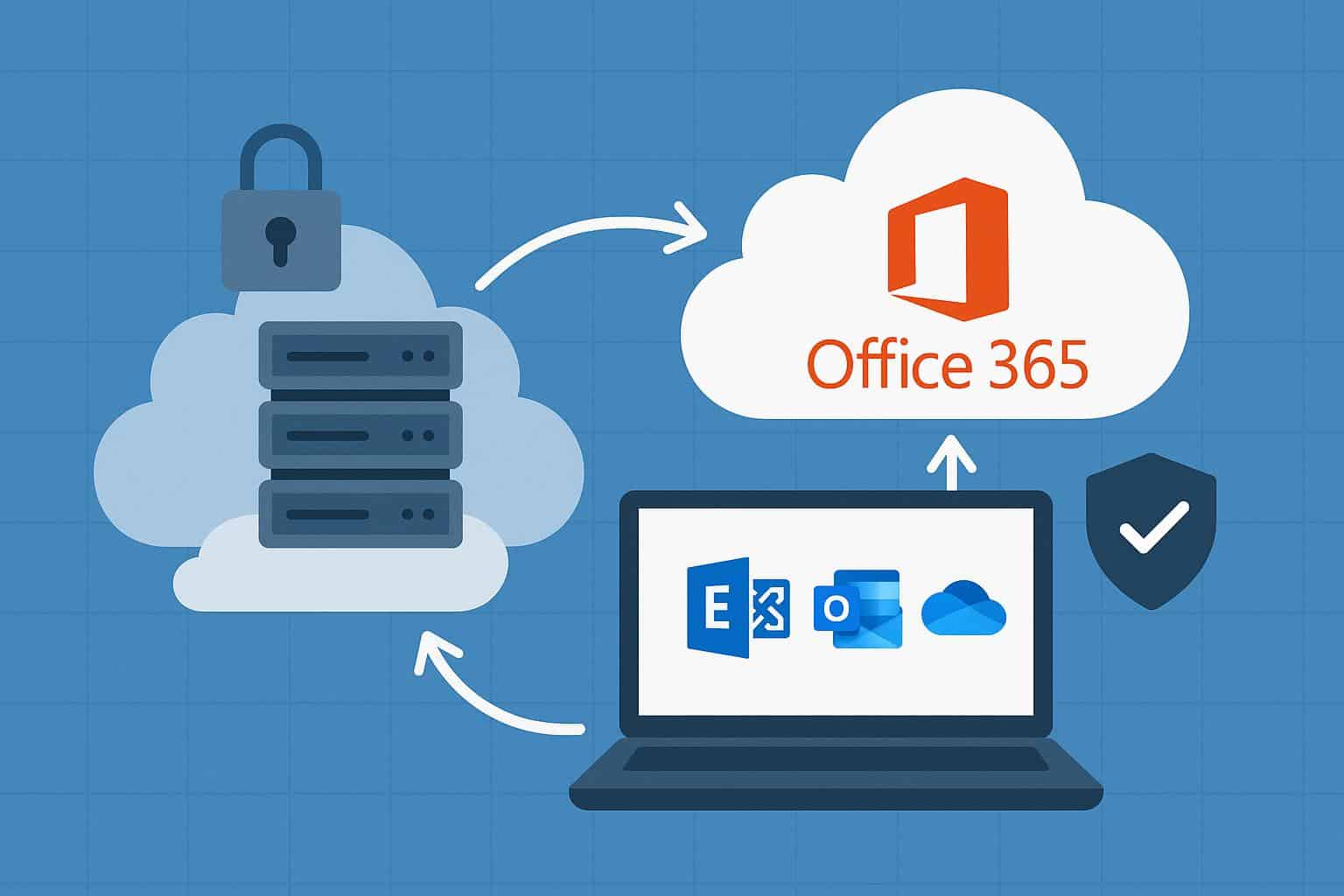
Office 365 Hybrid brings flexibility to organizations that prefer a mix of on-premises systems and cloud services. This setup allows gradual cloud adoption while critical workloads remain local. Many teams choose this route to maintain control, meet compliance needs, and protect prior investments. A clear understanding of technical and operational factors helps avoid costly setbacks and rushed fixes later.
A successful hybrid model depends on early clarity around scope, identity, and mail flow. Teams often underestimate the planning depth required to configure Office 365 hybrid deployment in a stable and secure way. Early decisions shape performance, support effort, and user trust. Careful preparation sets a strong base for long-term success.
Clear Purpose and Scope
Hybrid architecture works best when goals stay well-defined. Some organizations seek shared calendars and mail coexistence. Others focus on phased mailbox moves or disaster recovery support. Each goal demands a different technical approach. Scope definition prevents overextension. A limited pilot helps confirm assumptions before broad rollout. This approach reduces risk and keeps timelines realistic. Teams gain insight without disruption to daily operations.
Identity and Access Foundation
Identity acts as the backbone of any hybrid setup. Directory alignment ensures consistent access across platforms. Errors at this layer often lead to login issues and support overload.
Core Identity Choices
- Single sign-on support for user ease
- Password hash sync or pass-through auth
- Clear role separation for admin tasks
Policy Alignment
- Strong password standards
- Multi-factor auth rules
- Conditional access based on location
Each choice affects user experience and security posture. Careful review at this stage avoids rework later.
Network and Connectivity Readiness
Hybrid success relies on stable network paths. Latency, firewall rules, and name resolution all play critical roles. Weak links cause slow mail flow and poor user trust. Bandwidth planning deserves attention. Mailbox moves, directory sync, and service calls place steady demand on links. Capacity review helps prevent bottlenecks. Proper DNS records ensure smooth service discovery across environments.
Mail Flow and Transport Design
Mail routing must stay predictable. Hybrid setups require clear paths for internal and external messages. Poor design can lead to loops or delays.
Transport Considerations
- Accepted domain setup
- Secure connectors with TLS
- Spam filter alignment
Operational Clarity
- Clear ownership of mail hygiene
- Defined failover behavior
- Simple troubleshooting paths
Consistency across platforms keeps communication reliable and user confidence high.
Security and Compliance Alignment
Hybrid models introduce shared responsibility. Data location and access controls must follow policy. Security teams need full visibility across both sides. Encryption standards should match across systems. Audit logs require centralized access. Retention rules must apply equally to local and cloud mailboxes. Clear documentation supports audits and internal reviews.
Client Access and User Experience
User experience often defines project perception. Outlook profiles, mobile access, and web clients must work without confusion. Any break in access leads to rapid frustration. Autodiscover records play a major role. Proper setup ensures correct mailbox location detection. Device policies should remain consistent to avoid access gaps. Clear support guides help users adapt with ease.
Operational Readiness and Support
Hybrid environments demand new support skills. Teams must manage two platforms with shared responsibility. Clear runbooks reduce response time during issues.
Support Preparation
- Incident response guides
- Change control steps
- Escalation paths
Knowledge Coverage
- Mail flow checks
- Directory sync health
- Service status review
Prepared teams maintain stability and reduce downtime risk.
Office 365 Hybrid offers balance and flexibility when planned with care. Each layer, from identity to mail flow, plays a vital role. Skipped steps often lead to hidden costs and frustration. A structured plan helps teams configure Office 365 hybrid deployment with confidence and control. Strong preparation supports stability, user trust, and future growth.
