


When your home network is as hyperactive as a packed kitchen of chefs tripping over each other, bridge mode is the moment one particular cook steps back when he realizes who’s calling the shots.
It removes the decision-making from a combo modem/router: Now, the cable company’s joint device just hands off your internet signal to your own router without squabbling about who’s the boss. That one change can resolve gaming lag, VPN issues, and port forwarding conflicts—because there’s no longer fighting over who gets to direct your data.
- The Two-Minute Answer: What Bridge Mode Actually Does
- The Three-Box Model You Can See for Home Networking
- What’s Actually Different Once You Enable Bridge Mode
- When Bridge Mode Is the Right Tool for Your Network
- When You Don’t Want Or Need to Use Bridge Mode
- A Proven Safety Net That Eliminates Lockouts
- Real Installs and Uncommon Hacks That Actually Help
- Bridge Mode vs Access Point Mode and DMZ
- Real-World Scenarios and the Outcomes You Can Expect
- Quick Troubleshooting Map for Common Bridge Issues
- A Simple Way to Explain Bridge Mode to Other People
- Bottom Line: Why Bridge Mode Often Fixes Home Networks
The Two-Minute Answer: What Bridge Mode Actually Does
Bridge mode disables the router part of your internet provider’s gateway (NAT, firewall, and DHCP); then the public IP comes straight to your own router. You’ve got one properly managed router on your network, not two tangled together. That avoids double NAT, keeps port rules neat and tidy, and centralizes all routing/security/Wi‑Fi decisions in one place you control.
The Three-Box Model You Can See for Home Networking
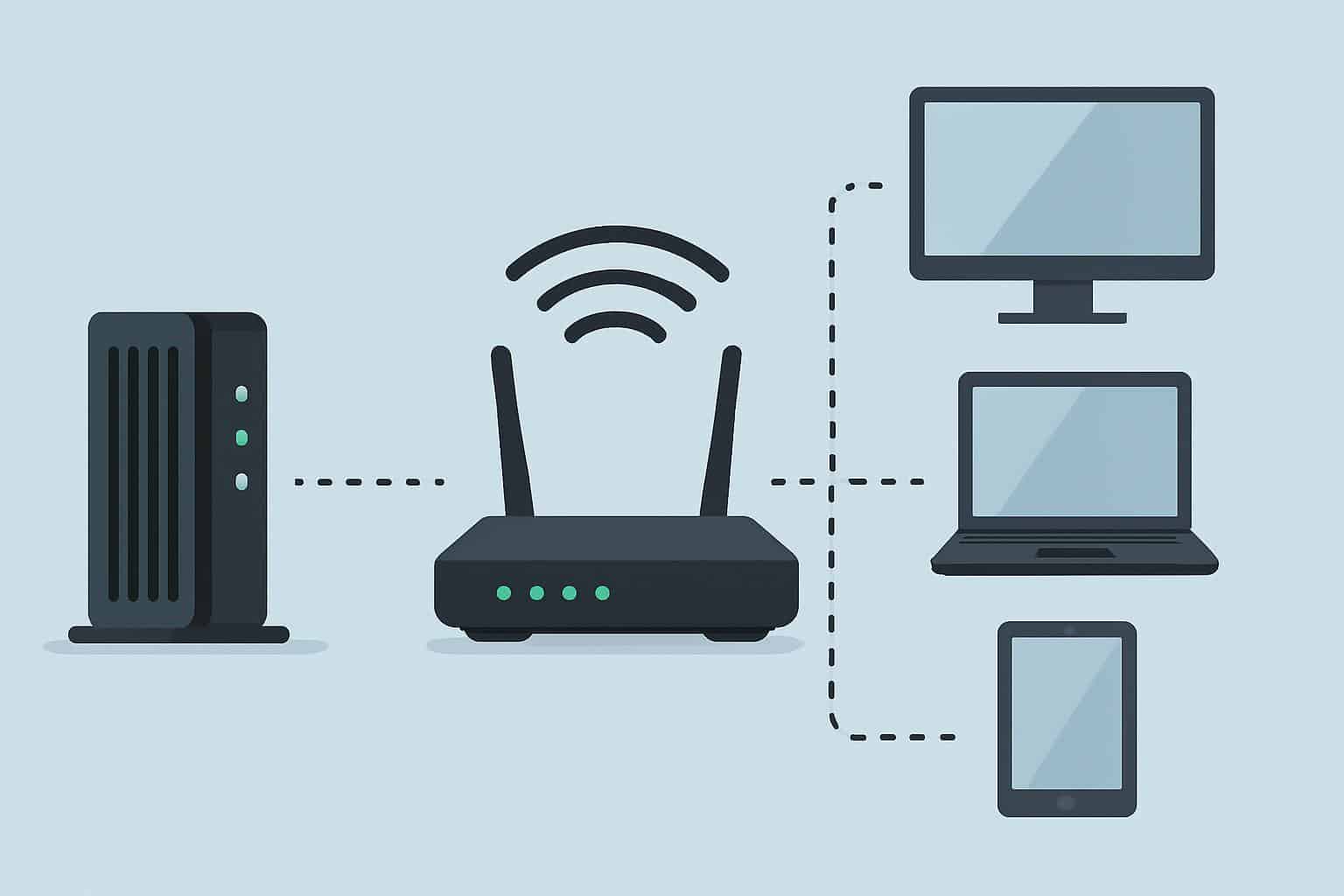
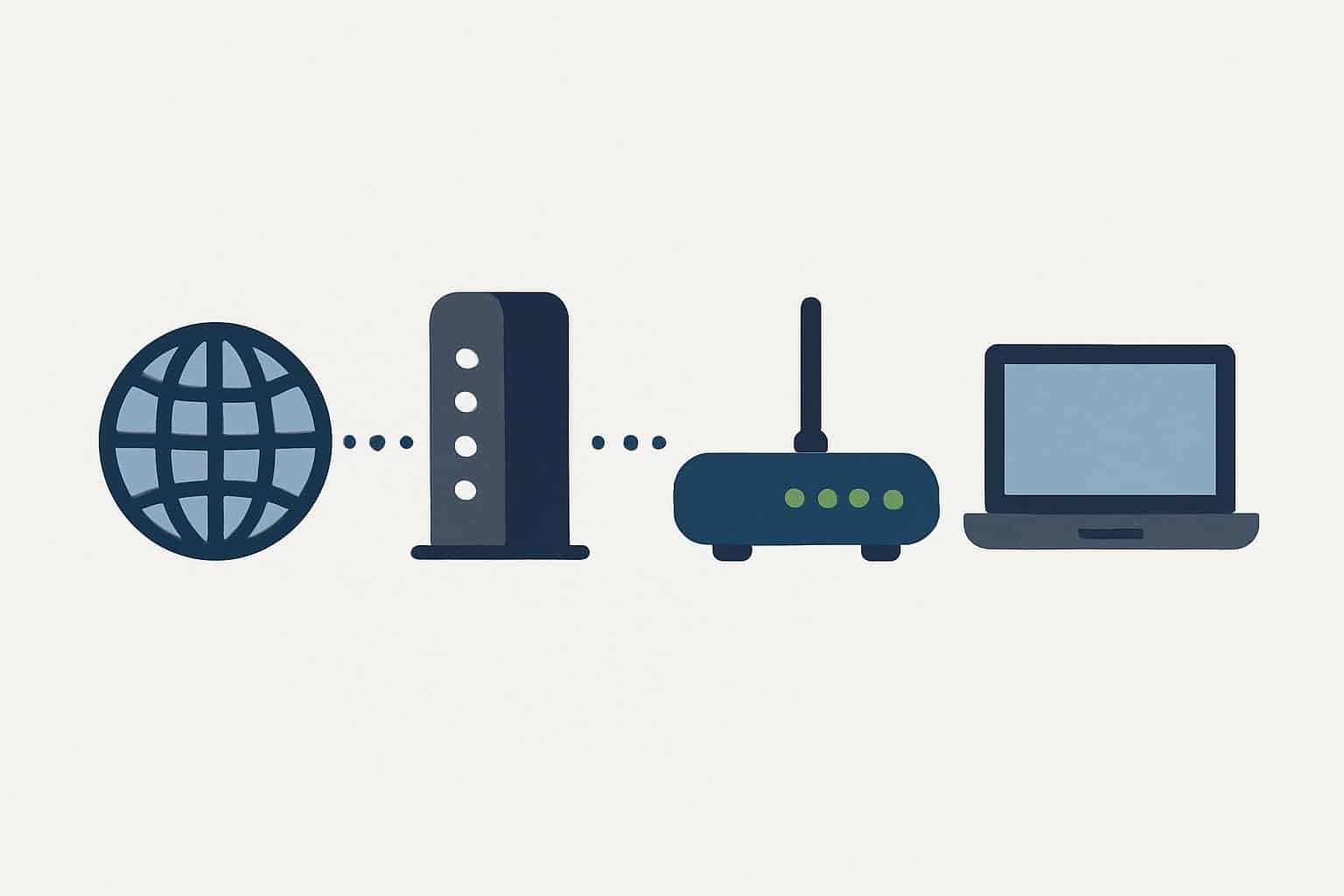
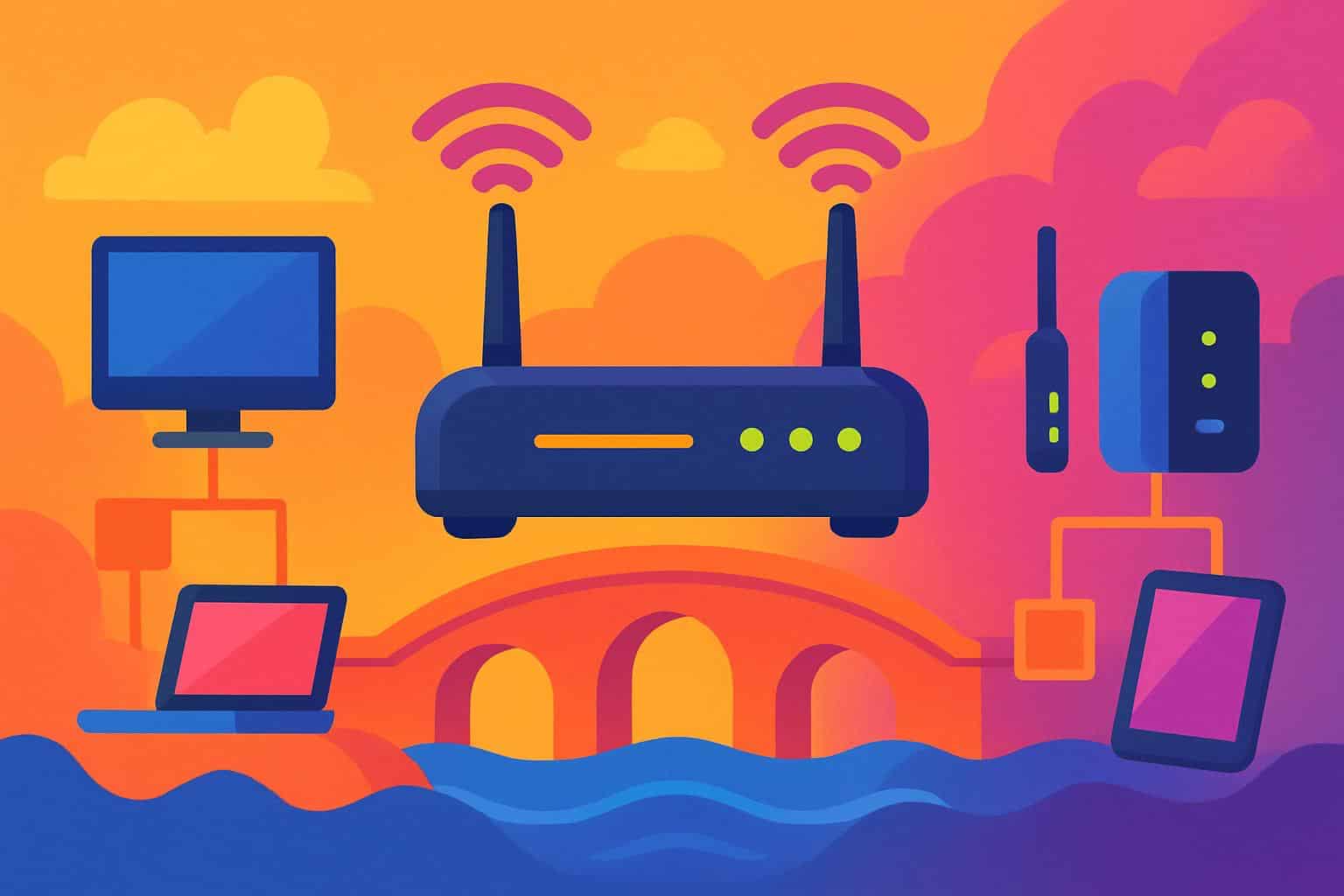
Now picture your home internet as three boxes in a row:
- Modem: Can speak to your provider and make it Ethernet.
- Router: Address allocation, first hop for traffic, firewall rules.
- Access point: Airs Wi‑Fi around your house.
Combo gateways attempt to be any or all three. Bridge mode says: “Hey, gateway device! Be as plain as a modem.” Your own router (and its connected access points or mesh) then does the thinking and processing and Wi‑Fi.
What’s Actually Different Once You Enable Bridge Mode
- Public IP goes to your router’s WAN port, not the ISP gateway.
- The gateway doesn’t do NAT and DHCP; your router does.
- The gateway’s Wi‑Fi typically goes down; your Wi‑Fi equipment kicks in.
- Port forwards, VPN, QoS, and parental controls are now all in your router.
Result: one brain, fewer conflicts. Anyone who has hunted down a port forward across two devices knows just how much this can help.
When Bridge Mode Is the Right Tool for Your Network
- You’re using a mesh or advanced router, and you want clean control over traffic.
- You require a solid port forwarding solution for game servers, home labs, or cameras.
- Work apps or VPNs barfed on double NAT (in other words, two routers in a row).
- You don’t want different firewall rules, multiple DHCP servers, and guesswork.
In short, you want simplicity. One router, one set of rules, no redundant features where features fight each other.
When You Don’t Want Or Need to Use Bridge Mode
- Your TV or voice service relies on the gateway features of the provider (e.g., specific IPTV or voice ports). Bridge mode can bust those unless the gateway supports mixed modes or dedicated ports.
- Your provider uses carrier-grade NAT for IPv4; you still don’t get a public IPv4, even if your router is in bridge mode. You probably need a public static IP add-on or a service that accepts incoming connections another way.
- You don’t already have a good router. Bridge mode sans router is like pulling the steering wheel out of a moving car.
A Proven Safety Net That Eliminates Lockouts
Before You Switch to Bridge Mode
- Update your router’s firmware, and use a strong admin password.
- Choose your LAN subnet now (192.168.50.0/24 works fine for most homes and should avoid collisions).
- Preconfigure the names and passwords for your Wi‑Fi on your own gear.
- Note the admin IP and the bridge mode toggle location for your gateway; you might have to undo it.
The Switch
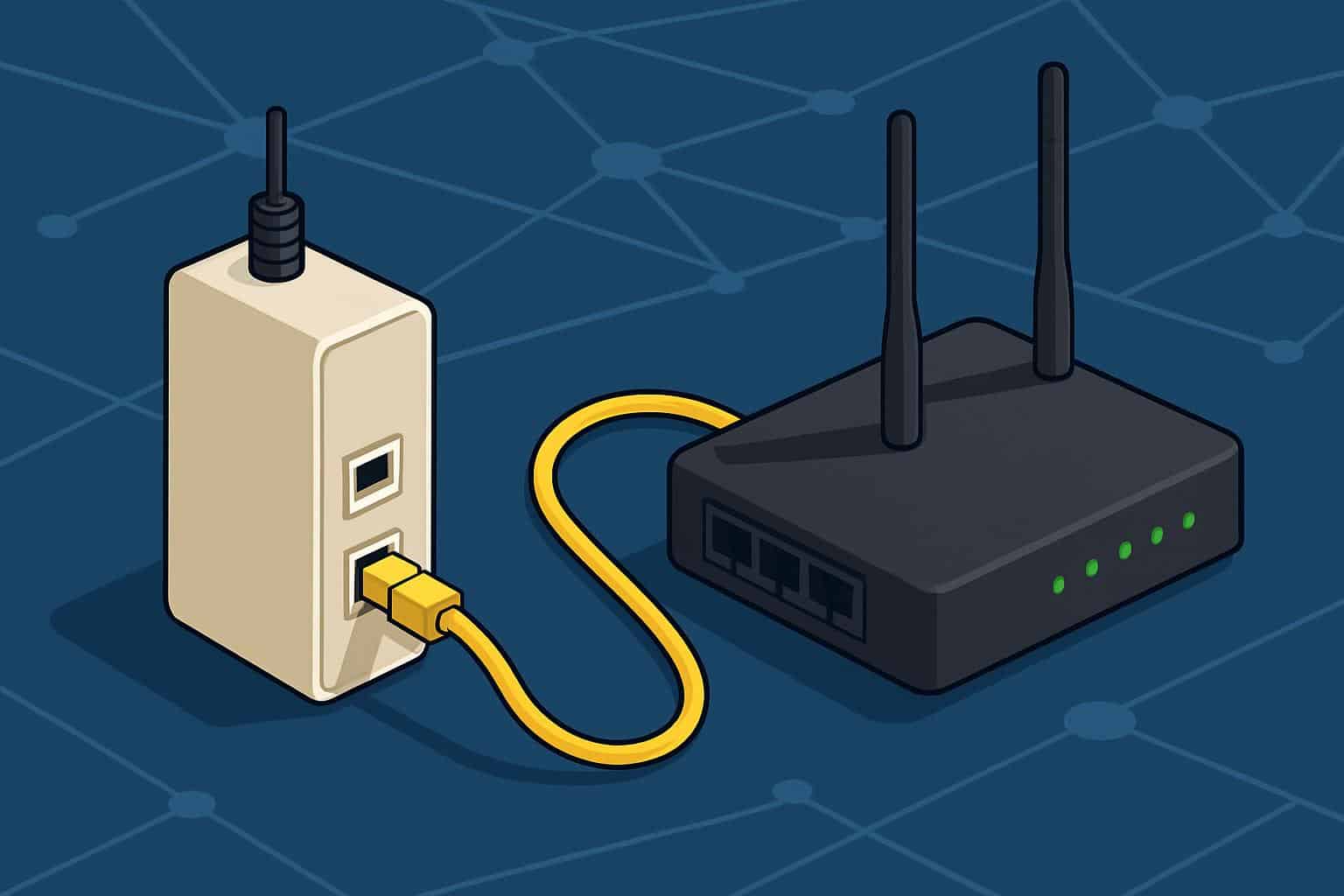
- Connect router WAN to gateway LAN.
- Set the gateway to bridge mode. On some devices it is called “IP Passthrough” or “DMZplus.” The objective is the same: obtain the public IP on your router.
- Power-cycle the gateway, then the router. This enables the public IP to land on your router’s WAN.
- Check that your router’s WAN IP is not a private one (i.e., not 10.x.x.x, not 172.16–31.x, not 192.168.x.x). If it is, you still have double NAT.
Real Installs and Uncommon Hacks That Actually Help
- Lease stickiness: Some ISPs “remember” the last device on their half. If your router doesn’t grab a public IP at first, clone the WAN MAC of the old device or leave the gateway unpowered for 10–20 minutes before trying again.
- Tag the handoff: Slap a label on the little Ethernet cable that brings the public IP into your router’s WAN. It helps avoid accidents and prevents swaps during cleanup that can kill the entire system.
- Keep a rescue port: If your gateway allows you to keep one LAN port available for management even in bridge mode, record its IP and keep a short patch cable there. Quick rollbacks mean less time testing.
- PPPoE recognition: If you have PPPoE, the router—not the gateway—should have the username and password after bridging.
- IGMP and TV boxes: IPTV service typically requires some sort of IGMP snooping/proxying on your router/gateway (or at least a non-bridged port). Arrange this before you switch so that you won’t have frozen TV streams.
- True guest Wi‑Fi isolation: With bridge mode, your router won’t just strip guests from your LAN; it can put them on their own VLAN or subnet. It’s far safer and cleaner than a guest SSID on the ISP box.
Bridge Mode vs Access Point Mode and DMZ
Bridge Mode
It disables routing on the gateway and passes your public IP to your router. One router remains in charge. Clean and predictable.
Access Point Mode
Used on a personal router or mesh when you prefer the ISP gateway to remain as the router. Your gear is just Wi‑Fi and switches; it doesn’t route. Easy to set up, but since the gateway still routes, you can get double NAT.
DMZ or “IP Passthrough”
Some gateways forward all unsolicited traffic to your router’s WAN IP without disabling their NAT. It can work, but those logs and funny edge cases are still there. Where you have real bridge mode, it is neater.
Real-World Scenarios and the Outcomes You Can Expect
Gaming Consoles
Bridge mode frequently lifts consoles that are reporting “Strict” or “Moderate” NAT types to “Open.” You press once, and it sticks.
Remote Work and VPNs
Site-to-site tunnels and VoIP phones are happier when only one of the routers rewrites addresses. Latency and call drops consistently drop off.
Smart Homes
It also prevents clients from ending up on a “wrong” subnet. Your lights, cameras, and hubs find each other, and mDNS/Bonjour services perform as expected.
Home Labs
Developers and tinkerers get stable port mapping, correct VLANs, and firewalls that behave uniformly. You can expose a service with clear rules and audit the path end to end.
Quick Troubleshooting Map for Common Bridge Issues
- Double NAT still: When you are looking at the WAN status for your router, you see a private IP address (10.x, 172.16–31.x, 192.168.x). Double-check that the gateway is actually in bridge mode, or ensure passthrough is bound to your router’s MAC.
- No internet after bridging: Power-cycle gateway, then router. If PPPoE, enter these details on your router. Wait if the ISP has sticky leases, or clone the MAC.
- TV service broken: If your gateway has it, set TV boxes to a non-bridged port. Otherwise, turn on IGMP features in your router.
- Voice service offline: Some gateways leave voice on dedicated ports only when in a non-fully bridged state. You might need a hybrid setup or forgo bridge mode if voice is required to remain on the gateway.
A Simple Way to Explain Bridge Mode to Other People
Imagine a crowded intersection with two traffic cops sending contradictory signals. That’s double NAT. Bridge mode sends one cop for coffee and allows the other to run things. Traffic moves, horns stay silent, and you arrive where you’re going more quickly.
Bottom Line: Why Bridge Mode Often Fixes Home Networks
Bridge mode is about clarity. Let the ISP box do the line translation and let your router control what happens. If you want less hassle, more seamless gaming and VPNs, and a network that follows one set of rules, bridge mode is the silent upgrade that makes everything else get along better.
