


After a wave of nationwide reports that left many phones showing SOS or “No Service,” the big question is whether Verizon is still down where you live. The company says service has been restored, but recovery can be uneven and device-specific. Here’s how to confirm what’s happening in your neighborhood and the steps to get your line back online fast.
How To Check Verizon Outages In Your Area
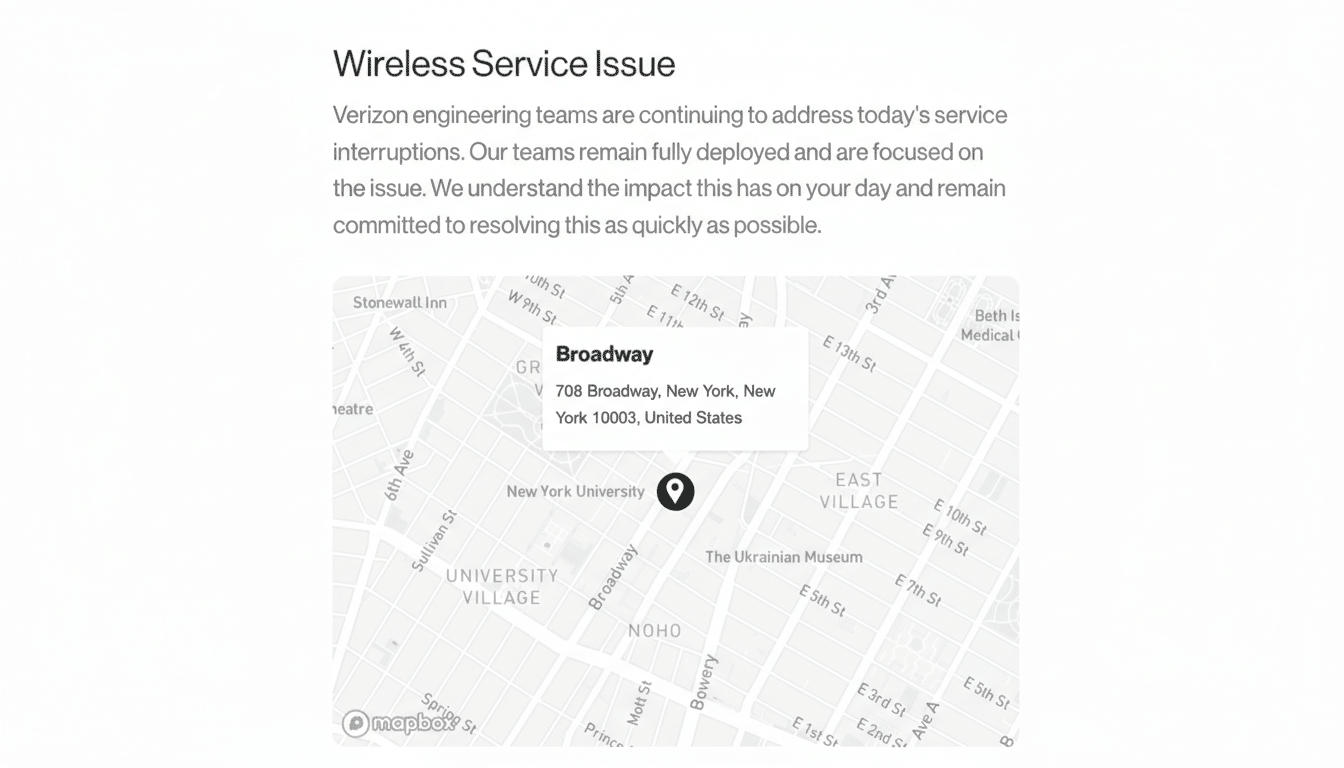
Start with the official network status page from Verizon. Enter your address or ZIP to see live service updates for voice, data, and messaging, plus any maintenance flagged for your location. If prompted, adding your mobile number can improve the precision of alerts.
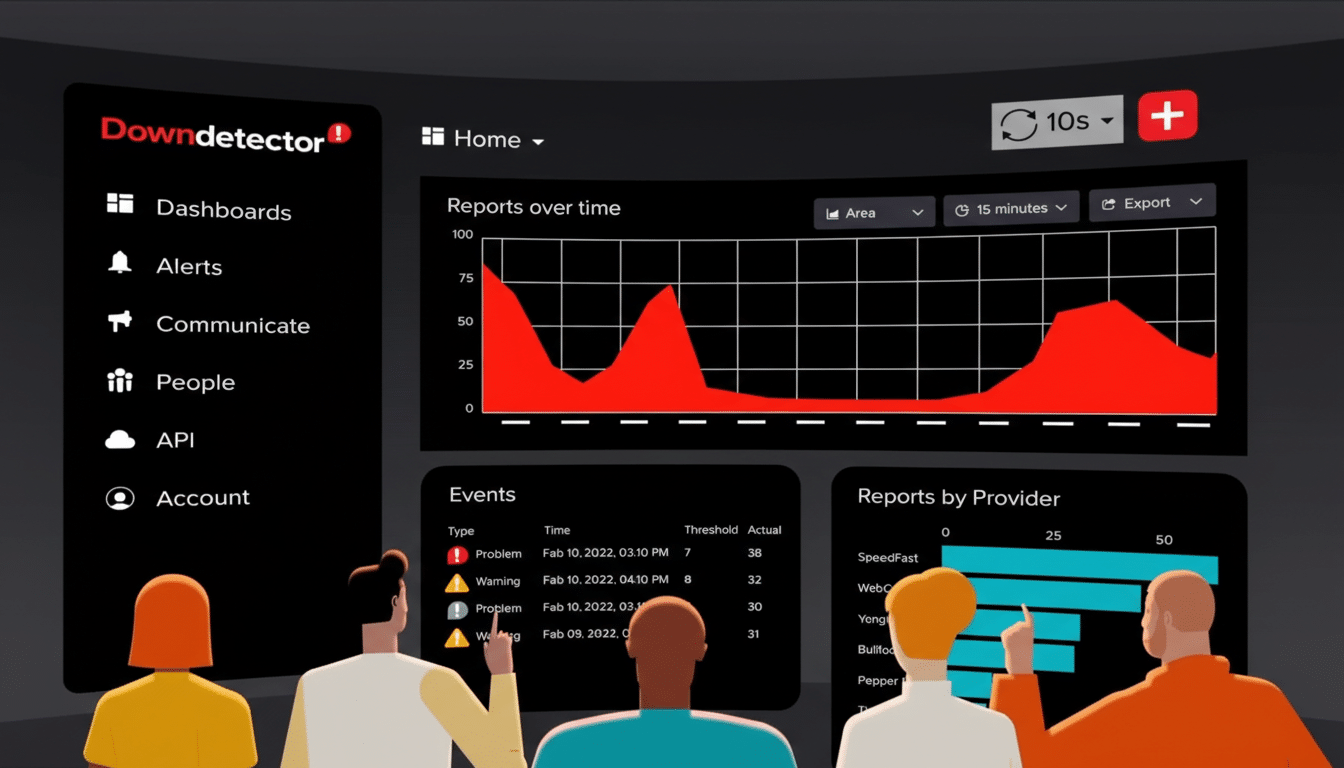
Compare that with a third‑party aggregator like Downdetector, which visualizes spikes in user complaints and shows a heat map of where problems concentrate. It’s not an official source, but it’s useful for spotting patterns—particularly if your street looks fine on the carrier’s page while the wider city is lighting up with reports.
Check local public safety notices. 911 centers and emergency management agencies often post when wireless calling is impacted, and whether text-to-911 remains available. The National Emergency Number Association notes that text-to-911 is live in thousands of jurisdictions, but availability varies by county.
Cross‑check with another line or neighbor. If multiple Verizon devices around you are down while other carriers work, it’s likely a localized Verizon issue. If only your phone is affected, it’s probably a device or account problem.
What the SOS Status Actually Means on Your Phone
On iPhone, “SOS” or “SOS Only” means your device can place emergency calls but doesn’t have normal service on your carrier. It may connect to any available network solely for 911. On iPhone 14 or later, you may also see prompts for Emergency SOS via satellite if you’re outdoors with a clear view of the sky and no cellular or Wi‑Fi coverage.
Android phones show similar messages such as “Emergency calls only.” Either way, the icon signals restricted connectivity—not necessarily a total blackout or guaranteed satellite use. Indoors, basements, and elevators can trigger SOS more often due to poor signal propagation.
Quick Fixes If Service Should Be Back But Yours Is Not
- Restart your phone. Verizon has advised that a reboot often re-registers the device on the network after a disruption.
- Toggle Airplane Mode for 30 seconds to force a clean reconnection, then wait a minute before testing calls and data.
- Switch network modes. Temporarily lock to LTE/4G, then back to 5G Auto. In congested recoveries, LTE may attach more reliably.
- Install carrier settings and OS updates. Both iOS and Android push small carrier profiles that can resolve registration issues after major outages.
- Reseat the SIM or refresh your eSIM. For eSIM, remove and re-add the line from your device settings using the original QR or carrier activation option.
- Reset network settings as a last resort. This wipes saved Wi‑Fi, Bluetooth pairings, and APN tweaks, so note your passwords first.
- Verify account status in the My Verizon app. Suspended lines, unpaid balances, or recent plan changes can mimic network failures.
Why Wide Outages Happen Across Carrier Networks
Carrier networks are complex systems of cell sites, fiber backhaul, regional switching centers, and cloud services. Disruptions often stem from fiber cuts, power failures, software rollouts gone wrong, or vendor misconfigurations. Severe weather can compound problems by knocking out multiple nodes at once.
The FCC’s outage reporting systems routinely log thousands of carrier incidents each year across voice, data, and 911 services, ranging from brief regional disruptions to multi-state events. With 5G deployments and network virtualization, recovery can be fast in some markets and slower where traffic needs rerouting.
Credits and Customer Support After Major Outages
Verizon has stated that affected customers will receive account credits and encouraged users to restart devices to reconnect. Keep a simple record of the impact—timestamps of no service, missed business calls, or inability to authenticate two‑factor codes—to streamline any follow‑up with support.
Business accounts may have service-level commitments that require formal incident tickets. If your line is mission‑critical, ask support for a trouble ticket number and request written confirmation of any credit.
The Bottom Line on Verizon Network Status and Fixes
If you still see SOS or can’t place calls, verify local conditions on Verizon’s status page, compare with Downdetector’s map, and check public safety advisories. Most users recover with a restart, a brief airplane‑mode cycle, or a switch to LTE. If problems persist while neighbors are back online, contact Verizon to investigate your line and request the credit the company says it will provide.
With hundreds of millions of mobile connections in the U.S. according to CTIA, even a small fraction of failures can feel massive. The fastest fix is methodical: confirm the outage, try the quick resets, document the impact, and escalate if your device remains offline after the broader network stabilizes.
