


UPDF’s full-featured PDF editor just saw a steep markdown, with a perpetual user license now priced at $59.99—down from $149.99—for a clean 60% discount. The pitch is simple: stop paying indefinitely for basic PDF tasks and own a license outright instead. For freelancers, students, and small teams juggling contracts, forms, and reports, the math is compelling.
What You Get for $60: Key Editor Features
The license unlocks core editing: modify text directly in PDFs, adjust fonts and colors, replace or resize images, and add or remove links without returning to the source document. On the layout side, you can reorganize pages—split, merge, crop, and rotate—so a messy scan or a last-minute appendix is easy to fix before sharing.
- What You Get for $60: Key Editor Features
- Built-in OCR and File Conversion Are Included
- Why This Discounted Deal Stands Out Today
- Where It Fits Against Popular Alternatives
- Who Will Benefit Most From This PDF Editor
- Key Details to Note Before You Buy the License
- Bottom Line: Is This Discount Worth $59.99?
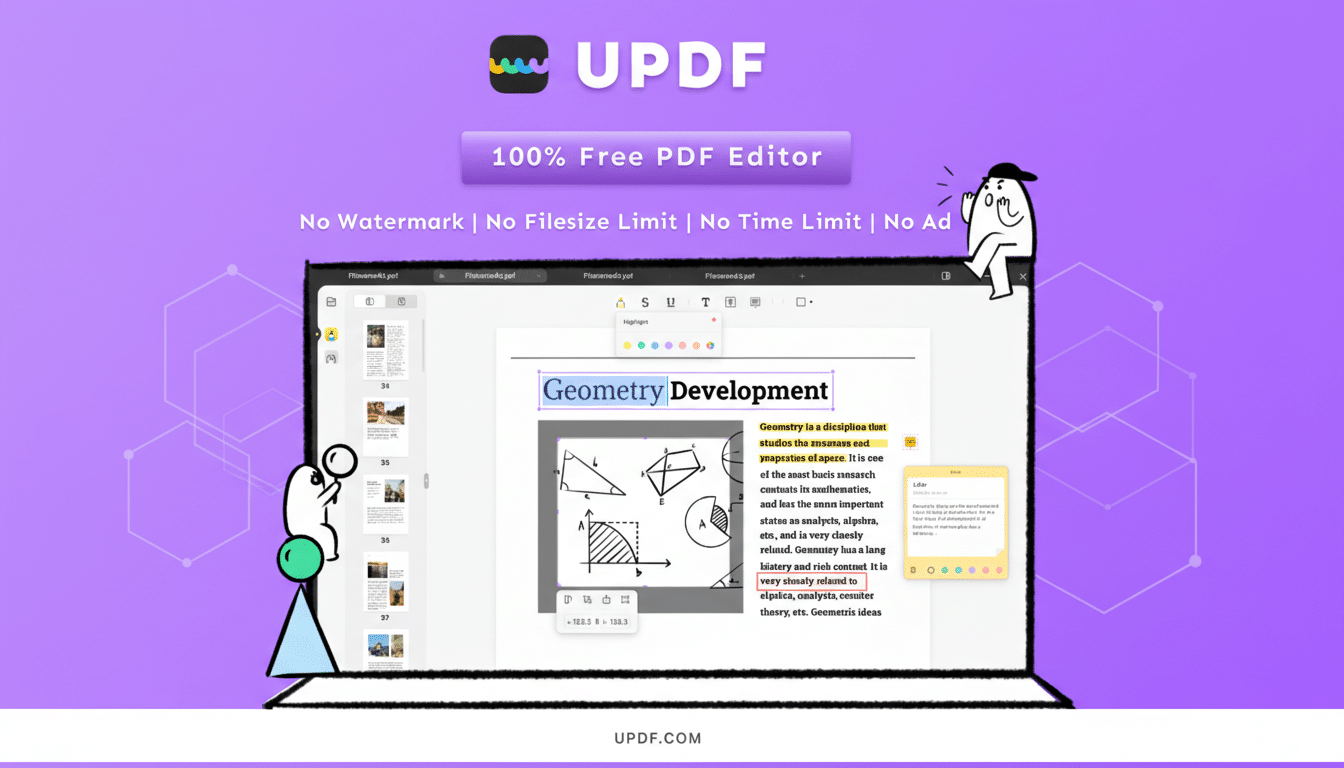
Annotation is robust for review workflows, including highlights, sticky notes, shapes, stamps, and e-signatures. The package includes 2GB of UPDF Cloud for syncing files and comments, and one license can be used on two desktops and two mobile devices at the same time—handy if you bounce between a laptop, a home PC, and a phone.
Built-in OCR and File Conversion Are Included
UPDF’s optical character recognition converts scans into searchable, editable PDFs in multiple languages. That turns stacks of paper—think onboarding forms or expense receipts—into text you can edit and index. OCR accuracy still depends on scan quality and language complexity, but for clear documents, it’s a major timesaver.
You can also export PDFs to common formats like Word, Excel, PowerPoint, plain text, images, and HTML. In practice, that means sending a colleague an editable version of a contract or quickly dropping a chart into a slide deck without retyping.
Why This Discounted Deal Stands Out Today
Many premium PDF editors lean on subscriptions. Adobe lists Acrobat Pro at around $19.99 per month, which is roughly $240 a year. At $59.99 one time, UPDF’s break-even point versus a $20 monthly plan is about three months. After that, you’re in savings territory—especially if your needs are steady but not enterprise-heavy.

Perpetual licensing also reduces procurement friction for small businesses that prefer fixed, CAPEX-like software costs. Analyst firms such as IDC have noted steady investment in document productivity as hybrid work persists, and cost predictability remains a priority for SMBs managing dispersed teams and fluctuating workloads.
Where It Fits Against Popular Alternatives
Competitors like Adobe and Foxit emphasize subscription tiers with collaboration extras and deep enterprise integrations. Nitro PDF Pro, a well-known perpetual option, typically lists in the ~$179 range for a single license. If you live inside advanced redlining, enterprise templates, or large-scale compliance workflows, those platforms may justify the premium. But if your workload centers on editing, organizing, annotating, converting, and occasional OCR, UPDF’s feature set covers the basics and then some at a fraction of the typical annual total.
Who Will Benefit Most From This PDF Editor
Practical use cases abound: sales reps updating proposals on the fly, educators revising syllabi, HR teams cleaning up onboarding packets, students annotating research, and field staff converting scans into searchable records. For any role that modifies a few documents a week—and doesn’t need heavyweight enterprise add-ons—this pricing hits a sweet spot.
Key Details to Note Before You Buy the License
The discount applies to a perpetual license to use the software, not a recurring plan. The included cloud storage is 2GB, suitable for active projects but not a full archive. There’s also an optional AI assistant (sold separately) that can summarize, translate, or answer questions about document content; helpful for dense reports, though not essential for everyday edits. As with any perpetual tool, check the vendor’s policy on major version upgrades and long-term support to plan your refresh cycles.
Bottom Line: Is This Discount Worth $59.99?
At $59.99, this 60% markdown makes UPDF a strong value play for users tired of paying every month to fix PDFs. You get core editing, annotations, OCR, conversions, and multi-device flexibility, plus predictable ownership. If you’ve been renting a PDF editor for routine tasks, this is a timely chance to switch and keep more of your software budget.
