


YouTube’s annual Recap is here, but it seems like a mysterious feature that might go unnoticed by many viewers. The rollout is spread out and happening now, but there are a couple of surefire ways to get your Recap out into the world quickly — even if you don’t yet see the banner on your Home feed. Here’s how to locate it now — and what you might do about it, along with some common reasons it might not be there in the first place (and quick fixes that sometimes work).
How to quickly find your YouTube Recap on mobile devices
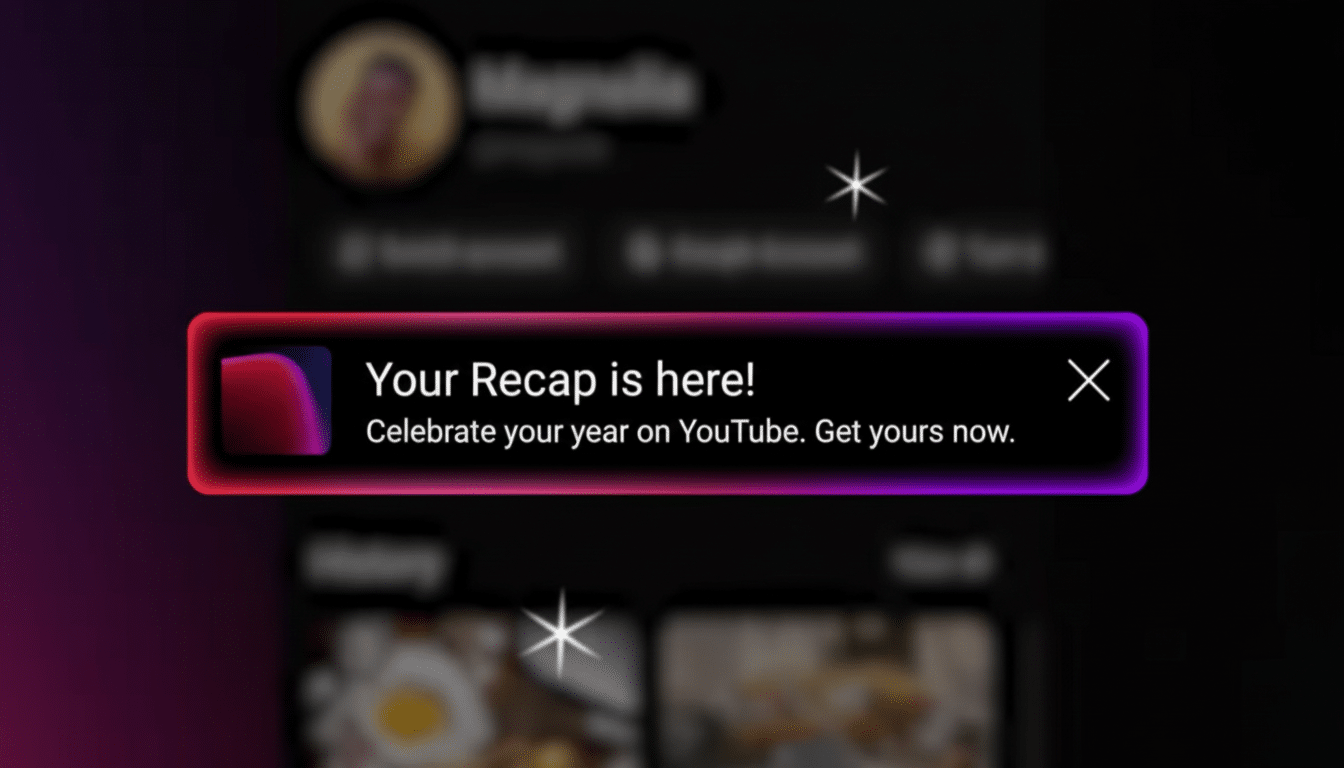
Open the YouTube app with your primary account signed in, and refresh your Home feed. On a new load, users should see a large “Watch Your Recap” card on Home, or in the You tab. If it isn’t there, tap your profile picture and check the top of your account page for a Recap banner. Since more than 70 percent of YouTube watch time takes place on mobile, the app is where the majority of eligible accounts will see their first Recap card, according to YouTube’s creator-facing materials.
- How to quickly find your YouTube Recap on mobile devices
- The quickest desktop shortcut to open your YouTube Recap
- Why your YouTube Recap isn’t showing up and what to check
- Quick fixes to try right now if your YouTube Recap is missing
- What to expect when your YouTube Recap finally appears
- Privacy and eligibility notes for YouTube Recap users
- Bottom line: simple steps to access your YouTube Recap now
The quickest desktop shortcut to open your YouTube Recap
On the computer, visit youtube.com/recap while signed in. This direct path is the most reliable way to bring up the Recap viewer when the in-feed banner hasn’t been loaded yet. If you don’t see it yet, try refreshing once or twice; staged rollouts often take a brief caching period before the Recap card shows up on your profile page.
Why your YouTube Recap isn’t showing up and what to check
- Regional rollout timing: YouTube gradually launches features as part of the release process. Update communication from TeamYouTube now notes first availability in North America with aggressive global rollout. If your account is associated somewhere else, the card might show up at a later date.
- History is off or sparse: Recap is made from your watch history. Although auto-deleting barely affects history, YouTube takes into account if it’s paused too often or has been recently cleared and will limit or delay your Recap. You can find this under Settings > History & privacy.
- Account type limitations: Recap doesn’t usually apply to supervised experiences, underage accounts, and certain managed or restricted profiles. Some brand accounts tied to a main Google account may not behave that way — switch to your personal profile and see.
- App version and cache: Old mobile apps or old cached files can hide new surfaces. This is usually fixed by an update, or by doing a forced close and relaunch.
Quick fixes to try right now if your YouTube Recap is missing
- Update the YouTube app and then force close and reopen. If you’re on Android, it’s worth clearing the app cache. On iOS, a full reinstall can help get your feature flags refreshed.
- Make sure you’re on the right account. Tap your profile picture to change accounts (many users find the Recap lives on a profile other than their own).
- Turn watch history off and watch a few videos. This will reinitialize the data pipeline that feeds your Recap, based on instructions YouTube Help provided for history-based features.
- Try changing Restricted Mode and location settings. If you have that enabled (or if you’re in a location where the rollout hasn’t reached), Recap visibility might be delayed. Change these in Settings and try again.
- Use the web fallback. Even if there is no mobile banner, the youtube.com/recap method sometimes works, according to many user reports in creator forums and social channels monitored by TeamYouTube.
What to expect when your YouTube Recap finally appears
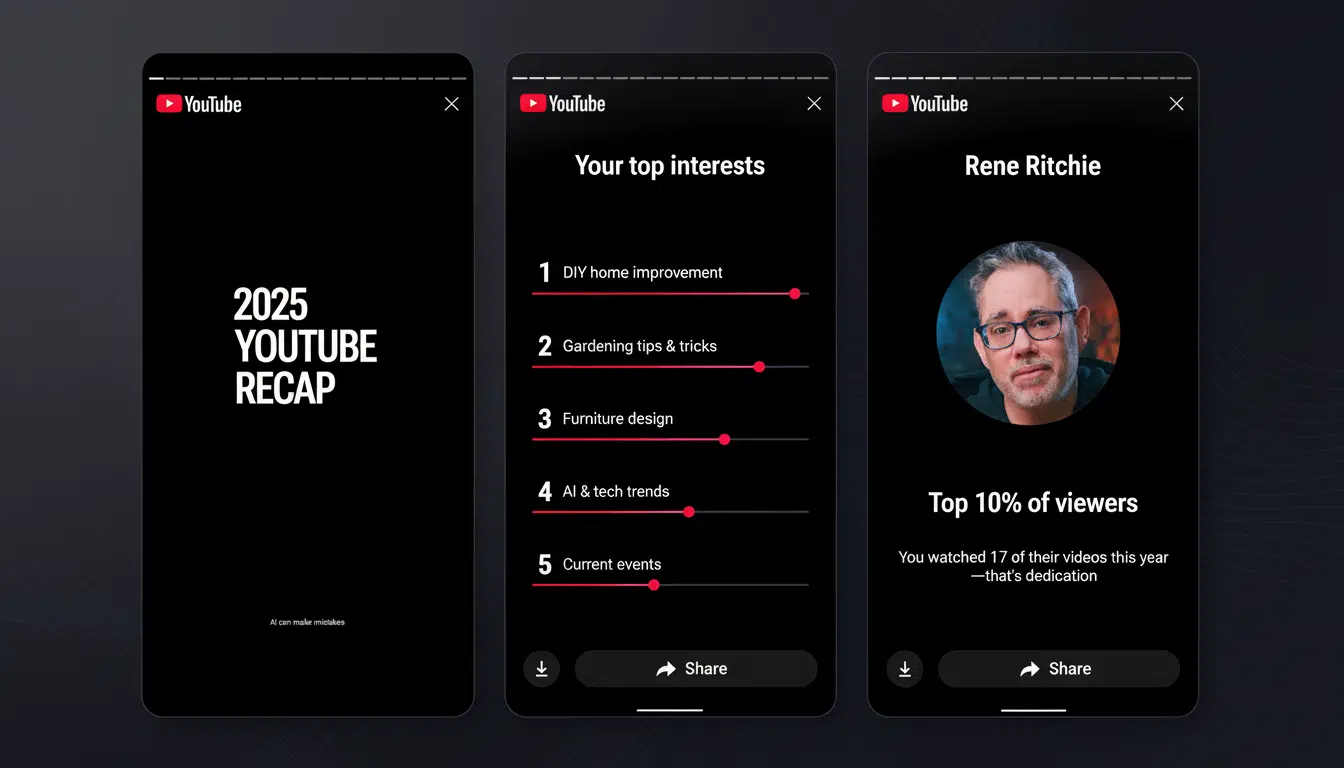
The experience takes you across 20 or more tappable cards that cover the highlights of your year: top interests, most-watched channels, stand-out creators, viewing streaks, and changes in habits by time of day. Often there’s a nudge to click into YouTube Music Recap, too. Controls to share and download are at the bottom, designed primarily for swift posting on social platforms.
With more than 2 billion monthly logged-in users, YouTube relies on Recap to fuel the sort of community conversation that Spotify Wrapped has generated. Anticipate punchy, category-based highlights and playful labeling that lets you glance at a screenshot for an instant readout.
Privacy and eligibility notes for YouTube Recap users
Your Recap is personal to your account until you share it. It’s based on your watch history, not private videos or sensitive account information. If a stat feels wrong, just take the affected videos out of history, reload, and retry. If stats are wrong for any reason (history update delay, Cloudflare, you name it), they will fix themselves as history updates get pushed out.
Bottom line: simple steps to access your YouTube Recap now
If you don’t see the banner, the easiest fixes include updating your app, double-checking that you’re using the right account, making sure watch history is turned on, and heading directly to youtube.com/recap. Because YouTube’s introducing the card on a handful of user accounts over time, some of you will receive it sooner than others — but with the link and a quick refresh, most people should be able to find their Recap right now.
