


Google’s next-gen Home app, and its Gemini-backed “Ask Home,” leads me to believe a smarter control center is en route. But voice and chat shortcuts themselves won’t solve the daily friction. If Google hopes to entice power users back without scaring off novices, the new app will require a foundation in six areas that determine whether a smart home really feels smart.
These asks aren’t niche. In fact, Parks Associates has been reporting for a while that over half of US broadband households have at least one smart home device and expectations are growing. Meanwhile, Home Assistant, which Nabu Casa has said it passed a million active installations in 2023, continues to demonstrate how much flexibility enthusiasts will pursue when the mainstream lets them down.
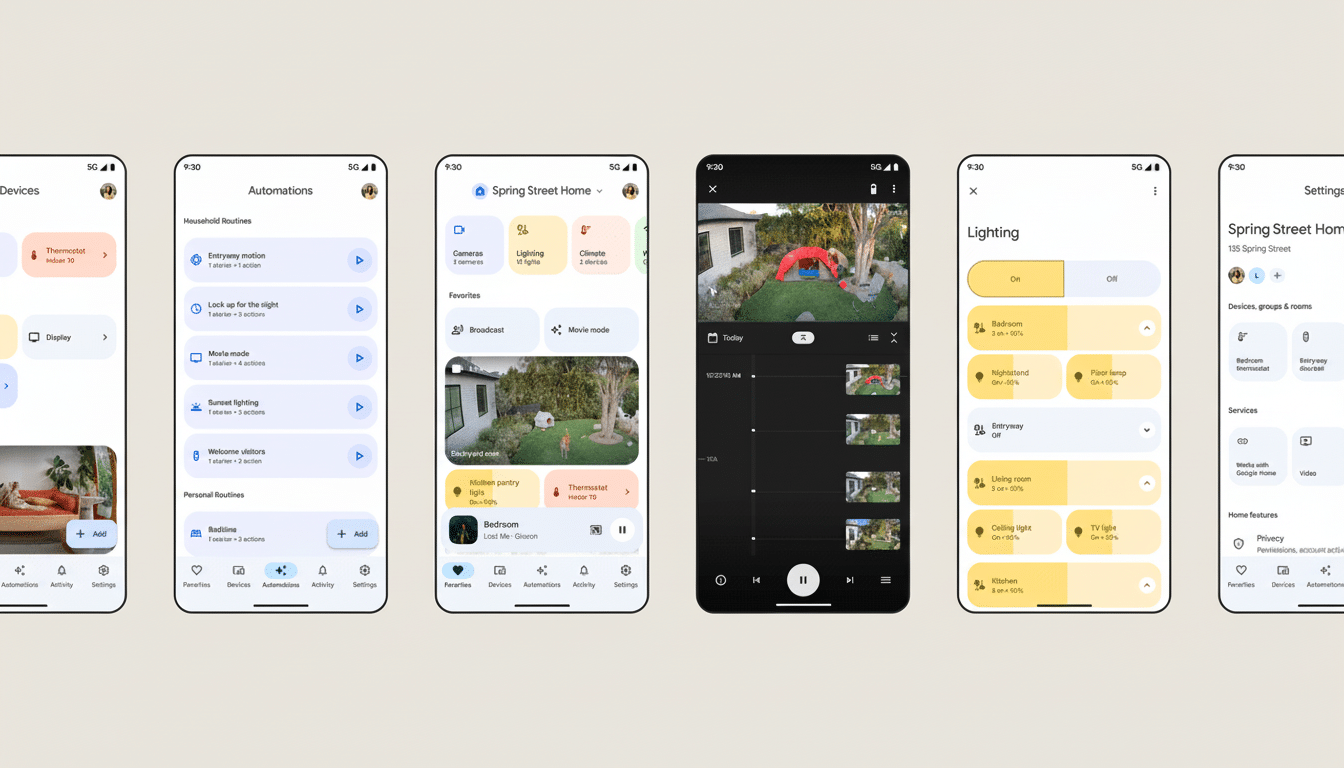
A Real-Time Dashboard You Can Fully Customize
Give me a dashboard I can mold, not just a list I can favorite. I should be able to hide noisy devices (motion sensors, scene-only switches) for my main view without actually unlinking them and I need to be able to resize a tile for importance as well as pin specific attributes to the face of the tile. If my air quality monitor tells me CO2, that value should be right there staring me in the face. And let me define what a tap does — cycle, reveal details, activate a scene.
There also needs to be a basis for when basic ordering changes. Alphabetical is for a database, not for us. Let us use priority sorting of rooms and tiles, common sort/frequency, you name it, or time of day. SmartThings and Home Assistant demonstrate how customizable dashboards cut down on friction and build trust.
Automations with all the device capabilities
Google already has that data — it just doesn’t show it. Automations should be able to use any sensor attribute as a trigger and any device capability as an action. I would like a fan at 60 percent after the carbon dioxide reading crosses over 1,000 ppm until it falls. If I have a fan that has multiple modes, I should be able to set them, not just “on” and “set speed”.
The release of the script editor in Public Preview is a step in the right direction; however, without parity on the UI side, casual users are left no choice but to use YAML. Append scene actions, color pickers for less than 50 (wink) devices, more complex conditions and durations, multi-device types such as thermostats, washing machines, or robot vacuum cleaners. And fortify Home/Away logic with presence, geofencing, and schedules that adjust for holidays or guests.
Here’s a timely one: Matter keeps growing. The Connectivity Standards Alliance’s Matter 1.3 introduced more appliances and energy features. The app needs to keep up so that those capabilities are actually useful in a routine.
Flexible Groups Over Rigid Room-Only Setups
Homes aren’t tidy grids. For open-plan spaces, shared thermostats and layered lighting, you need overlapping groups. I want to be able to set up “Kitchen Lights,” “Dining Lights” and “Great Room” with devices that fall into each, all without having to manufacture fake rooms for them. In an office, please allow me to combine “Task Lights” and “Ambience Lights” in a room but separate them in the home for voice controls.
These zones or collections are known on many platforms. Google’s room-only approach today means kludgy workarounds and a bloated devices list that makes doing simple things too difficult.
True Parity Camera Support Across All Brands
Nest cameras perform exceptionally well within Google’s habitat; too many third-party models do not. Third-party cameras can load slowly, not display thumbnails in Favorites, or refuse to feed the Activity tab. This inconsistency applies also to the Nest Hub, Pixel Watch, and Google TV, where your stream may lag or crash while your Nest cams glide.
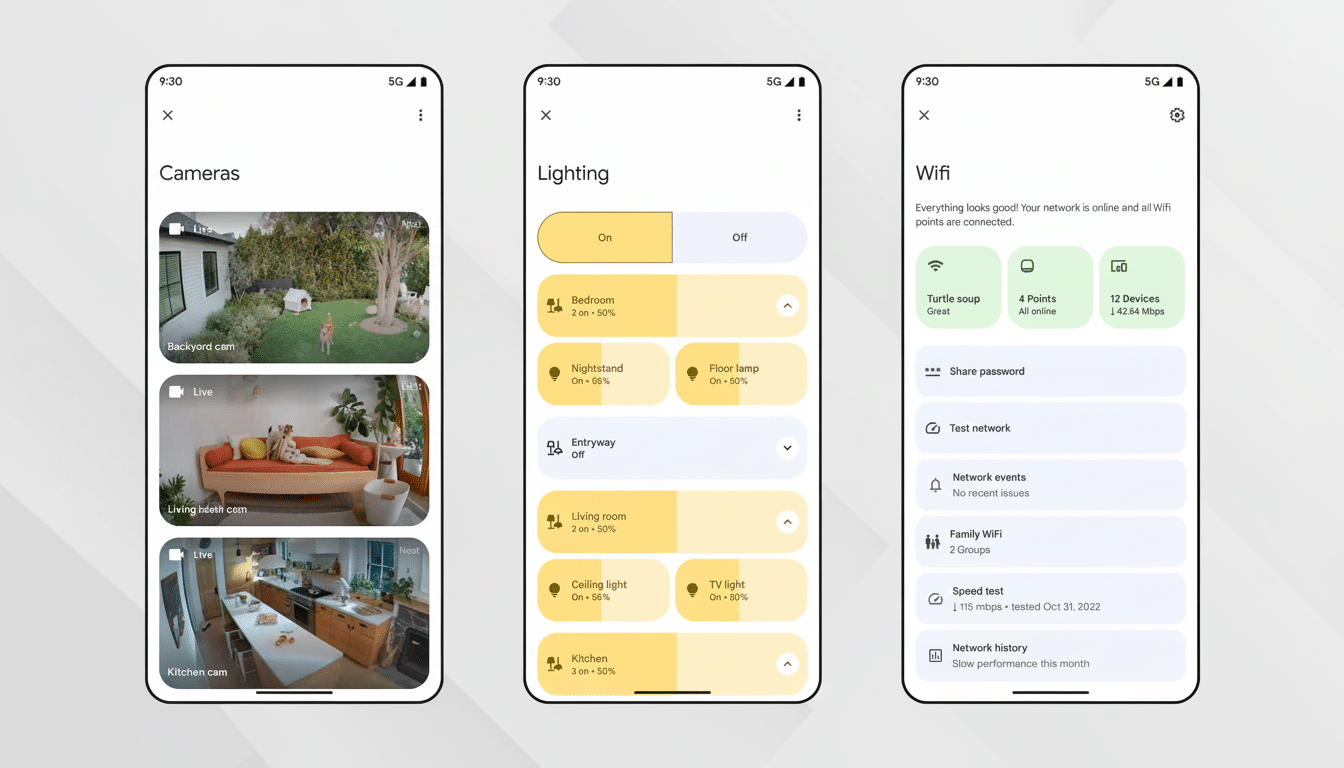
Deliver solid, consistent camera API enforcement and parity across brands for thumbnails, live view, notifications and history events. Cameras should be chosen for the features they offer and how much they cost, not because the app punishes non-Nest selections. This is in line with how Google treats thermostats, plugs and lights — and what developers have been requesting on community forums.
Tap-and-Automate Scenes You Can Actually Use
Scenes are the lingua franca of a peaceful smart home. If I’ve already set up “Dinner” in my lighting app, Google Home should be smart enough to expose it natively: visible as part of a Scenes tab, tappable from device pages and selectable as an option when creating automations. No hunting for the ideal voice phrasing, no re-creating color temperatures and dimming curves within Google’s UI.
Scenes should be suggestible by context, too — show evening scenes as it grows dark, or emphasize “Welcome Home” when presence flips.
The ingredients are there; the app needs to stop hiding them.
Complete Home History and Sensor Timelines
The focus of activity has now shifted toward security products. It will log everything from lights toggled to thermostats adjusted, to a vacuum being docked, a fan changing mode, and even sensor histories for temperature, humidity, motion, and air quality. When something behaves weirdly, an appropriate timeline can end the speculation.
Granular history doesn’t have to be busy.
Provide filters, privacy settings, and retention periods. But Apple’s ecosystem, as well as third-party software like Eve, suggests that there is a lot of room for value in ubiquitously accessible sensor graphs; and surely Home Assistant has to have taught all of us something about how this is the thing we will use on a daily basis. Google can apply those lessons along with its machine learning chops to serve up meaningful summaries rather than raw noise.
Gemini can make the app more human-friendly. But at the heart of it is control, consistency and clarity. Give me those six improvements, and the Google Home becomes a spot I feel safe when I hand it control of the house — no longer simply a place where I ask for favors.
