


There are more and more reports of scam password reset emails purportedly coming from Instagram hitting inboxes, tricking users into giving away their login credentials. Security creators on TikTok and users on Reddit say the messages are convincing enough to pass a cursory glance test — and one viral explainer has garnered millions of views — indicating that the campaign is far-reaching and expanding.
The playbook is straightforward: create a sense of urgency, ape Instagram’s look and language, and push users to click. Even the smallest hit rate is pay dirt for account hijackers and credential thieves on a platform that has more than 2 billion monthly users.
- How the Instagram Password Reset Scam Works
- Why the Spike in Instagram Phishing Is Happening Now
- How to Properly Authenticate Instagram Emails
- What to Do If You Clicked or Shared an Instagram Phishing Email
- Red Flags and Other Lures in Instagram Phishing Emails
- Bottom Line on Staying Safe From Instagram Phishing
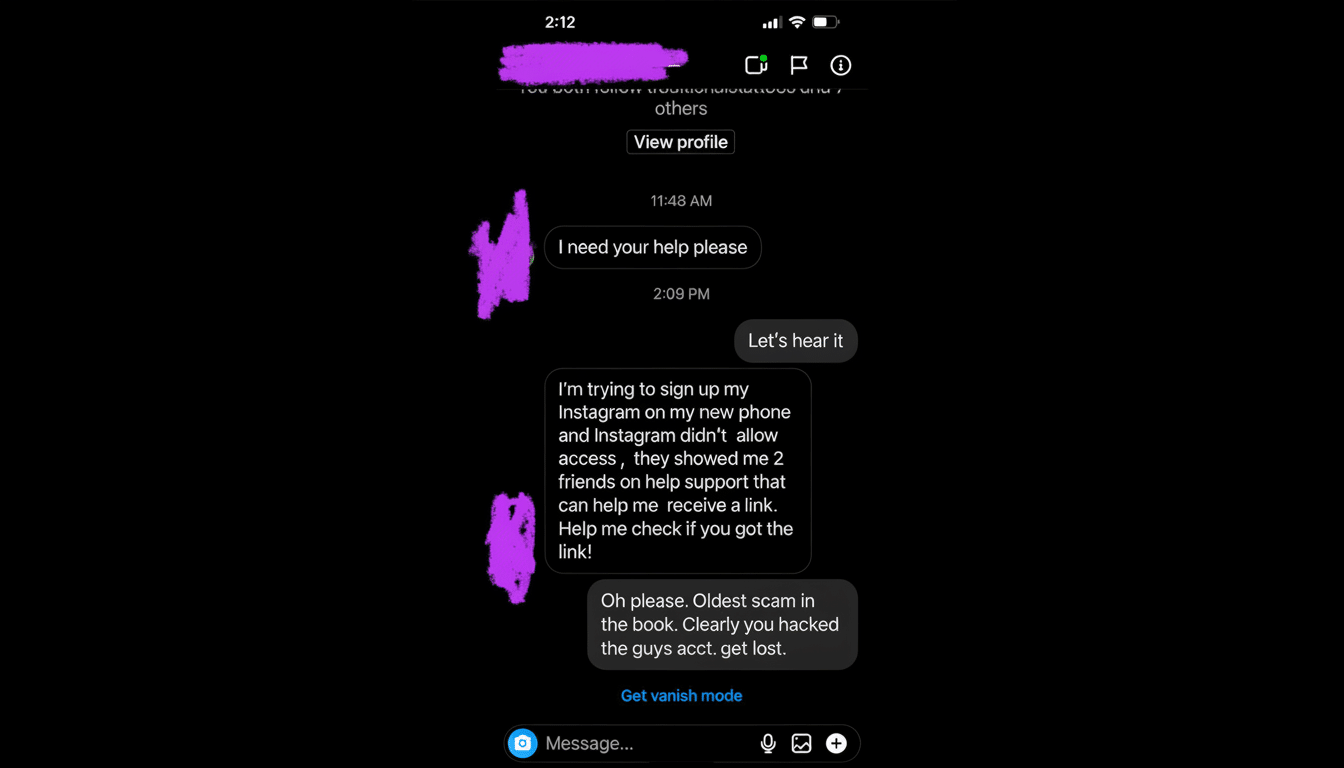
How the Instagram Password Reset Scam Works
Victims get an unexpected message — “Reset your Instagram password” — complete with a recognizable header, footer, and branding. That email will often have a “Secure Account” or “Cancel Reset” button suggesting that someone else is trying to initiate the change. When you click, it leads you to a pixel‑perfect login page upon which attackers scoop your username and password, then immediately log in for real.
From there, attackers move quickly. They might try to push for a 6‑digit code and get around two‑factor; change your recovery email and phone number, then lock you out of being able to use it. As the layout and timing are copied from an actual security alert, even careful users may be cajoled into responding before they double‑check.
Security pros observe that attackers are also more often spoofing display names, using link shorteners and lookalike domains, and compromising email servers to bypass basic controls.
On mobile, where hovering to preview links is more difficult, these tricks are particularly effective.
Why the Spike in Instagram Phishing Is Happening Now
Phishing continues to be the most reported type of cybercrime to the FBI’s Internet Crime Complaint Center, which received more than 880,000 complaints and more than $12.5 billion in losses in its latest annual report.
Data from the Federal Trade Commission about consumer complaints, collected through March and released in May, similarly shows fraud losses to be at a record level, with impostor scams topping returns by category in dollar loss.
Instagram accounts are a hot commodity. Access to a high‑follower or business profile can command hundreds, if not thousands, of dollars on the underground markets, according to multiple threat‑intelligence firms. Attackers also hijack compromised accounts to spread crypto schemes, resale scams, and other phishing attempts, creating a self‑perpetuating cycle.
Campaigns can spike while users are online or when there have been product updates expected to receive more security communication. With automated access to phishing kits and lists of emails already breached, attackers can easily scale well‑branded lures.
How to Properly Authenticate Instagram Emails
Do not click on links in unsolicited messages, even if they appear to be real. Just use the Instagram app or enter instagram.com into your browser and go to Settings. Under Security, select “Emails from Instagram,” which presents the official messages the company dispatched to your account in the last 14 days. If the email you received isn’t on that list, it’s fake.
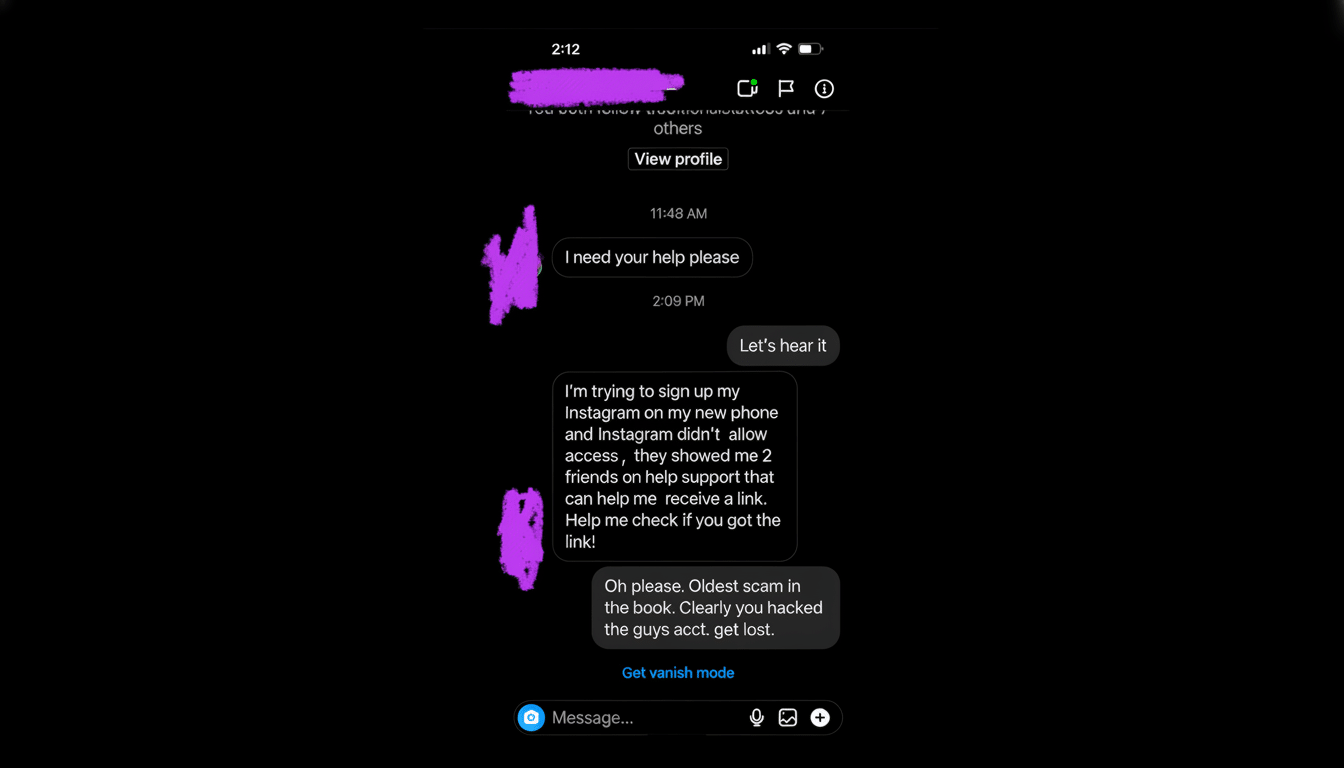
Other rapid spot checks include:
- Look at the sender’s full email address, not their display name.
- On desktop, hover to preview link destinations and be wary of strange domains or extra characters.
- Skip urgent countdowns, threats of immediate suspension, or requests for codes.
A padlock icon on its own is no evidence of legitimacy — phishing sites can also have HTTPS.
What to Do If You Clicked or Shared an Instagram Phishing Email
React from a clean device. Reset your Instagram password in the app or on the site itself; use a unique, lengthy passphrase. Enable two‑factor authentication via an authenticator app or security keys as opposed to SMS wherever available.
Review Login Activity and Devices, and log out unknown sessions. Verify that your email address and phone number are still yours, and disconnect any recently connected apps. If you used the same password elsewhere, change it on those services as well.
Conduct a malware scan, look for unauthorized forwarding rules on your email account, and store recovery codes safely. Report the phishing message inside your email client and to Instagram’s Help Center, but also consider filing a complaint with IC3 if you lost money or data.
Red Flags and Other Lures in Instagram Phishing Emails
Today’s phishing is sophisticated, so typos are only part of the tell. Keep an eye out for:
- Slight misspellings in the domain name.
- Copy in buttons that doesn’t use Instagram’s typical language.
- Prompts to pay to save your account.
- Cues to provide a one‑time code you received via SMS.
Attackers also switch out hooks — “verification badge appeal,” “copyright violation,” or “age‑restriction review” — but drive victims to the same fake login pages.
Security developers and community threads suggest another gambit: generating a password reset in your email or on your phone, but sending the recipient an immediate follow‑up fake “cancel reset” message. The real alert leads to a login page; the phishing alert tries to pass it off as innocuous. Slow down, check in‑app, and consider urgency a tactic.
Bottom Line on Staying Safe From Instagram Phishing
Unsolicited reset emails are a popular gateway for account takeovers, and they’ve been getting savvier. The easiest and safest way is to just ignore the email, open up the Instagram app or website itself, and check there. A 30‑second pause is all that’s required to stop a full account lockout — and keep your audience, messages, and business intact.
