


Some Family Hub refrigerators made by Samsung are adding a new feature: the ability to turn into an ad screen.
The company has kicked off a pilot that inserts “promotions and curated ads” on the Cover Screen of some US smart fridges, and there’s no master setting to shut it off. Android Authority first confirmed the rollout with Samsung. The company is framing the move as a way to add “everyday value” — a pitch that will surely test the patience of buyers who shelled out well over $1,700 for a high-end appliance.
- What’s New on Family Hub screens during the ad pilot
- Can You Turn Off the Ads on Samsung Family Hub fridges?
- Why Samsung Is Doing This With Family Hub Screens
- Privacy issues for ad-supported screens in the kitchen
- How This Compares to other ad-supported consumer tech
- What owners can do now to limit fridge ads during pilot
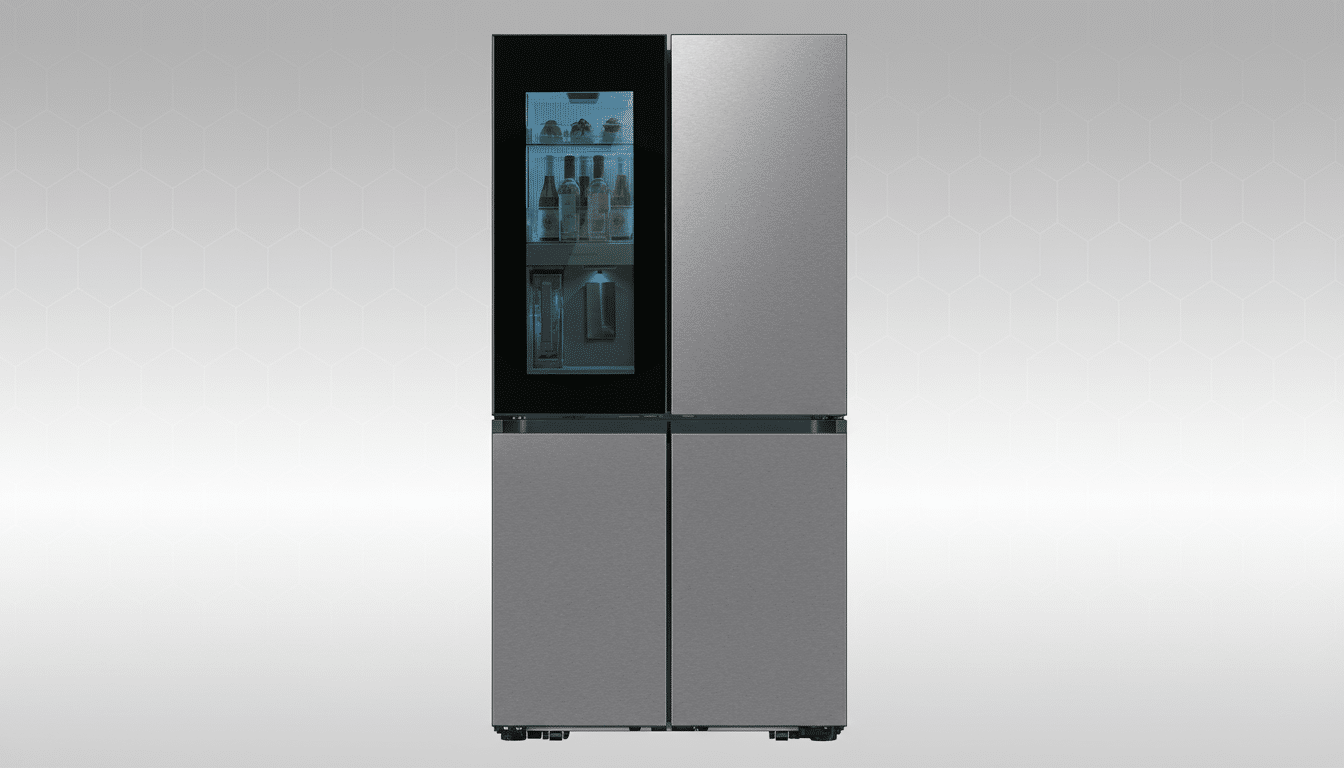
Advertisements show up in a certain set of themes — Weather, Color, and Daily Board — according to Samsung’s release notes. Art and Gallery themes are excluded. There is still no complete opt-out; you can dismiss individual ads, but as campaigns shift they could be replaced with others. Previous comments to other outlets indicated Samsung did not intend to bring advertisements to appliance screens, underscoring how quickly monetization strategies are being reconsidered inside the smart home.
What’s New on Family Hub screens during the ad pilot
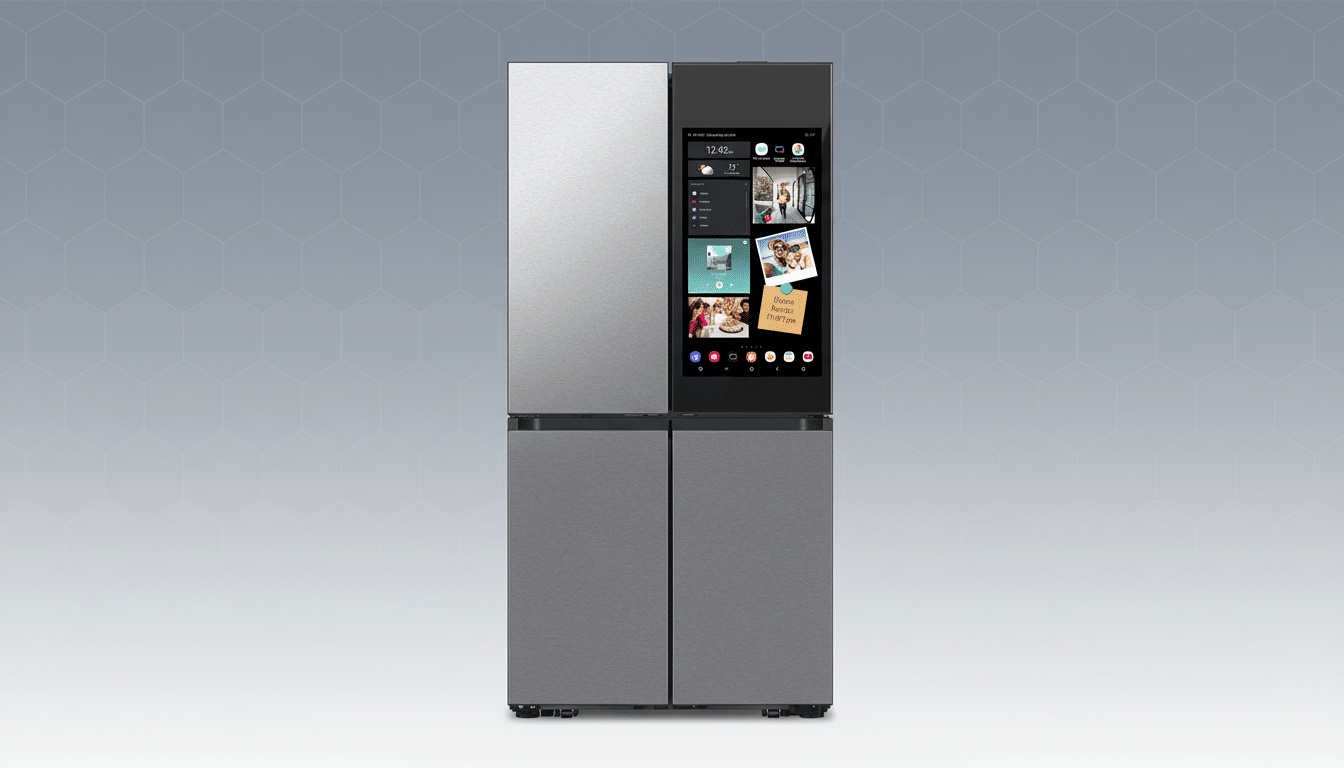
Family Hub refrigerators come with a Tizen-based interface on a large door screen that shows calendars, recipes, weather, and SmartThings controls — a de facto kitchen command center. New pilot ads have arrived on the Cover Screen for select visual themes, so even a glance at the forecast or your to-do list could include promotional material.
While Samsung isn’t specifying which models will start including such ads, the Family Hub line includes everything from Bespoke 4-Door Flex units to other French-door variants, usually selling for between about $1,799 and $3,399. The spotlight being cast on the Bespoke 4-Door Flex with AI Family Hub model has led to widespread expectation that it will feature in the experiment.
Can You Turn Off the Ads on Samsung Family Hub fridges?
There is no simple one-hit toggle to remove advertising from the pilot. You’re supposed to be able to dismiss ads if you see them, which should prevent that creative from returning during the course of the campaign, Samsung says. The practical workaround is cosmetic: you can change your Family Hub to the Art or Gallery theme, which Samsung says will prevent ads from appearing during the trial.
That maintains essential functions, but it alters the look and feel that many owners chose for daily use. It’s also based on a policy that may change as the pilot program develops, so think of this as a quick fix rather than something you can count on.
Why Samsung Is Doing This With Family Hub Screens
Appliance makers are reading from an already familiar script, that of televisions and streaming hardware: sell a premium device at a loss, and then underwrite the software with ad revenue. Samsung already operates a large media business through Samsung Ads on its TVs and Galaxy devices. Managing that inventory in the kitchen, though, offers the company a high-frequency surface — one everyone in the household sees repeatedly every day.
Broader advertising trends also help explain the move. Analysts at Insider Intelligence peg US connected TV ad spending exceeding $30 billion, and marketers are hungry for new, brand-safe screens with measurable engagement. A refrigerator door isn’t a TV, but it’s a captive display in high-intent environs — the kind of surface retailers, delivery platforms, and CPG brands want to use to nudge purchase decisions a little bit closer to the pantry.
Privacy issues for ad-supported screens in the kitchen
Samsung calls the content curated promotions, but the company hasn’t spelled out how targeting operates on Family Hub. Across the wider Samsung universe, ad personalization includes aspects such as device identifiers, app usage, and account-level settings. Privacy groups for years have flagged the creep of advertising into connected devices, such as smart TVs and speakers, for poor consent flows and lack of transparency. You’d expect the same kind of monitoring here, since a refrigerator is a shared, family appliance.
Owners can review Samsung account privacy settings to minimize interest-based ads across devices, but that’s separate from a device-level ad toggle on the fridge. Even if ad personalization gets dialed back, you will likely still see some generic promotions during the pilot.
How This Compares to other ad-supported consumer tech
Ad-supported hardware isn’t new. E-readers have been selling “with Special Offers” models for years, most smart TV platforms promote sponsored tiles by default, and streaming subscriptions increasingly offer ad tiers as their defaults. What is different is the surface — a refrigerator door that mingles utility with ambient display — and many buyers never imagined that a premium appliance would become a billboard.
If the pilot proves successful, Samsung could set a precedent for a model where high-end appliances frequently come standard with ongoing promotions — not unlike smart TVs. Competitors are going to be watching closely, particularly those with their own app platforms and advertising arms.
What owners can do now to limit fridge ads during pilot
- Change your theme to Art or Gallery to avoid ads during the pilot.
- Swipe away any single ads you encounter on the Cover Screen.
- Adjust Samsung account settings to limit interest-based advertising across services.
- Send feedback through the SmartThings app or Samsung support; pilots change fastest when user sentiment is clear.
The larger question is philosophical: are kitchen screens fair game for ads? Samsung is gambling that the answer is yes. For many households that paid luxury-appliance prices, the judgment could hinge on how intrusive those promotions seem — and how much control owners ultimately have.
