


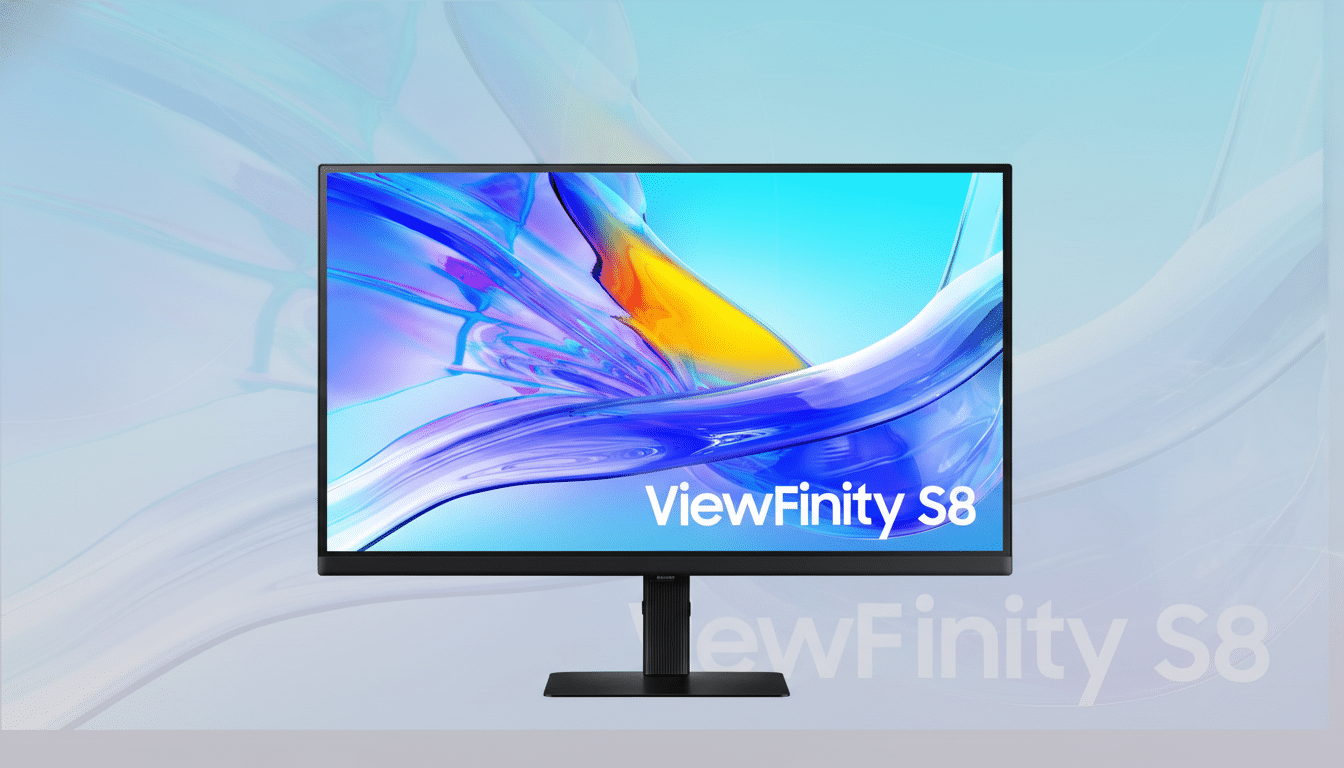
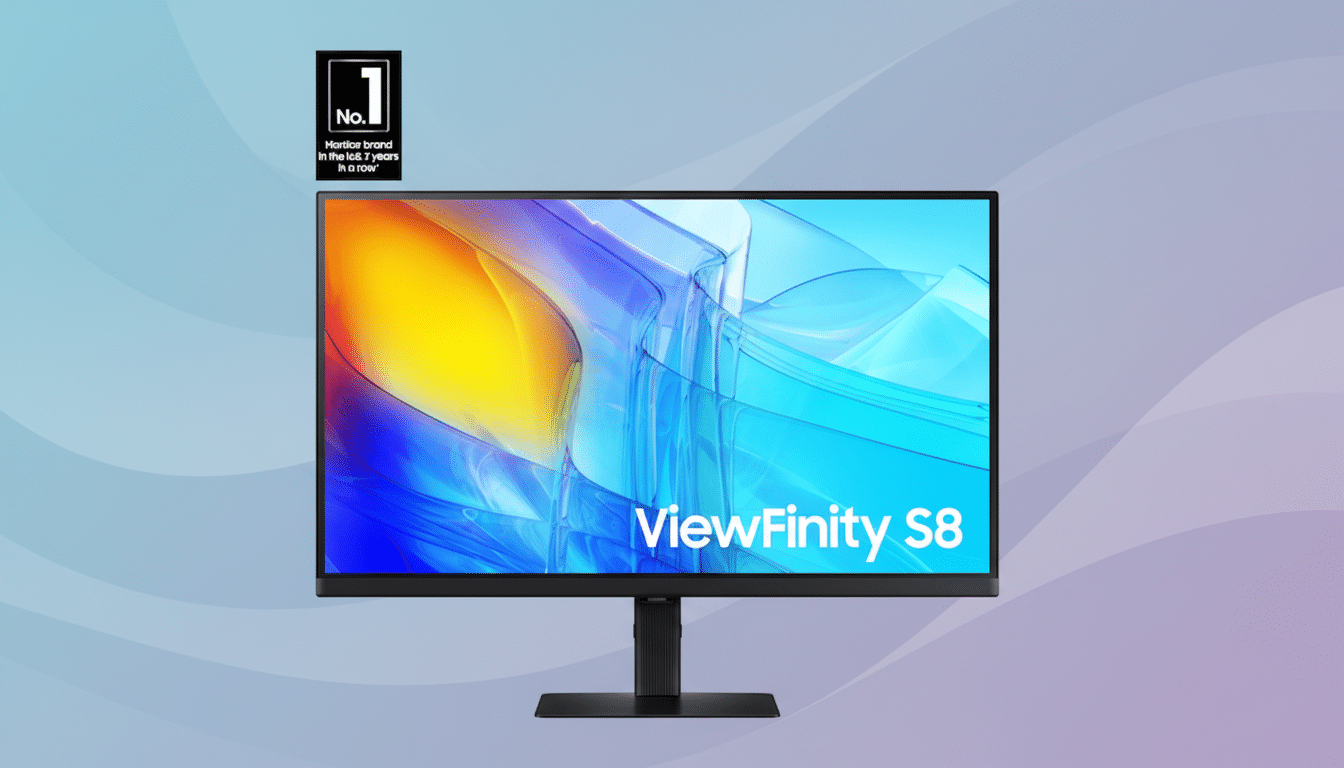
Samsung’s 27-inch ViewFinity S8 4K monitor just plunged to $199.99, a steep cut from its typical $419.99 list price—an eye-catching 52% off on a workhorse display that balances productivity, creative tasks, and streaming in one tidy package.
The headline features are on point for a modern home office: razor-sharp 4K resolution, wide viewing angles, HDR support, a full ergonomic stand with height, tilt, swivel, and pivot, plus eye-comfort modes and both HDMI and DisplayPort connectivity. If you’ve been waiting for a premium-feeling 27-inch panel without premium pricing, this is the window.
Why This 27-Inch 4K Monitor Deal Stands Out
Clarity is the story here. At 3840 by 2160 on a 27-inch canvas, you’re looking at roughly 163 pixels per inch—dense enough that text looks print-like and photos gain fine detail you simply don’t see on 1080p. With Windows scaling around 150% (or macOS’s “Looks like 1440p” setting), you get crisp UI elements and still plenty of workspace for side-by-side apps.
The panel’s wide viewing angles help when collaborating or when you pivot the screen vertically for coding and long documents. HDR support adds a touch more punch to movies and content grading, and while this class of monitor isn’t set up to rival high-end HDR mastering displays, the range boost over SDR is noticeable in real-world use.
The stand is a practical differentiator at this price. Many budget 4K monitors force you into a fixed tilt; this one lets you dial in height, swivel for a second viewer, or rotate to portrait. It’s the kind of everyday comfort that pays off over long sessions and one reason this discount is so compelling.
Performance and Key Use Cases for Work and Play
For productivity, the upgrade is immediate: spreadsheets span more columns, timelines in video apps reveal more tracks, and dashboards fit without scrolling. Jon Peddie Research has reported productivity gains of 20–30% with expanded screen real estate; while those studies focus on multi-monitor setups, a sharp 27-inch 4K panel delivers a similar “more space” effect without adding a second display.
Gamers should see this primarily as a 60Hz 4K panel geared toward cinematic titles and console play rather than esports-grade frame rates. The upside is excellent image fidelity and clean UI scaling, with HDMI and DisplayPort giving you straightforward hookups to desktops, laptops, and consoles.
Eye Saver and flicker-reduction modes help reduce strain during marathon workdays. If you’re doing color-sensitive work, a quick calibration pass—either with built-in OS tools or a hardware colorimeter—will tighten accuracy for photo and design tasks, a best practice many creative pros follow per guidance from color-management firms like X-Rite.
Price Context and Notable Competitors at This Size
Name-brand 27-inch 4K monitors with ergonomic stands typically hover between $250 and $350 on sale, according to recent retailer pricing trends. Hitting $199.99 for a model with height, swivel, and pivot is uncommon—many similarly priced panels stick you with a basic tilt-only stand.
Popular alternatives like Dell’s S2721QS or LG’s 27UP600 often dip into the mid-$200s, while USB-C variants with power delivery—think Dell S2725QC or Samsung’s own ViewFinity USB-C models—tend to cost more. If single-cable laptop docking is essential, budget accordingly; if not, this deal delivers standout value for HDMI/DisplayPort users.
Industry trackers such as IDC have noted steady growth in 4K monitor adoption as hybrid work settles in, and this kind of aggressive pricing is a clear sign the category has matured. In short, you’re not paying early-adopter tax for UHD anymore—you’re paying a budget price for a mainstream spec.
What to Check Before You Buy This 27-Inch 4K
Confirm your device can drive 4K at 60Hz over HDMI 2.0 or DisplayPort 1.2/1.4. Older HDMI ports may cap out at 30Hz, which feels sluggish for a desktop. If you’re on a laptop, check whether it supports 4K60 on the port you plan to use.
Plan your desk ergonomics. Portrait rotation needs a bit of clearance, and a deeper desk helps you sit at an arm’s length sweet spot. If you prefer a monitor arm, look for a 100×100 VESA mount pattern, which is standard on many 27-inch office panels.
Finally, set scaling correctly after setup: Windows users often land around 150% on 27-inch 4K, while macOS’s default “Looks like 1440p” is a comfortable starting point. Proper scaling preserves the sharpness you’re paying for while keeping UI elements readable.
Bottom Line: A Strong Value for 27-Inch 4K Buyers
A well-equipped 27-inch 4K display at $199.99 is rare, and the ViewFinity S8’s combination of UHD sharpness, HDR support, and a truly adjustable stand makes this more than a bare-bones bargain. If you want a meaningful, affordable upgrade for work and streaming—and don’t need USB-C docking—this over-50% price cut is the moment to jump.
