


Samsung is previewing a new privacy tool designed to keep prying eyes off your Galaxy phone. The feature, teased ahead of the next flagship launch, promises angle-aware visual protection that selectively hides on-screen content from nearby onlookers while preserving usability for the person holding the device.
What Samsung Hinted at for Upcoming Galaxy Privacy
In an early look, Samsung said Galaxy owners will be able to control what people around them can see on their screens, with options that extend from full-screen privacy to targeted masking of sensitive areas. The company described a customizable system that can activate during passcode entry or within specific apps, with adjustable levels of on-screen visibility.
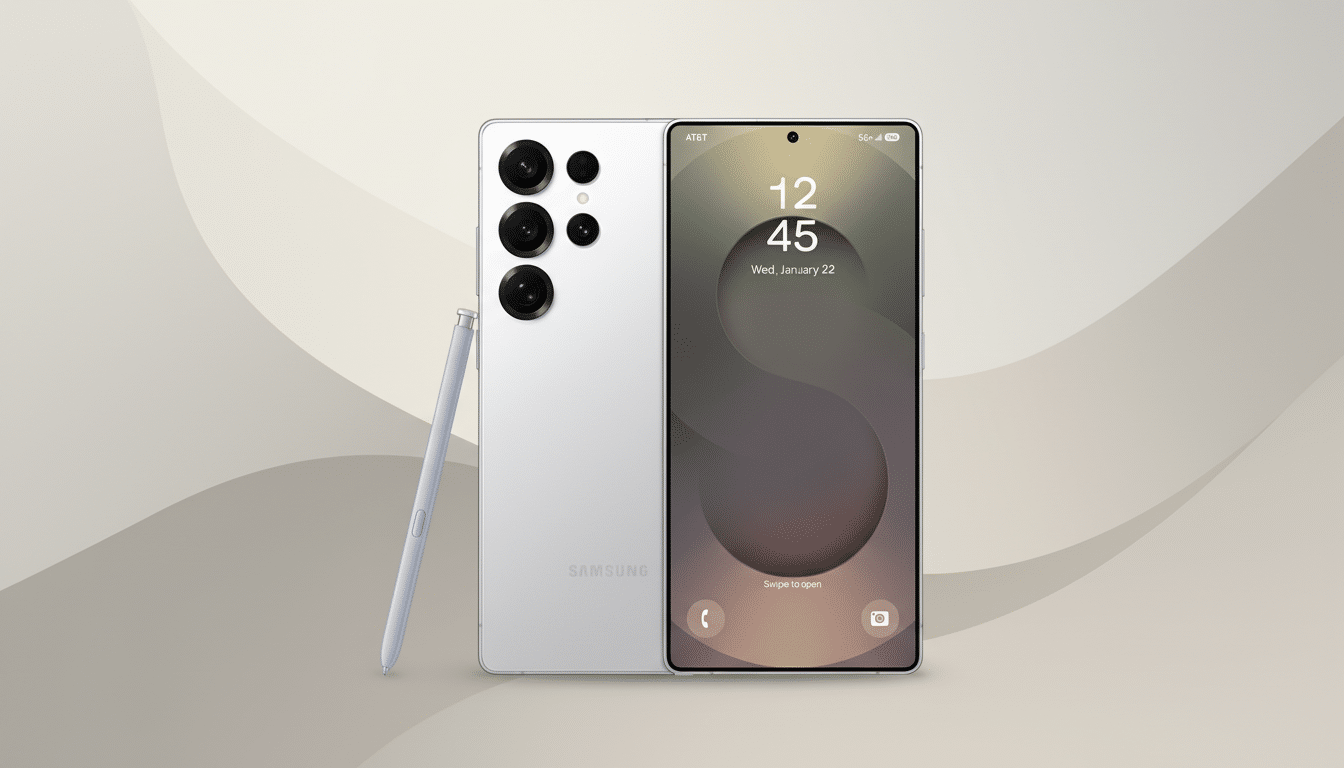
Samsung also indicated users could hide particular UI regions—such as notification banners—so that quick glances from the side reveal nothing identifiable. A well-known device tipster shared screenshots on X that appear to show a notification area that blanks out at an angle, suggesting the phone remains readable head-on but obscured from adjacent seats on a bus, plane, or café bench.
While Samsung has not provided a release date, the capability is widely expected to debut with the next Ultra-tier Galaxy phone and likely expand to other devices through One UI updates if the necessary hardware is present.
How Angle-Based Screen Privacy Could Work on Galaxy
Samsung says the feature blends hardware and software—a clue that it goes beyond a simple software overlay. In the display industry, privacy effects are commonly achieved with micro-louver layers (akin to 3M’s privacy filters) that narrow viewing angles. Integrated at the panel level, such layers restrict off-axis light so the screen dims or distorts when viewed from the side.
On the software side, manufacturers can further reduce lateral legibility by dynamically adjusting contrast, color, and brightness for selected UI elements. Because OLED panels control each pixel individually, a phone can theoretically dim or pattern specific regions—like the notification shade or password field—without affecting the rest of the screen. Combined, these techniques create localized privacy zones that are readable head-on but degrade rapidly a few degrees off-axis.
This approach would differ from one-size-fits-all privacy filters by offering per-app and per-region control. If executed well, it could negate the need for aftermarket privacy screen protectors, which often cut brightness and color accuracy by a noticeable margin.
Why Shoulder Surfing Still Matters for Phone Privacy
Visual eavesdropping is a low-tech attack with surprisingly high yield. Research from the Ponemon Institute’s visual hacking experiments found that opportunistic attempts to capture on-screen data succeed in the vast majority of trials, underscoring how easily passcodes, messages, and account details can be observed in public spaces. Major transit agencies and privacy regulators have also warned about “shoulder surfing” as phones become primary wallets and identity hubs.
The risk is not theoretical. A widely cited investigation by The Wall Street Journal documented theft rings that watched victims enter passcodes and then hijacked devices and accounts. In response to similar threats, Apple introduced Stolen Device Protection in iOS 17.3, requiring Face ID or Touch ID for certain sensitive actions. Samsung’s teased solution addresses an earlier step in that attack chain: preventing the passcode or key notifications from being seen in the first place.
What It Means for Galaxy Owners and Enterprise Users
If Samsung’s implementation allows granular controls, users could set private modes for banking apps, password managers, messaging threads, and quick settings, while leaving media or maps fully visible. Enterprises might also benefit if the feature is exposed to device management policies, helping organizations comply with data handling standards in healthcare, finance, and field operations.
There are trade-offs to watch. Any hardware-based narrowing of viewing angles can reduce perceived brightness; strong software masking can alter colors or text clarity in protected regions. Battery impact should be minimal on OLED, but localized dimming and effect rendering could introduce overhead. The real test will be whether the privacy zones feel natural, don’t trigger accidentally, and remain readable for the primary user under varied lighting conditions.
Samsung already offers privacy-forward tools like Secure Folder, per-app biometric gates, and notification content hiding on the lock screen. The teased feature appears to add a complementary layer: preventing visual leaks in the moment, not just securing data at rest. If the previews hold, Galaxy owners may soon have a built-in defense against one of the most common real-world privacy risks—without sacrificing the convenience of checking a message on a crowded commute.
