


Samsung has launched the One UI 8.5 public beta, which is available to Galaxy S25 owners, offering early access to some cross-device upgrades and more.
It’s rolling out in phases and only to specific regions initially, but you can sign up now through the Samsung Members app.
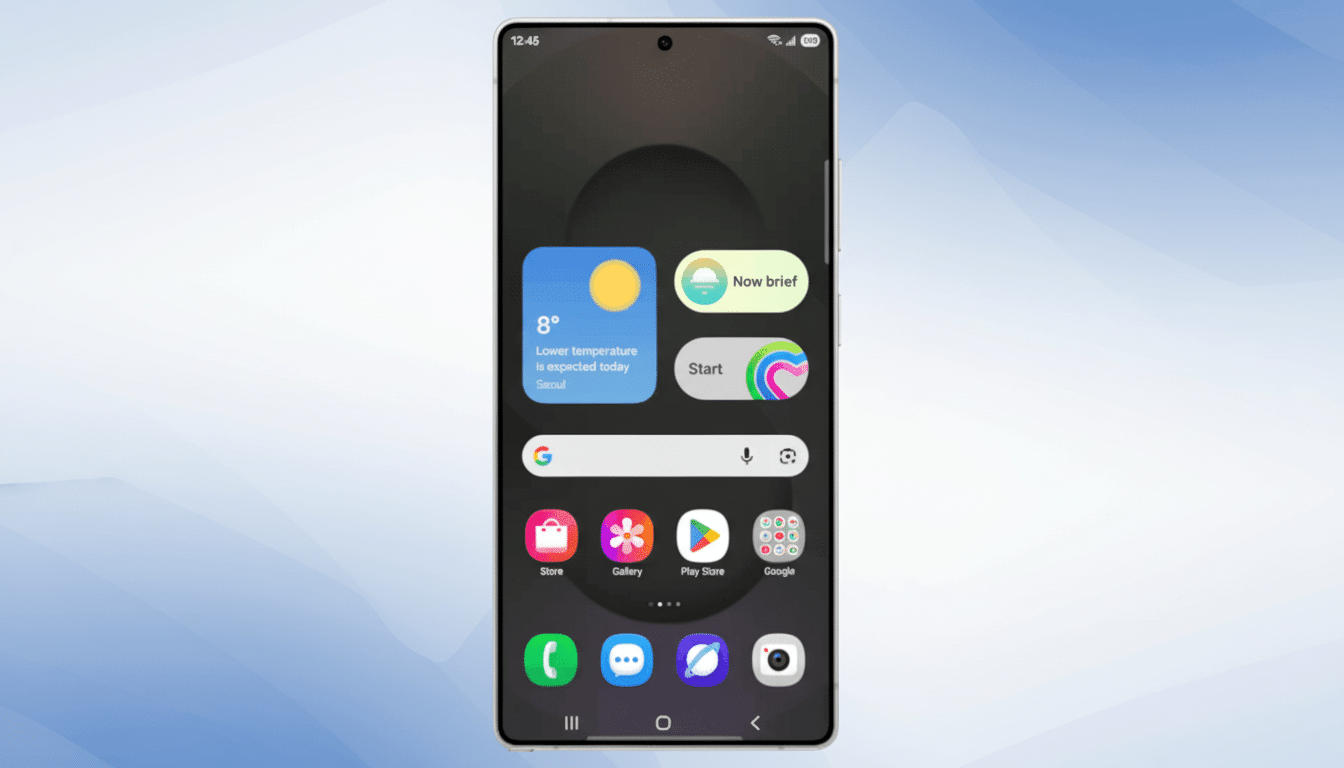
Early testers have noticed a smoother interface, even greater integration across phones, tablets and TVs, and an expanded role for on-device and hybrid AI. Here is what’s new, who can join, and how to install the beta safely.
One UI 8.5 features: AI, casting, audio and UI upgrades
Galaxy AI continues to develop with enhanced image-generation and editing tools that aim to minimize artifacts, maintain texture sharpness, and reduce turnaround time whether creating or remastering photos. In more tangible terms, actions such as extending backgrounds or removing unwanted objects feel snappier and more organic, particularly within the Gallery workflow.
Cross-device features get a boost as well. Smart View casting has been made more convenient and manageable. It’s now more readily available in the Quick panel, and you can count on a nearby TV or monitor to reliably discover your device. Samsung is also experimenting with new storage-sharing controls that make it easier to move large files between your phones and tablets without having to play the cable or cloud-accounts game.
Audio also gets a meaningful upgrade with Auracast. Instead of a listening menu and a broadcasting interface living in two different places, there’s now a single Audio Broadcast menu in Settings that provides both sets of controls for sharing audio with nearby devices or tuning in to public streams. The Bluetooth SIG has been trumpeting LE Audio and Auracast as the new mainstream move for wireless sound, and this implementation feels more plug-and-play in real-world areas such as gyms or classrooms.
Users can personalize more, with a cleaner Quick panel and a more easily customizable Lock screen layout and icons, plus updated typography, new graphical user interface elements, and colors that improve visibility for accessibility.
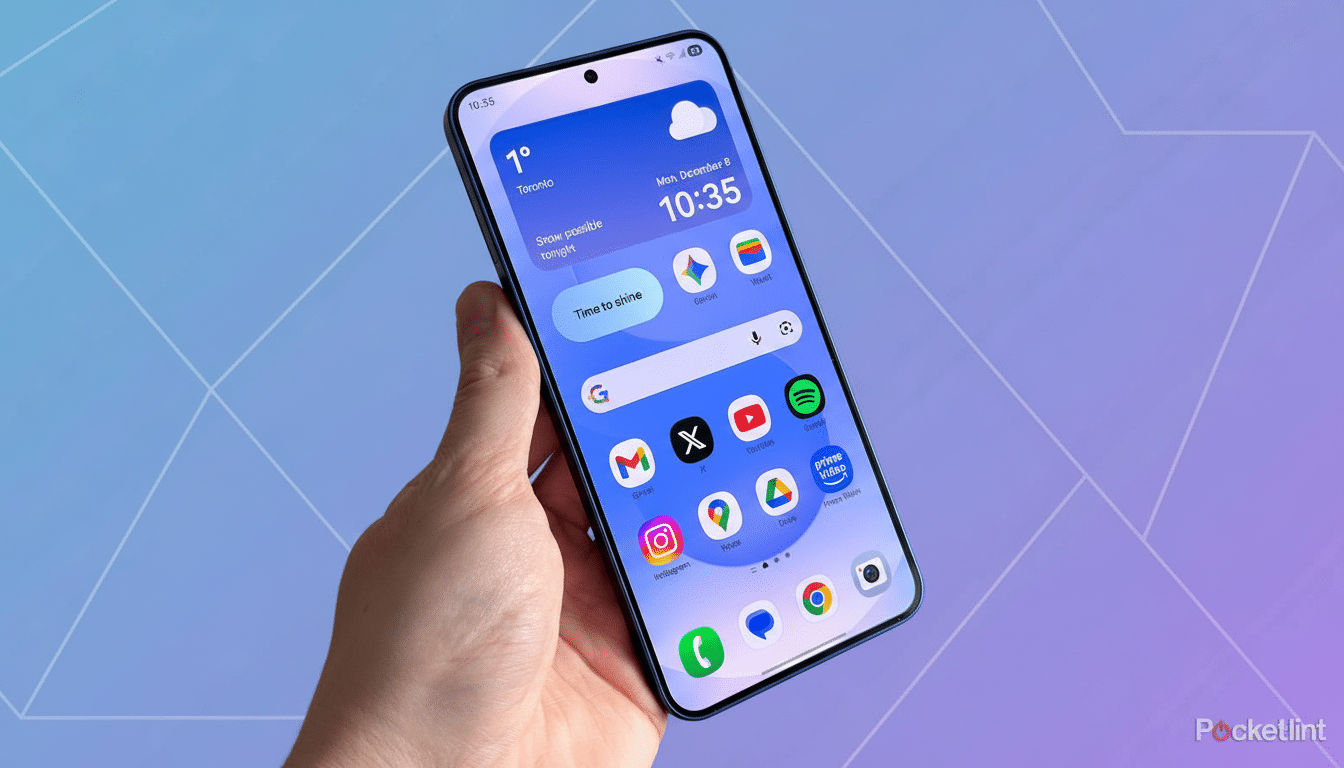
Under the hood, revamped power management should minimize background drain and heat under load. Privacy and anti-theft safeguards also grow stronger, reflecting Android’s most recent security baseline and making it harder for someone to use your phone without permission if it is lost or stolen.
Eligible devices and markets for the One UI 8.5 beta
The public beta is available to the Galaxy S25 series first in a few countries: South Korea, the U.S., the U.K., Germany, India, and Poland. Availability may be limited by carrier, and spots can get snapped up quickly after launch. It’s normal for Samsung to roll out wider access staged in tiers after receiving feedback and stabilizing.
How to download the One UI 8.5 public beta safely
- Install and open Samsung Members, and sign in with a Samsung Account. In the app’s home feed, search for the One UI Beta Program card, and tap it to register. If you don’t see it, pull to refresh or try again later as slots open up in waves.
- Once you are enrolled, navigate to Settings > Software update > Download and install. The beta package will automatically show up. Major betas tend to come over the air between 2GB and 3.5GB, so use a reliable Wi‑Fi connection and make sure you have at least 8GB of free space.
- Get your device ready with a current backup and sufficient charge, and disable VPN if it is enabled to avoid interruption. If you own a Galaxy Watch or Buds, after your phone reboots update their plugins in the Galaxy Wearable app.
Tips, troubleshooting advice and how to roll back safely
Betas can break things. Some banking, enterprise, or any app using DRM might refuse to work until stable. Anticipate the odd battery variance, camera idiosyncrasies, or accessory pairing snafus. If you hit a snag, report it in Samsung Members through the beta feedback section — those reports help inform what gets done for the next builds.
If you want out, open Samsung Members, go to the One UI Beta Program page, and opt to withdraw. To roll back to the stable build, downgrade using Smart Switch on a PC or Mac. Be aware that rollback usually means a full reset, so keep your backups updated.
Why the One UI 8.5 public beta matters for Galaxy users
Samsung has been working toward making Galaxy AI a part of daily use — less demo, more default. With One UI 8.5, that manifests in speedier creative tools, easier casting, and audio sharing that feels native rather than niche. IDC has regularly ranked Samsung among the leaders in worldwide smartphone shipments, so small UI tweaks here will eventually trickle down to millions of users as system updates reach beyond early adopters.
This is beta testing, so these betas eventually materialize into features that will roll out to Galaxy S25 owners in supported markets. Signing up for and testing One UI — just go into it knowing you’re giving away a little stability in exchange for an early look at where One UI is going.
