


Samsung is gearing up to launch a quality-of-life adjustment that can change the mornings of millions of Galaxy users. The follow-up, One UI 8.5, should include Clock app support in the Now Bar so you can not only check which alarms are coming due from the lock screen or Always-On Display, but snooze or dismiss without unlocking your phone or swiping through. You’d just take a look and/or give it a tap.
What Changes for Alarms in Samsung One UI 8.5
Per a reliable leak by Tarun Vats over on X, the Now Bar will pick up a card for Samsung’s stock Clock app. The expanded card displays the current time as well as your next set alarm, or an active snooze, and also gives you the ability to dismiss the upcoming alarm directly from said card. It’s a minor change with significant practical payoff: glancing at your wake-up time, silencing a backup alarm, or clearing that snoozed alert is now just one low-friction interaction from the lock screen.
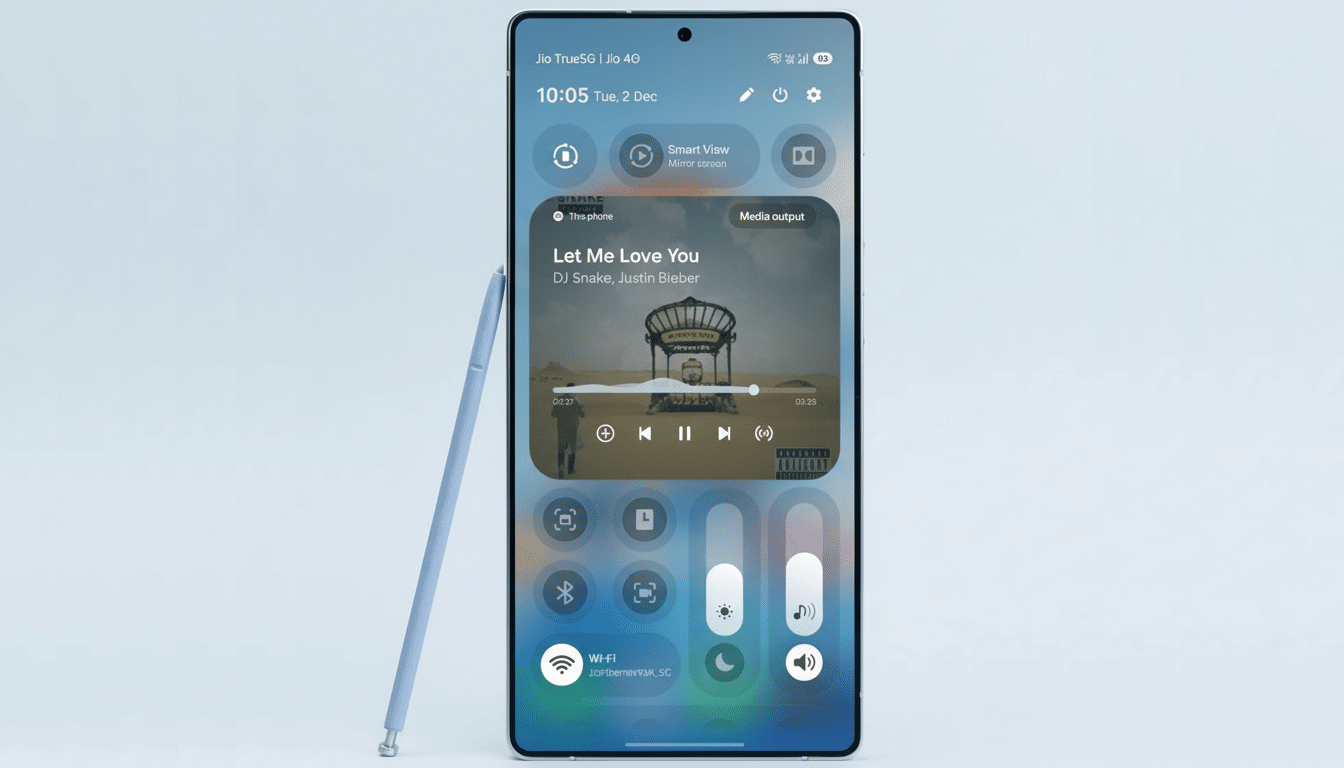
For people managing multiple alarms — early morning workouts, the school run, across time zones — this cuts down on pointless unlocks and app dives. It also matches the way that people actually use phones in the morning: brief checks, light tapping, and instant control. By keeping key alarm actions on the lock screen and AOD, Samsung is saving us seconds here that add up day after day.
How It Fits Into Samsung’s Now Bar Strategy
Samsung Now Bar is an ever-evolving destination to get live, glanceable updates on your lock screen and AOD. For quick, context-rich interactions — think progress views, status cards, and current activity details — without the cognitive overhead of launching apps. Alarm controls would be a textbook case: time-sensitive data, speed over depth.
It also puts Samsung more squarely in competition with rival methods. Apple’s Live Activities and Google’s At a Glance give you glanceable updates, but Samsung embedding actionable alarm control in a persistent lock screen card exploits a Galaxy strength – especially on devices that benefit from bright AOD panels and long battery life.
Why This Matters for Average Internet Users
Surveys by companies like Deloitte and YouGov have repeatedly shown that the smartphone is now a majority’s alarm clock. In such an environment, even small usability victories spread far. A tap to dismiss an unnecessary alarm, a short glance to verify the next wake time, or a data peek for a fast snooze check is a little friction sander on the roughest part of your days.
There are sensible guardrails to be mindful of. A dismiss on the lock screen must be an actual gesture so as not to accidentally dismiss and oversleep. Odds are Samsung will rely on haptic feedback, clear affordances, and maybe confirmation dialogues in certain cases. Marry the experience with Bedtime Mode or Modes and Routines, and it could get even smarter — silencing some alarms by default during holidays or travel days — but those deeper connections aren’t a sure thing.
First Look Details and Trade-offs for Alarm Controls
Early previews indicate that the Now Bar’s headline Clock card creates a clutter-free, high-contrast interface, highlighting the next thing due to happen. You can now see the next alarm time or snooze state, and there’s an obvious control for clearing that upcoming alert. This layout keeps useful information dense and tap-ready in a split second, which is just right for 5 a.m.
Meanwhile, the Now Bar is designed for always-on, low-drain visibility with some help from OLED AOD efficiencies. Power users who use multiple repeating alarms will continue to see expected behavior; however, we’ll need real-world tests with a variety of Galaxy devices to get a feel for responsiveness and accidental tap avoidance.
Voice Recorder: A Fresh Look in Samsung One UI 8.5
One UI 8.5 is also expected to refresh Samsung’s Voice Recorder with a gradient-rich interface, smoother waveform, and card-style organization in the list.
It’s stylish and modern-looking, but there is a sacrifice to be made in the card-based layout; there’s a lower overall information density. If you maintain hundreds of recordings — interviews, lectures, meeting notes — you might do more scrolling and see fewer at-a-glance details than before.
It’s normally a fine balance between purity and performance when it comes to aesthetic upgrades. While the waveform enhancements and color cues make for easy reading while recording, power users might appreciate more information density in their lists and tougher filters. It will be interesting to see if Samsung introduces optional compact views or better tagging to accommodate heavy use.
Availability and Supported Devices for One UI 8.5
The One UI 8.5 beta is being released in some markets and may go stable for more later. Samsung has generally favored the most recent flagships and foldables first and then branched out to additional devices, not to mention that its extra-long update promises for newer phones point toward widespread availability in due time. As ever, feature availability can vary by region and carrier.
For everyday Galaxy users, the takeaway is simple: alarms are about to get quicker to start and tougher to forget thanks to Samsung’s continued clock management maturation, and if it delivers on those details ― easy controls, solid safeguards, and no annoying hiccups or crashes during use ― this Now Bar upgrade to the Clock app could easily prove one of the most welcomed quality-of-life elements arriving in One UI 8.5.
