


A software glitch is preventing some Samsung Galaxy Watch models from reliably staying in Do Not Disturb, with the toggle briefly activating before switching itself off. Samsung has acknowledged the issue and says a fix is being prepared, but users may need temporary workarounds to keep their wrists quiet.
The bug shows up when Do Not Disturb is set to “Until I Turn It Off” and enabled via the watch’s shortcut. Instead of remaining active, the mode reverts within seconds and notifications continue to arrive. Reports surfaced on Samsung’s South Korean community forum and have been echoed by owners in Samsung Members and Reddit threads.
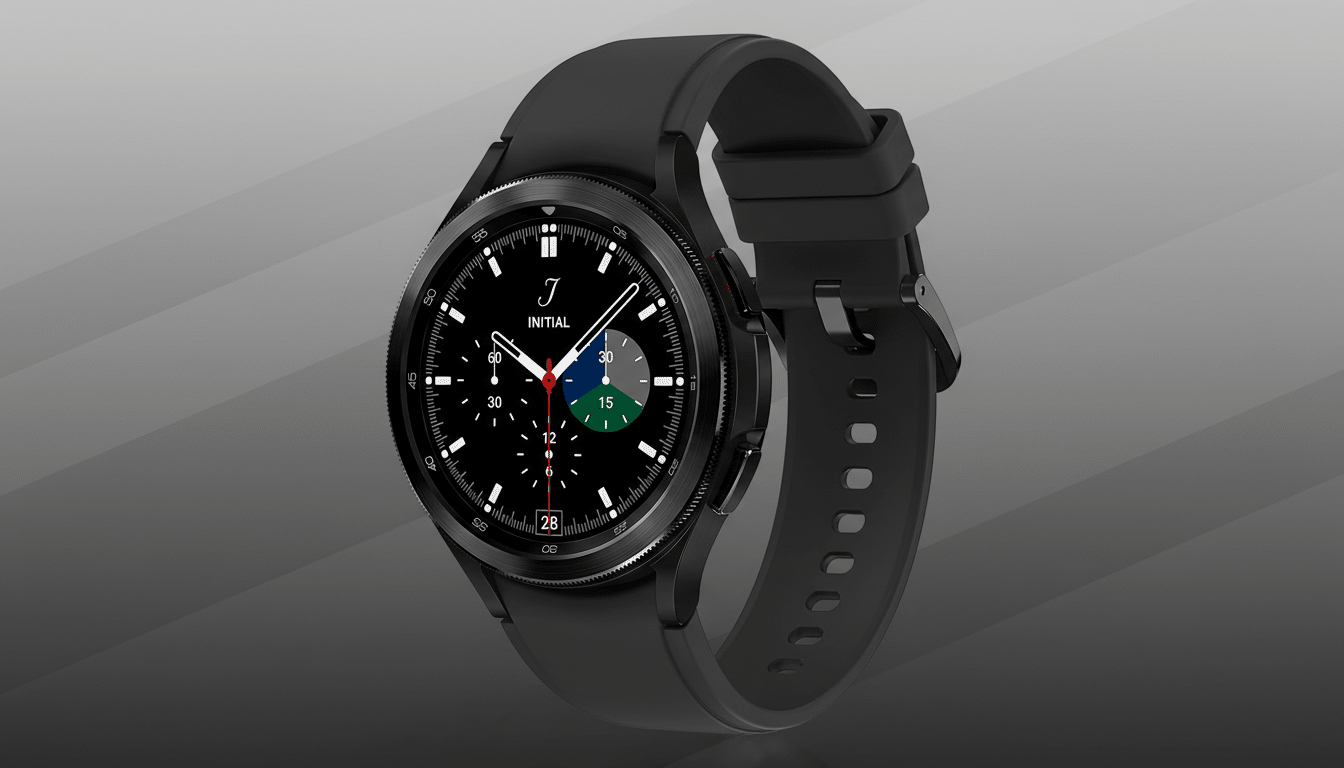
Which Galaxy Watch Models And Phones Are Affected Now
Samsung says the problem affects Galaxy Watch 4 through the latest models running its flavor of Wear OS, when paired with a Samsung phone on the newest One UI 8 software. In other words, it’s most likely to hit the many users who keep both phone and watch fully updated and who rely on the synced Do Not Disturb experience across devices.
Owners describe the same pattern: tapping the Do Not Disturb tile or quick toggle seems to work, the crescent-moon icon appears, and then—without user input—the watch flips back to its previous state. The behavior is especially disruptive in meetings, theaters, and workouts where a single buzz can be a problem.
Why The Do Not Disturb Toggle Turns Itself Off
Samsung has not publicly detailed the root cause, but the symptoms point to a state sync issue between One UI Watch and the paired phone when Do Not Disturb is set to persist indefinitely. The “Until I Turn It Off” setting appears to collide with a background process that revalidates the watch’s status and forces a rollback—something users don’t see when enabling the mode from a different path.
This is not the first time wearable platforms have tripped over cross-device quiet modes. Android’s Modes and Routines, Bedtime mode, and watch-specific silencing features can overlap, and a single misread flag can undo a user’s intent. The good news: these bugs are typically resolved with a small watch or phone-side patch.
Workarounds To Keep Do Not Disturb Active On Your Watch
Samsung recommends turning on Do Not Disturb from the watch’s Settings instead of the shortcut. On the watch, open Settings, go to Notifications, then tap Do Not Disturb and enable it there. Users report that this method keeps the mode engaged.
The second option is to enable Do Not Disturb from the paired phone. Using the phone’s Quick Settings or Modes and Routines reliably syncs the quiet state to the watch without the instant rollback. If you typically use “Sync with phone,” this path behaves as intended.
If you need absolute silence, Theater mode on the watch can serve as a stopgap. It disables sounds, vibrations, and wake gestures until you manually turn it off, reducing the risk of stray notifications while Samsung finalizes a fix.
How To Test If Your Galaxy Watch Is Affected By The Bug
First, confirm both your Samsung phone and Galaxy Watch are on the latest One UI versions. Then, on the watch, set Do Not Disturb to “Until I Turn It Off” and try enabling it via the quick toggle. If the icon disappears within a few seconds and notifications resume, you’re hitting the bug.
If you’re paired with a non-Samsung phone or running older software, you may not encounter the issue. Owners using scheduled Do Not Disturb windows have also reported fewer problems, though Samsung’s official guidance centers on the two activation methods above.
Why This Bug Matters And What Galaxy Watch Owners Can Expect
Quiet modes are not a nice-to-have on a wrist computer—they are the sanity switch. Galaxy Watch is a leading Android-compatible wearable line, and disruptions to its core silence controls are felt widely. Industry trackers such as Counterpoint Research have consistently placed Samsung among the top smartwatch makers worldwide, which means even a niche bug can impact a large user base.
Samsung has stated that a software fix is in progress. Expect the remedy to arrive via a watch firmware update, a phone-side patch to One UI, or both. Until then, enabling Do Not Disturb from Settings on the watch or from the phone remains the safest way to keep notifications at bay.
If you rely on Do Not Disturb for work, classes, or sleep, consider double-checking your mode before important moments and using Theater mode as a fallback. Once the patch lands, test your usual routine again to ensure the quick toggle behaves as expected.
