


The 14-inch Samsung Galaxy Chromebook Go has plummeted in price of late: Amazon currently has it marked down to $129.99, a massive 57% discount off its list price of $299.99 and the lowest we’ve seen for this model.
For any shopper in the market for a no-nonsense, trustworthy laptop for school, travel, and everyday browsing, this is the deal of the moment.
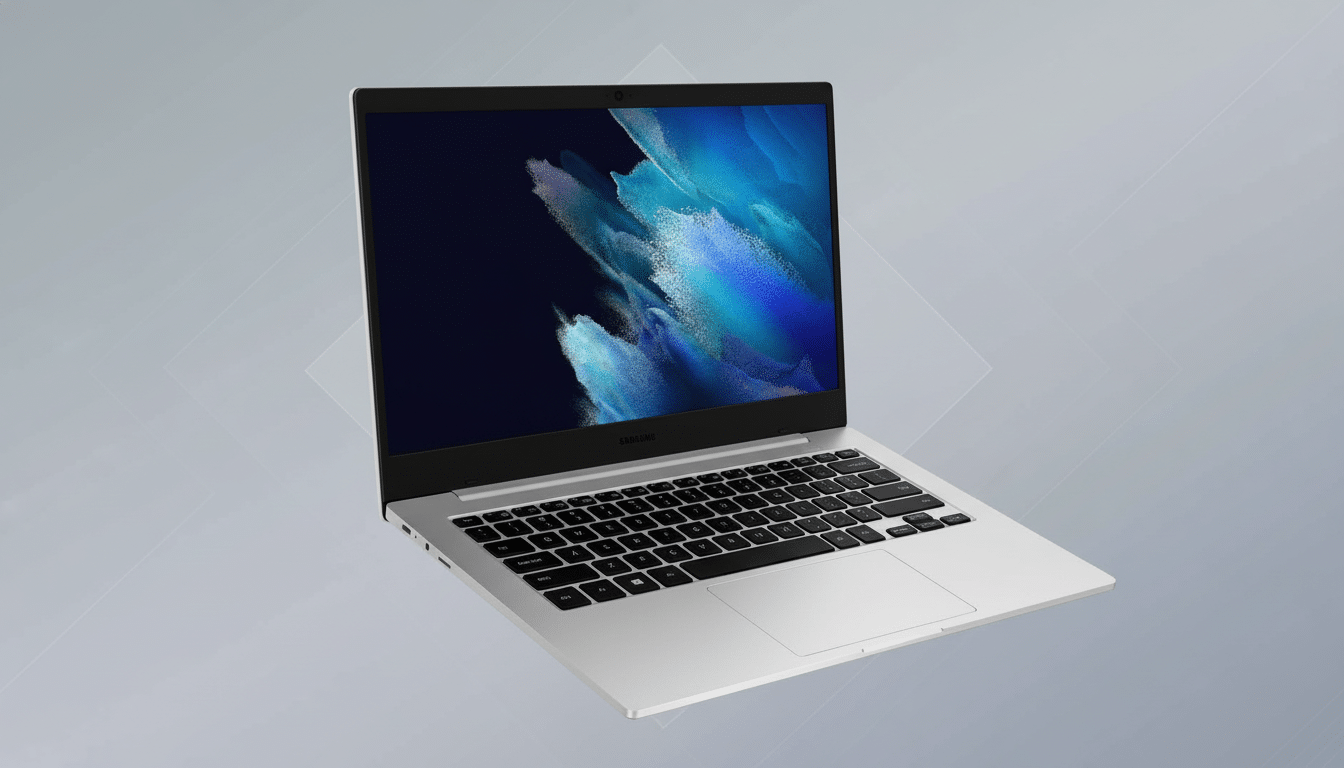
Chromebooks are a common sight in back-to-school sales, but you don’t see a modern 14-inch model with Wi-Fi 6 and all-day battery at this price too often.
Price trackers and retailer historicals indicate that deep post-holiday discounts can be short-lived, so this one will probably go fast.
Why This Price Is Significant for Chromebook Buyers
Sub-$150 laptops are rarely top-tier machines; they do have some missing features, including the older Wi-Fi standard and shorter battery life. At $129.99 for a 14-inch Chromebook with modern connectivity, the Galaxy Chromebook Go lands in rare air. In both last year’s January and July deal cycles, as now, the typical floor for a 14-inch Chromebook was $169–$199 among major retailers, but the models at that tier offered even fewer features.
The timing also fits market cycles: Research firms, including IDC and Canalys, have observed that refreshes of Chromebooks cycle with the school year or stock resets early in a calendar year. Retailers aggressively price down to make way for spring launches, the kind of deal you usually see at this time.
What You Get for the Money with Galaxy Chromebook Go
The configuration of the Galaxy Chromebook Go that is for sale includes a 14-inch HD display, Intel’s Celeron N4500 processor, 4 gigabytes of memory, and 64 gigabytes of eMMC storage. You’re also getting modern wireless Wi-Fi 6 support for faster, more reliable performance with modern routers, USB-C charging that’s here to stay (and used for power and accessories), and the security-first ChromeOS experience of always-on automatic updates and sandboxed apps.
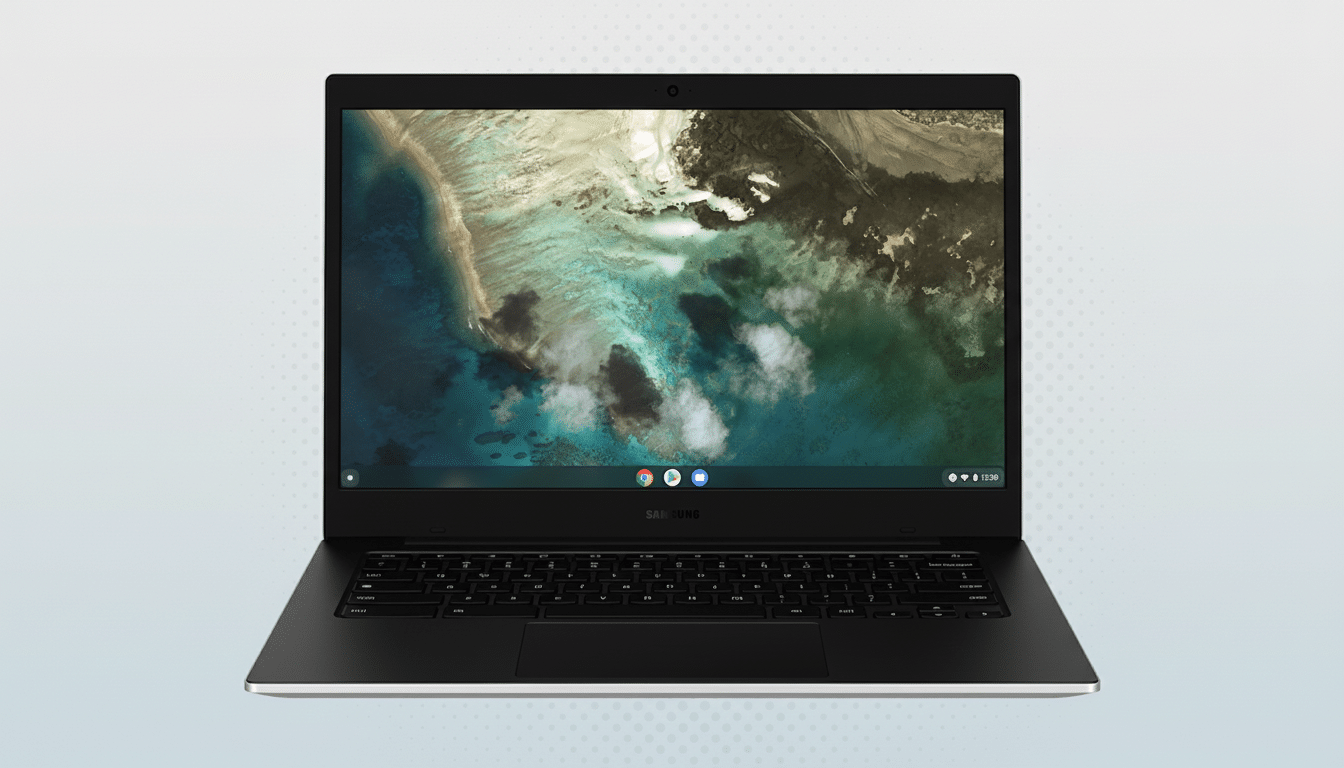
Battery life is a highlight: Samsung claims the Go should get more than 12 hours, and ChromeOS’s lightweight design tends to support that under normal classroom and office use (document editing, Google Workspace apps, videoconferencing, streaming). Weighing in at around three pounds, it’s made for commuter bags and campus backpacks all the same.
ChromeOS also runs Android apps from Google Play, which means mainstays like Microsoft Office, Zoom, Spotify, and YouTube all install without issue. For cloud dwellers, 64GB is enough with Google Drive, and microtasking is zippy courtesy of Chrome’s economy on humble hardware.
Who the Galaxy Chromebook Go Is Best Suited For
- Students and teachers: The education analysts at Futuresource Consulting say that Chromebooks account for the majority of US K–12 notebook sales because they’re easy to manage, inherently secure, and rugged enough to withstand daily abuse. A 14-inch screen creates more breathing room for split-screen note-taking and presentations.
- Remote and hybrid workers: Your workload should exist primarily in your browser—email, calendaring, Docs/Sheets, Slack, video calls—basically everything you need for work without the overhead of a traditional PC.
- Travelers and those in search of a light secondary device: With all-day battery, quick boot time, and USB-C charging, the Go is a clever grab-and-go partner, especially if you already travel with a USB-C phone or tablet charger.
Performance and Update Expectations for Daily Use
Intel’s Celeron N4500 is a simple, efficient dual-core die. It performs well with light multitasking—a smattering of Chrome tabs, a video call or two, and a document—without running hot or loud. It’s not for heavy photo or video editing, huge code projects, or dozens of tabs at once. If you spend your day with those sorts of activities, you might want to step up to a Chromebook with more RAM and one with a beefier Intel Core or an ARM-based processor.
Speaking of longevity, Google has vowed to support newer Chromebooks for longer while receiving automatic updates (device models that debuted in 2021 and onward can now get as many as 10 years of security patches and feature upgrades on some platforms). Together with Verified Boot and built-in anti-malware protections, that policy ensures ChromeOS devices remain safe from cradle to grave.
Trade-Offs to Weigh Before Buying This Chromebook
- Memory and storage: 4GB/64GB is adequate for everyday use if you’re reliant on cloud storage and manage tab counts. If you frequently juggle lots of web apps at once, 8GB of RAM yields a smoother experience.
- Display: The 14-inch HD display is focused on productivity and streaming, not color‑critical creative work. If you want higher resolution or wider color coverage for design work, look higher up the Chromebook line.
- App ecosystem: Chromebooks are great with web and Android apps. There’s no native desktop software for Windows or macOS, so make sure your must-have tools have browser- or Android-ready solutions.
Should You Buy It Now at This Record-Low Price
Priced at $129.99, the Galaxy Chromebook Go is less expensive than many beginner tablets yet offers a bigger screen, full keyboard, and support for multiple users. For students, casual users, and folks who do most of their work in web apps these days, it’s an easy sell at this price. Since these lowest-ever deals usually disappear shortly after they’re posted, waiting to act means risking it could already be gone.
Bottom line: If you’ve been coveting a no-nonsense laptop for daily duties, now’s the time to strike. That’s about as compelling budget tech as you can get: Wi‑Fi 6, all-day battery, and ChromeOS ease of use at more than half off.
