


A behind-the-scenes hint suggests Samsung explored adding a dedicated camera button to the Galaxy S26 lineup, according to a LinkedIn post by a former employee at a Samsung supplier. The role description referenced work on a “new camera button with swipe gesture functionality,” pointing to a capacitive control rather than a mechanical shutter.
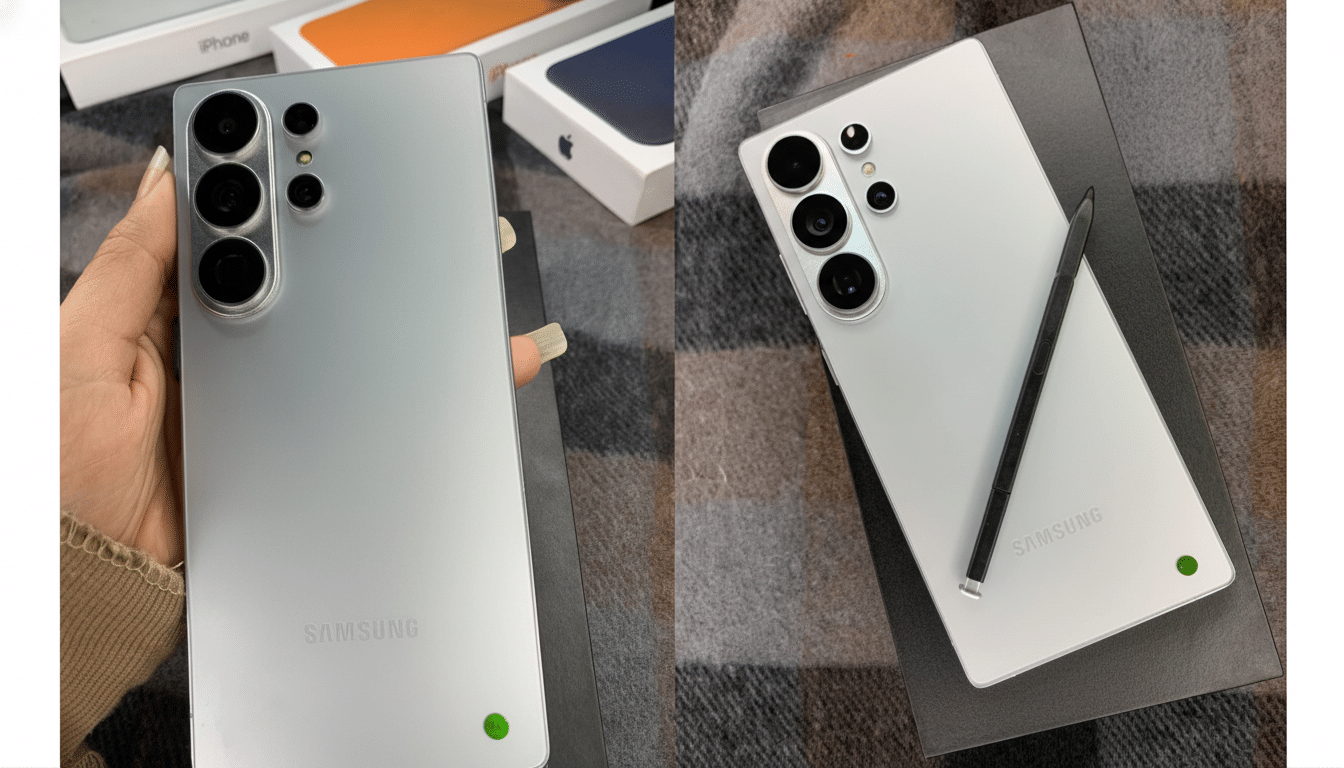
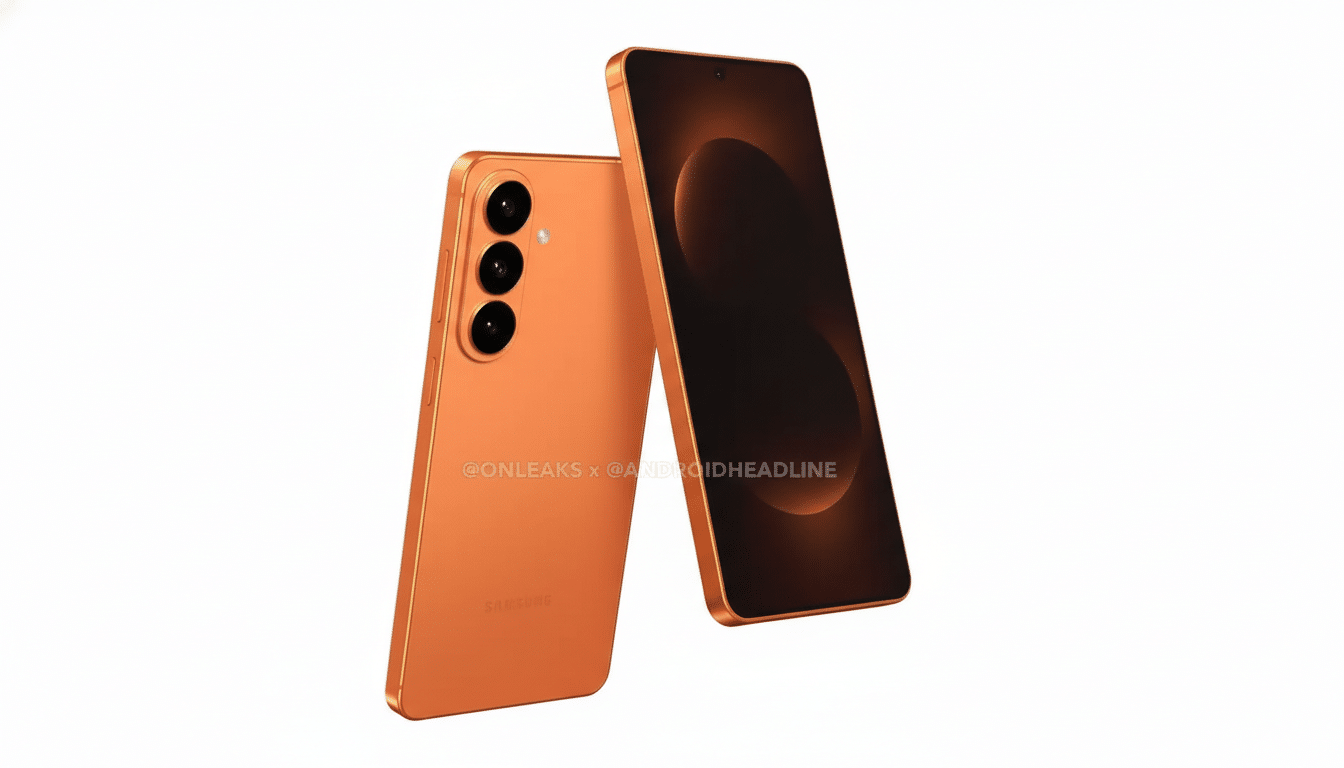
The concept mirrors Apple’s Camera Control introduced on recent iPhones, which responds to presses and swipes to adjust zoom and exposure with haptic feedback. Yet unofficial renders and reliable tipsters show no such hardware on the S26 units likely headed to retail, implying the feature was prototyped but ultimately sidelined.
What a Dedicated Camera Button Could Deliver
Dedicated shutter controls remain a favorite among photography enthusiasts because they make launching the camera and shooting rapid sequences more dependable than on-screen taps. A capacitive key can also interpret directional swipes to change focal length or mode, enabling one-handed framing when you don’t have time to dive into menus.
Ergonomically, a low-latency hardware path can reduce missed shots when capturing motion, and haptic feedback helps confirm activation without looking at the display. For creators, a two-stage action could emulate half-press focus behavior, even if simulated via software rather than a true mechanical switch.
Why Samsung Might Have Tested Then Tabled It
Side-rail real estate on modern flagships is crowded with antennas for 5G, UWB, and Wi-Fi, plus millimeter-scale gasket systems that protect IP68 seals. Introducing another capacitive area and haptic motor adds complexity, potential ingress risk, and cost at a time when bill-of-materials pressures are rising across the industry.
Industrial design trade-offs also matter. The Ultra variant allocates internal volume to the S Pen silo and larger camera modules; adding a new button could force compromises to battery capacity, wireless charging coil layout, or structural brackets. Accidental activation in pockets is another practical concern, even with palm rejection and software guards.
There is also a strategic question. Samsung already maps the side key double-press to launch Camera and offers floating shutter and gesture controls in One UI. If customer research showed low incremental benefit versus software, the business case for new tooling and validation may have been weak.
Rivals Have Tested the Waters With Capacitive Camera Controls
Several Android flagships have recently adopted Apple-style capacitive camera controls, including models in the OPPO Find X8 series, OPPO Find X9 series, and the vivo X200 Ultra. Early reviews highlighted faster access and smoother zoom changes via swipes, but mainstream adoption remains limited and implementations vary by region.
Historically, Samsung has rarely shipped dedicated camera keys; the Galaxy K Zoom in 2014 was a notable exception, essentially a hybrid compact camera phone with a real shutter button and optical zoom. The S26 trial fits a broader pattern of OEMs experimenting with tactile photography features without yet committing across the board.
What to Watch Before Launch of the Galaxy S26 Series
Hardware clues may stay scarce, but software often tells the story first. Firmware strings in pre-release One UI builds, revised haptic driver mappings, or new camera gestures would hint at a broader push to improve capture ergonomics even without extra hardware.
Market research from Counterpoint Research and IDC consistently places camera quality among the top three purchase drivers for premium phones, keeping pressure on brands to differentiate not just image pipelines but also the way users capture shots. Whether or not a camera button lands on retail S26 units, expect Samsung to lean on faster launch flows, refined zoom UX, and tighter integration with Galaxy AI for composition guidance and post-processing.
The takeaway is straightforward: Samsung explored a dedicated camera button for the Galaxy S26, likely as a capacitive, swipe-enabled key, but signs suggest it did not make the final cut. If feedback and competitive momentum shift the calculus, the idea could resurface in a future Galaxy where the design and cost trade-offs make more sense.
