


Wireless gets the headlines, but in 2026 the quiet workhorses of modern life are still cables. With USB-C now mandated across much of the consumer tech landscape and laptops trending toward higher-wattage charging, the right cable turns a frustrating setup into a seamless one. After testing gear in studios, airports, hotel lobbies, and coffee shops, these are the 10 cables I won’t leave home without—and exactly how each makes daily tech life easier.
Two realities shape this list. First, the European Union’s common charger directive pushed the market toward USB-C, reducing clutter across phones, tablets, earbuds, and more. Second, the USB Implementers Forum broadened capability with USB Power Delivery 3.1, enabling up to 240W through Extended Power Range. Together, they make cables more powerful—and pickier. Here’s what to carry to avoid slow charging, flaky data, and compatibility surprises.
- 240W USB-C to USB-C EPR cable for universal charging
- USB4 or Thunderbolt 4 certified 40Gbps cable
- Short high-power USB-C stub to prevent cable sag
- Charge-only data-blocking USB-C cable for safe public charging
- USB-C cable with inline power meter for live wattage
- Magnetic Breakaway USB-C Connector Cable
- Self-coiling tangle-free USB-C cable for tidy everyday carry
- Ruggedized or pet-proof USB-C cable for tough conditions
- 3-in-1 Travel Cable With Multi-Tip And Watch Puck
- Keychain-length USB-C lifesaver for on-the-go fixes
- Cat6A Ethernet cable for 2.5G–10G wired performance
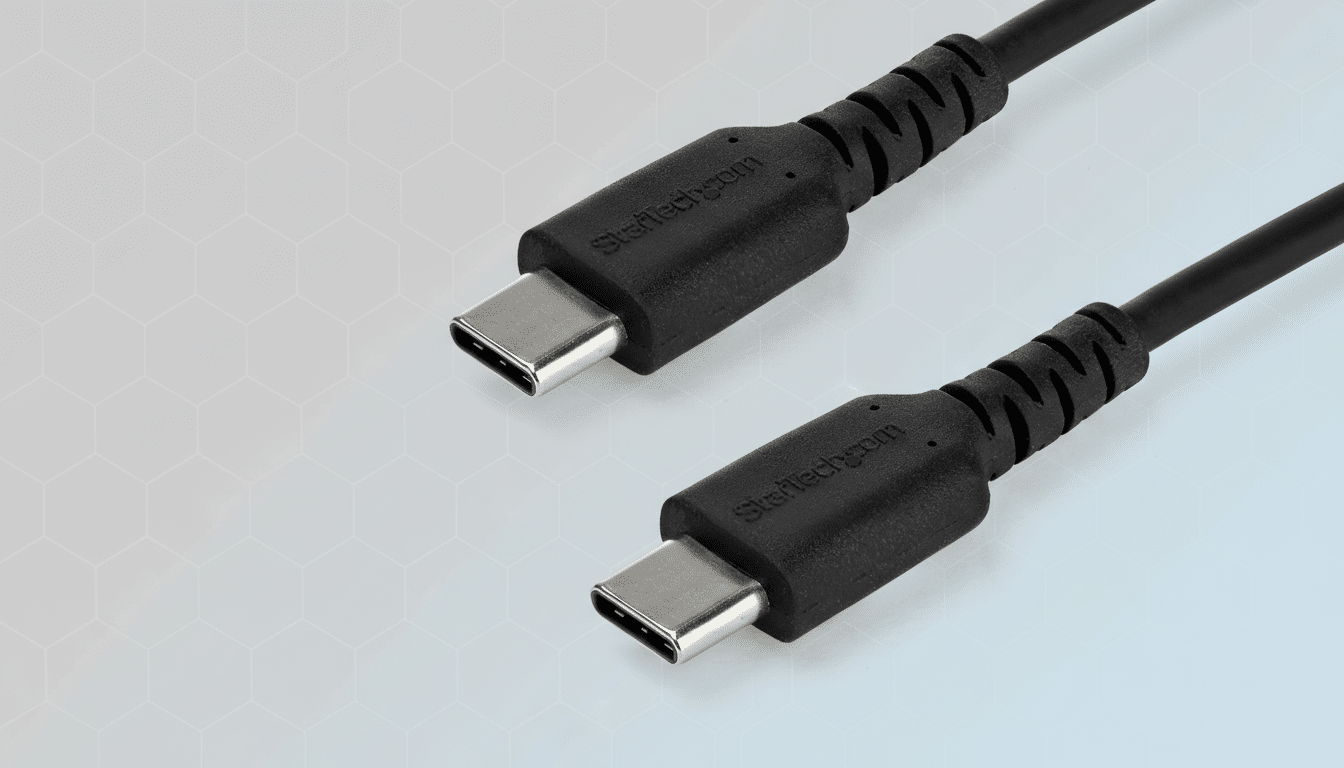
240W USB-C to USB-C EPR cable for universal charging
This is the backbone of a modern kit. A certified USB PD 3.1 EPR cable handles up to 240W, covering everything from ultraportables to creator-class laptops and even USB-C monitors. Look for an e-marker chip and clear wattage labeling from reputable makers endorsed by the USB-IF. In practice, a single 240W cable eliminates “will it charge?” guesswork, whether you’re plugging into a 65W travel brick or a high-power USB-C dock.
USB4 or Thunderbolt 4 certified 40Gbps cable
For fast SSDs, pro docks, and multi-display setups, a fully certified 40Gbps cable is non-negotiable. It unlocks sustained transfer speeds, dual 4K displays (or a single 8K, device dependent), and stable PCIe tunneling for external GPUs or capture cards. The USB-IF logo program helps weed out pretenders. As Thunderbolt 5 rolls out, keep an eye on 80Gbps-capable options; until then, a quality 40Gbps cable remains the safest, most compatible bet.
Short high-power USB-C stub to prevent cable sag
A 10–20 cm USB-C cable rated for 240W is a small addition that solves a big annoyance: cable sag. It keeps power banks tight to phones and laptops, reduces connector stress on crowded airplane trays, and makes desktop docking cleaner. The best stubs still carry display and data, so you don’t sacrifice capability for neatness.
Charge-only data-blocking USB-C cable for safe public charging
Public charging ports are convenient and risky. The Federal Trade Commission has warned about “juice jacking,” where malicious ports can attempt data access. A charge-only cable physically omits data lines while preserving USB-PD negotiation—ideally up to 240W with an e-marker—so you get fast, safe power at airports, trains, and conference centers without exposing your device.
USB-C cable with inline power meter for live wattage
This one is a troubleshooting superpower. A tiny OLED readout shows live volts, amps, and watts so you can confirm whether your laptop is actually negotiating 100W, or why a phone is trickle-charging. It’s revealing: many ultraportables hover around 30–60W in real use; creator rigs spike toward triple digits. Knowing the numbers ends charger-cable-device blame games in seconds.
Magnetic Breakaway USB-C Connector Cable
A magnetic breakaway point saves ports and prevents laptop dives off the table. The key is choosing a model that preserves full-speed data and high-wattage charging; the best options support USB4 bandwidth and 240W PD without bottlenecking. It’s MagSafe-like peace of mind across phones, tablets, and laptops—especially in shared spaces where snags happen.
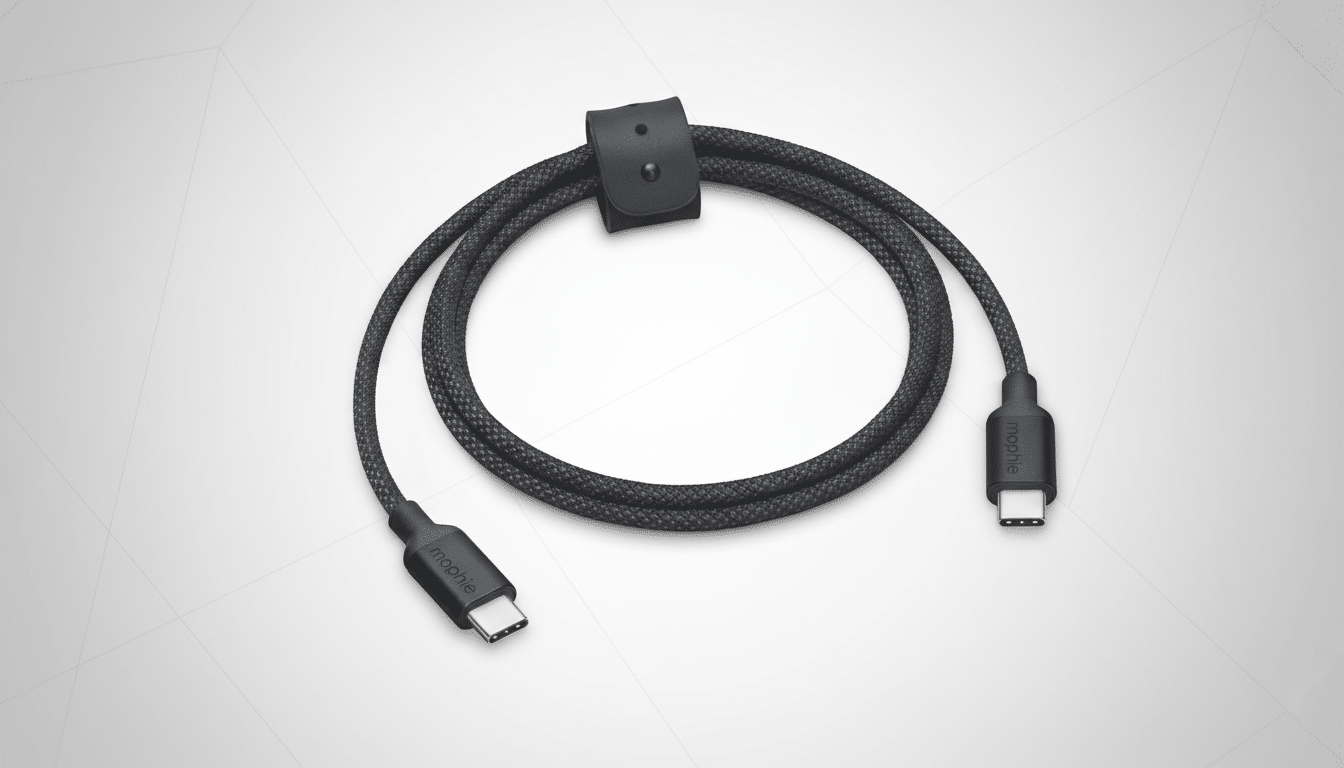
Self-coiling tangle-free USB-C cable for tidy everyday carry
Organization is a performance feature. Self-coiling or magnet-linked cables pack down neatly, deploy quickly, and don’t strangle your bag. While many cap out at 100W and USB 2.0 data, that’s perfect for phone charging, earbuds, or peripherals. For high-speed storage, swap in your 40Gbps lead; for daily carry, this one keeps chaos at bay.
Ruggedized or pet-proof USB-C cable for tough conditions
If your environment is hard on gear—field work, workshops, homes with chewers—armored cables with metal or tightly woven nylon sheaths and extended strain relief earn their keep. Many advertise 20,000+ bend cycles and abrasion resistance. The best builds hide aramid fiber under the braid and use metal shells at the connectors to survive real-world abuse.
3-in-1 Travel Cable With Multi-Tip And Watch Puck
One cable that charges your phone, earbuds, and smartwatch is a carry-on upgrade. Look for a design with two USB-C ends (one data/power, one auxiliary) plus a magnetic watch puck that supports official charging standards. Smart power distribution matters: a good model can deliver up to 100W on the primary USB-C while feeding lower-wattage accessories simultaneously.
Keychain-length USB-C lifesaver for on-the-go fixes
A palm-size, foldable USB-C cable lives on your keys and solves emergencies—topping off a phone from a friend’s laptop, tethering a camera, or linking a drive. The best versions still carry high power and fast data despite their size. It’s the difference between “I’ll fix it later” and getting the job done on the spot.
Cat6A Ethernet cable for 2.5G–10G wired performance
When reliability matters—live streams, large game downloads, remote production—wired still wins. IEEE standards specify Cat6A for 10GbE up to 100 meters, and even a short run to your router slashes latency versus Wi-Fi. With more home routers offering 2.5GbE LAN, a slim Cat6A patch cable is a cheap performance upgrade you feel every day.
Two closing tips from the lab: buy from makers that publish test data and compliance marks, and favor cables with visible e-marker specs. The USB-IF standardized logos for speed and power to cut through confusion—use them. A lean kit of the 10 cables above covers 99% of modern scenarios with fewer headaches, faster workflows, and gear that simply works.
