


I uninstalled Google Chrome on my Pixel and moved to a free, privacy-first alternative with on-device AI. It’s called Puma Browser, and after a week of living with it, I’d gladly pay for a premium tier if the team offered one. The promise is simple but rare on mobile: a modern browser that runs language models locally, keeps data on your device, and still feels fast.
This isn’t a novelty swap. Chrome still dominates global browser share — StatCounter estimates it at roughly two-thirds — but that scale comes with trade-offs many users are tired of, from data collection to dependence on the cloud. Puma flips the script by making AI inference local, which changes how private, responsive, and resilient mobile browsing can be.

Why On-Device AI Changes Mobile Browsing
Running a language model on your phone means prompts and responses never leave the device. That reduces exposure to third-party logging and mitigates the risk of sensitive snippets drifting into training pipelines. Apple and Google have both championed on-device machine learning for similar reasons in their mobile stacks, and Puma extends that logic directly into the browser.
Latency also drops because there’s no round trip to a server. You feel it when you ask a question and the answer starts streaming instantly, even in spotty coverage. There’s an energy angle, too. The International Energy Agency reports that data centers account for roughly 1–1.5% of global electricity demand. Pushing routine inference to the edge won’t solve grid strain on its own, but it meaningfully trims unnecessary server trips for everyday tasks.
Setup And Performance On A Pixel 9 Pro Device
I tested Puma on a Pixel 9 Pro. After installation, the app offered several local models, including compact options in the sub-1B parameter range and larger 3–4B variants such as Qwen 1.5B and Qwen 4B, along with lightweight open models comparable to Gemma-class builds. I grabbed a mid-sized model over Wi-Fi; the download took a little over 10 minutes and then the AI panel was ready.
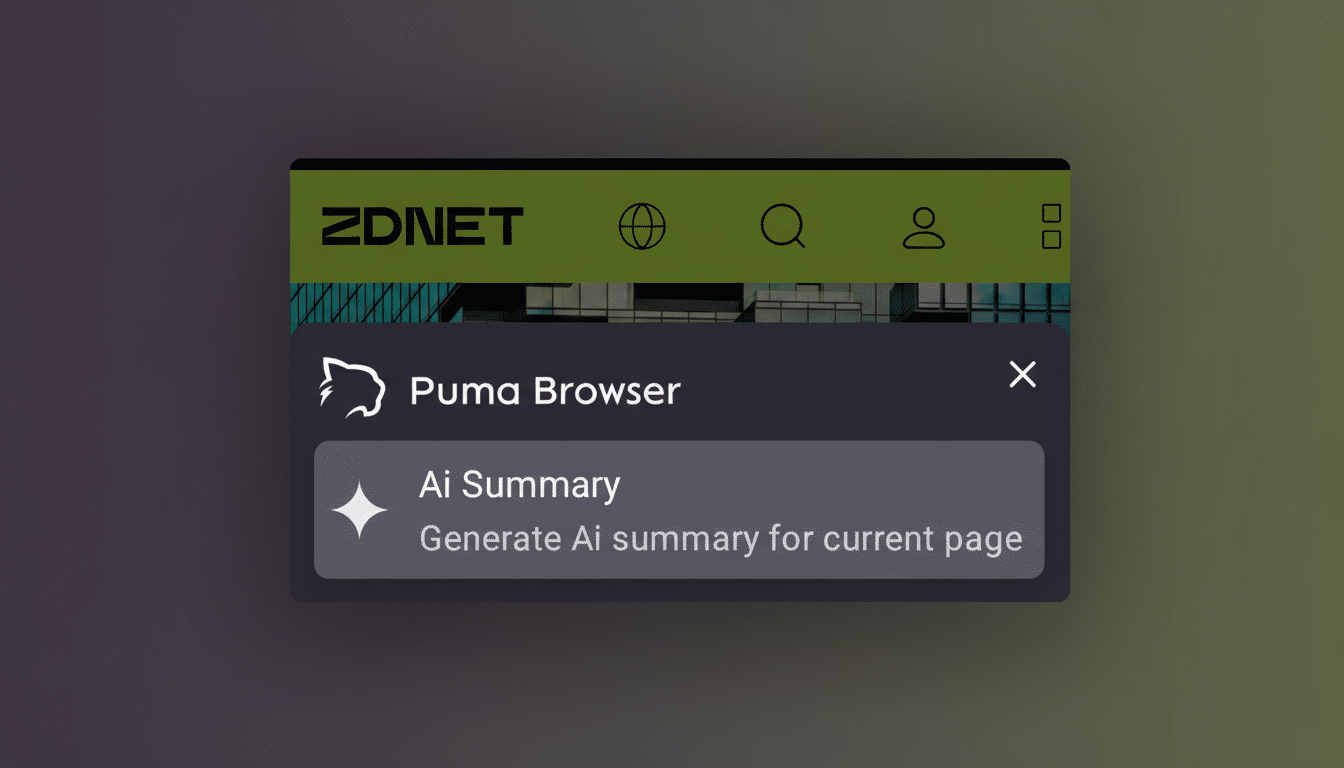
The surprising part was responsiveness. My baseline is Ollama running models on a desktop and a MacBook, which is usually where local AI feels practical. On the Pixel, Puma rendered answers with minimal lag and streamed tokens at a pace that made quick questions feel instant. To verify it wasn’t quietly falling back to the cloud, I cut off connectivity and prompted again; it still produced a solid response offline.
Is it as fast as a top-tier GPU in a data center? No. But for summaries, definitions, and light drafting, the experience was more than usable. That tracks with what researchers have shown about quantized models: smart compression and efficient runtimes can unlock capable inference even on mobile-class CPUs and NPUs.
Storage Trade-Offs And Local Model Choices On Mobile
The tax you do pay is storage. Compact models can land under 1GB, but mid-size downloads can approach 5–6GB, and larger variants quickly outgrow what casual users are comfortable storing. If you hop between multiple models for code, writing, and chat, the footprint adds up. Puma’s model manager makes installs and removals straightforward, but you still need headroom on your phone.
This is the practical fork in the road: if you frequently clear photos to reclaim space, cloud AI may feel easier. If you can spare several gigabytes, local inference offers privacy and reliability you can’t replicate over a network. For most people, a single balanced model is plenty for on-the-go tasks.
Privacy Power And Cost Benefits Of Local AI Browsing
Local AI’s biggest perk is control. There’s no remote logging of prompts, no account to maintain, and no monthly subscription to keep basic functionality alive. McKinsey has noted the steep operating costs for cloud AI workloads; pushing everyday inference to devices is one way to rein in those costs while giving users more assurance about where their data lives.
There are practical perks, too. On a commute or flight, Puma’s offline mode turns your browser into an instant notebook and explainer, even without a signal. And while on-device compute does draw power, avoiding constant network calls can help battery life in real-world use, where radios are often the hungriest components during heavy data sessions.
What This Means For Chrome Users Considering On-Device AI
Chrome remains a powerhouse for sync, extensions, and cross-platform continuity, but it’s still anchored to cloud-first AI. Browser makers are racing toward “edge AI” as chips get more capable and regulators scrutinize data flows. Puma shows how quickly a nimble player can get there: a clean UI, model choice, and genuinely useful on-device inference for free.
Would I pay for faster models, expanded local tooling, or cross-device encrypted sync that keeps prompts private? Absolutely. Until then, the free version is strong enough that Chrome is no longer my default on Pixel. If you care about privacy, resilience, and speed without the server dependency, this is the rare mobile browser that earns the home screen spot — and might make you rethink what “AI in the browser” should mean.
