


If you own a Google Pixel, turn off Take A Message for now. A bug tied to the feature is letting some callers hear background audio from your phone when they choose to leave a message—effectively turning a missed call into a one-way eavesdrop. Reports surfaced from Pixel owners and were first spotlighted by 9to5Google and in threads in the r/GooglePixel community.
How the Take A Message bug exposes live background audio
Take A Message is a built-in Pixel feature that prompts callers to record a short message when you decline or miss a call. You get a transcript and a playback button right in your call log, plus the option to answer midstream.
- How the Take A Message bug exposes live background audio
- Which Pixel models are affected and how widespread it is
- How to disable Take A Message on your Pixel right now
- How to test your Pixel to see if the bug affects you
- Why this Take A Message bug matters for your privacy
- What to expect next from Google as it addresses the bug
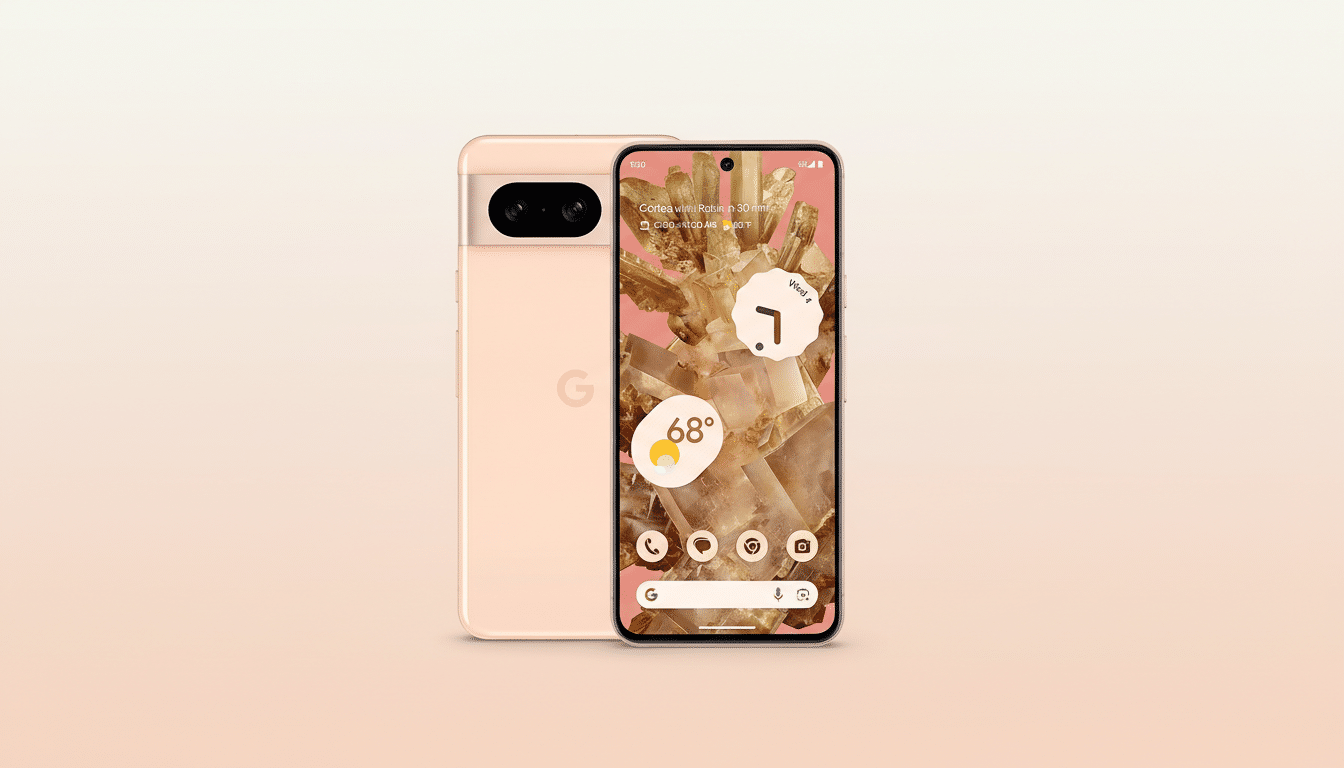
The bug flips that script for some users. When a caller opts to leave a message, the line behaves as if the call was answered on your end. The caller hears live background audio from your device, but you don’t hear them. In practical terms, anything near your phone—work chatter, a TV in the room, even a private conversation—could be audible to the person on the other end.
Which Pixel models are affected and how widespread it is
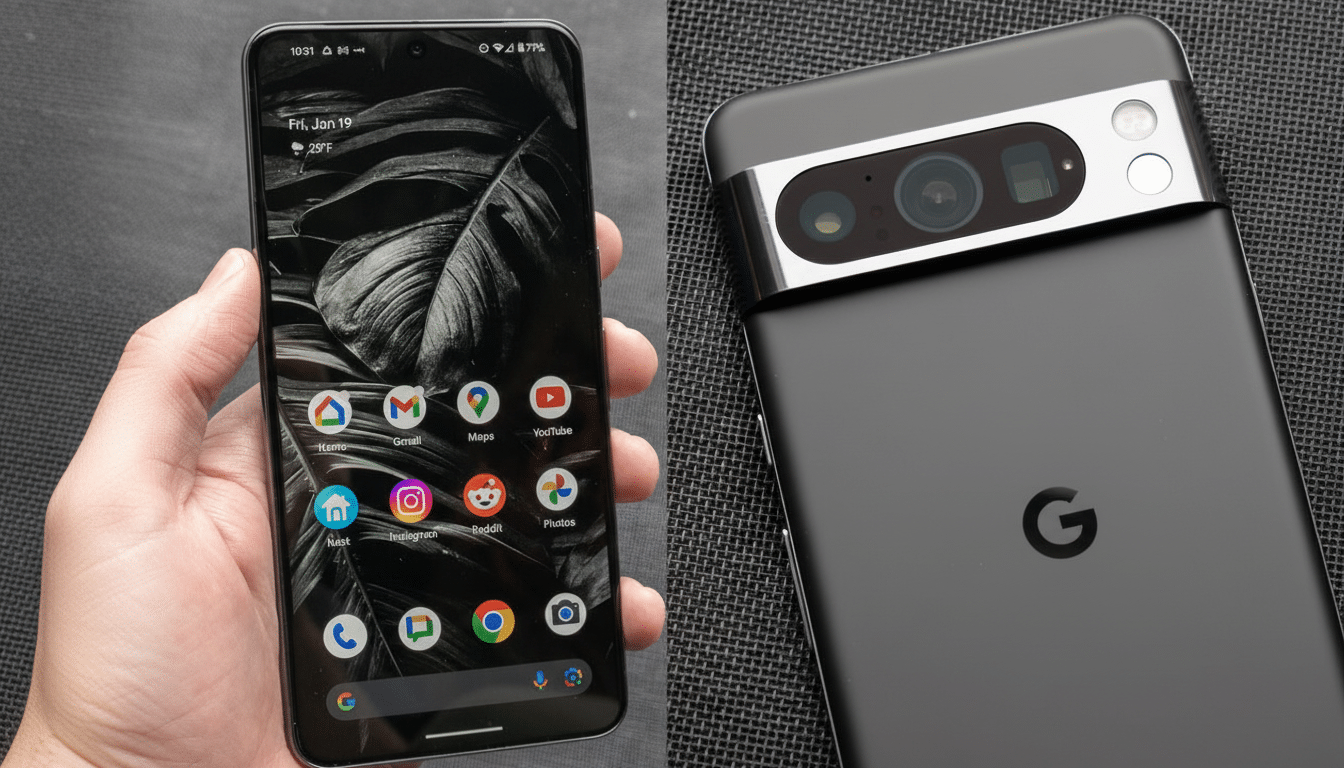
Take A Message arrived on Pixel 4 and newer, and user evidence points to a limited but real issue spanning multiple generations. Owners of older models report it most often, though at least one Pixel 10 user has described the behavior. Others on recent hardware say they cannot reproduce it, underscoring that the bug appears inconsistent and device-specific.
Given the variability, assume your phone could be affected until you test it or disable the feature. There is no public guidance from Google detailing the root cause or a confirmed fix in the Phone app release notes or support pages.
How to disable Take A Message on your Pixel right now
The fastest mitigation is to disable Take A Message:
- Open the Phone app on your Pixel.
- Tap the More menu (three dots) and choose Settings.
- Find Take A Message and toggle it off.
This does not affect traditional carrier voicemail, Call Screen, or other Pixel calling features like Hold For Me. It simply removes the on-device mini-voicemail that appears after a missed call.
How to test your Pixel to see if the bug affects you
If you prefer to verify before disabling, use a second phone to call your Pixel. Decline the call, then on the calling phone choose to leave a message when prompted. Speak quietly near your Pixel and pause—if you can hear ambient sounds from the Pixel side on the caller device (TV audio, keyboard clicks), your device is exhibiting the bug.
Repeat the test twice to rule out flukes. If you notice any bleed-through of live audio, disable the feature immediately and submit feedback via Settings > Tips and Support > Send feedback.
Why this Take A Message bug matters for your privacy
Even a few seconds of unintended live audio can reveal sensitive information: passwords read aloud, client or patient details, or location clues in the background. Privacy advocates have long warned that “assistance” features which handle calls at the system level require rigorous fail-safes to prevent unintended recording or transmission.
Pixel’s call features generally run on-device, but a misrouted audio path can still expose live sound to a caller. The standard microphone indicator may not help if you assume the line is disconnected. Treat missed-call flows with the same caution you would a live line until this is resolved.
What to expect next from Google as it addresses the bug
Expect any fix to arrive through an update to the Phone app, a Pixel Feature Drop, or a server-side change. Check the Play Store for updates to the Phone by Google app, and keep system updates current. If your work involves sensitive conversations, leave Take A Message off until Google documents a resolution.
For now, the most practical step is also the simplest: disable Take A Message, verify your device no longer shares background audio during missed calls, and monitor official support channels for a patch. Your voicemail can wait—your privacy cannot.
