


Trustworthy old Android 16 QPR2 has done for me what fresh hardware often does for many—it made my Pixel 9 Pro feel new again.
This quarter’s platform release does not scream at you with showy banner features, but rather sands off the rough edges, sharpens up the visuals, and generally smooths any place you touch this thing dozens of times a day. The result is a phone that feels more modern, more together and, let’s face it, more fun to use.
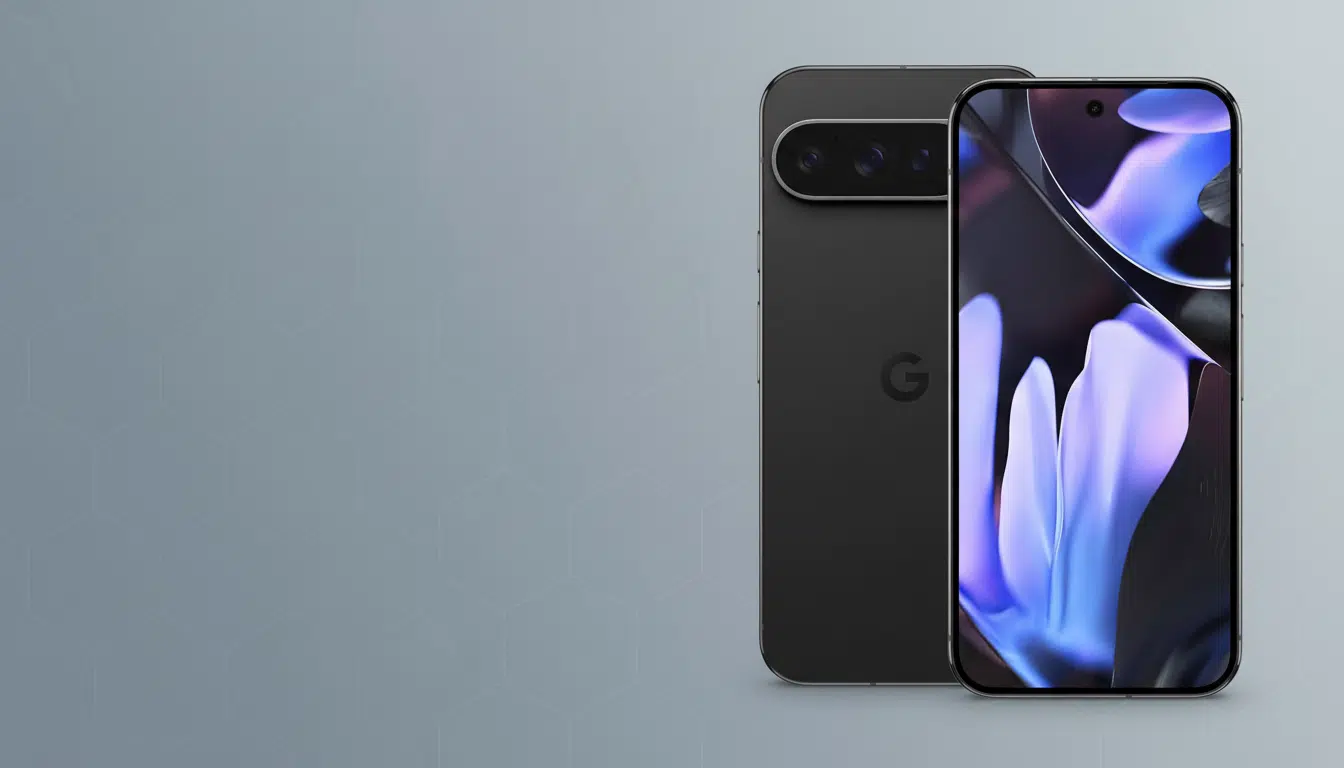
Having lived with QPR1’s big design swing, QPR2 is the refinement pass that brings all of that together. From some smart theming tweaks to more intelligent notification and lock screen use, the update feels like there was finally a Google design team/Google platform team sit-down in the middle.
Material 3 Expressive refinements make it feel finished
Material 3 Expressive was already there with vibrant colors, new blur, and a revamped Settings app. QPR2 is the first build where it actually feels complete on the Pixel 9 Pro. Icon shapes have returned—and with more choices beyond the tried-and-true circle—bringing that square-with-rounded-corners appearance so many of us missed from pre-Android 12. It’s a tiny adjustment that makes the experience of being on the home screen feel personal once more.
Google also applies themed icons even to apps that never bothered to support them. The result is a more seamless launcher, one where third-party stragglers don’t inappropriately break the vibe you’re going for. For flat-look enthusiasts, a global blur toggle exists, and there’s an Expanded dark mode that can force dark themes in apps (when they’re being stubborn). It’s not great on every title, but late-night scrolling is gentler on your eyes.
These are design decisions, but they’re rooted in usability. The Android Developers guidelines for Material 3 discuss coherence and malleability; QPR2 demonstrates that on an actual device, not just in a spec sheet.
Notifications finally behave with smarter organization
Google’s multifaceted approach to taming pings now includes cooldown, summaries, and—as of QPR2—a notification organizer that automatically sorts incoming alerts into News, Social, Promotions, and Suggested piles. Tapping on my second Pixel is no longer an invitation for a wall of noise; I scan News, triage what matters, and ignore everything else. This feature was recently spotted during early testing by Android researcher Mishaal Rahman, and where it matters (reducing cognitive load), it shines.
You can let apps stay out of groupings and leave important services unbundled. I’d still prefer user-trainable categories, at least for email, but the on-device intelligence is already time-saving. If you are hopping back and forth among different devices, this is the first system from Google that feels like it recognizes a finite end to your attention.
Lock screen and ambient mode improvements that matter
QPR2 touches the phone’s most-seen surface. Lock screen widgets arrive, so you can check or do things without completely unlocking. Combined with the new clock styles, weather effects, and the Magic Portrait flourish we saw in a previous Android 16 preview, the lock screen can finally do something more than just throw alerts at you.
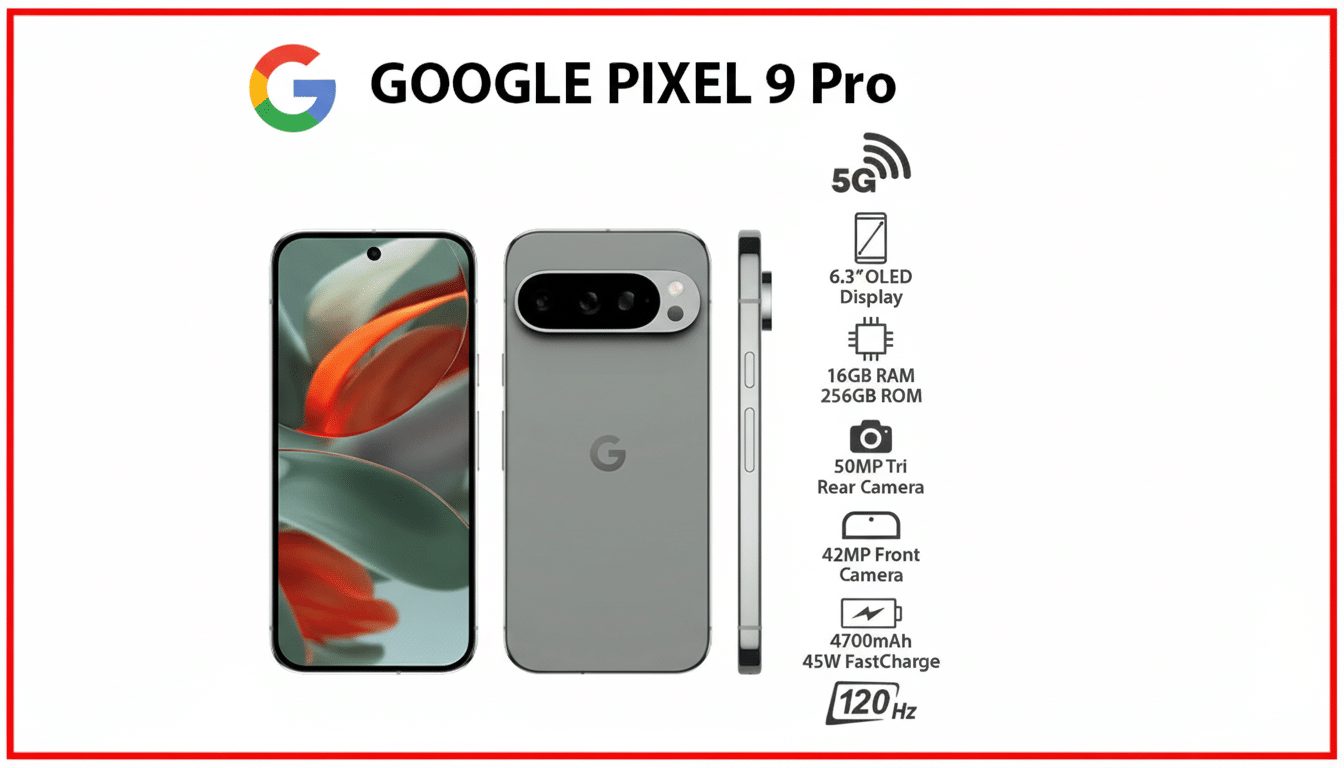
And a quietly meaningful one: screen-off fingerprint unlock. Rest your thumb on the sensor and you’re signed in—no tap-to-wake necessary. It sounds like nothing until you’re on it for a day; then it’s muscle memory.
While docked or charging, the Pixel 9 Pro will now act like a photo frame or quick control center through improved screen savers and ambient mode settings. It’s the closest the phone has ever felt to a mini smart display in use, convenient for glancing at home controls or travel photos on a desk.
Multitasking the way you like with better split screen
It’s the sleeper hit: a 90:10 split-screen ratio. Forcing you to keep a tiny utility app pinned—Spotify on top, Maps or Slack below—only confirms that Apple never learned how people actually juggle multitasked windows in the first place. A single tap to switch focus is quicker than switching in and out of recent apps, and it makes the Pixel 9 Pro seem like a competent second screen alongside a laptop.
Animations and transitions are also addressed with more purpose, post-QPR2. It’s not about raw benchmarks as much as fewer stumbles in daily use—less jank on quick flips between apps, a tighter rhythm when you’re clicking along.
What it says for Pixel longevity and long-term updates
Google’s long-term update promise for recent Pixels created a set of expectations for years of improvements, not just security patches.
QPR2 is a case in point for why that matters: It’s a one-year-old phone that all of a sudden feels in sync with Google’s latest thinking on design and attention management.
There’s a broader upside, too. Tens of millions of tons of electronics are discarded every year, according to the United Nations Global E‑waste Monitor. More substantive midcycle software updates draw out the time when a device feels “new enough,” pushing people to look beyond reflexive annual upgrades.
While QPR1 made the Pixel 9 Pro feel near-new in hardware, QPR2 makes it a phone I want to continue reaching for. This update has no headline-grabbing part, but as a whole it equals something we don’t often see in phones: an honest-to-goodness second wind, done by software.
