


The new Pixel 10 series shows off snazzy AI tricks, brighter cameras and longer-term software support. But those first few minutes with the phone can feel a bit, well, muted. There are a number of headline features dialed back out of the box which make me wonder, why is Google playing it so safe with its own flagship?
A flagship that defaults to tiptoeing by design
Early users are reporting conservative defaults: a 60Hz display on 120Hz-equipped models, lower resolution toggled by default on higher-resolution panel options, and muted always-on display settings.
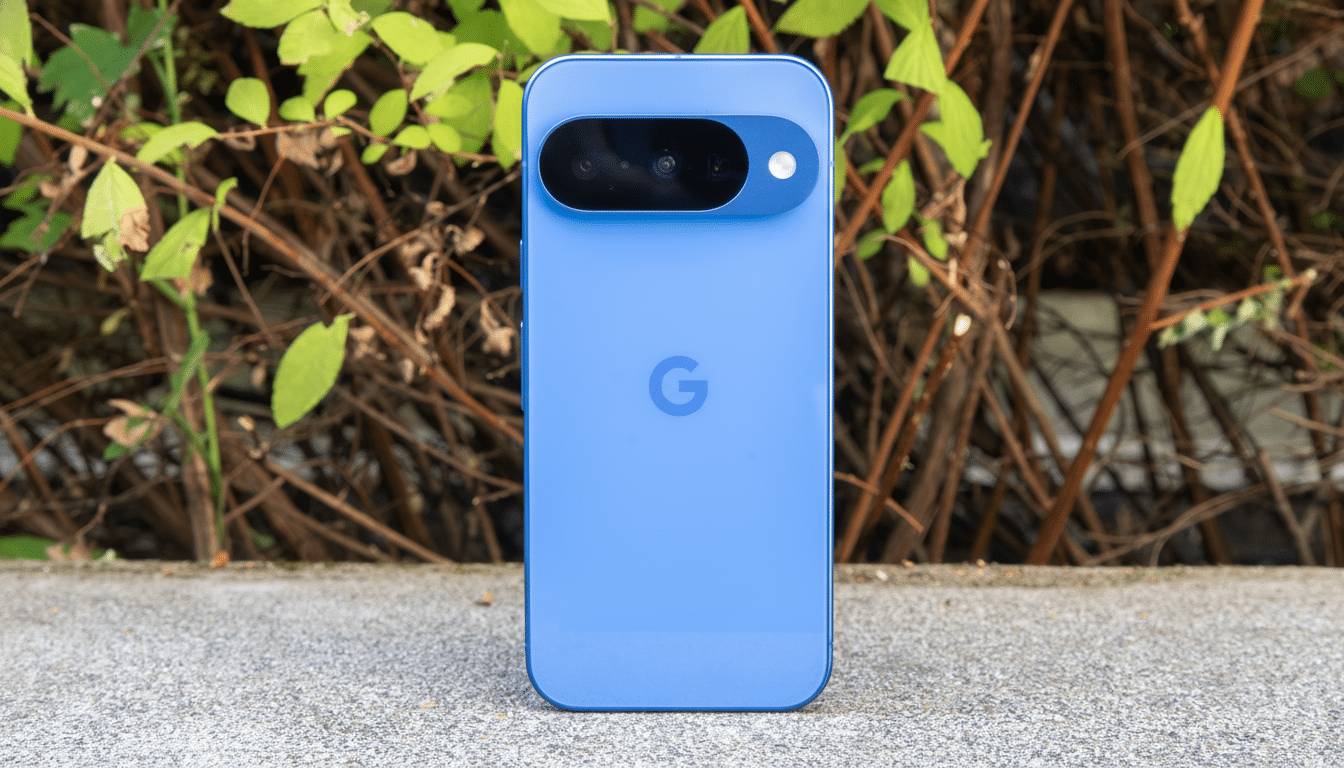
None of these are deal-breakers, and they’re all adjustable. But first impressions matter. A deluxe-tier phone that, for an expensive second, scrolls like a budget device: the available units risk being at least slightly undersold before the owner manages to find the switches.
We’ve seen similar choices elsewhere. Some Samsung flagships ship in 1080p even when they have a QHD panel, and many pop-up devices flip to adaptive refresh for power balancing. The distinction here is density: a few too many limiting defaults converge to make the Pixel 10’s debut experience play as nervy rather than confident.
Battery warning or battery panic for the Pixel 10?
Among the most controversial changes is one that affects power management. Several reports are citing an optional default cap that will prevent the phone from being charged to 100% during normal use, while an always-on battery health assistant now exists and focuses heavily on cell longevity and thermal algorithm management. Even if you share the intent, execution can start to feel a little opaque when a phone won’t top off as anticipated.
From a chemical perspective, Google is largely on the right track. Studies cited by Battery University and IEEE publications demonstrate that elevated charge levels age the cell; holding a lithium-ion battery at 100% state of charge is detrimental under stress. Actual real-world impact varies, but an 80% time-in-the-sun cap can significantly stall wear, particularly in warmer regions. Similarly, fast refresh rates and higher-resolution displays can shave double digits off endurance in mixed use-case scenarios, according to independent battery tests from the likes of GSMArena and AnandTech over multiple generations of devices.
So the reasoning is obvious: you promise seven years of updates and you have to also safeguard the battery that’s supposed to last those years. But logic isn’t everything, and it’s never quite so satisfying a vibe to have one of the alphas in any flagship lineup stuck with its tail shut (default-tightened).
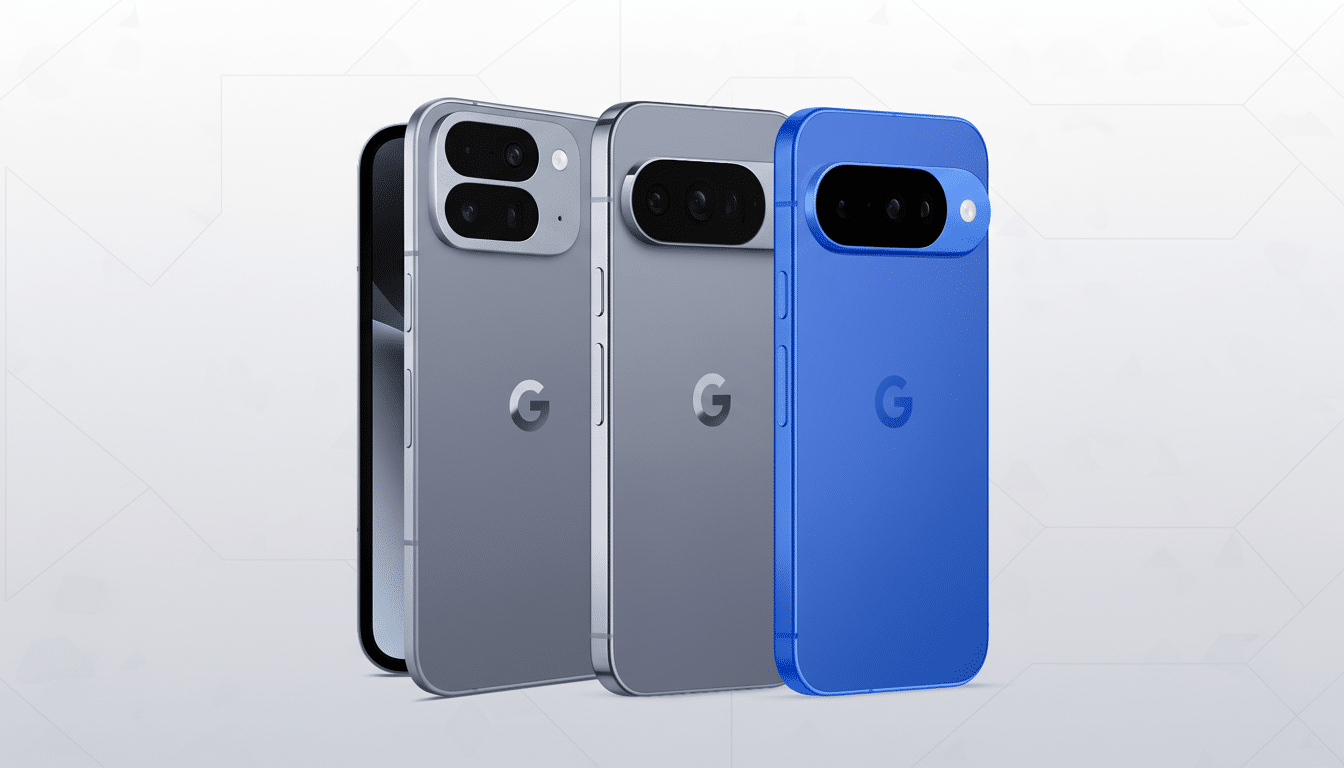
Competitors surface the trade-offs more clearly
Contrast is instructive. On iPhones of recent vintage, there is an optional 80% charge maximum that users can select; optimized charging is explained during setup. Samsung’s Protect Battery will put a cap, at around 85%, but it’s something you have to turn on and it tells you right there. Rivals with high-refresh displays usually ship in adaptive performance modes that feel fast from day one, even if the resolution defaults are set conservatively.
It’s not that others fail to pull the same levers themselves; it’s that they place the choice in the foreground. When users are given the choice to trade Performance or Longevity at the outset — and can see it — few have a reason to suspect that defaults are massaging battery claims or covering up frailty.
The true danger is a trust deficit with users
Google’s restraint could be due to warranty liability, sustainability goals, or new regulatory pressure around battery longevity in key markets. Perhaps it’s just the engineering team’s effort to make seven years of support actually credible. But when marquee features are quietly dialed back, power users feel second-guessed and mainstream buyers don’t get what they paid for.
Transparency would resolve most of the tension. A setup card that reads, “Choose your default: Longer Battery (80% cap, adaptive 60–120Hz, FHD) or Full Performance (100%, 120Hz, higher resolution)” — with estimates in plain language — lets people own the trade-off. A tile that’s always there in Quick Settings can keep battery policy front-and-center with a couple of quick settings for temporary overrides on travel days or long shoots.
What Google can solve relatively fast this year
- Have a distinctly labeled Performance page during onboarding, not everything buried in menus.
- Make it easy to turn on and off the 80% cap with time-based or trip-based exceptions, and spell out the benefits of that in a sentence.
- Always-on snappy-refresh, adaptive experience that feels flagship-grade as soon as the lock screen goes away.
- Publish battery health expectations — for example, the target capacity at two and five years — supported by testing data, as some laptop manufacturers do. Third-party labs or companies like UL Solutions or TÜV Rheinland might confirm a claim for additional credibility.
A phone should not hide its best self at launch
The Pixel 10 is, by contrast, teeming with capability: on-device AI that legitimately saves time; cameras which out-punch their weight (and maybe yours); and software support that should be a standard. That’s also why the conservative defaults arrive in a slightly awkward spot. A flagship should announce itself in a powerful voice, then assist you with tuning — plainly and respectfully — to your personal requirements.
If Google thinks its batteries need protecting, then say so and do the math. If not, quit managing early adopters like they are a problem to be managed. It doesn’t have to decide between honesty and longevity. It can accomplish both — by asking users first.
