


Google has thrown open the gates: Pixel 10 devices finally have access to the Android Beta Program, offering users a first look at the QPR2 cycle for Android 16. This is a change that paves the way for Pixel 10, Pixel 10 Pro, and Pixel 10 Pro XL devices to be able to receive over-the-air beta builds prior to the next stable release.
Forums are beginning to flood with reports from the Pixel community, and we have checked with our own devices, showing the operating system is now an option for download on Google’s enrollment page and labeled ‘ANDROID 16 QPR2 Beta’.
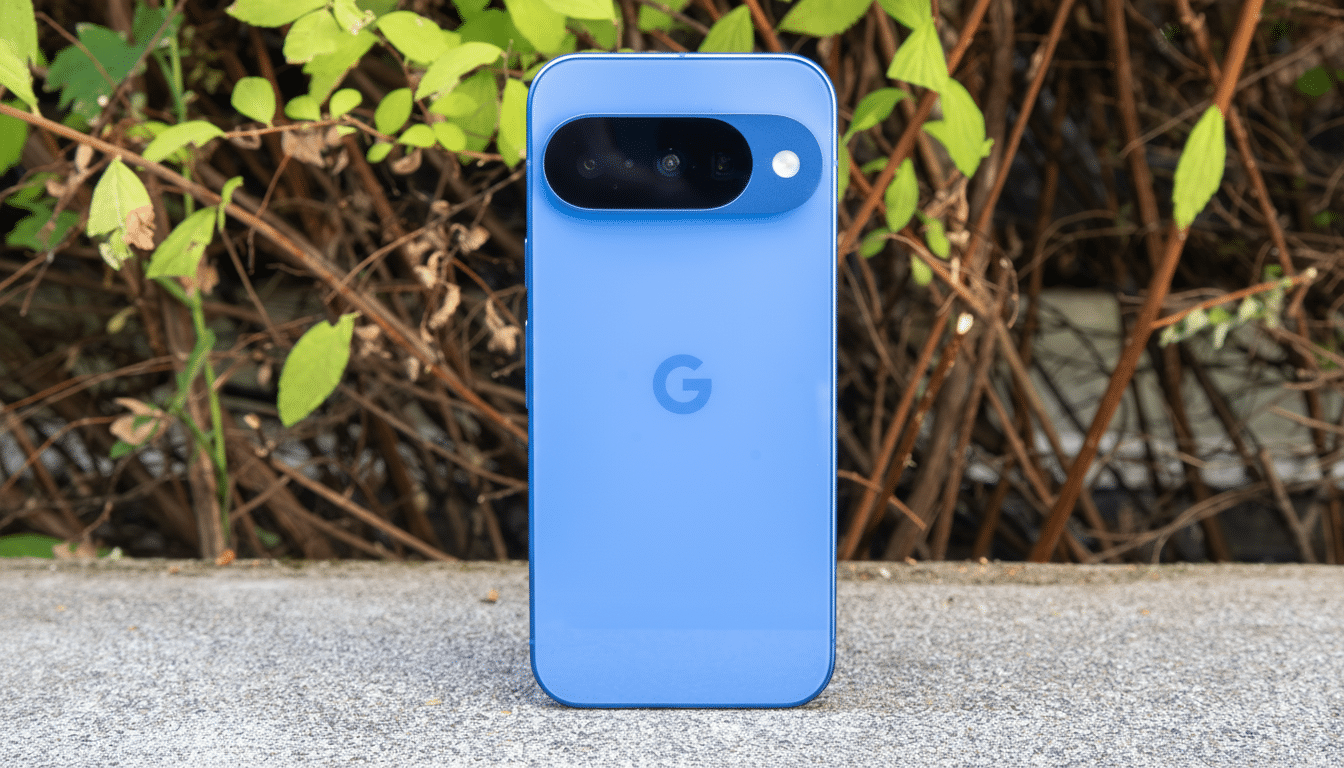
After flashing, updates come in the form of normal OTAs as with monthly builds.
What this means for Pixel 10 users today
QPR (Quarterly Platform Release) betas are where Google dials in system-level changes and tweaks in an effort to refine features that contribute to Pixel Feature Drops most of the time. For Pixel 10 owners, tagging along QPR2 will usually mean a bit of UI polish, a healthy dollop of performance optimization, and a bunch of under-the-hood improvements well before they find their way to the general populace.
It’s also the place where Google takes the modem, camera stack, and on-device AI pipelines for Tensor-powered Pixels for a run. These betas, historically, have various under-the-hood surface tweaks that wind up improving thermal behavior, network reliability, and battery life, even while many of the biggest headline features remain gated to wider releases.
How to sign up and install the beta on your device
Enrolling is easy: sign in to the Android Beta Program with your Google account, select your Pixel 10 device, and agree to the terms and conditions. A beta OTA should roll out automatically, but if it doesn’t, then go to Settings > System > System update and tap “Check for update.”
The initial download is often fairly large — 1GB or more, depending on your device and operating system version — so we recommend using a Wi‑Fi connection and ensuring you have at least 50% battery life. You’ll then receive follow-up beta builds every couple of weeks, once Google is iterating on fixes and feature flags after your installation.
Risks, rollback steps, and data safety details
Betas are unfinished software, and they can contain bugs — possibly causing apps to crash or make your battery drain faster. Unenrolling from the program usually necessitates a factory reset, which erases locally saved content, Google says.
Back up before you sign on, but realize that restores from beta aren’t always fully compatible with a future stable release. Certain banking and transit apps may not work as intended when using this beta due to Play Integrity checks at runtime (attestation), and enterprise-managed devices or 3LM-enabled devices could continue to block the use of non-Google Play apps.

Why eligibility for Pixel 10 beta access arrives now
Google has a history of staggering new hardware into betas to make sure the modem firmware, camera pipelines, and Tensor optimizations all meet a minimum level of stability prior to launch. That extra time allows carrier certifications and the stress testing of thermal and power profiles under heavy everyday loads.
Rollouts for new Pixel form factors in the past followed a similar pace, with Google focusing on early stability and gradually rolling out to beta tracks once critical subsystems are confirmed. As the Pixel 10 hits QPR2, it implies that the platform is prepared to receive wider tester feedback.
What’s new in Android 16 QPR2 for Pixel 10
QPR builds are the packages that factories produce, including the latest aggregation of monthly security patches, bug fixes, and various UI changes in comparison to previous build releases; some switches or functions may be available under server flags.
Testers should also see updates to Google Play system components and app compatibility frameworks aimed at paving the way for a stable release in the future.
If you run into problems, use Google’s Beta Feedback app and the public issue tracker as the official reporting tools. The changelogs of the Android Open Source Project frequently disclose low-level optimizations — things like graphics-driver refinements and Bluetooth stack corrections — which may not become talking points at press events but do matter in daily use.
Should you sign up for the beta on Pixel 10?
If you like being first to a new operating system, and don’t mind putting up with a few glitches, the Pixel 10’s public beta eligibility is an enticing chance to start using Android 16 before it goes gold. You will help define the stable build by exposing bugs and contributing real-world data across networks, regions, and usage patterns.
If your Pixel 10 is also your only phone, or you depend on finicky apps that require absolute stability, it’s safer to wait for the next public release. That’s good news for platform polish either way, and it means Google’s newest flagship family is on equal developer footing with its older Pixels in the beta pipeline.
