


A newcomer to the Linux scene is pairing one of the freshest desktops with one of the most resilient bases. Origami Linux melds System76’s stylish COSMIC interface with an immutable Fedora foundation, aiming to deliver a workstation that feels fast, looks refined, and stays hard to break.
Why Origami Linux Stands Out Among New Distros
Origami’s headline feature is its composition: COSMIC on top, Fedora’s read-only architecture underneath. That choice is deliberate. COSMIC has earned attention for its modern Wayland-first design and thoughtful ergonomics, while Fedora’s immutable approach helps lock down the core OS. The result is a desktop that’s comfortable out of the box yet engineered for stability and low-maintenance updates.
- Why Origami Linux Stands Out Among New Distros
- COSMIC Polish Meets Rust Performance and Safety
- Immutable Fedora Under the Hood With rpm-ostree
- Application Minimalism and Flatpak Choice
- Security and Zero Trust Readiness for Teams
- Alternate Builds for Arch and NVIDIA Users
- Installation Process and Early User Impressions
- Who Should Try It and What Users Can Expect
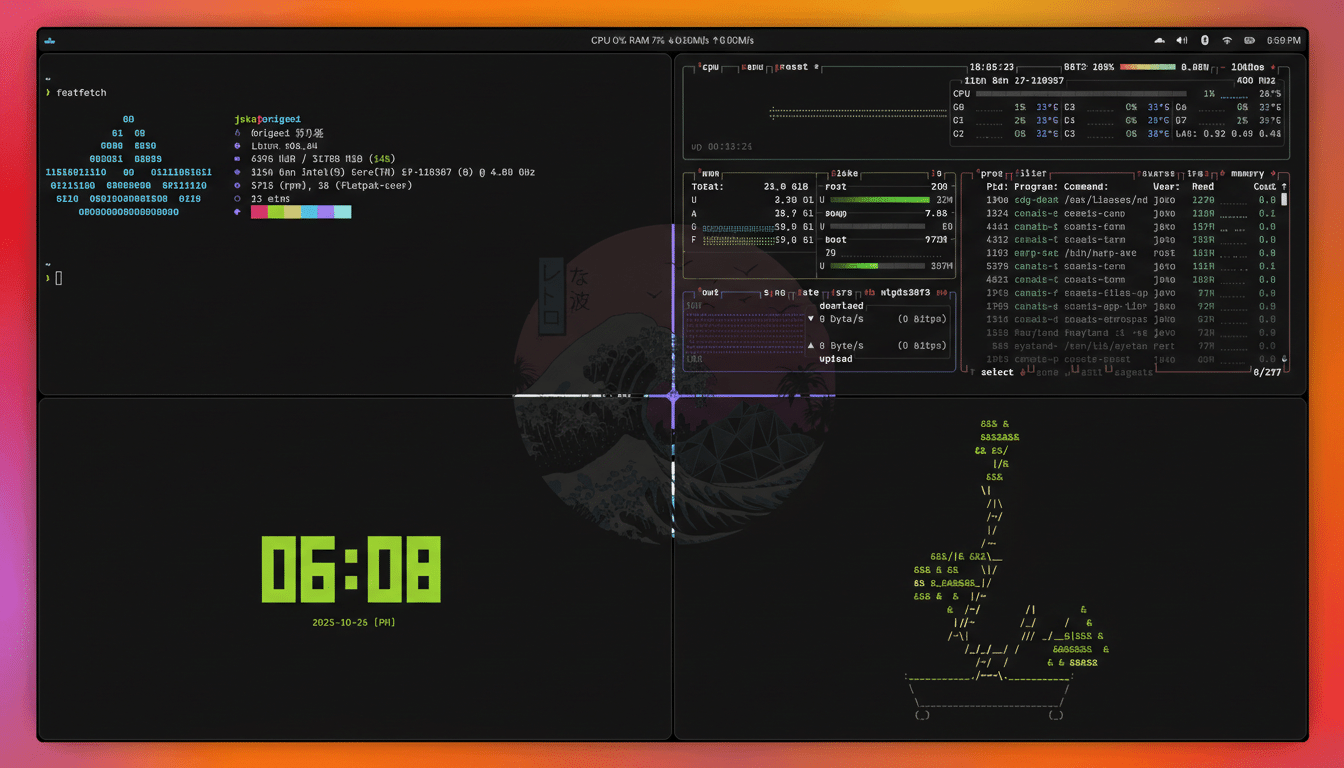
COSMIC Polish Meets Rust Performance and Safety
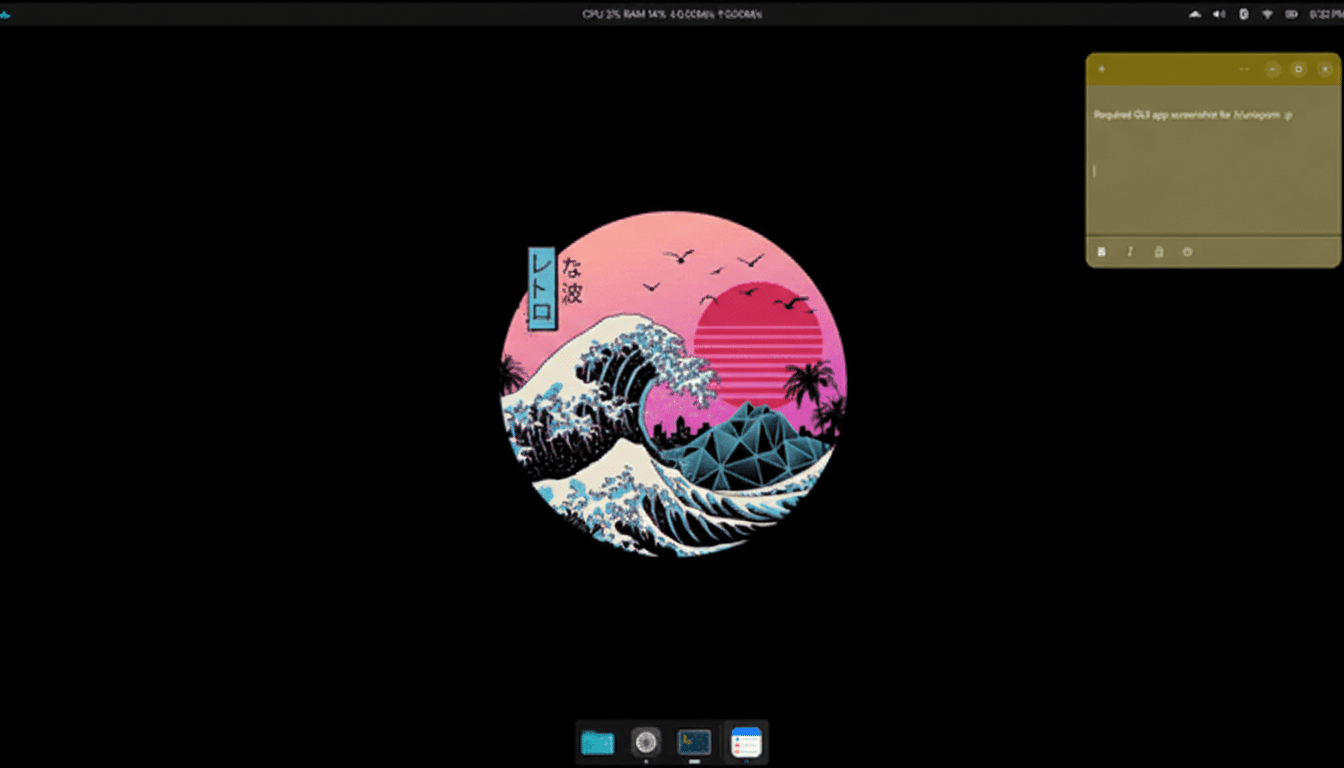
COSMIC’s interface gives Origami a consistent, refined feel: a top panel for status and quick toggles, a flexible dock, and nimble workspaces. Customization is straightforward—theme tweaks, panel behavior, and layout shifts can be dialed in within minutes without hunting through obscure settings. Under the hood, COSMIC’s components are written in Rust, a language prized for memory safety and speed. According to the Stack Overflow Developer Survey, Rust has been the most loved programming language for years running, a data point that mirrors the community’s confidence in its reliability for desktop components and compositors.
Immutable Fedora Under the Hood With rpm-ostree
Origami’s Fedora base uses an immutable model similar to Fedora Silverblue, backed by rpm-ostree. That means the system image is mounted read-only, updates are atomic, and rollbacks are one reboot away if something goes sideways. It’s a pragmatic way to cut configuration drift and keep development machines consistent over time. The Fedora Project’s security posture—SELinux enforcing by default, timely kernel updates, and a conservative approach to core packages—strengthens the case for using an immutable layout on everyday workstations.
Application Minimalism and Flatpak Choice
Out of the box, Origami keeps preinstalled apps lean: COSMIC Files, COSMIC Terminal, COSMIC Settings, COSMIC Store, a text editor, screenshot tool, Helix, and printing utilities. Everything else flows through Flatpak via Flathub, integrated directly into the COSMIC Store. That model aligns with immutability—apps stay sandboxed, updates are decoupled from the OS image, and users can assemble a tailored environment with staples like LibreOffice, GIMP, and VLC in minutes.
Security and Zero Trust Readiness for Teams
Notably, Origami includes Cloudflare Zero Trust tooling for organizations already invested in identity-aware access, secure DNS filtering, and browser isolation. It requires an account to be useful, but its presence signals an enterprise-friendly posture. The broader Zero Trust model—championed by groups like CISA—pairs naturally with an immutable desktop, where the system image is hardened and application permissions are tightly scoped.
Alternate Builds for Arch and NVIDIA Users
While the flagship image rides on Fedora’s immutable spine, Origami also offers an Arch-based variant featuring the CachyOS kernel and a build tailored for NVIDIA GPUs. Given Jon Peddie Research has reported NVIDIA holding over 80% of the discrete GPU market in recent quarters, the dedicated NVIDIA option will appeal to creators and gamers who need reliable driver behavior and smooth Wayland sessions.
Installation Process and Early User Impressions
Installation leverages Fedora’s familiar, point-and-click installer, making setup straightforward even for newcomers. Early hands-on testing from reviewers and community members points to a responsive desktop that feels cohesive under load—compiling code, juggling multiple Flatpak apps, and running GPU-accelerated tasks without desktop hiccups. Atomic updates and quick rollbacks reduce the anxiety of system upgrades, a pain point for many traditional rolling setups.
Who Should Try It and What Users Can Expect
If you want a modern Linux desktop that respects your time, Origami is compelling. Designers get a clean, themeable interface; developers benefit from predictable images and container-friendly workflows; IT teams gain a platform aligned with Zero Trust and policy-driven updates. And for anyone curious about COSMIC’s direction beyond its original hardware, Origami provides a polished, vendor-agnostic way to experience it—anchored by Fedora’s dependable, immutable core.
