


Now OpenAI is debuting an IRL Thinking toggle in the ChatGPT Android app that lets mobile users adjust how much time the model will reason before responding. The change brings Android more into line with the desktop experience and fulfills a long-standing request from power users who need better accuracy on complicated tasks.
How the Thinking Toggle Works on Android
As reported by Bleeping Computer, the new control allows users to select between Auto, Instant, and Thinking modes — you can literally set how long the model “deliberates.” Previous iterations revealed an equivalent toggle, only it was more of a placebo because it simply put everything through the standard setting, which somewhat reduced the real benefits on more grueling prompts. Today, Android users can choose whether they want a longer reasoning pass for discussions with depth or shorter, pithy replies when speed is what matters.
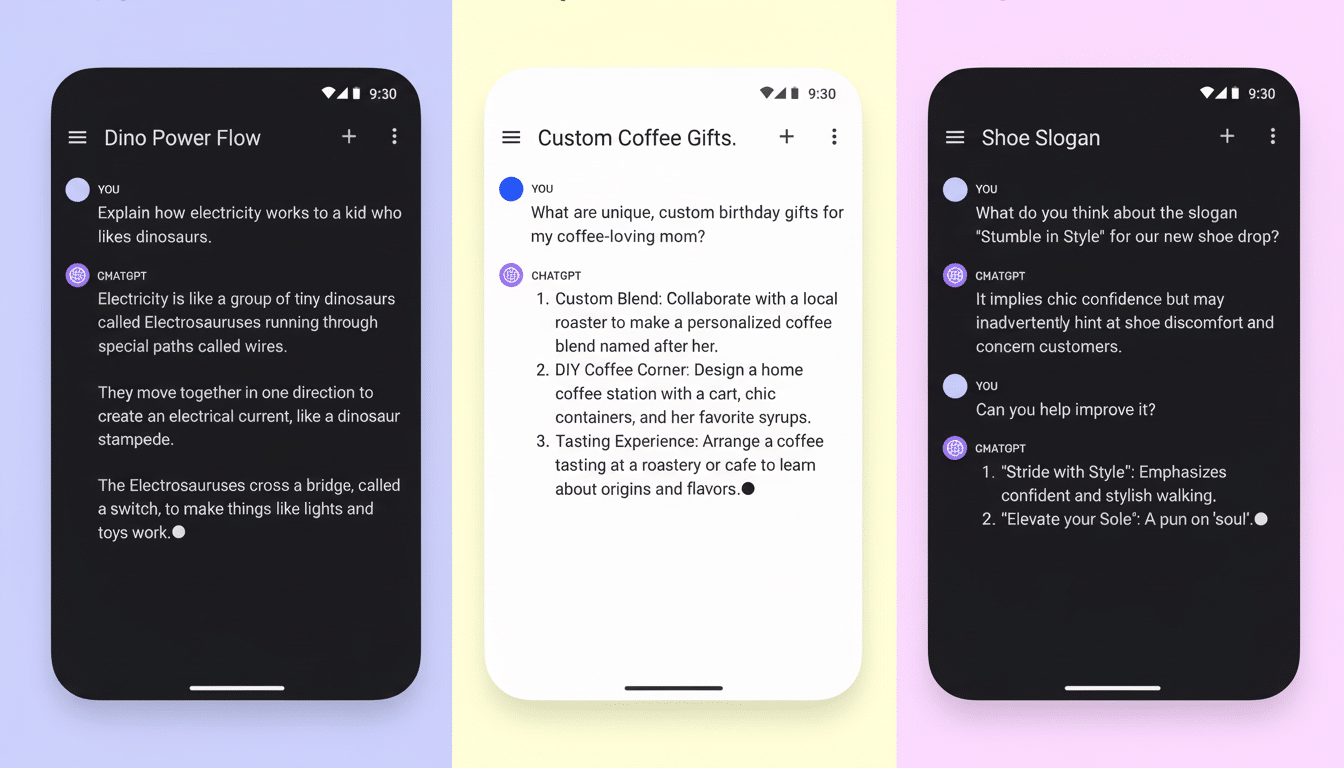
In practice, Instant provides faster responses with little inference; Auto picks a mode based on the prompt; and Thinking uses more computation to perform more reasoning.
But that extra time can cut down on rote mistakes and generate more complete responses for work like multi-step analysis, structured planning, or code review.
Why Extended Thinking Matters for Complex Tasks
It might be that longer reasoning windows are helpful for problems where intermediate verification/keeping of context or comparison of alternatives is involved. In OpenAI’s technical report and elsewhere in the academic literature on reasoning models, providing systems with more “time on task” tends to yield better results on benchmarks of math word problems, tool use, or multi-hop questions. That difference becomes visible in actual work: automatically condensing a complex, citation-riddled report; creating test cases based on the fuzziness of requirements; or composing an email subject to constraints — these are all going to be enhanced when a model can think before it speaks.
There is a tradeoff. And don’t forget the added end-to-end latency and server-side compute. For mobile users on the move, however, the new toggle is about selecting the right mode based on the moment — a fast one for speedy lookups and a slower, more deliberate one where decisions require less editing.
Desktop parity arrives, but no iOS feature parity yet
The Android release also brings the model closer to the Extended Thinking option feature of the desktop app, which has been there to help with processing complex queries more reliably for some time. The fresh Android toggle mirrors that power, per Bleeping Computer. A few early thoughts about the rollout: as of now — and with limited time to check — there is no matching control in the iOS app, so iPhone users may be waiting for feature parity.

Who gets it and where to find the new toggle
It’s a feature that is available only to ChatGPT Plus subscribers. In chat settings, once users update to the most recent version on Android, users will see the Thinking Emoji option and can choose between Auto, Instant, or Thinking. That’s likely rolling out in stages; if you don’t see it yet, it will probably need a server-side switch even after you update the app.
For free-tier users, the experience is no different now than it has been so far: replies are returned based on the free-tier reasoning budget. Among other things, that means Plus subscribers will be first to tune latency versus depth for various workflows on mobile.
New blocks for drafting and editing inside ChatGPT
With the Thinking toggle comes a new paragraph-style formatting block, according to Bleeping Computer. Ask ChatGPT to compose an email or memo, and the app serves you the result in a block that can be edited. You can adjust text in place, or nudge the generator’s output until you get better results without re-running everything from scratch — a helpful way to apply some final polish when tuning documents where only a few lines need to be different.
Why this rollout is focused on Android and mobile users
According to StatCounter, Android has about 70% of the global smartphone market share, so significant upgrades on Google’s platform move the needle on how frequently — and how effectively — we use AI while out and about. An honest-to-gosh Thinking toggle makes Android a more natural path for creators, analysts, and developers who need to produce something better than what an iPad can make but hate being shackled by a laptop.
The bottom line: Handing a mouse or trackpad user the reins over reasoning time is an unsexy UI change with huge impact. If you prioritize scoring details on the tough prompts, hit Thinking. If you just want to triage messages or yank out some fast facts, leave it set to Instant or Auto. Now, with this update, ChatGPT on Android finally allows you to choose how much brainpower to devote to each response.
