


Some OnePlus owners found their phones effectively dead after attempting to roll back to an older build or flash a custom ROM. The company now says the bricking stemmed from a deliberate, temporary security move that blocked downgrades from specific firmware, and that normal downgrade paths will return in the next routine update.
In a statement to media, OnePlus confirmed it “temporarily paused” rollbacks from 16.0.2.50x builds to mitigate a security risk. The block activated Anti-Rollback Protection at the bootloader level, which prevents the device from booting older software and, in some cases, leaves it unresponsive without service tools.
Why Your Phone Bricked Instead of Booting
Modern Android phones use Android Verified Boot 2.0 (AVB) with rollback protection. Each signed firmware carries a “rollback index” that’s stored in tamper-resistant hardware. When you flash or boot an image with a lower index, the secure boot chain refuses to proceed. On devices where the protection is strictly enforced, that means no OS, no recovery, and sometimes no fastboot—what users call a brick.
This is not a random failure. It’s by design to stop attackers from installing a vulnerable, older build after a device has been updated. Google has required rollback protection for new devices for several Android generations, and many OEMs—including OnePlus—tie compliance to the bootloader, not just the OS. An unlocked bootloader doesn’t bypass rollback checks.
Which Devices And Builds Are In The Crosshairs
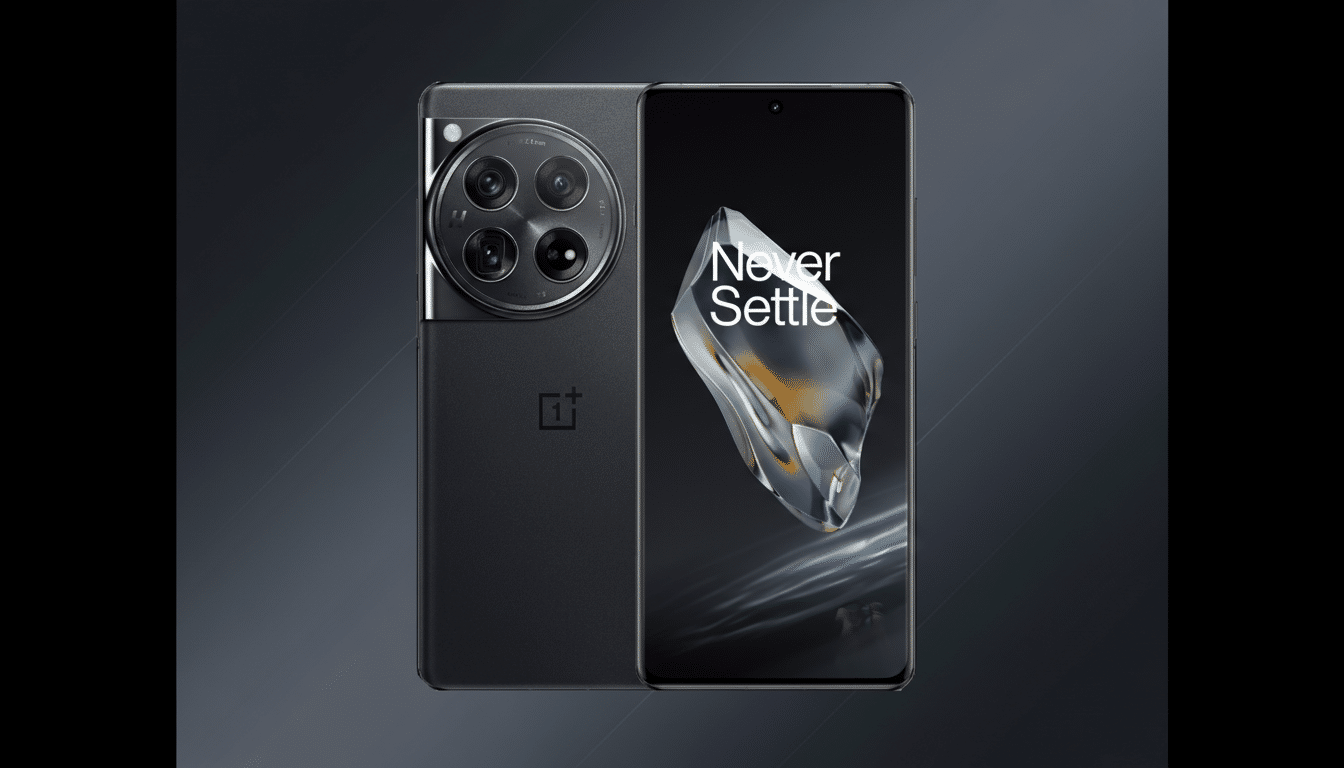
Reports point to the OnePlus 13, OnePlus 13T, OnePlus 15, and the China-only Ace 5 series as the main devices affected. The initial assumption was that ColorOS variants in China were the only ones enforcing anti-rollback. OnePlus has clarified that OxygenOS devices are also covered by the temporary measure, so some global models faced the same risk when downgrading or flashing custom ROMs from 16.0.2.50x firmware.
If you are on a 16.0.2.50x build, attempting to roll back to an earlier official update or to a custom image with a lower rollback index is what likely triggered the boot failure. Users not moving between those versions were unaffected.
The Security Rationale Behind the Temporary Pause
Rollback protection exists to close a well-known attack window: downgrading a device to reintroduce patched vulnerabilities. Security researchers and platform teams have documented how older boot or system images can be exploited to bypass lockscreen protections or regain persistence. While OnePlus did not publicly detail the specific issue, the company’s description aligns with standard industry practice—raising the rollback index to neutralize a potential exploit path, then re-enabling safe downgrade flows once a fix can be shipped.
There have also been community claims that the pause addresses a theft scenario where a stolen device could be wiped and resold by rolling it back. OnePlus hasn’t confirmed that, but AVB rollback controls are a recognized defense against that class of abuse according to Android platform security guidance.
What OnePlus Plans Next for Downgrade Support
OnePlus says downgrade support will return in the next regular software update. In practical terms, that likely means the company will issue an officially signed “rollback” package that preserves the monotonic security counters while letting users move to an older branch without tripping anti-rollback. Other OEMs handle this by issuing special rollback builds or by adjusting acceptable rollback windows in the bootloader policy.
For now, the safest path is to stay on your current firmware and wait for the update that restores sanctioned downgrade options.
If Your Phone Is Already Bricked, What To Do
Users who triggered anti-rollback and can’t boot should contact OnePlus support. Service centers can typically recover the device using authorized service utilities that reflash the phone through a low-level mode (often Qualcomm EDL on Snapdragon-based models). This process requires signed images and access that end users don’t have; attempting unofficial tools risks further damage or data loss.
If you routinely flash ROMs or kernels, wait for OnePlus to publish guidance for devices on 16.0.2.50x and confirm the target image’s rollback index. Communities that maintain custom ROMs often note the anti-rollback level in release notes, but the OEM’s statement remains the final word while the pause is in effect.
The Bottom Line: Avoid Downgrades Until Update Arrives
OnePlus didn’t brick phones for sport—it enforced anti-rollback to close a security gap, and the side effect was harsh for anyone attempting to downgrade. The company says the situation is temporary and a fix is coming via the next update. Until then, don’t roll back from 16.0.2.50x, and if you already did and your device won’t boot, go through official support to get it restored.
