


Wear OS 6-based One UI 8 Watch from Samsung may be causing sensors to fail on some Galaxy Watch 4 and Watch 4 Classic, based on extensive reports across forums by the community. Rather than being the performance tune-up that Samsung has promised, users are instead reporting that the update has made wrist detection non-functional and ruined core health features as well as bringing with it battery drain issues and watch face bugs.
Failing Sensors Flagged by Users’ Reports
Unhappy owners who posted on a fourth Samsung Community forum thread describe a familiar scenario: the device no longer believes itself to be on the wrist after installing One UI 8 Watch. Since wear detection supports a number of health functions, when that lone check fails, everything falls flat. Electrocardiograms and bioelectrical impedance readings for body composition are blocked, and the watch locks itself in an endless loop if a PIN is set up, since it thinks it’s been taken off.
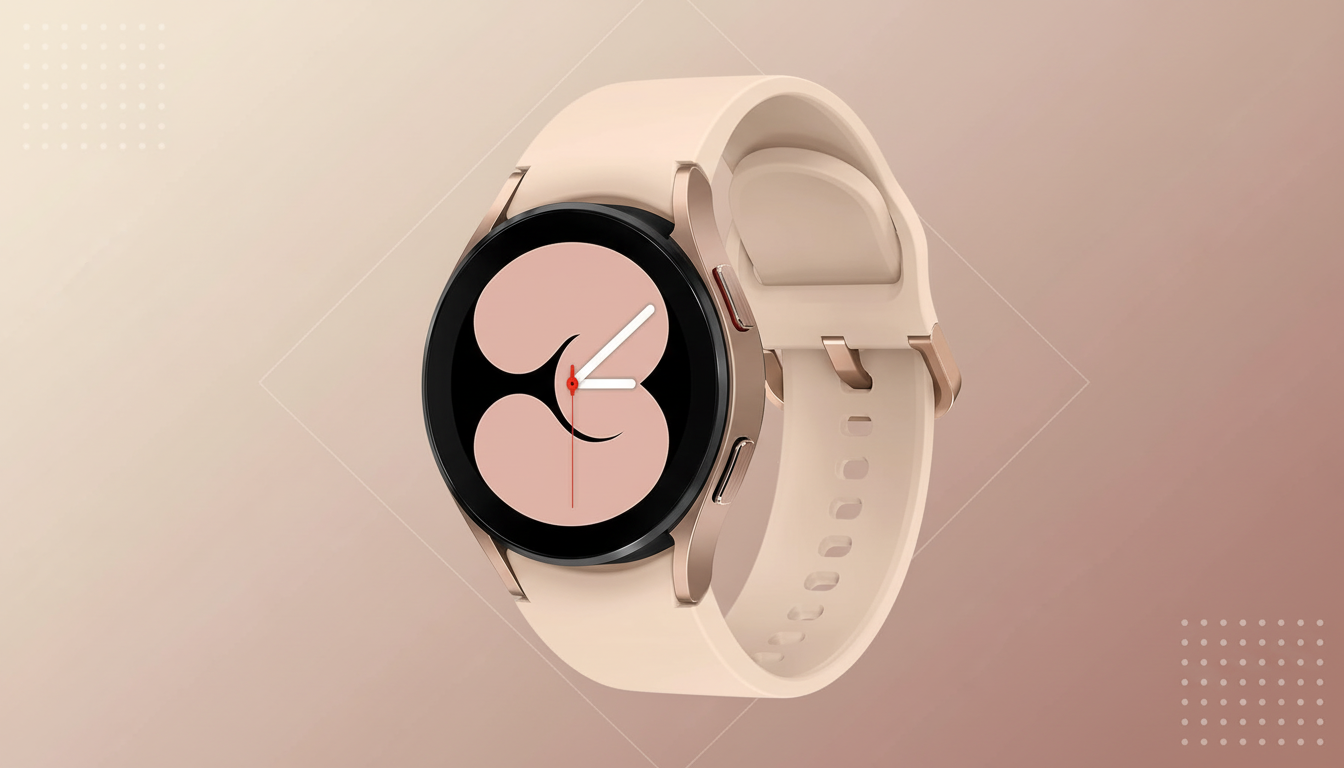
Another discovered a strange workaround for the problem: wearing the watch on the inside of their wrist sometimes “wakes up” the sensor array.
Others say that clearing caches, rebooting, and re-pairing with the Galaxy Wearable app don’t help either. Reddit posts fill in some blanks, with Always On Display blunders, and stock Samsung watch faces refusing to load after the update, as well as battery drain that’s a little faster than you’re used to.
Industry watchers including community publications like SamMobile have been echoing user reports, and multiple threads indicate the release has been halted in some regions until a fix is ready. Samsung hasn’t officially commented on the cause or its plans to fix the issue.
Why Wrist Detection Failures Ruin Everything
Wrist detection isn’t just a convenience, it’s a safety gate. Optical heart rate sensors and impedance-based body composition readings are skin-contact required to report clinically usable data. Regulatory applications including ECG are secured behind on-wrist lock and key to stifle the same cheating so readings are linked with a wearer. Failing that detection, the system falls back to “off wrist,” meaning health functions are disabled by design.
The security knock-on is predictable. If on-wrist status looks doubtful, the watch asks for a PIN over and over, or locks hard away behind you. In normal use, that makes for painful notifications, payments, and workouts — even before you scroll through how much health tracking data has been lost.
Rollout Status and Who Is Affected So Far
The Galaxy Watch 4 lineup, introduced in 2021 as the first set of Samsung devices to wield the then-new Wear OS 3, enjoys a large installed base and devoted customer loyalty — especially around the Classic variant with its physical rotating bezel. It’s a big lift to push Wear OS 6 onto older hardware, and in the world of sensor firmware updates on hardware that’s been hanging around for six months or more sometimes surface edge cases that were not visible during lab testing.
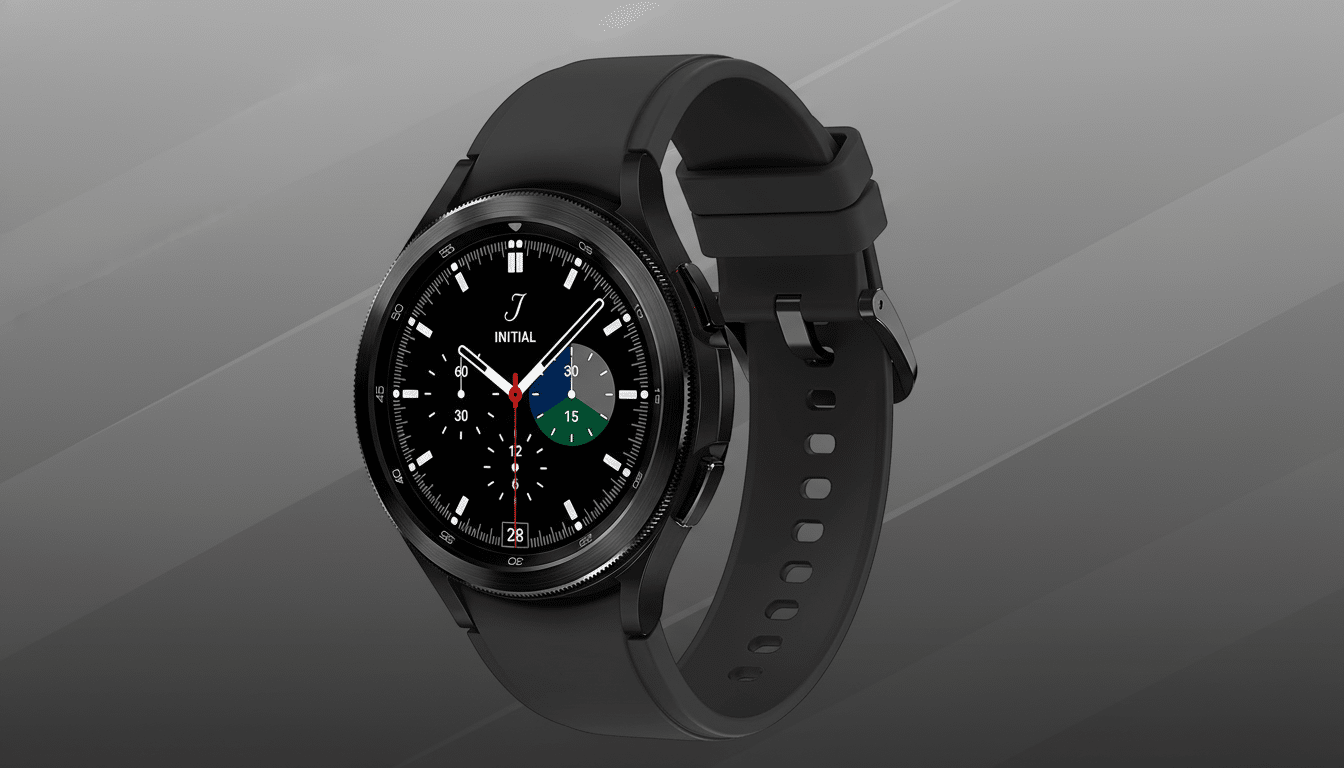
According to users who have complained of the issue, it apparently does not affect all Watch 4s or Watch 4 Classics, but enough of them that it seems reasonable to be cautious. A few of the community moderators and power users recommend holding off on updating if you haven’t already. In the past, Samsung has halted affected rollouts and shipped bug-fixing firmware within days to weeks (depending on severity and regional certification).
What You Can Do Right Now to Mitigate Issues
If you have not already updated, wait to install until a patched build is available. If you’re already on One UI 8 Watch and experiencing sensor failures, you can give these lower-risk steps a try:
- Reboot the watch and the connected phone, and resync through the Galaxy Wearable app.
- Tap the setting for Wrist Detection and Lock to prevent a permissions update.
- Change to a stock watch face and switch off Always On Display for the time being to minimize any conflicts.
- If all else fails, try backing up your data in Galaxy Wearable and factory reset to eliminate migration issues.
If the issue remains, please send us a system log report through Samsung Members after the failed sensor check.
Granular diagnostic data accelerates triage, and also helps engineers reproduce the bug.
The Bigger Picture for Wear OS Updates on Legacy Devices
This is a perennial problem – matching new platform builds with old hardware. Wear OS 6 had changes related to permissions, background process and sensor handling that open the door for firmware assumptions five years ago. While Google builds the OS, OEMs are tasked with fine-tuning it for their devices; slight divergences and modifications can have an outsized impact on health and security features.
Firms that analyze smartwatch market share, such as Counterpoint Research, have continually placed Samsung among top smartwatch vendors, which makes the stakes high for solid long-term support. Expect a fast hotfix cycle here, perhaps region by region in some cases. In the meantime, those who have been affected must keep an eye on Samsung Members announcements and community threads to see if there’s official confirmation of a new rollout, as well as a build number that clearly mentions wrist detection.
Bottom line: Galaxy Watch 4 owners should wait until patched firmware arrives. Report the bug, and apply temporary mitigations if you are already affected. Then look out for the next OTA. A workaround is probably imminent, but an ounce of prevention now can save a week of sensor woes.
