


Samsung’s big next-gen software overhaul looks like it’s going to be a moment for mobile creators. Early glimpses of a One UI 8.5 test build suggest that Samsung’s working on pro-style camera features, including embedded LUT presets for LOG video, a 3D capture mode, and an “APV” pipeline with conversion tools in the Gallery app. None of this is official yet, but the pieces point toward Samsung readying a more professional-level workflow on the go directly from the phone.
What the Camera Upgrade Might Entail in One UI 8.5
Here the headliner is support for LUTs (Look-Up Tables), accessed from an on-screen menu in the form of cinematic-style looks available in a test interface.
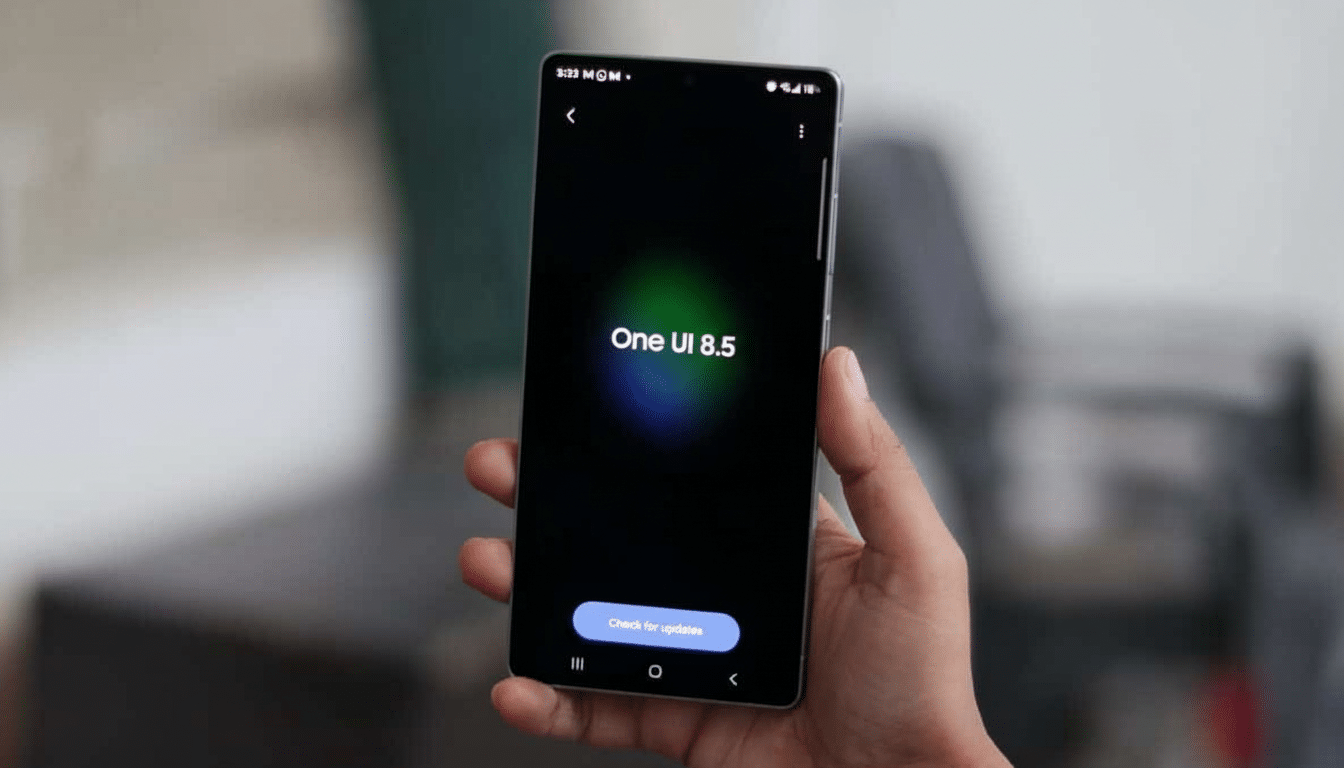
Think of LUTs like color presets: use them with LOG video — a flat, low-contrast profile — and you can nudge clips beyond the one-or-two-button color grades applied in your NLE of choice. Example presets seen in the testing include Standard, Blockbuster, Initiatique, and Thriller, suggesting that mood will be a more defining feature of profiles than just filters.
Strings discovered in the camera app also mention a 3D photo/video capturing capability. The implementation sounds like it uses the wide-angle camera and comes with a couple of limitations: no GIFs or burst shots while turned on, and you’ll get some prompts that may ask you to bring in more light or rotate the phone. The aim is apparently straightforward—create stereoscopic media that can be watched in a headset or compatible viewer without additional processing.
Why You’d Use LUTs and LOG on a Phone for Video
For creators, LOG recording gives more latitude in highlights and shadows, but content is washed out unless you grade it. LUTs remedy that quickly, transforming even flat files into stylized clips ready for sharing. This aligns with where the industry is moving: Apple has added Apple Log and ProRes options to recent iPhone Pros, while third-party apps like Blackmagic Camera have brought 10-bit and professional controls to mobile. Integrating LUTs into the native camera and editor would remove friction, leaving more of the creative process on-device.
Samsung has already paved the way on this front. The company’s Expert RAW app and the 10-bit HDR options – highlighted in previous Samsung Newsroom briefs – are designed for fans of dynamic range and color flexibility. Native LUT support for LOG profiles would be the next logical step, and that would help add a bridge between quick social video or footage on its way to DaVinci Resolve/Premiere Pro.
3D Capture Points to a Spatial Media Push
On an industrywide level, spatial media is hot. Apple’s use of spatial video for its headset and Meta’s ongoing push in VR have pushed phone makers to start considering life beyond the flat screen. If Samsung offers 3D capture in One UI 8.5, this could give Galaxy phone owners a turnkey way to snap depth-aware photos (and videos) without add-on hardware, even if the initial version restricts you to using the primary wide camera.
Its real-world value is in playback options. The mentions of headset viewing also imply compatibility aspirations beyond the phone’s gallery — perhaps a way to watch on mixed reality devices or TVs that can handle depth-aware formats. Initially niche, spatial capture would broaden what people can shoot and share.
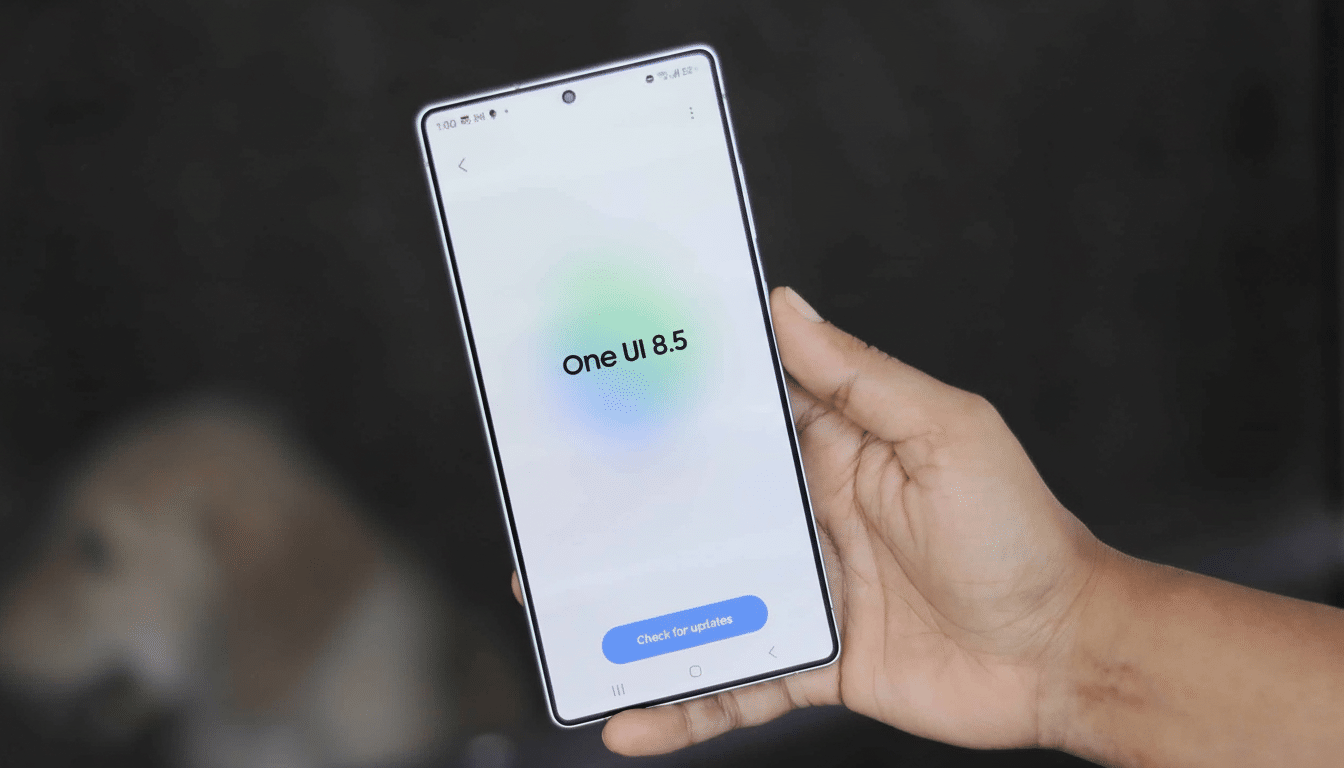
APV and a Smoother Post-Production Workflow in One UI 8.5
Another clue is “APV,” which stands for Advanced Professional Video and appears in both the camera code and the Gallery app’s code. The Gallery seems to support conversion of APV clips to HEVC, which is a strong indicator for an end-to-end pipeline: capture in a high-quality format then transcode into one that’s friendlier for sharing and editing. For mobile workflows, it is convenient to have this built-in instead of having to juggle third-party converters or desktop tools just for basic deliverables.
If Samsung goes all in on APV, look for deep integration with current pro features, smarter metadata workflows, and maybe even better color management across apps.
For creators who already count on Galaxy flagships for fieldwork, this has the potential to shorten the process from capture to publish.
How It Compares with Rivals in Mobile Pro Video
Apple’s iPhone Pro line has doubled down on professional video, with ProRes recording and Apple Log capabilities you can’t find on any other phone, external USB-C recording support, and robust third-party app support. Google has done some computational-side improvements, such as HDR video and cloud-based Video Boost on Pixel phones. If One UI 8.5 comes in with LUTs, LOG-friendly whatnots, and APV, Samsung will be indicating serious intent not just to match but (and in places) simplify the pro experience—especially for those creators who lean toward native apps over bolt-ons.
What Galaxy Users Can Expect from One UI 8.5
These features are still in testing, and details can change. In a historic sense, Samsung always makes such camera-first software available to new flagships and foldables soon after launch, with wider access coming thereafter based on device capabilities and hardware. Even if the company by definition ships only a subset of these tools, the practical win for users is obvious: more ways to capture, less time shuttling files to a computer, and more creative leverage without leaving your camera or gallery.
Bottom line: One UI 8.5 is looking like a lot more than just a tune-up. And with or without these tantalizing camera upgrades, Galaxy handsets could take a significant step toward pocket cinema and an easier on-ramp into spatial media’s blossoming universe.
