


Samsung’s big Gallery overhaul is becoming apparent and it could greatly affect the way people edit on their phones. A leaked One UI 8.5 build reveals a Galaxy AI feature that mixes items from one photo into another with an easy-to-understand instruction set, effectively bringing Photoshop-style compositing to the default photo editor.
What the leak reveals about One UI 8.5’s new photo editor
Per a report on SamMobile, the feature shows up in the Gallery app tucked into a Galaxy AI button inside of a “Photo Assist” interface. Early guidance has you describing (in plain text) the change you want to see — what should be added, removed, or restyled — and optionally selecting a second image in your library from which to borrow an element.
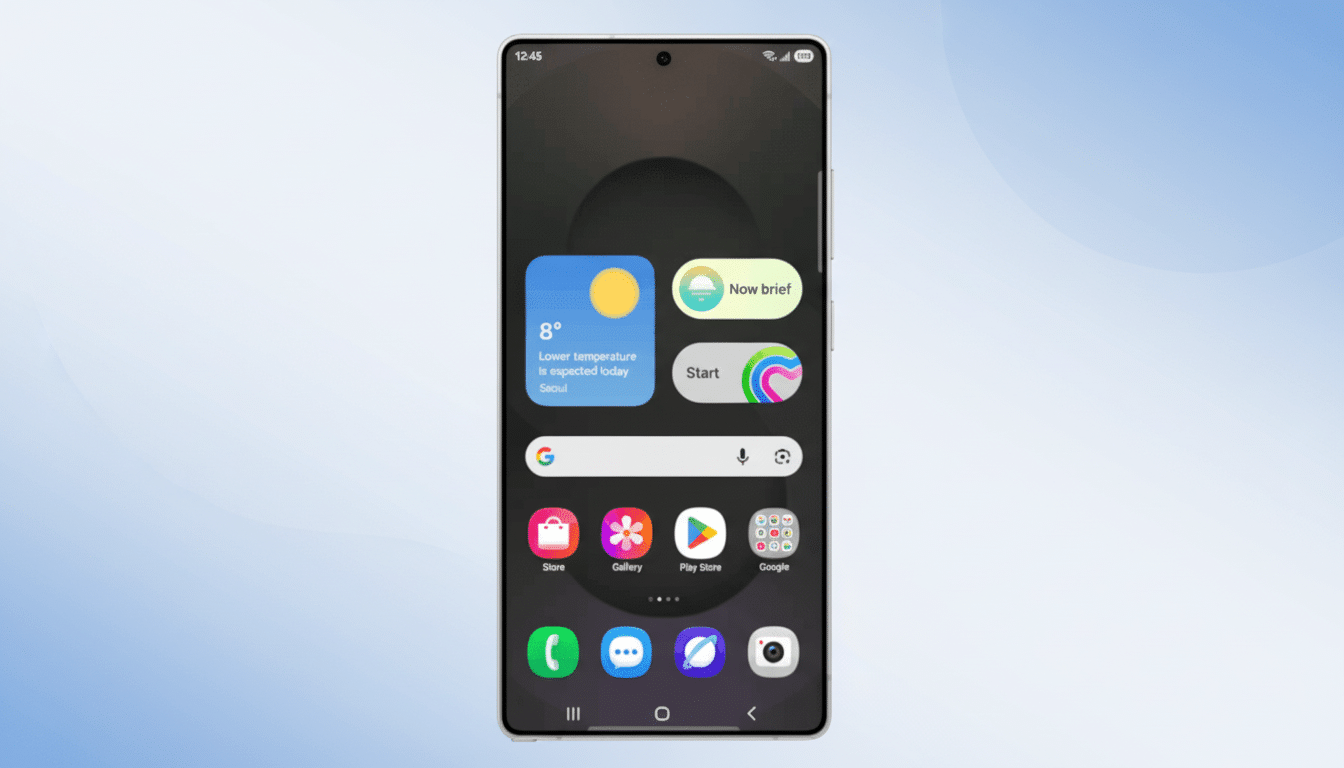
A tutorial clip in Samsung’s Tips app features a ball of yarn blending into an image of a cat, and the accompanying instruction tells Galaxy AI to make it look as if the cat is playing. In the leaked build, the feature does show up in the interface but is being suggested by some as not executing yet (i.e., it’s only a UI switch at this stage) — suggesting that perhaps on either a server-side or model-side level, the switch isn’t turned on yet. The beta program testing One UI 8.5 has gone live for the Galaxy S25 series, and this specific feature was found in a build meant for the Galaxy Z Fold 7.
How the photo object blending feature likely works
At this level, object composition often involves the composition of subject segments from source images, fine-grained matting between segments, and a “decoration” layer with white and color balancing, and light-shadow synthesis. Your expectation is that the tool should automatically single out the object in the source photo, cut it out cleanly (with hair, fur, or semi-transparent edges) — and then adapt perspective and lighting to a similar image. A text prompt can direct placement and context — “put the scarf on that person,” “do shadows consistently,” or “blend softly behind the chair.”
Samsung already has prompt-based edits in small parts of the editor, but moving that into Photo Assist with cross-image compositing hints at a more generative pipeline. What this does on the back end is probably some form of diffusion-style or image-to-image models for realistic insertion, and it’s akin to Generative Fill that you may have seen on desktop photo suites. Look for adjustable control over the scale, rotation, and strength of the blend as well as speedy undo and versioning.
Why this matters for everyday mobile photo editing
On a phone, a few seconds and some prompt text do the hard work of more than a dozen fiddly selections and layers. For creators, sellers, and snap-happy photographers this translates to quicker lifestyle mockups, product hero shots, or travel collages — or sultry looks without outputting to a desktop app. This connects the pro compositing tools to everyday mobile workflow right in the default Gallery.
It also meets a need that competitors cover only partially. Google’s Magic Editor shines at shifting, resizing, and context-aware fills but doesn’t usually drag in elements from an outside photo. Apple’s latest on-device editing smarts are about tidying and tinkering, not cross-image blending inside Photos. Adobe’s desktop and mobile apps do this well, but they exist outside the default camera-to-Gallery pipeline. If Samsung nails it, One UI users may just get a best-of-both-worlds — quick attention, yet integrated and powerful enough.
Consumer appetite is already enabled: Leading creative platforms earn billions of generative edits and fills, while industry trackers categorically list camera- and editing-based innovations among the most impactful smartphone purchase drivers. A good integrated blend tool would obviously be the logical next step.
Privacy, Watermarks, and Compute Considerations
Existing Galaxy AI image characteristics — those features that make the original “true” — are often cloud-processed and feature visible watermarks as well as metadata to reveal AI alterations. If object blending goes back through the same pipeline, you can expect similar disclosures and size limits as the system churns on all of that aggregate output. Further out, later-generation NPUs might move more and more of this data closer to the device, minimizing latency and allowing data to remain local — something power users will be paying attention to.
Another practical question is guardrails. Now on most consumer editors you have a block for specific subjects and copyrighted material. The prompt-based mixer will probably adhere to that same protocol, which forbids:
- oppressive inserts
- nudity
- unauthorized use of trademarked materials
It also permits routine creative revisions.
Availability Timeline and Supported Devices
Feature flags on Samsung’s software are often seen before they’re turned on for the public. With One UI 8.5 in beta on the Galaxy S25 series and a leaked build indicating it for the Galaxy Z Fold 7, the path is clear but not yet timed. The rollout mechanism could be staggered, region-based, or associated with server-side model access. Older hardware can get a cut-down version based on support of chipset and available memory.
If and when it arrives, the Gallery editor would bestow upon the editor a deceptively simple superpower: take an object you already shot, and make it belong in another scene — shadows, colors, all of that context included — by simply telling the phone what you’re aiming for.
For regular editors, that’s the distinction between “perhaps later on my laptop” and “finished in 15 seconds.”
