


Nvidia is making a comeback to the main keynote stage at the world’s largest tech show, and it will be live-streamed so you can tune in from anywhere. No matter whether you are hankering for new GeForce announcements, enterprise AI breakthroughs, or automotive and edge computing updates, this is the rare CES moment that knits together gamers with industry leaders from across the cloud landscape.
Where to watch the Nvidia CES keynote livestream online
The most trusted place to find the livestream is on Nvidia’s official YouTube channel, where the company will usually host its biggest keynotes complete with a countdown and live chat available. If you’d rather a straight corporate feed with no chit-chat, Nvidia’s Newsroom and events page usually show the embedded stream along with the full replay shortly after.
- Where to watch the Nvidia CES keynote livestream online
- How to get official replays and highlight videos later
- What to watch for in the Nvidia CES keynote stream
- Follow along in real time with live blogs and posts
- Stream setup checklist for the best viewing experience
- Why this Nvidia CES keynote matters for AI and more
CES powers a digital portal managed by the Consumer Technology Association, and keynotes from Nvidia typically pop up there for folks who register. If you’re already logged in for other events, visit the CES schedule and keynote section to bookmark Nvidia’s session so that it’s easy to find once it goes live.
On mobile, open YouTube and search for “Nvidia CES keynote” to find the official stream; tap Set Reminder to receive a notification when it goes live. Take that to the TV with the YouTube app on smart TVs, game consoles, Chromecast, and Apple TV, or cast from a phone if you want to make it a family room experience.
How to get official replays and highlight videos later
Miss the beginning or want to rewatch a demo? Typically, Nvidia uploads the complete keynote to its YouTube page, and then mirrors key parts on the Newsroom where viewers can access downloadable assets for press and partners. Keep an eye out for edited highlight reels that compress the biggest revelations into a few minutes and are easy to share.
And if you’d rather read transcripts or get some more context, stay tuned to Nvidia’s official blog, where product teams frequently detail new GPUs, software stacks, and even reference designs announced during the show.
What to watch for in the Nvidia CES keynote stream
For its part, Nvidia’s CES announcements are not only for consumers but also for the enterprise.
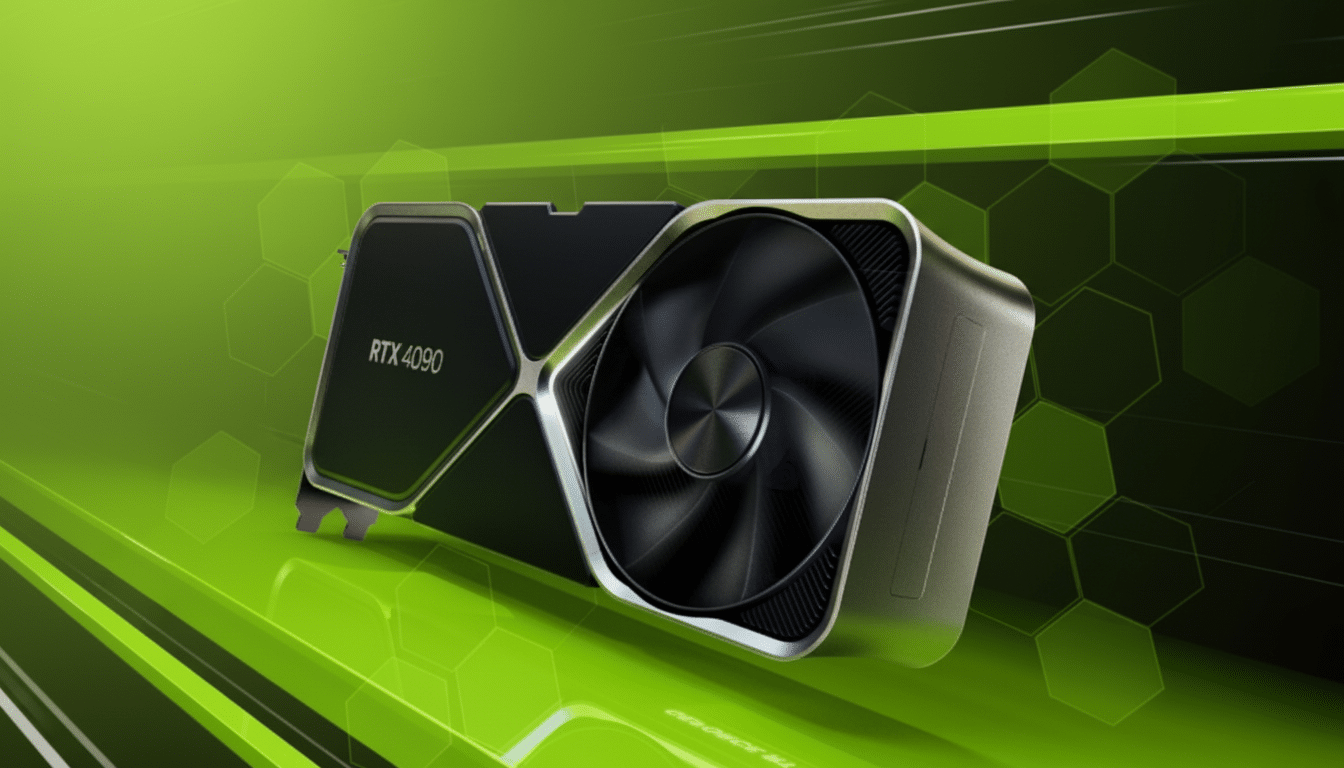
Recent years have seen the company highlighting data center AI accelerators, RTX laptop refreshes, automotive platforms via Nvidia Drive, and software advances across CUDA, Omniverse, and generative AI workflows. And expect demos that join those dots: how all that silicon, networking, and the software platforms uniting them come down to the developers, creators, and carmakers.
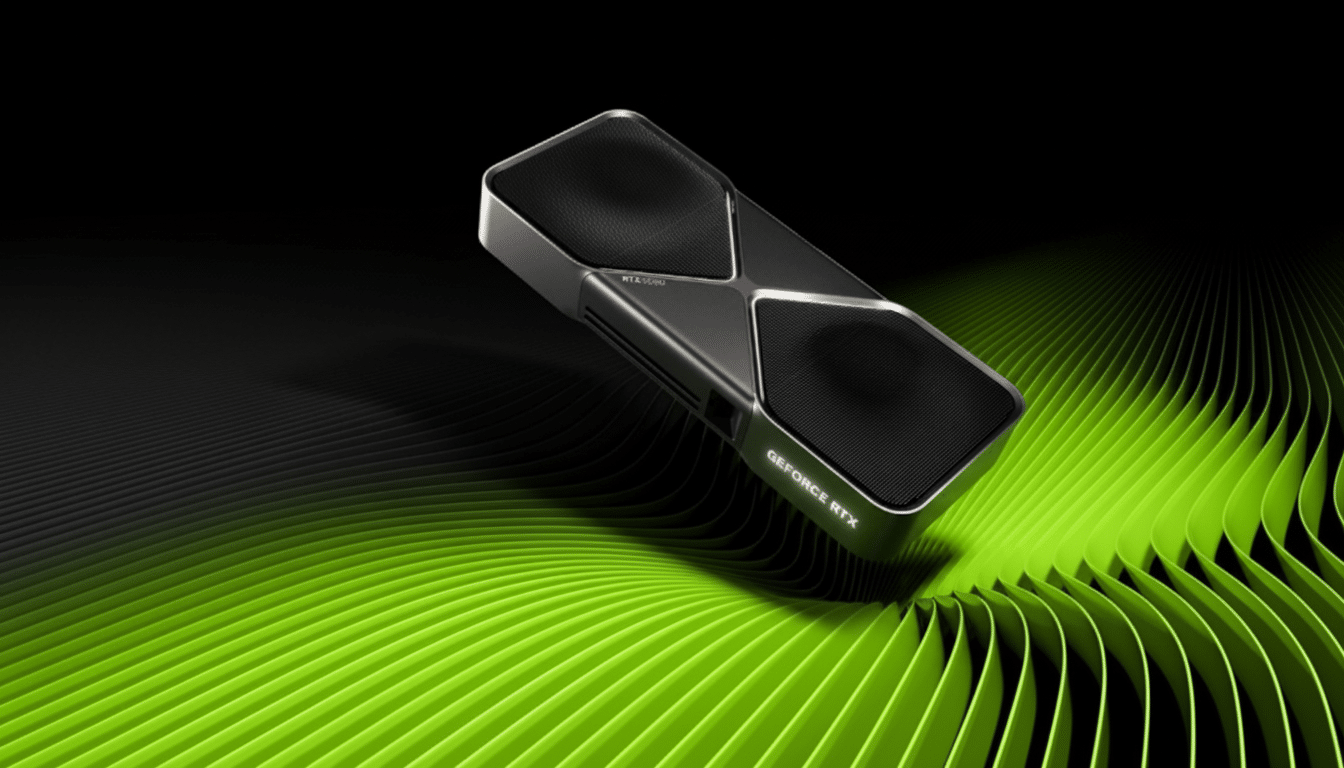
It’s important to understand the context here. Hyperscale clouds and leading research labs have built much of their training and inference around Nvidia’s ecosystem — from H-series and B-series data center GPUs to the CUDA toolchain. Moving parts include AWS, Microsoft Azure, Google Cloud, and Oracle Cloud that offer optimized instances hinging on Nvidia silicon. That context makes the importance of any update to the roadmap as relevant for MLOps teams as it is for indie developers.
Follow along in real time with live blogs and posts
For live commentary and fact checks, tune into the Nvidia stream on one screen and a reputable tech outlet’s live blog on another. Company bigwigs typically share supporting slides and brief video snippets on official social channels throughout the keynote, and Nvidia usually posts product pages in tandem with the stream so you can breeze through specs without pausing the video.
If you’re keeping an eye on the competition, watch what else AI silicon players like AMD are up to. By cross-referencing announcements, you can more easily see how training performance, memory bandwidth, software support, and TCO are moving.
Stream setup checklist for the best viewing experience
Test your setup a few minutes in advance: close apps with high bandwidth requirements, get on a 5 GHz Wi‑Fi network or Ethernet if you can, and set YouTube for the highest-definition video it can stream without hiccups. Turn on subtitles for technical sections, and consider wearing headphones to catch the on-stage Q&A and rapid-fire spec callouts.
If you’re planning to share highlights with a team, have a notes doc open and jot down times of excitement. Lots of organizations also conduct a “debrief” immediately after the broadcast to come into alignment about the implications for budgets, procurement, even development roadmaps.
Why this Nvidia CES keynote matters for AI and more
Nvidia is the bellwether for accelerated computing and AI infrastructure. Its hardware drives training clusters, its stack supports production deployments, and its partners help it deliver services across the world’s clouds and with numerous OEMs. When Nvidia talks about the future, it tends to set expectations for things like laptop GPUs, creator tools, data center buildouts, and autonomous systems.
Bottom line: Prepare to watch the official stream on Nvidia’s YouTube channel, in which case you should set a reminder and possibly keep a second screen open for potential specs or context. The signal-to-noise ratio is high, and the replay will be there if you need to catch up on any of the biggest revelations.
