


Nothing’s new AI-powered Essential App Builder, tucked inside its community Playground, promises home-screen tools anyone can create in minutes. In my first hands-on, I set out to build a straightforward tea timer. What I deployed worked flawlessly—until the alarm let out a bloodcurdling scream. Accidental comedy aside, the experience says a lot about where Nothing is taking Android customization and how ready this platform is for the real world.
Building an Essential App in Minutes with AI Prompts
Essential Apps are lightweight, single-purpose utilities that live on the home screen. Think “widget-plus”—quick actions and glanceable data, not another full app you’ll forget to open. The builder’s premise is simple: describe what you want, refine with natural-language prompts, and test.
- Building an Essential App in Minutes with AI Prompts
- What the Screaming Timer Reveals about AI Defaults
- Where Nothing Plans to Take Essential Apps Next
- Community Experiments Offer Clues to Platform Potential
- How It Fits the Low-Code Wave in App Creation
- Verdict From a Screaming Success With Nothing’s Builder
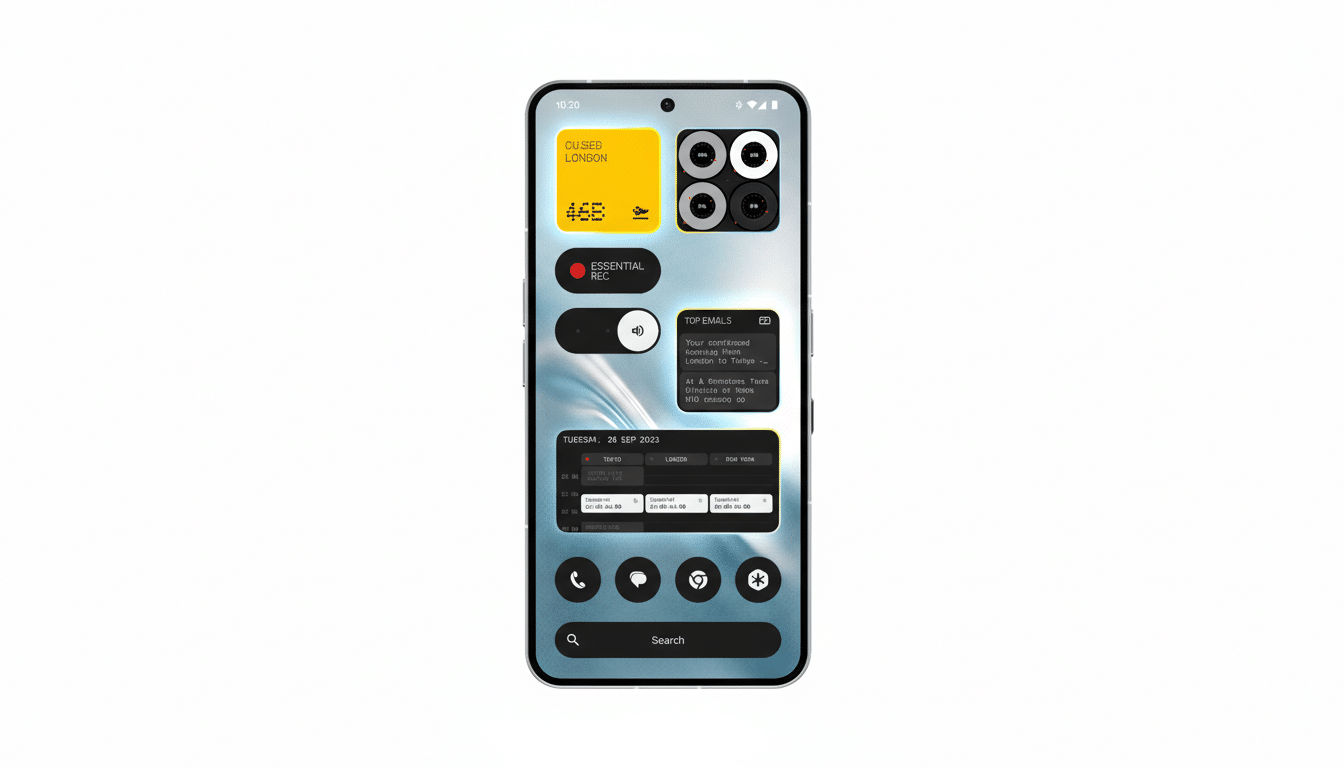
My brief was modest: a tea timer with presets for white, green, oolong, black, and herbal; adjustable steep times; and recommended water temperatures. The first build landed fast and looked close, but small layout flaws—cropped text and cramped controls—sent me into an iterative loop. Each “nudge” to fix spacing or swap UI elements sometimes solved one issue while introducing another.
By the time I hit version 20-something, I’d seen timers inside circles blocking start buttons, menus I couldn’t select, and labels elbowing out temperature readouts. Compile times drifted longer as my prompts got more specific, a familiar quirk of early generative design tools. Eventually, I landed a clean layout, deployed it to a Nothing Phone 3, and ran a three-minute test.
At 0:00, the widget flashed as requested—and then unleashed a primal yell. Not the stock Android alarm. Not a gentle chime. A scream. Startling, yes, but also a perfect reminder that AI-generated “defaults” can be delightfully unpredictable.
What the Screaming Timer Reveals about AI Defaults
Two takeaways stood out. First, the builder is capable: with nothing but prompts and patience, I produced a functional, polished tool tailored to my routine. Second, the platform still has guardrails to tighten. UI placement can wobble across revisions, and “alarm” can be interpreted literally if you don’t specify tone or behavior. The fix is straightforward—explicit prompts for sound type and volume—but it highlights how descriptive rigor matters as much as idea quality.
This is the trade-off with generative UI: incredible speed to a working prototype, with the cost paid in iteration and specificity. For power users, that’s a fair bargain. For everyone else, curated templates and clearer controls will help reduce surprise moments—screams included.
Where Nothing Plans to Take Essential Apps Next
The beta currently targets the Nothing Phone 3, a sensible way to minimize device fragmentation and performance variables. Nothing says support will widen to other Nothing and CMF phones as the platform stabilizes. There’s also a review step for publishing to Playground, which should keep the gallery usable while the community experiments.
On integrations, the early roster is intentionally conservative: reliable access today includes location, read-only calendar entries, and contacts. Nothing indicates that media library access, calling, and Bluetooth device control are on the roadmap, which would shift Essential Apps from upgraded widgets to capable, phone-deep utilities. That’s when you start replacing app launches with single-purpose interactions—start a workout, log water, capture a thought—without diving into full apps and their feed traps.
Community Experiments Offer Clues to Platform Potential
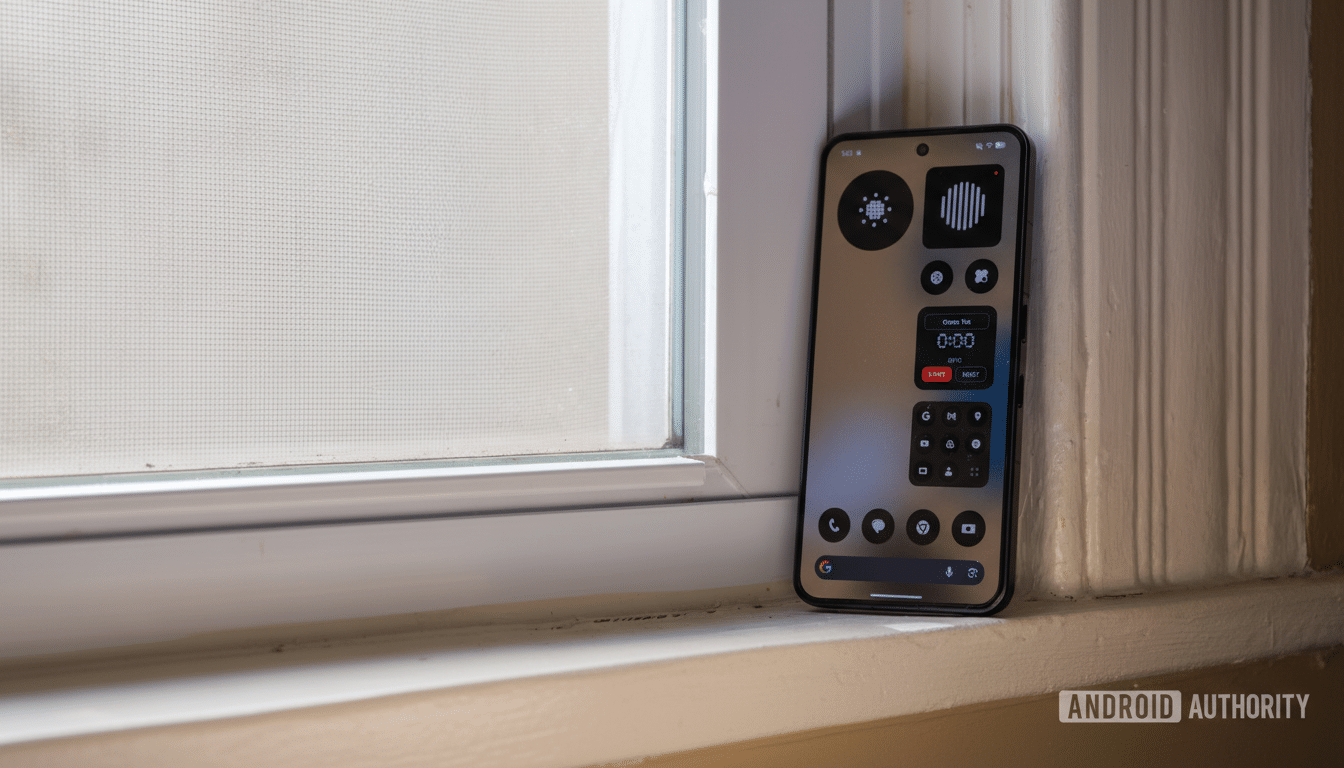
Browsing early submissions showcases the concept’s range. A solar clock that cues daylight-friendly run times. A water reminder that nudges without nagging. A minimalist art feed called Vista that surfaces pieces from the Metropolitan Museum of Art’s collection on your home screen; tap to see the work and artist, then move on. Even Nothing’s own leadership is tinkering—one popular entry is a playful set of responsive eyes. None of these are full-blown apps, and that’s the point: they’re tiny, high-intent tools that meet you where you are.
How It Fits the Low-Code Wave in App Creation
Nothing’s approach slots into a broader trend: AI-accelerated, low-code creation for everyday tasks. Gartner reported that low-code technologies were on track to reach roughly $26.9B in 2023, with sustained double-digit growth as business technologists proliferate. Essential Apps aren’t enterprise software, but the same forces apply—speed, personalization, and the promise of cutting busywork with micro-utilities you can shape yourself.
Verdict From a Screaming Success With Nothing’s Builder
My tea timer works, and yes, it screams. More importantly, the Essential App Builder already delivers on its core promise: turning a one-sentence idea into a living, tappable tool. It will benefit from stronger visual constraints, richer integrations, and clearer audio defaults, but the foundation is here. If Nothing follows through on deeper device hooks and broader phone support, Android’s home screen could evolve into a canvas of personal, purposeful interactions—no scrolling required.
Until then, I’ll keep refining prompts, testing builds, and, when the timer hits zero, bracing for that unmistakable yell. Consider it the new sound of productivity.
