


We want to hear from Pixel owners about real-world customer support. Have you contacted Google for a repair, replacement, or troubleshooting help, and how did it go? Our reader poll below is open now, and your responses will help paint a clearer picture of what Pixel support actually delivers.
Support can be the difference between a minor hiccup and a weeks-long ordeal. With longer device lifecycles and extended software commitments, the quality of service behind the scenes matters more than ever.
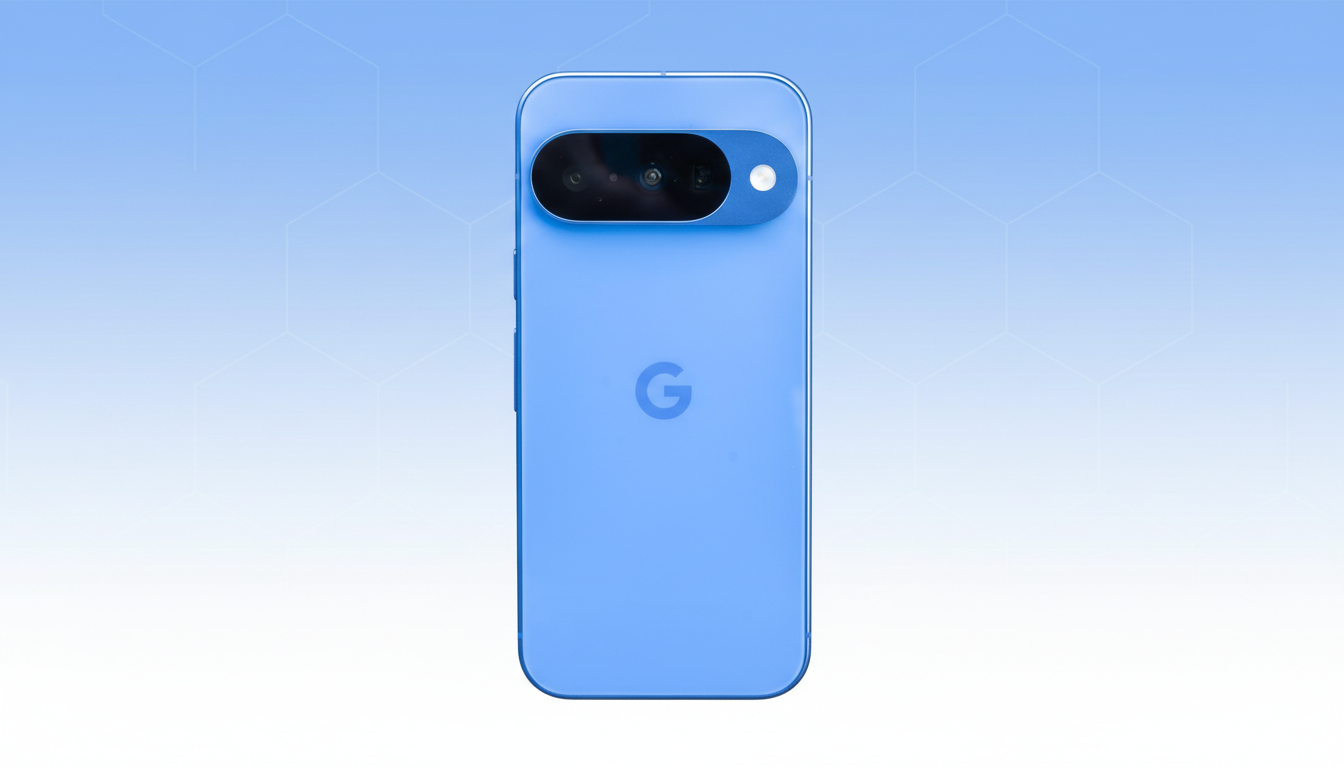
Why Pixel Support Quality Matters for Long-Term Users
When a flagship promises years of updates, the expectation is that hardware and service will keep pace. Google’s recent phones pledge lengthy software support, which increases the odds users will need help at some point—whether for warranty repairs, battery concerns, or connectivity faults.
Hardware coverage typically comes via a limited warranty—commonly one year in the US and many other markets, and two years in the EU—while optional plans like Preferred Care extend accidental damage protection. But the customer experience hinges on how fast problems are diagnosed, how replacements are handled, and how predictable the process is across regions.
What Pixel Owners Are Reporting About Official Support
Recent community threads highlight a split reality. Some users praise quick resolutions and painless advanced exchanges, where a replacement ships first with a temporary hold on a card. Others recount delays, repeated handoffs between agents, or confusion around warranty eligibility despite seemingly clear records.
Examples shared publicly include mixed-up return check-ins, inspections that allegedly introduced new cosmetic issues, and long-distance trips to partner service centers that still required multiple follow-ups. On the other side, a handful of owners say proactive agents diagnosed issues over chat and completed an exchange within a few days.
This skew—more negative posts than positive—tracks with a common pattern in customer service discourse: satisfied customers share less often. That’s why a broad poll matters. It can reveal the middle ground between flawless and frustrating, including “mostly fine, but slow” experiences that rarely go viral.
How Google Handles Repairs And Exchanges
Pixel support typically starts via chat or phone. Agents verify your IMEI, warranty status, and basic troubleshooting steps—safe mode, network resets, diagnostics, and sometimes factory resets backed up by logs. If a hardware fault is likely, you’ll be offered mail-in repair, a walk-in partner visit where available, or an exchange.
In the US, many walk-in repairs route through authorized partners such as uBreakiFix by Asurion, with parts availability varying by model and color. Mail-in RMAs usually require removing accounts, disabling Find My Device, and packaging the phone carefully; photo documentation of the device condition before shipment is wise.

Advanced exchange can be the fastest path, but it puts a temporary hold on your card until the original device is received and inspected. Clear records—serial number photos, shipping receipts, and unboxing videos when sending a device back—help prevent delays if there’s a mismatch or damage dispute during intake.
Practical Tips to Improve Your Google Pixel Support Outcome
Before contacting support, gather your purchase receipt, IMEI, and photos or screen recordings of the issue. Note the exact steps to reproduce problems, including timestamps and whether they occur on Wi-Fi, mobile data, or in specific apps. If prompted, capture a bug report to shorten back-and-forth.
During the case, ask for a reference number and summarize agreements in chat or email so there’s a written trail. If days pass without movement, politely escalate to a senior specialist. For mail-in returns, photograph the device and packaging from multiple angles and keep the drop-off receipt. When possible, back up data and sign out of accounts before shipping.
If you use a walk-in center, confirm parts availability in advance and plan for diagnostic time on-site. In regions with limited centers, weigh advanced exchange to avoid multiple trips—just make sure the shipping address and payment hold details are correct before confirming.
Share Your Support Experience in Our Community Poll
We’re asking Pixel owners a simple question: have you used official support, and how would you rate the experience? Whether your case was resolved in under 48 hours or stretched into a multi-week saga, your vote helps quantify what’s working and what isn’t.
In your comments, tell us which channel you used—chat, phone, mail-in, or a walk-in partner—how long it took to get a resolution, and whether you received an advanced exchange or a repair. We’ll be looking for patterns across regions, models, and issue types to better understand where Pixel support excels and where it needs urgent fixes.
Cast your vote below and add your story. The more data points we collect, the clearer the picture we can share with the community—and, ultimately, the more pressure there is on any support system to raise its game.
