


Built-in SIMs have ceased to be a niche benefit. Disembodied carriers continue to plug in remote provisioning across more markets and phone manufacturers are doubling down on designs that put eSIM first, millions of users have got their hands itching. The good news: that’s the case with most recent flagships. The good news: you can easily check compatibility in under a minute with built‑in settings.
Why eSIM adoption is surging across smartphones
eSIM does away with the removable card and instead features a secure chip soldered onto your phone. Which allows for instant carrier swapping, the double line plus easy travel data set‑up with a QR code or app—no store visit and no paperclip required. Hundreds of operators now support consumer eSIM, and nearly every new high‑end phone includes it, industry groups say. Apple sped up the transition by removing a physical SIM tray in its U.S. models beginning with iPhone 14, and phone makers using Android tend to maintain dual‑SIM freedom thanks to eSIM and a physical slot in many markets.
- Why eSIM adoption is surging across smartphones
- The Quick Way To Tell If Your Phone Has eSIM
- iPhone steps and model support for eSIM activation
- Samsung Galaxy steps and model support for eSIM
- Google Pixel steps and model support for eSIM
- Motorola and other Android brands with eSIM options
- Tips for activation and travel benefits with eSIM
- Common eSIM gotchas and limitations to watch for
- What to do if your phone does not support eSIM
- Bottom line: verifying eSIM support and next steps
The Quick Way To Tell If Your Phone Has eSIM
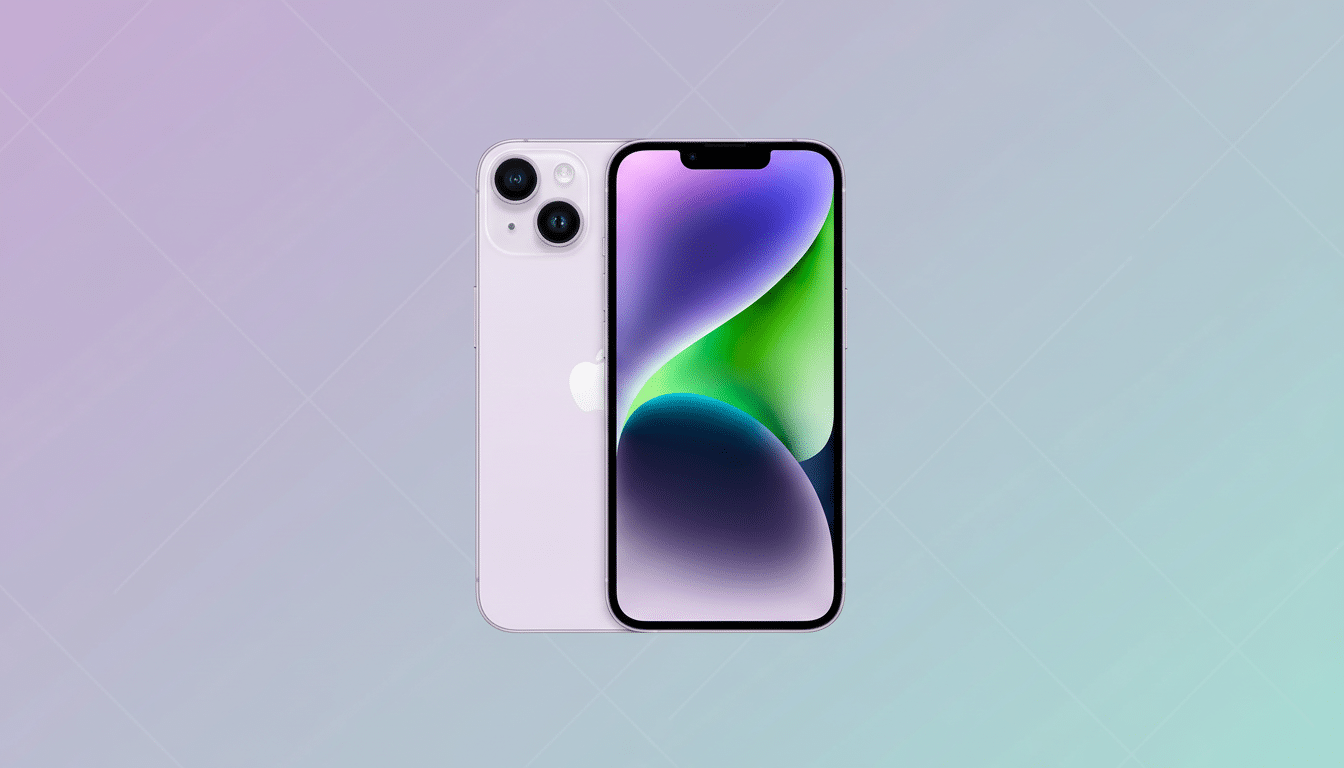
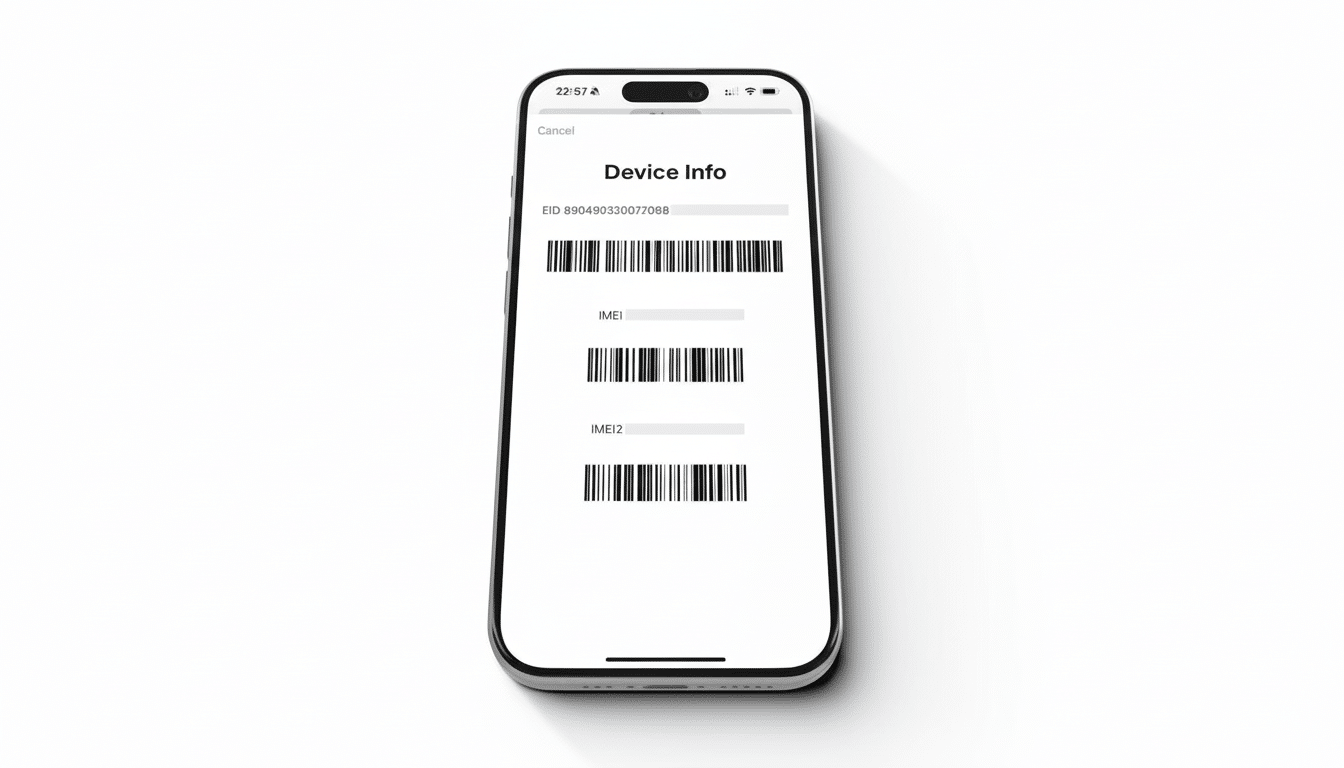
Two IDs show eSIM is supported in a second. On an iPhone, go to Settings > General > About and find a Digital SIM entry that has its own IMEI. On Android, go to the Settings app and then About phone (or About) > Status information, where you should see things like your EID—the identifier number for the chip. If you see either of these, then your hardware is eSIM capable. You might also consult your carrier’s device list, as many carriers publish regularly updated rosters of supported phones by model and region.
iPhone steps and model support for eSIM activation
To check: Settings > General > About, and then look for the Digital SIM IMEI. Another clue is Settings > Cellular, where an Add eSIM button prompts activation with a QR code or carrier app or using eSIM Quick Transfer from your old iPhone. iPhone XS, XS Max and XR introduced eSIM and every model since then has supported it with caveats by region. In the US, there is no SIM tray at all anymore from iPhone 14 on so eSIMs are mandatory. Because the iPhone 13 and later have at least one physical SIM slot and an eSIM (embedded SIM), it can handle two lines of eSIM, with many models able to manage multiple eSIM profiles (usually eight or more) for easy swapping.
Samsung Galaxy steps and model support for eSIM
On Samsung phones, head to Settings > Connections > SIM manager and if you see Add eSIM, you’re off to the right start. eSIM is included in Galaxy S flagship models from the S20 series and later, as well as every Galaxy Z Flip and Z Fold generation. Some mid‑range favourites even support eSIM in certain countries, such as the Galaxy A54 and A34, but it’s still often avoided on entry-level devices. Since Samsung tends to customize hardware regionally, availability can also vary even within a model name — your carrier’s compatibility page is the final word.
Google Pixel steps and model support for eSIM
If you have a Pixel, open Settings > Network and Internet > SIMs. If you see Download a SIM instead (or a plus sign to add one), you’re good. Pixel 4 and later (including “a” series) also have wide support for an eSIM + physical SIM in most regions. Not all previous generations are able to do this, and those that could come with certain carrier limitations, so activation will vary depending on your country and carrier. Today’s Pixels can save multiple profiles, and usually have a Dual SIM Dual Standby where 1 eSIM plus 1 physical SIM are active concurrently.
Motorola and other Android brands with eSIM options
With Motorola, Settings > Network and Internet > Mobile network > Advanced > Carrier > Add carrier. If the phone wants you to scan a QR code or download an eSIM, then that’s the one. Several recent flagships from brands such as OnePlus, Sony and Xiaomi, for example, also ship with eSIM in a number of markets – but SKU will depend on the market. If you’re in doubt, search for an EID within a status area and cross‑reference that model number with your carrier’s compatible list.
Tips for activation and travel benefits with eSIM
Activation is typically scanning a QR code provided by your carrier, but you can also manually enter an SM‑DP+ address and activation code. Many of the carriers also offer instant provisioning through their apps. When you travel, purchasing a local data eSIM ahead of time gets around airport kiosks and roaming fees; maintain your home number for calls on it and the travel eSIM does the data. (The iPhone can store many profiles; that means the frequent flier can have half-a-dozen regional plans in place and click between them within seconds.)
Common eSIM gotchas and limitations to watch for
Carrier policy is hardware as far as it goes. Some carriers offer eSIM only on postpaid plans, while others restrict activation to certain regions and require in‑store verification. Dual‑SIM behavior is inconsistent as well: not all phones support two active 5G lines, and for some, only one line can access 5G at a time. Tracking appearances indicate that support is spreading rapidly, but whether you’ll get this will still depend on your carrier, model variant and software version.
What to do if your phone does not support eSIM
If the hardware or firmware doesn’t support it, you can’t just turn eSIM on with software. There are also third‑party adaptors and unofficial workarounds, but these are generally flimsy, carrier-unfriendly or cause core features to break. If you rely on the convenience of fast swaps between carriers or access to international data when traveling, the pragmatic move is to use a physical SIM for now and keep your next upgrade’s eSIM adoption policy high on your list.
Bottom line: verifying eSIM support and next steps
If you’re using a phone manufactured in the last few years, chances are high that it can handle an eSIM. Search for a Digital SIM IMEI on iPhone or an EID on Android, and then search for Add eSIM in your network settings. As carriers expand their support and manufacturers bring out more eSIM-ready devices, future‑proofing compatible handsets will ensure you’re not having to do all this again the next time round.
