


Shopping for a new TV or computer monitor just got a lot more complicated. At the center of that confusion are mini-LED and QLED. One rearranges the way that an LCD is illuminated. The other supercharges color. They’re not competitors so much as different pieces of a puzzle — and if you understand that difference, it will tell you exactly what you are (or aren’t) paying for.
What mini-LED backlighting actually changes in LCD TVs
Mini-LED is a backlight improvement for LCDs. Rather than a few dozen light-emitting diodes around the edges, hundreds or thousands of minuscule LEDs are placed directly behind the screen, bunched into local dimming zones. The more zones the better, for finer light control and deeper blacks and far less grayish haze in dark scenes.
- What mini-LED backlighting actually changes in LCD TVs
- What QLED changes: how quantum dots affect LCD color
- Mini-LED and QLED are complementary, not competing tech
- Real-world viewing differences you can see at home
- Prices and notable models to watch across budget tiers
- Bottom line: how to choose between mini-LED and QLED
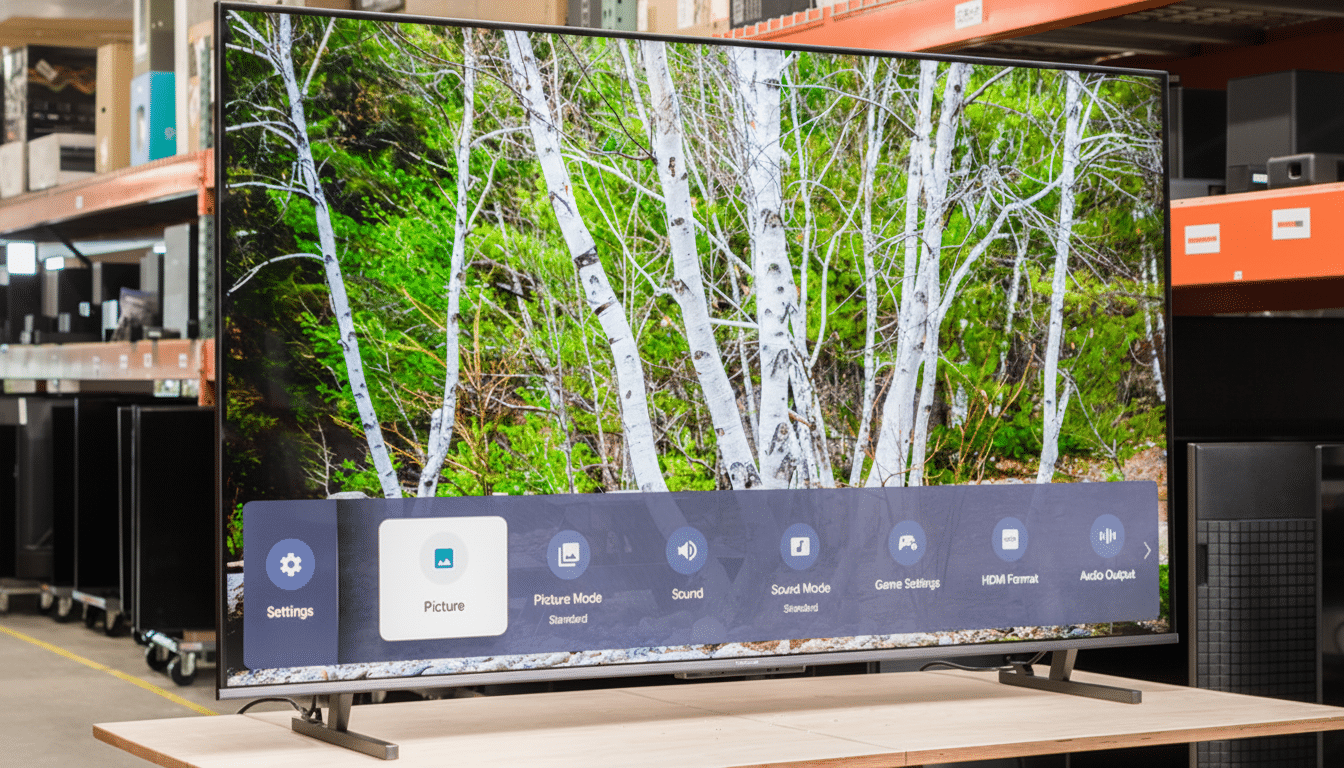
Practically speaking, mini-LED closes the contrast gap with OLED while exceeding it in brightness. Independent testing bears this out: RTINGS measured sets like the Hisense U8K at around 1,900 nits in HDR highlights, and Samsung’s Neo QLED models clear 1,500 to 2,000 nits all day long in calibrated modes. Apple’s 12.9-inch iPad Pro with a mini-LED “XDR” panel is indeed rated for specular peaks of 1,600 nits, a number that lab testing at places like DisplayMate confirms.
The catch is blooming. Because each dimming zone covers many pixels, there might be a slight halo around those yellow subtitles in the darkest scenes. The problem diminishes as we move up to TVs with more zones — flagship models now surpass 1,000 in some cases and exceed 5,000 in others — but it hasn’t gone away.
What QLED changes: how quantum dots affect LCD color
QLED is an LCD with a quantum dot layer. Quantum dots produce very pure red and green when they are exposed to blue backlight, giving the display a wider color gamut and maintaining saturation at higher brightness levels. According to materials supplier Nanosys, quantum dot films offer 100% DCI-P3 coverage and roughly 80% of Rec. 2020, a significant distance that most standard LCDs can’t reach without quantum dots.
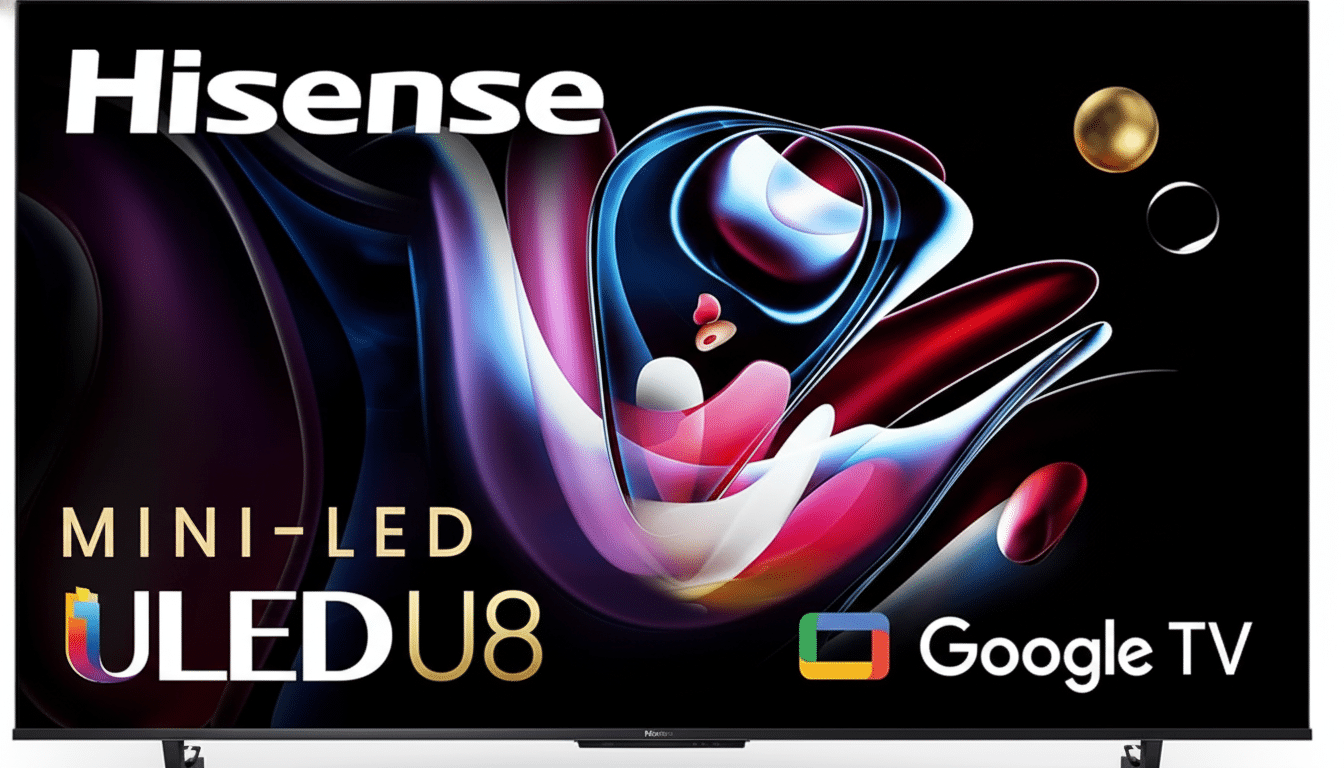
And crucially, QLED does not improve black levels or local dimming. It’s all about color accuracy and color volume, not contrast. A QLED TV with a basic edge-lit backlight will appear more vibrant than a non-QLED LCD — but it won’t be able to rein in blooming or preserve shadow detail the way a mini-LED set can.
Mini-LED and QLED are complementary, not competing tech
Mini-LED deals with brightness and contrast; QLED with color. So, they are essentially the high-end residents of the LCD neighborhood. That’s one reason you see flagship lines — Samsung Neo QLED, TCL QM8, Hisense U8 series and LG’s QNED models — from each company employing both. Industry analysts at DSCC and reviewers at RTINGS consistently point out that this combination is the best LCD can do to achieve OLED-level contrast (though with even higher peak brightness, it should be added, and fewer long-term wear issues).
Choose one or the other based on your environment and content. Lots of daylight for daytime viewing and sports in your bright living room? The punch and improved ABL performance of mini-LED will be the most striking feature. HDR movies and animation, but working with a smaller budget? A good QLED model will give you richer colors than a basic LCD but without the mini-LED price hike.
Real-world viewing differences you can see at home
- HDR highlights: Mini-LED is key. You can expect 1,200 to 2,000+ nits out of mid-range and high-end sets that maintain the pizzazz in specular highlights while also trimming tone-mapping roll-off on masters tracked by studios at 1,000–4,000-nit peaks.
- Color volume: QLED maintains color saturation at higher brightness levels. In tests from organizations such as the UHD Alliance and independent labs, quantum dot LCDs keep close to 100% P3 color even in the brightest highlights of a high-brightness window where non-QD LCDs would otherwise wash out.
- Dark-room theater: Mini-LED with so many zones means blooming is minimized and shadow detail is preserved better than on an edge-lit QLED. OLED still rules absolute black, at least, but high-zone mini-LEDs are far better than old full-array LCDs.
- Viewing angles: Neither mini-LED nor QLED addresses VA-panel off-axis washout. Look for wide-angle layers or IPS/ADS subtypes if your seating is spread out; consult labs’ measurements from reviewers to confirm.
- Gaming: Input lag is a result of processing, not mini-LED or QLED. Gaming TVs right now post 5–10 ms at 120 Hz with VRR and ALLM. Where mini-LED helps is in HDR clarity in blooming-bright titles; QLED keeps the color from desaturating in sunlit scenes.
Prices and notable models to watch across budget tiers
- Budget: QLED without mini-LED usually falls in the $400–$700 range for 55 inches and provides a significant quality upgrade from standard LCD color.
- Midrange sweet spot: Mini-LED and quantum dots appear at $800–$1,200 on sale. Best values: Aggregated reviews and retail price data suggest TCL’s 6-Series and QM8, Hisense U8K, and Samsung’s QN85/QN90 tiers are the most common value leaders.
- Premium: High-zone mini-LED with QLED reaches 2,000+ nits, advanced anti-blooming algorithms and gamer-friendly features. Expect stronger HDR tracking and improved uniformity, with prices scaling along size and zone count.
Bottom line: how to choose between mini-LED and QLED
Mini-LED and QLED are not an either-or in theory — each really solves a different problem. Mini-LED takes contrast to new heights and gives a significant leg up to HDR; QLED maintains and broadens the spectrum of color. If you can get both, do it. If you have to pick one, opt for mini-LED if you want a slightly brighter room and are seeking cinematic-level HDR, or get a QLED model if you just want an economical color upgrade. Either way, verify the manufacturer’s specifications against independent measurements, such as those from RTINGS, DisplayMate and the UHD Alliance, to make sure that those specs translate all the way back to your seat on the couch.
