


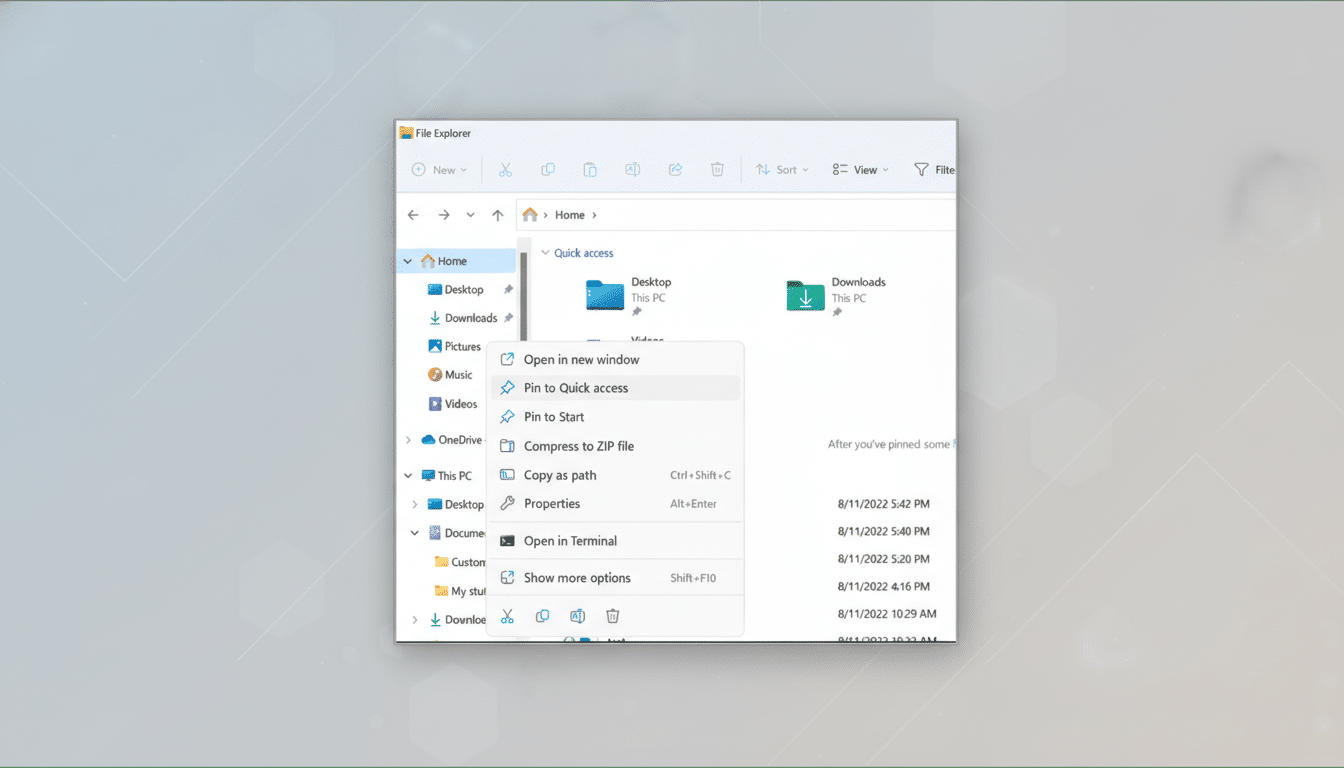
Copilot is moving closer to the core of Windows. In recent Windows Insider builds, testers spotted a hidden “Chat with Copilot” control embedded directly into File Explorer, signaling Microsoft’s next step in weaving its AI assistant into everyday desktop workflows.
The discovery, surfaced by well-known Windows sleuth @phantomofearth and reported by Windows Central, points to a dedicated entry point for Copilot within File Explorer beyond the existing right-click context option. While the feature is not yet visible by default, its presence in preview code suggests Microsoft is experimenting with a deeper, one-click integration.
What Copilot in File Explorer Could Do for Your Files
A File Explorer button makes Copilot feel less like a bolt-on sidebar and more like a native file operation. Expect actions such as summarizing a selected document, extracting key points from a PDF, or explaining a spreadsheet’s trends without opening a full app. Natural-language commands could help batch-rename files, generate share links, or surface duplicates and outdated versions.
For Microsoft 365 users, the deeper tie-in could extend to context-aware tasks that draw from Microsoft Graph, such as: “Compare this draft to last week’s version,” “Show all invoices from Marketing labeled Q4,” or “Draft an email to legal with the three most recent attachments.” It’s a short hop from today’s context menu triggers to richer, cross-app actions that start right where you manage files.
Why Microsoft Is Pushing Deeper Integration
Microsoft’s strategy is straightforward: reduce the distance between intent and action. Instead of launching a separate app, the company wants users to ask for outcomes—summaries, classifications, conversions—at the moment they select a file. With Windows powering the majority of desktop usage, according to StatCounter’s roughly 70%+ share estimate, even small efficiency wins can scale enormously across the install base.
This also aligns with Microsoft’s broader Copilot roadmap spanning Edge, Office apps, and system-level features. The company has steadily repositioned Copilot as an OS capability rather than a standalone chatbot. The “everywhere” push extends beyond PCs, too—TV maker LG recently drew attention for surfacing Copilot shortcuts on some smart TVs before promising users the ability to remove them after backlash.
Early Reactions and the UX Question for Copilot
Insider builds frequently expose rough edges, and this one is no exception. Testers shared screenshots showing two Copilot prompts on the Taskbar—almost certainly a bug—but it fueled the wider sentiment that Copilot risks overcrowding the interface. Some users are wary of AI becoming omnipresent, particularly in utilities as fundamental as File Explorer.
That skepticism sits alongside practical appeal. If the button streamlines repetitive chores—organizing folders, pulling quick summaries, or kicking off approvals—it could become one of the most-used entry points to Copilot. The difference will come down to restraint: helpful when asked, invisible when not.
Privacy and Enterprise Controls for Copilot Features
Deeper integration raises familiar data questions. Copilot features can process file content, and depending on settings, some requests may be routed to cloud services. Microsoft says enterprise tenants benefit from Microsoft Graph data boundaries, compliance controls, and audit trails, and administrators can govern Copilot experiences through policy—including disabling or limiting them on managed devices.
Availability may vary by region, edition, and policy, and organizations that have already locked down Copilot in taskbars or context menus will expect parity for any File Explorer button. Clear indicators, consent prompts, and transparent logging will matter as much as the capabilities themselves.
What to watch next as Copilot testing continues
Because the feature is still in testing, the final implementation could change—or be pulled—before general release. Watch for Windows Insider blog notes and Windows feature drops that spell out exactly what the File Explorer entry point can do, which file types it supports, and how admins can control it.
Whether it lands in a minor feature update or a broader Windows refresh, the direction is set: Copilot is moving closer to where your files live. If it turns routine file actions into one-click results without clutter or privacy trade-offs, expect heavy usage. If not, expect louder calls for an “off” switch.
