


Microsoft is reportedly preparing to scale back Copilot’s presence across core Windows 11 apps, a course correction after months of aggressive AI integration. According to reporting from Windows Central, internal teams have pushed for a more restrained approach that could reduce Copilot features or remove Copilot branding from built-in tools such as Notepad and Paint. The move signals a shift from blanket AI placement toward more deliberate, task‑specific use.
Why Microsoft Might Be Tapping the Brakes
Microsoft’s strategy has been clear: normalize AI by weaving Copilot into everyday workflows, from the Settings app to Snipping Tool, Photos, Paint, and Microsoft 365. But that ubiquity has produced mixed reactions. Enthusiasts welcome faster summaries, generative image edits, and “explain” actions in Notepad; others see a chatbot banner where they expected a simple, distraction‑free utility. The result is feature fatigue, especially when AI features feel bolted on rather than native.
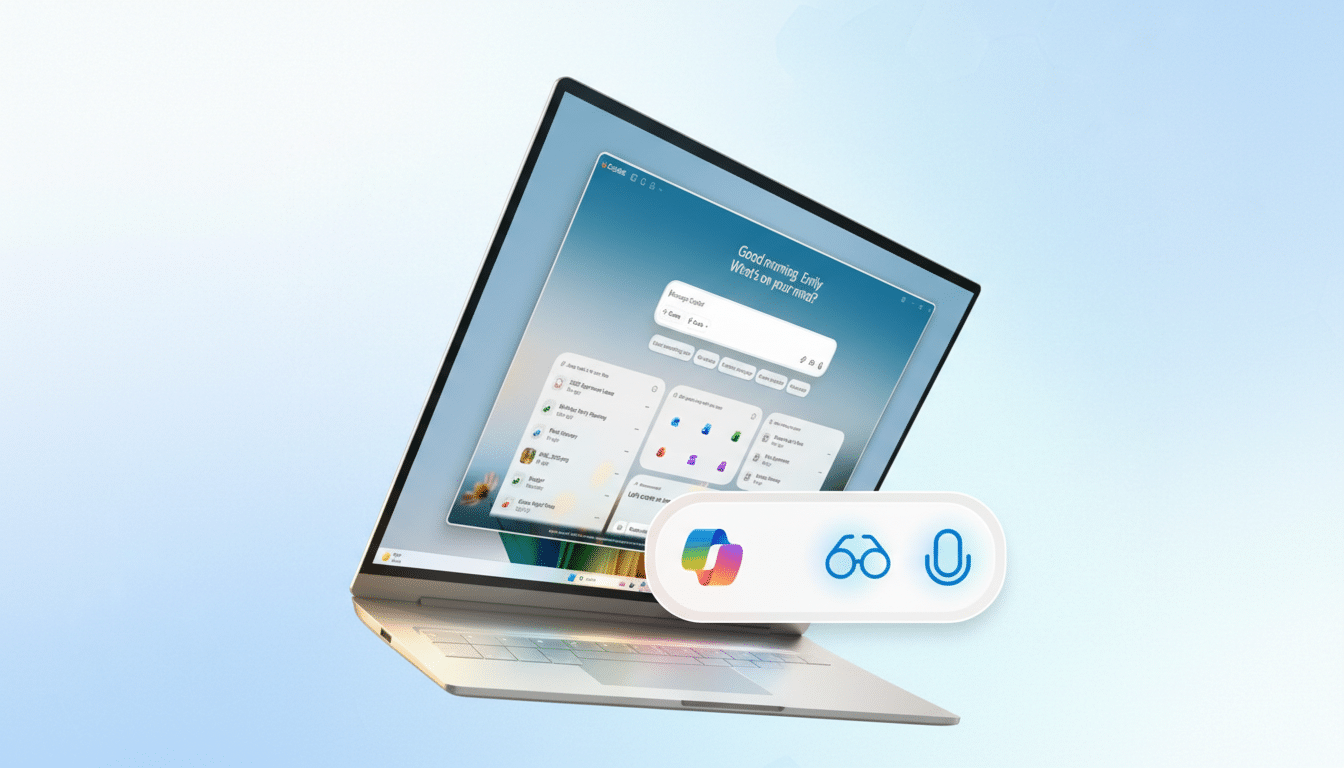
Privacy blowback has amplified the pressure. Experiments such as Windows Recall and Copilot Vision drew intense scrutiny from security researchers and regulators. Former Microsoft security analyst Kevin Beaumont was among those who warned that Recall’s design—capturing periodic screenshots to create a searchable timeline—posed unnecessary risk if not locked down properly. That criticism, combined with enterprise compliance concerns, raised the bar for AI shipping standards inside Windows.
Internally, the calculus also includes cost and reliability. Cloud inference for generative tasks isn’t free; every invocation touches compute budgets and latency. For a platform the scale of Windows, indiscriminate AI entry points can become both costly and confusing, especially when they don’t materially improve the task at hand. Trimming surface area and clarifying value is a pragmatic step, not a retreat.
What Could Change in Core Windows 11 Apps
The reported plan is not to strip out useful capabilities, but to reduce Copilot’s overt footprint. In practice, that could mean keeping features while removing Copilot labels. For example, Notepad’s “Explain with Copilot” could evolve into a context menu action that feels native, while Paint’s Cocreator-style image generation might remain as a creative tool without Copilot branding front and center. Photos could keep Generative Erase and background blur as standard editing tools rather than AI “moments.”
Expect more opt‑in prompts, clearer off switches, and stronger policy controls for IT. Enterprises have been explicit: make AI capabilities discoverable but controllable, and ensure data handling is transparent. Microsoft has already built out administrative policies for Copilot features in Microsoft 365; identical rigor at the OS level would help defuse compliance anxieties and simplify deployment.
The Recall Reset and Privacy Safeguards in Windows
The most sensitive reappraisal concerns Windows Recall. While the feature promised remarkable retrieval—find anything you saw on your PC by searching natural language—its implementation drew immediate criticism. Microsoft paused and reworked the design to be opt‑in, require Windows Hello enrollment, and encrypt the database, but skepticism lingered. Windows Central reports that Microsoft may revisit the name, the defaults, or both. A rename paired with stronger privacy guardrails and local‑only processing would signal a fresh start.
There is precedent for this kind of reset. Windows has long retired or reimagined features that didn’t match user expectations—think of Cortana’s sunset or the evolution of the Start experience after Windows 8. The brand attached to a capability can matter as much as the capability itself. If “Copilot” reads as “chatbot” in places where users want a simple tool, a neutral label can reduce friction and increase trust.
Reliability Takes Priority Over Aggressive AI Push
Stability concerns have also shaped the moment. A recent Windows 11 update caused power and restart anomalies for some users before Microsoft issued fixes, fueling perceptions that the OS has been trying to do too much at once. Pavan Davuluri, Microsoft’s president of Windows and Devices, acknowledged gaps and pledged a renewed focus on performance, reliability, and overall user experience. Pulling back conspicuous AI hooks in favor of polish is consistent with that pledge.
What Users and Developers Should Expect Next
For everyday users, a dialed‑back Copilot means fewer omnipresent chat panels and more targeted, built‑in assistive actions. The best AI features will feel like they’ve always belonged: faster redaction in Snipping Tool, smarter cleanup in Photos, richer brush options in Paint, or quick explanations in Notepad—without a chatbot framing every step.
For IT and developers, the change is an opportunity. Clearer APIs, consistent on‑device processing options, and predictable policy controls make it easier to build trustworthy workflows. Expect Microsoft to trial many of these adjustments in the Windows Insider channels first, with A/B experiments that emphasize fit and finish over fanfare.
Big picture, this is not an AI rollback so much as an AI refinement. Microsoft still needs Copilot to succeed across Windows and Microsoft 365, but success now looks less like branding every corner of the OS and more like shipping quiet, durable improvements that earn repeat use. If Microsoft gets that balance right, Copilot can fade into the background—and that might be the point.
