


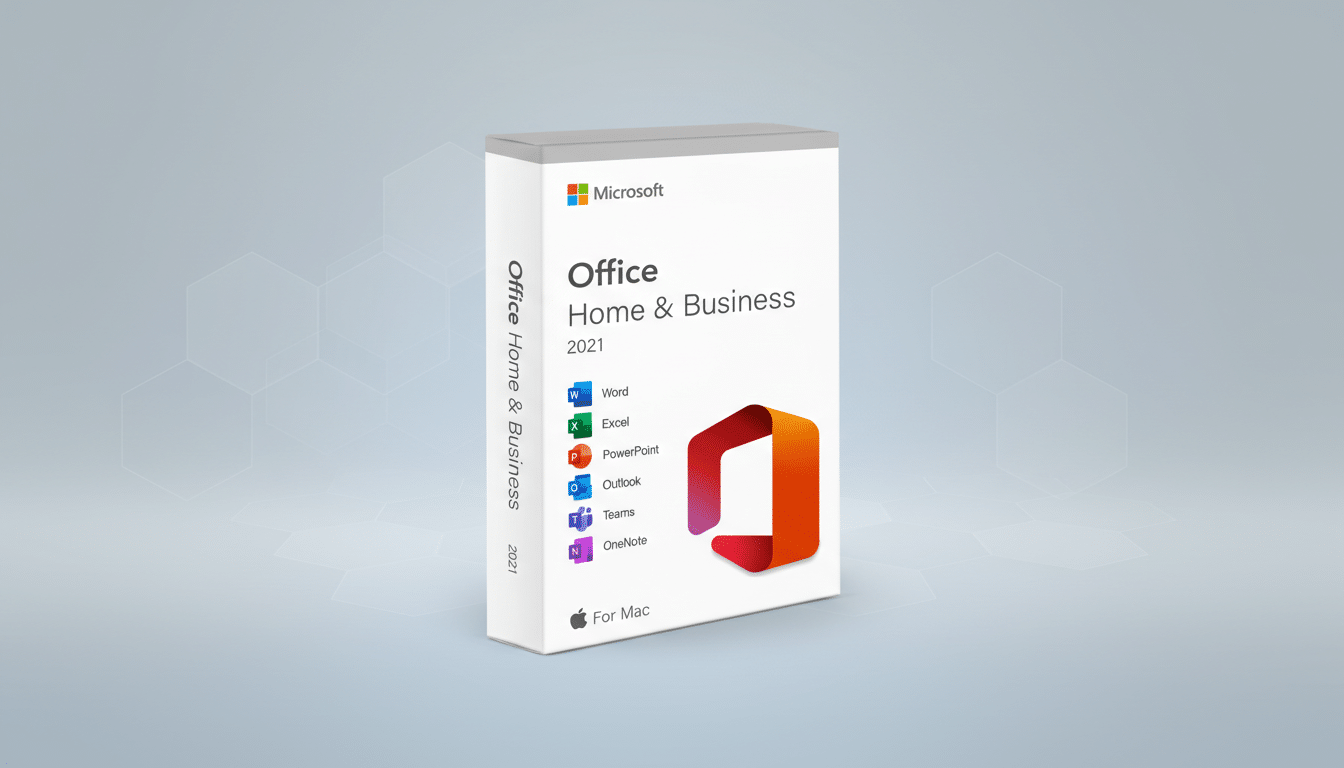
A lifetime license for Microsoft Office Home and Business 2021 for Mac is now available for about $49, offering a straightforward way to combine Apple’s hardware polish with the world’s most widely used productivity suite. For Mac users who prefer buying software once and owning it, this is a rare chance to lock in core Office apps without the ongoing subscription meter.
Why This Deal Stands Out For Mac Users Today
Mac owners often live in two worlds: Apple’s seamless experience and the ubiquity of Microsoft file formats at school and work. A perpetual Office license bridges that gap. It grants enduring access to Word, Excel, PowerPoint, Outlook, OneNote, and Microsoft Teams, which means you can open, edit, and share the documents colleagues expect, without juggling web apps or converting files.
Industry analysts at firms like Gartner and IDC consistently cite Microsoft as the category leader for office productivity, and that reflects a practical reality: when you need to send a resume, collaborate on a budget, or present a pitch deck, native Office apps are still the common denominator. This license lets a Mac do that job natively, offline, and on familiar Apple hardware.
What The Lifetime License For Mac Includes
This edition bundles six essentials:
- Word for document drafting
- Excel for spreadsheets and analysis
- PowerPoint for presentations
- Outlook for email and calendars
- OneNote for organized notes
- Teams for chat and meetings
The apps install locally, so you can work without a network connection and keep your files on-device if you prefer.
It’s a single-Mac, one-time purchase. After activation, you own the license for that machine, and you receive security and stability updates for the Office 2021 line. The experience feels familiar and fast on modern Macs, with native support for Apple silicon that keeps launch times snappy and large files responsive.
How It Compares To Microsoft 365 Subscription Plans
The clearest advantage is cost control. Microsoft 365 Personal typically lists at $69.99 per year, while Family is usually $99.99 per year. At roughly $49, a perpetual license can pay for itself in well under a year compared with a Personal plan. Over three years, the difference can add up to hundreds of dollars in savings if you don’t need subscription extras.
There are trade-offs. A perpetual license doesn’t include the 1TB OneDrive storage, multi-device use, or continuous feature additions that come with Microsoft 365. Advanced cloud collaboration and AI features like Copilot are subscription-centric. If you want the latest features the moment they land, or you rely on shared cloud storage across devices, Microsoft 365 remains the better fit. If your priority is stable, local, core apps on one Mac, the lifetime license is a smart buy.
Performance And Compatibility On Apple Silicon
Microsoft’s Mac apps run natively on Apple silicon, which means better battery efficiency and smoother performance for everyday work. Outlook has been rebuilt for speed on Mac, and Teams for Mac received a significant under-the-hood overhaul to reduce memory use and improve call stability.
Compatibility is strong: DOCX, XLSX, and PPTX files open as expected, and shared workbooks, comments, and formatting translate cleanly across Mac and Windows. Power users can still rely on features like PivotTables in Excel, advanced animations in PowerPoint, and enterprise-grade email features in Outlook. As always, some complex macros and specialized add-ins may behave differently on macOS, but for most users the cross-platform experience is seamless.
Who Should Consider It And Who Should Skip
This deal is ideal for students, freelancers, and small businesses that want predictable costs and the core Office toolset on a single Mac. It’s also useful as a dedicated workstation license for roles that don’t require roaming between multiple devices. If your workflow revolves around offline drafts, occasional presentations, and spreadsheets that stay on your machine, you’ll get strong value from a lifetime license.
Skip it if you need multi-device installs, heavy cloud collaboration, or features tied to Microsoft’s rapid update cadence. Households with multiple users, teams that co-author in real time, or professionals leaning on cloud-first workflows will likely be better served by a Microsoft 365 subscription.
Activation And Practical Tips For Mac Office Buyers
Before buying, confirm your Mac is on a supported version of macOS—current builds of Office 2021 for Mac support the latest macOS releases and typically the two prior versions, with Microsoft updating that window as new macOS versions arrive. Ensure you have enough local storage, and plan to keep your product key in a secure place in case you need to reinstall on the same machine.
After purchase, you’ll receive a key and download to install the apps. Activation is straightforward: sign in with a Microsoft account, redeem the key, and you’re set. You can still save files to iCloud Drive or another storage provider if you prefer Apple’s ecosystem, and Teams gives you a direct channel for chat and meetings without leaving macOS. As with any promotion, pricing and availability can change, so consider acting while the offer is live.
Bottom line: if you want the reliability of Microsoft Office with the simplicity of a one-time purchase on your Mac, this lifetime license hits a rare sweet spot between cost and capability—delivering the best of both worlds without a monthly bill.
