


If you’re tired of paying every month for the same Word, Excel, and PowerPoint you’ve used for years, there’s timely relief: a lifetime license to Microsoft Office 2024 is available at 60% off. It’s a one-time purchase for Mac or PC that installs locally, avoids renewals, and lets you stop renting the essentials you rely on.
Why This Lifetime Microsoft Office Deal Really Matters
Subscriptions have become the default for productivity software, but not for everyone’s budget or workflow. Microsoft’s earnings calls have repeatedly highlighted more than 70 million consumer Microsoft 365 subscribers, a sign of how fast recurring plans spread. Yet many individuals and small teams don’t need rolling feature drops, bundled storage, or AI copilots—just dependable apps without a monthly fee.
- Why This Lifetime Microsoft Office Deal Really Matters
- What You Get in Microsoft Office 2024 Home and Business
- The Cost Math at a Glance for Office 2024 Versus 365
- Who Benefits Most from a One-Time Office 2024 License
- Know the Trade-Offs Before Choosing a Perpetual License
- Bottom Line on Grabbing the Office 2024 Deal at 60% Off
Analysts at Gartner have noted persistent, double-digit growth in software spending, largely driven by subscriptions. That makes flat, perpetual pricing appealing again. A lifetime license puts a fixed ceiling on what you’ll pay for core office tools—even as subscription rates march upward.
What You Get in Microsoft Office 2024 Home and Business
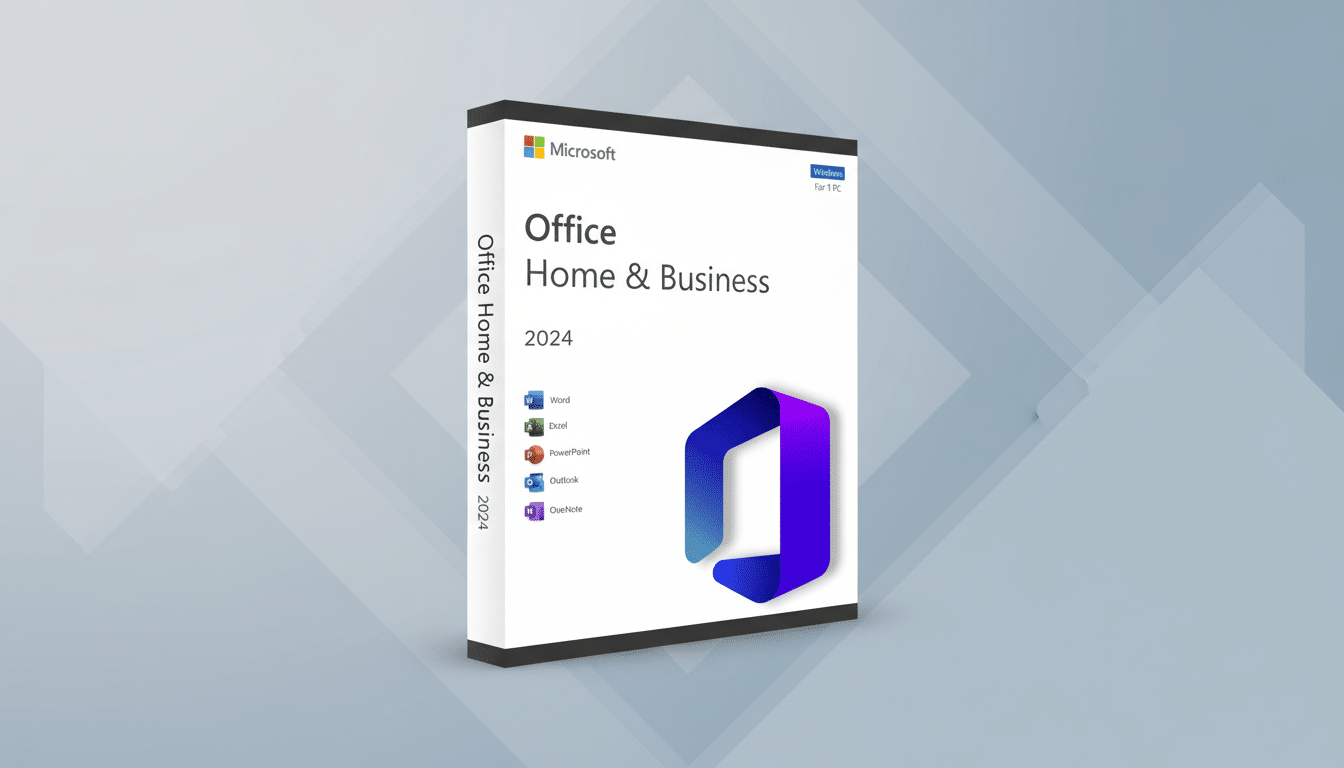
Office 2024 Home and Business centers on the classics: Word for drafting, Excel for analysis, PowerPoint for decks, and Outlook for email. Once activated, the suite runs on your computer without cloud dependencies, ideal for offline work, travel, or privacy-conscious environments. Licenses like this typically cover one device, keeping management simple.
Under the hood, the 2024 release focuses on speed, stability, and usability. Excel handles larger datasets more smoothly, with quicker recalc and snappier filtering—handy for budgets, forecasting, or inventory. PowerPoint adds more robust recording controls so you can turn a live presentation into a polished video with fewer edits. Word’s updated writing aids streamline reviews and revisions, helping teams reach a final draft faster.
The Cost Math at a Glance for Office 2024 Versus 365
Consider the crossover point. A Microsoft 365 Personal plan commonly runs about $69.99 per year, while a Family plan lands around $99.99 per year. A discounted one-time Office 2024 license at roughly $99.97 pays for itself in about 17 months versus Personal and in roughly a year versus Family. For small-business tiers, which are higher, the break-even arrives even sooner. After that, the savings compound annually.
This is not just about headline price. Owning the software means predictable spend and no surprise increases. A freelancer or sole proprietor who keeps the same setup for three to five years can bank meaningful savings, while still getting the apps clients expect to see on shared files.
Who Benefits Most from a One-Time Office 2024 License
Perpetual licensing fits users with stable, document-centric workflows: writers, accountants, consultants, students, and small practices that need compatibility and reliability more than bleeding-edge features. It’s also smart for devices that operate offline or in secure environments where external cloud services are limited.
Real-world example: A two-person design studio preparing proposals and budget trackers gains nothing from monthly add-ons; they need consistent file fidelity with clients and a fixed cost. Likewise, a front-desk PC in a medical or legal office benefits from a locked-down setup that won’t change beneath staff midweek due to a background update tied to a subscription.
Know the Trade-Offs Before Choosing a Perpetual License
Perpetual Office doesn’t include ongoing cloud features from Microsoft 365. You won’t get the 1TB of OneDrive storage typically bundled with subscriptions, enterprise-grade collaboration suites, or AI helpers like Copilot. While coauthoring can still work when connected to cloud storage, the deepest, newest integrations generally remain subscription-only.
Feature updates are more conservative, too. Office 2024 will receive security and stability updates for years under Microsoft’s lifecycle policies, but it won’t continuously gain the latest cloud-driven capabilities. If your team lives in real-time, multi-user editing with shared workspaces, or you’ve standardized on Copilot and Teams integration, the subscription may still be the better fit.
Bottom Line on Grabbing the Office 2024 Deal at 60% Off
For many, the smartest move is to stop renting and lock in the 2024 suite at 60% off. You get the tools you already use, the performance improvements you’ll feel, and a one-time payment you can budget. Verify system requirements for your Windows or Mac machine, confirm you’re buying from a reputable seller, and take advantage while the discount is live. If your workflow is stable, this may be the last Office purchase you need for years.
