


A rare, time-limited software bundle is turning heads: lifetime licenses for Microsoft Office Professional 2021 and Windows 11 Pro for just $39.99. For anyone still weighing an operating system upgrade while keeping productivity tools current, this package consolidates two essential buys into one steeply discounted checkout.
Against typical list prices — Microsoft still lists Office Professional 2021 around $440 and a standalone Windows 11 Pro license near $199 — this offer represents significant savings without a recurring subscription. It’s especially compelling for students, freelancers, and small businesses that prefer one-and-done ownership over ongoing monthly fees.
Why This $40 Bundle Matters Right Now for Many Users
With Windows 10 approaching end of support in 2025 per Microsoft’s lifecycle guidance, millions of PCs will face a decision point. Analysts at firms like Gartner have already flagged a PC refresh cycle building around that deadline. A bundle that covers both the operating system and the productivity suite can remove cost friction and planning overhead in one move.
Just as importantly, it sidesteps subscription fatigue. Microsoft 365 is powerful but ongoing; Office 2021 is a perpetual license. You won’t get new feature rollouts every month, but you do retain core functionality and security updates within the product’s support window without another bill.
What You Get With Office Professional 2021
Office Professional 2021 includes Word, Excel, PowerPoint, Outlook, OneNote, Access, and Publisher. For advanced users, Excel’s modern functions (XLOOKUP, dynamic arrays, LET, and improved Power Query) and PowerPoint’s design upgrades are standouts that materially speed up everyday tasks. Access and Publisher remain Windows-only stalwarts for lightweight databases and desktop publishing.
This is a classic one-time install. It’s ideal for users who value offline capability and predictable tooling. Note that Microsoft’s lifecycle fact sheet places Office 2021’s mainstream support through October 2026, so the clock is generous for anyone planning a stable, multi-year workflow without hopping to a subscription.
Windows 11 Pro Features That Add Real Value
Windows 11 Pro carries the features professionals typically need: BitLocker device encryption, Hyper-V virtualization, Windows Sandbox for isolated testing, Remote Desktop host, Group Policy management, and Azure AD/Entra ID join for easier device administration. Everyday users still benefit from Snap Layouts for multitasking, a tuned desktop experience, and performance/security hardening under the hood.
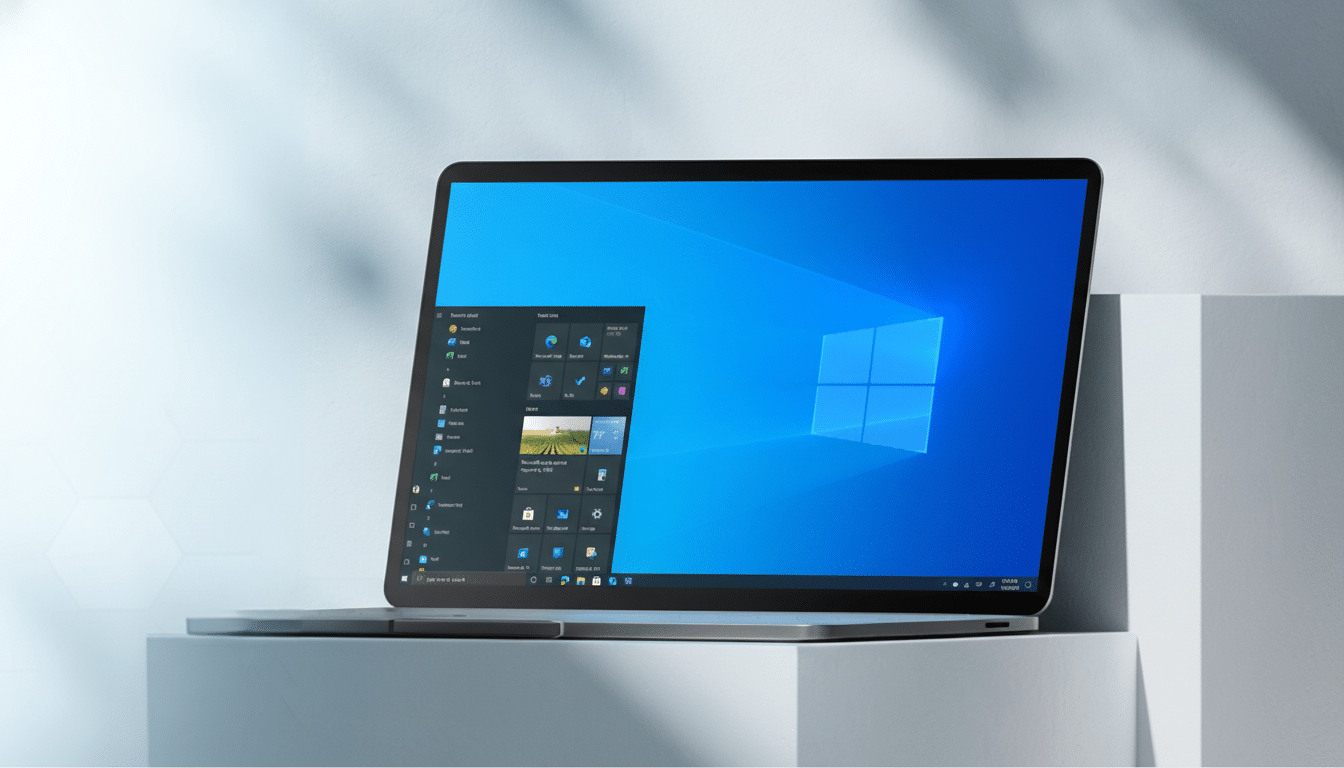
Security is the headline. Windows 11 requires TPM 2.0 and leverages virtualization-based security and Windows Hello, aligning with guidance from industry groups and Microsoft’s own secure-by-default push. Copilot is also integrated in Windows 11 in many regions, offering built-in AI assistance for drafting, summarizing, and quick system actions without leaving the desktop.
Important Caveats to Check Carefully Before You Buy
First, confirm your hardware meets Windows 11’s requirements, especially TPM 2.0 and supported CPUs. Microsoft’s PC Health Check app can verify readiness. If you plan to enable BitLocker, make sure you’ve backed up recovery keys and understand the implications for drive access and device recovery.
Second, clarify what “lifetime” means. Perpetual typically refers to the lifetime of the license on one PC (often non-transferable), not lifetime feature upgrades. Office 2021 won’t turn into the next Office release, and your Windows 11 Pro license won’t grant future paid editions. After installation, verify genuine activation in Settings for Windows and the Account panel in Office; Microsoft warns that bargain keys from non-reputable sellers can be revoked if they violate licensing terms.
Who This Deal Suits Best for Home, School, and Work
If you’re upgrading from Windows 10, equipping a refurbished PC, or standardizing software across a small team, this bundle hits the sweet spot. Students and solo entrepreneurs get full desktop Office apps without ongoing costs, while power users gain Pro-grade Windows features like Hyper-V and BitLocker for testing, security, and remote work.
Meanwhile, organizations that already rely on Microsoft 365 for cloud storage, collaboration, and ongoing features may prefer to stay in that ecosystem. As StatCounter data shows Windows 11’s share climbing toward one-third of active Windows installs, the long-term momentum is clear — but how you get there depends on your needs and budget.
Bottom Line: A $40 Path to Modernize Your PC Stack
At $39.99, a legitimate pairing of Office Professional 2021 and Windows 11 Pro is a standout value, compressing what is usually a sizable outlay into a single, manageable purchase. Confirm hardware compatibility, understand the licensing boundaries, and if the terms check out from a reputable seller, this is one of the most cost-effective ways to modernize your PC stack in one step.
