


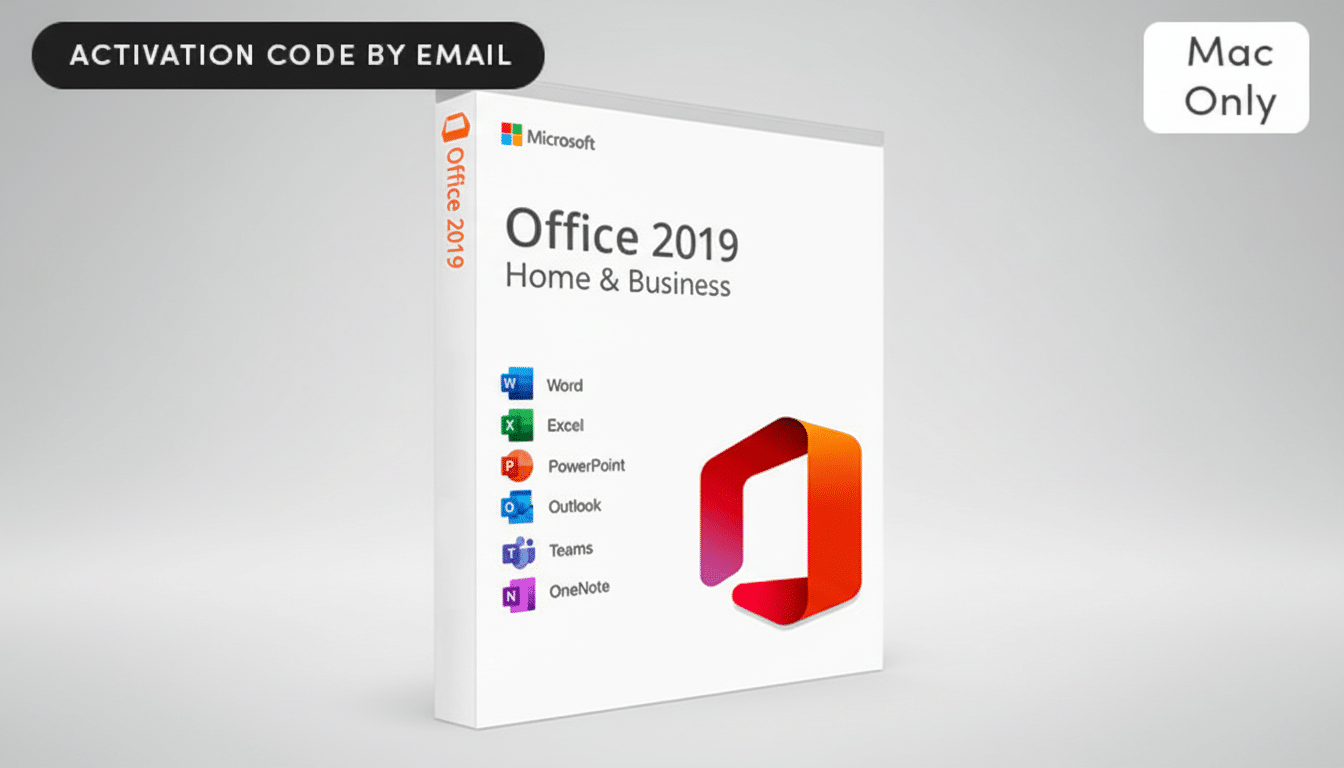
A rare offer for a lifetime Microsoft Office 2019 license for Mac is also available, so if you want Word, Excel, PowerPoint, Outlook, and OneNote without having to worry about a subscription going forward, this could be the perfect deal for you.
And for anyone tired of paying monthly bills or making do with older equipment, this one-time purchase is a simple way to put the essentials on lockdown.
- What’s included in the $30 Office 2019 for Mac package
- How it compares to Microsoft 365 for typical Mac users
- Support lifecycle and security for Office 2019 on Mac
- Who this Office 2019 Mac license offer fits best
- Before you buy: what to look for in this Mac deal
- The bottom line on a $30 Office 2019 license for Mac
What’s included in the $30 Office 2019 for Mac package
The deal is Microsoft Office 2019 for Mac, which is a perpetual license to the suite that you install on your Mac and then own forever. It usually covers a single Mac and is meant for local, offline use — no cloud subscription or other fees involved. It lacks some of the newer collaborative features built into Microsoft 365 but retains the powerful editing, analytical, and presentation tools most users need every day.
This pricing is meaningful. Microsoft 365 Personal is priced at $69.99 per year and Family at $99.99 per year. That’s about $280 to $400 in subscription spending over four years. You can get most of the core functionality for a fraction of that expenditure: $30 buys you a perpetual license, which is why these offers often get snapped up by students, freelancers, and small offices.
How it compares to Microsoft 365 for typical Mac users
Microsoft 365, of course, is the company’s marquee service these days, offering rolling feature updates, 1TB of OneDrive storage on consumer plans, and tight collaboration tools. It’s also where the company’s latest AI features, such as those associated with Copilot, are front and center. And if you require real-time co-authoring, cloud-based storage for large document libraries, or the very latest features, renting may still make sense.
Office 2019, on the other hand, has been specifically designed to remain relatively static. You receive security updates and other critical fixes, just not the constant interface shifts or new feature drops. Many users prefer that predictability. Writers typing offline, analysts working local spreadsheets, and presenters building decks without team handoffs see virtually no productivity downside — and often love the additional speed of an app on old hardware when compared to something cloud-enabled.
Support lifecycle and security for Office 2019 on Mac
You should understand the support window. Office 2019’s mainstream support has already ended. Microsoft says that Office 2019’s extended support runs through October 14, 2025, and security updates are included. That means the software is still useful for near-term usage, especially on Macs that do not require the latest bells and whistles. When extended support does conclude, you will no longer get security updates, so plan accordingly if you need a little extra time.
Security-wise, the caveats remain the same: keep macOS up to date; be leery of opening email attachments (and we’ll add: beware of phishing attempts); and consider document protection that’s already built into any of these apps. While Office 2019 won’t include any of the AI-powered defenses that come with Microsoft 365, it’s still perfectly adequate in an old-school document workflow when used with a secure operating system and sane practices.
Who this Office 2019 Mac license offer fits best
- Budget-conscious users who don’t need the full range of Office apps and are not interested in paying repeatedly for software.
- Fans of fast, stable desktop apps and owners of older Macs who value that over cloud-heavy offerings.
- Freelancers and sole proprietors that operate mainly offline or deliver final files via PDF.
- Students searching for non-subscription tools for essay writing, data analysis, and slide decks.
Before you buy: what to look for in this Mac deal
- Confirm the license is for Mac and not an online-only version.
- Check that it’s a perpetual license, not a trial or time-limited offer.
- Make sure it’s a genuine retail or volume key that can be activated through Microsoft’s normal processes.
- Look for clear details from the seller on license type, number of devices covered, and the activation process.
- If you plan to upgrade your Mac soon, verify that the version is compatible with the next macOS release.
The bottom line on a $30 Office 2019 license for Mac
A $30 perpetual license for Microsoft Office 2019 on Mac is a no-brainer to start your journey, with no ongoing commitment to pay over the next few years.
You’ll lose out on some of Microsoft 365’s cloud and AI features, but for traditional editing, number-crunching, and presentations, the value is hard to pass up — especially when it’s at a discount of around 87% off list. If dependable tools are more important to you than constant new features, this deal is an easy recommendation.
