


Microsoft is preparing another leap for Notepad, experimenting with native image support in the Windows Insider builds. An image icon has quietly appeared in the Notepad toolbar for testers, signaling that the venerable text editor is evolving beyond plain text as Microsoft continues to fold more modern authoring tools into Windows 11.
What Microsoft Is Testing in Notepad’s Latest Builds
The new image icon, spotted by Windows Insiders and reported by Windows-focused outlets, doesn’t yet perform any visible function. However, sources familiar with Microsoft’s internal branches indicate it’s tied to the recent Markdown enhancements in Notepad—think headings, bold and italic text, inline links, tables, and lists, all of which have been gradually added over the past year.
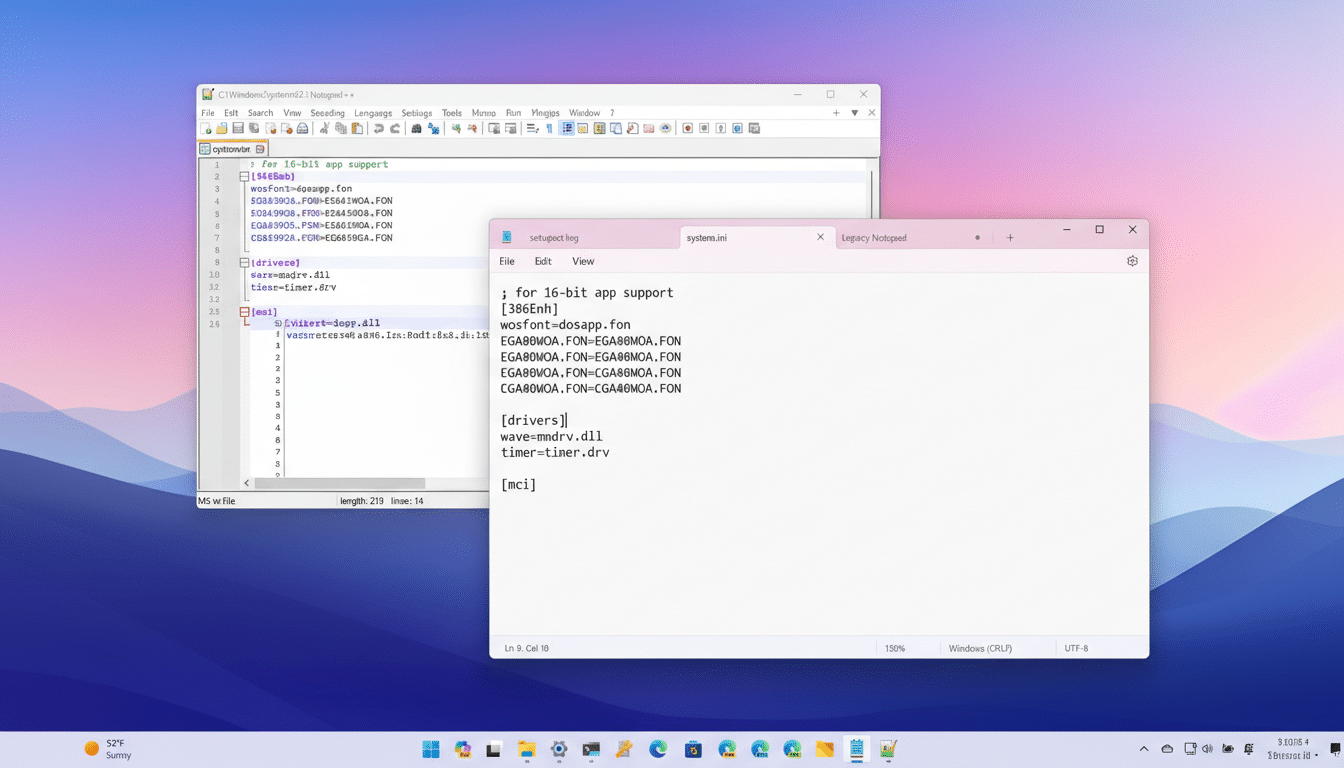
In early testing, Microsoft engineers reportedly prioritized performance, ensuring the editor retains its hallmark responsiveness even when rendering richer content. That aligns with the company’s broader Notepad refresh, which has already introduced tabs, spell check, autocorrect, session restore, character counts, and a modernized UI without meaningfully denting speed for everyday files.
While Microsoft hasn’t detailed implementation, image support likely complements Notepad’s Markdown direction in two plausible ways: rendering images referenced in Markdown documents and allowing users to insert images directly into notes for lightweight documentation. Either approach would move Notepad closer to what macOS users have long enjoyed in TextEdit—an uncomplicated editor that can also handle richer notes when needed.
Why Notepad Is Changing after WordPad’s Removal
Microsoft removed WordPad from Windows 11 and has been threading its core conveniences into Notepad ever since. The strategy is clear: streamline the default app lineup while elevating a single, fast editor that covers quick-and-dirty edits and simple formatted documents. It’s a pragmatic consolidation for an operating system used by a broad audience—from developers jotting logs to office workers drafting quick instructions.
It also reflects how people work. Markdown has become a lingua franca for documentation on platforms like GitHub and internal wikis, where images and tables help explain configurations in seconds. Incorporating those basics into Notepad means users can open, tweak, and share a README with images or a small internal guide without reaching for a heavier word processor.
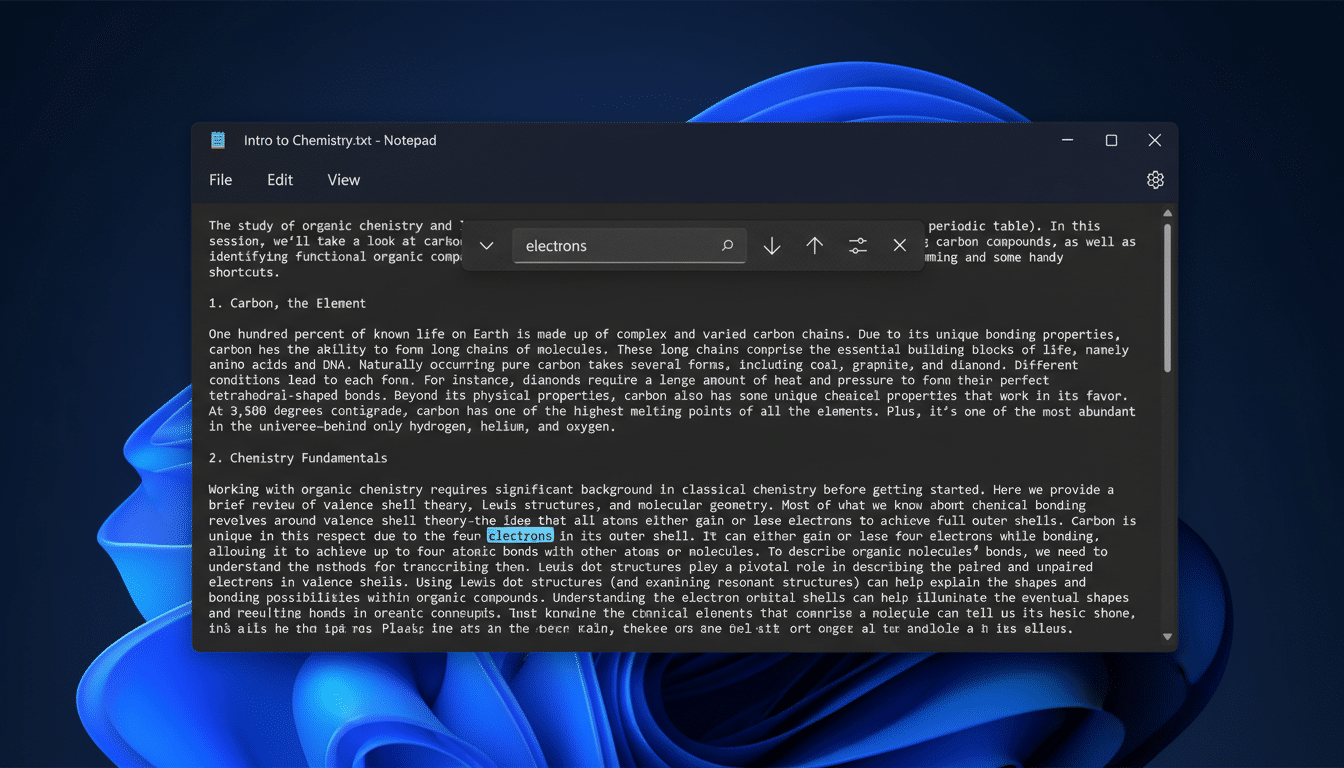
There is, however, cultural gravity around Notepad’s original purpose. Many users rely on it to strip formatting—paste in styled text, copy out clean plain text. Microsoft appears sensitive to that history: Notepad’s Settings allow you to disable Formatting, Spell Check, and Autocorrect, turn off Copilot integration, and control session behavior. In other words, if you want the classic bare-bones Notepad, you can still have it.
What This Change Means for Your Daily Workflow
For support teams and IT pros, quick notes with embedded screenshots could cut friction. Picture a brief troubleshooting guide with one or two images, saved alongside a log, and shareable without launching a full document suite. For developers, being able to open a Markdown file that renders images in place makes README edits faster and less error-prone.
Power users worried about bloat should watch file sizes and memory use on very large documents. Text-only logs will still load instantly, but rich content necessarily carries weight. That’s why the toggle-centric design matters: turning off formatting layers restores the traditional, minimal Notepad feel and behavior.
Enterprises may also appreciate a simpler default editor with modern capabilities. Reducing the number of preinstalled apps lowers maintenance, while giving employees a capable editor by default can save time and support tickets. Microsoft’s move mirrors a broader industry pattern: keep the OS lean, make the defaults more capable, and let the store handle niche power tools.
The Bigger Picture for Notepad within Windows 11
Notepad’s makeover is part of a steady cadence of Windows quality-of-life updates aimed at everyday workflows. The Windows Insider Program routinely surfaces these changes early, and Microsoft has used that feedback loop to calibrate features before general release. Given Notepad’s ubiquity and the mixed feelings around feature creep, expect the company to iterate carefully on image handling and Markdown rendering before rolling it out broadly.
Bottom line: image support would turn Notepad into a more flexible, default editor for modern documents without forcing anyone to abandon plain text. If Microsoft nails the balance—fast by default, richer when you want it—Notepad could remain the first tool you open, and the last one you need, for a surprising number of everyday tasks.
