


After three decades living comfortably in Linux, I spent a full week running Windows 11 as my daily driver. I expected modern polish. Instead, I met nine friction points that repeatedly slowed work, raised privacy questions, or wasted battery life.
This matters because Windows 11 is a mainstream operating system. StatCounter shows Windows powering well over half of desktop machines globally, with Windows 11 hovering around 30% and Linux near 4%. When a platform that dominant puts roadblocks in front of everyday tasks, it is not just a personal annoyance — it affects the way millions work.
- Account Lock-In Starts at Setup and Pushes Cloud Integration
- Passkeys and Windows Hello Collide, Creating Sign-In Friction
- App Store Quality and Aggressive Upsells Disappoint
- Input Settings That Refuse to Stick on Precision Touchpads
- Ads Creep into the Desktop Experience and Erode Trust
- OneDrive as the Default Save Trap for New Windows Installs
- Background WebView2 Drains Resources and Hurts Battery Life
- Security Center Messaging Is Inconsistent
- Power Defaults Miss the Laptop Context and Waste Energy
- An Ever-Present Fear of Forced Interruptions
- What This Says About Windows and Linux in Daily Work
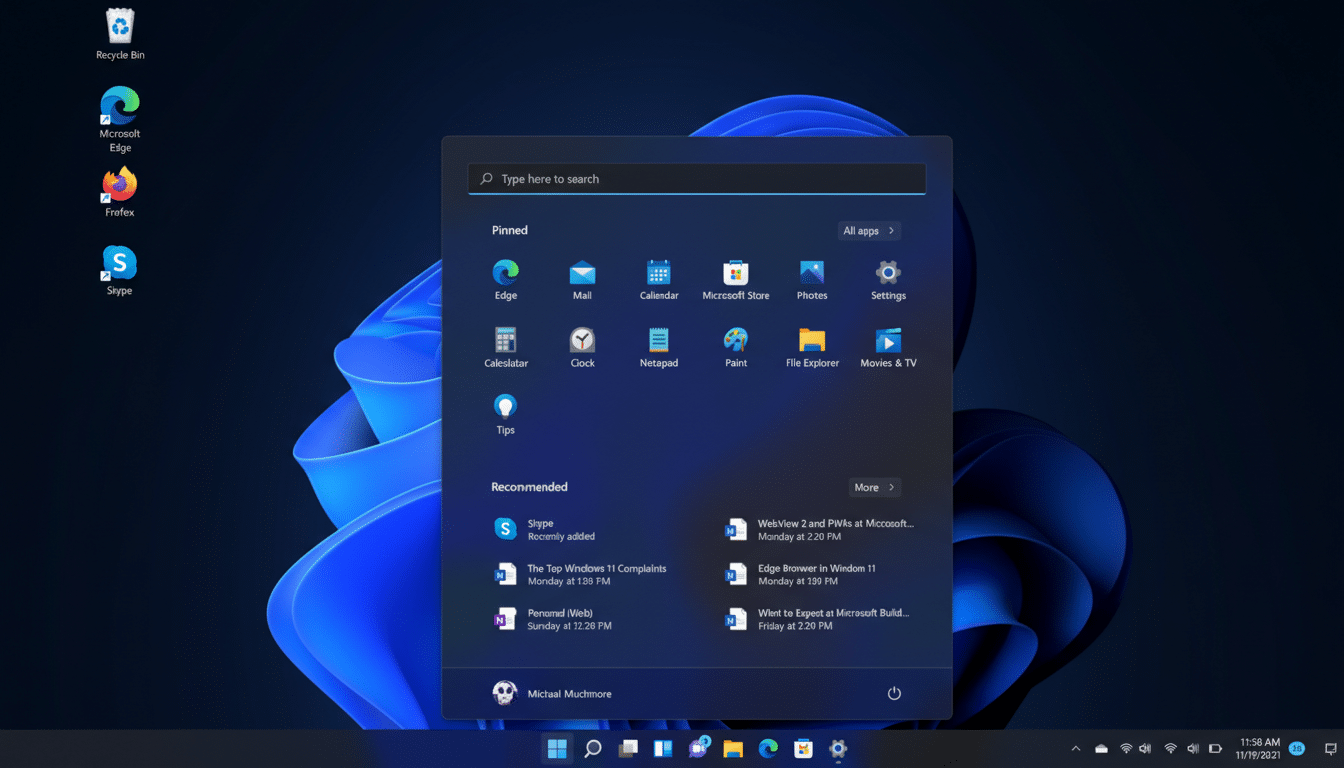
Below are the nine issues that surfaced quickly, why they happen, and how they compare to a typical Linux desktop experience.
Account Lock-In Starts at Setup and Pushes Cloud Integration
On many consumer builds, Windows 11 funnels you into creating or tying the device to a Microsoft account during setup. While there are workarounds and Pro editions allow local accounts, the default path is clear. The design nudges cloud integration, telemetry, and cross-device services before you even reach the desktop. On Linux, local accounts are still the norm and take seconds to create.
Passkeys and Windows Hello Collide, Creating Sign-In Friction
Passkeys should simplify sign-in. In practice, Windows Hello’s platform authenticator can clash with existing passkeys from providers like Google. The FIDO Alliance standard is solid, but user experience depends on how each vendor implements WebAuthn. I repeatedly hit dead ends until enabling Windows Hello features that other platforms handle automatically. The promise is passwordless, the reality is still fragmented.
App Store Quality and Aggressive Upsells Disappoint
Microsoft has improved its store, but curation remains uneven. I installed a popular email client and was immediately greeted by a full-screen upsell that hijacked focus. No Task Manager, no terminal, just a reboot to recover control. This mirrors longtime criticism from independent developers and reviewers who note that Win32 packages in the store can still behave like traditional desktop apps — both the good and the bad.
Input Settings That Refuse to Stick on Precision Touchpads
Changing scroll direction should be trivial. On my test machine, natural scrolling kept reverting, likely due to the tug-of-war between OEM drivers and Windows Precision Touchpad settings. Power users know this terrain well, but it is baffling for anyone expecting a one-and-done toggle. Linux distributions with libinput typically apply this setting consistently across the desktop.
Ads Creep into the Desktop Experience and Erode Trust
Promotions labeled as recommendations appear in Start, the Settings app, and sometimes File Explorer. Microsoft has tested similar placements in Insider builds, and publications like The Verge have documented periodic experiments. Regardless of label, an operating system that surfaces ads in core UI is a trust withdrawal for many professionals. Linux desktops rarely blur that line.

OneDrive as the Default Save Trap for New Windows Installs
Out of the box, Windows 11 steers documents toward OneDrive via Known Folder Move and cloud-first defaults. That is useful for some, but damaging for workflows where data sovereignty, offline access, or specific backup policies matter. In enterprise builds, admins can control this behavior via Group Policy. On a personal machine, the defaults can surprise you — and your files.
Background WebView2 Drains Resources and Hurts Battery Life
Edge WebView2 is a runtime that lets desktop apps embed web content. It is ubiquitous — and on my system, it was a top consumer of CPU and power even when Edge was unused. Microsoft documents this component, and it is required by many apps. Still, the impact was large enough to kick fans on and cut battery life. Task Manager’s Efficiency mode helped, but the out-of-box footprint felt heavy compared with a lean Linux desktop running the same workload.
Security Center Messaging Is Inconsistent
Windows Security showed mixed states for Virus and Threat Protection and account protections, with one page reading Off and another On. Microsoft Defender routinely earns top detection scores from AV-TEST and SE Labs, so the protection is strong. The problem is clarity. Security UX should remove doubt, not create it. Linux does not eliminate security concerns, but it rarely presents conflicting status screens for core protections.
Power Defaults Miss the Laptop Context and Waste Energy
My device failed to sleep or hibernate predictably. Modern Standby (S0) promises instant resume, yet numerous reviews from outlets like NotebookCheck have noted idle drain and erratic sleep behavior on certain models. Windows spans thousands of hardware combinations, which makes consistency hard. That reality does not make a dead battery any less frustrating compared with the reliable suspend and hibernate many Linux users expect.
An Ever-Present Fear of Forced Interruptions
The constant sense that an update or crash might interrupt work never fully faded. Microsoft has invested in smarter servicing windows, but automatic reboots still happen outside careful configuration. Contrast that with Linux distributions where updates and restarts are more transparent and user-paced, especially on rolling releases tailored to developers.
What This Says About Windows and Linux in Daily Work
Windows 11 bundles powerful features, robust security, and enviable application compatibility. Yet the defaults emphasize accounts, cloud, ads, and heavy runtimes that get in the way of focused work. Linux succeeds by staying out of the way — local control, predictable behavior, and minimal overhead. For some users, Windows is still the right tool. For others, especially those who value control and calm, a modern Linux desktop remains the more frictionless choice.
