


Windows 10’s sunset is accelerating the hunt for friendly Linux replacements, and two names keep rising to the top: Linux Mint and Zorin OS. After weeks of installing, daily-driving, and stress-testing both across modern ultrabooks and older desktops, I have a clear winner for most Windows switchers—though the runner-up remains excellent for the right hardware and preferences.
Comparing Setup And First-Run Experience Across Both
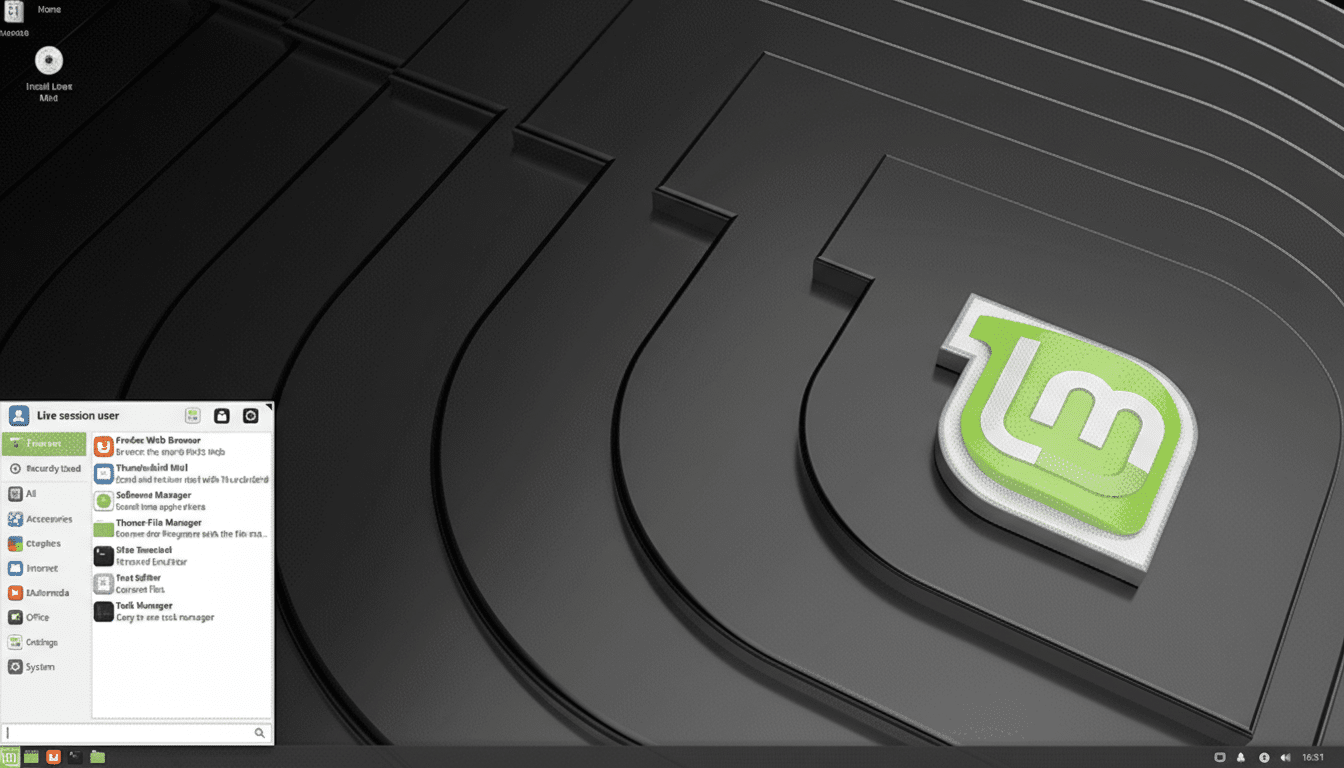
Both distros use a streamlined Ubuntu-based installer, detect Wi-Fi and proprietary drivers reliably, and offer a “third-party codecs” option to handle media out of the gate. On first boot, Linux Mint’s Welcome app guides you through updates, drivers, and desktop tweaks with minimal fuss. It feels intentionally conservative—everything you need, nothing you don’t.
- Comparing Setup And First-Run Experience Across Both
- Desktop Behavior And Everyday Usability Compared
- Performance, Resource Usage, And Hardware Support
- Software Repositories, App Stores, And Update Policies
- Privacy Defaults And Security Posture Across Both Systems
- Release Cadence, Support Timelines, And Long-Term Viability
- The Verdict On Linux Mint Versus Zorin OS For Switchers
Zorin OS goes further on onboarding. The Zorin Appearance tool offers multiple desktop layouts immediately, and its “Windows App Support” prompt is deceptively powerful: double-click a .exe or .msi and Zorin explains your choices, from native alternatives to enabling Wine-based support. For someone leaving Windows for the first time, that hand-holding matters.
Desktop Behavior And Everyday Usability Compared
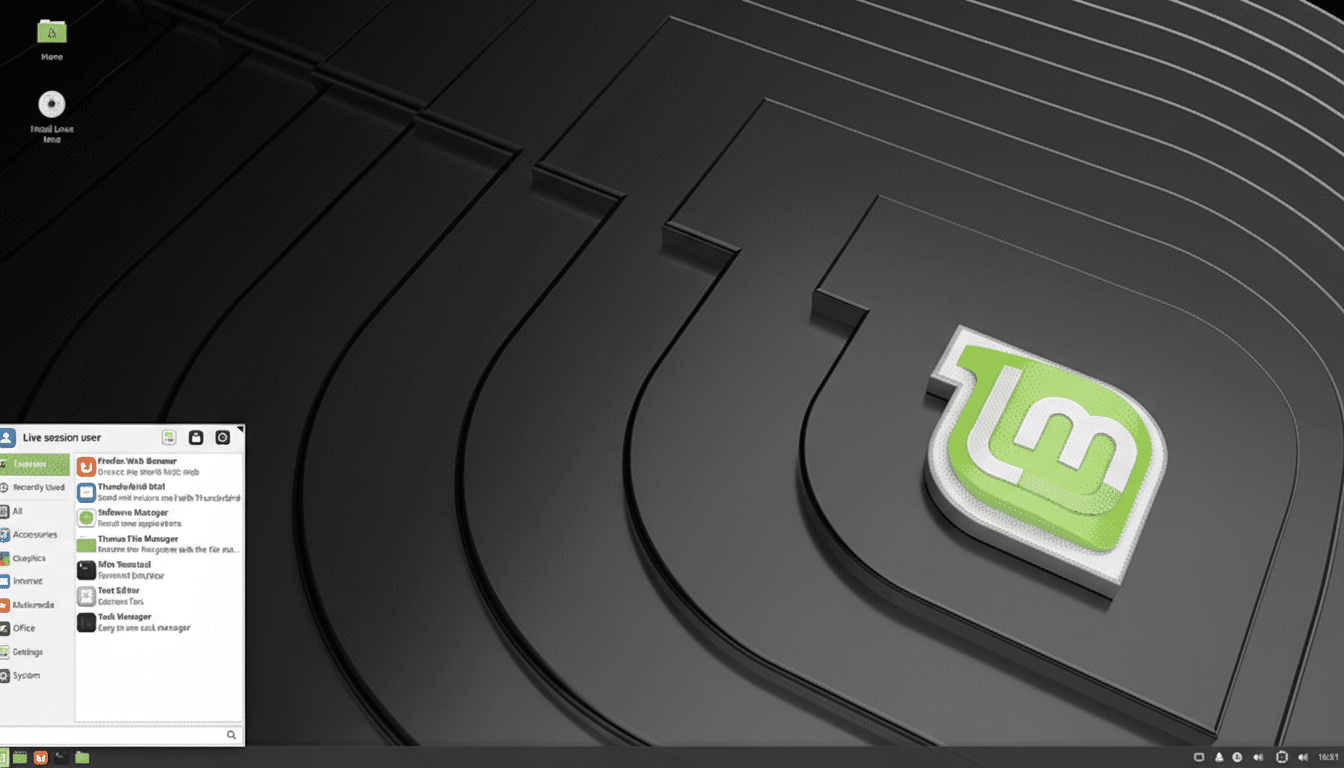
Linux Mint’s Cinnamon desktop mirrors a classic Windows layout—panel, menu, tray—without fluff or telemetry. It is consistent to a fault, which is the point. Fewer moving parts mean fewer surprises, and Cinnamon’s settings are sensibly organized. If you want a dependable “PC desktop” that stays out of your way, Cinnamon nails it.
Zorin OS puts polish front and center. Zorin Core ships with four layouts, including familiar Windows-like options; a one-time Pro license expands that selection and adds premium artwork. The result is a refined, modern UI with smooth animations and cohesive theming. Thanks to Zorin Appearance, you can switch layouts in seconds—no add-ons or scripting required.
Performance, Resource Usage, And Hardware Support
Both inherit Ubuntu’s Hardware Enablement (HWE) kernels and driver tooling, so Wi-Fi chipsets, Bluetooth, and Nvidia/AMD graphics generally “just work.” In my testing, Cinnamon on Linux Mint consistently used less RAM at idle than Zorin’s GNOME-based desktop, which aligns with community reports: on modest hardware, Mint feels snappier.
Zorin counters with a “Lite” edition based on Xfce for older machines, but among the mainstream editions, Mint has the edge on resource footprint and battery life by a small but noticeable margin. For gaming, both benefit from Valve’s Proton stack via Steam, and both handled proprietary GPU drivers with a few clicks.
Software Repositories, App Stores, And Update Policies
Here the philosophies diverge. Linux Mint’s Software Manager is deliberately curated, Flatpak is integrated by default, and Timeshift snapshots are built in—excellent for rollback safety. Mint also discourages Snap by default, which privacy purists and traditionalists may prefer.
Zorin OS centralizes more choices. Its store aggregates Debian packages with Flatpak and, notably, Snap, which means the broadest possible app selection in one place—useful for quickly installing Slack, Spotify, or Zoom. Zorin Connect (based on GSConnect) is preinstalled for seamless Android notifications and file sharing, while Mint answers with Warpinator for painless local transfers.
Privacy Defaults And Security Posture Across Both Systems
Neither distro ships with telemetry or ads. Both include a firewall front end and receive timely security patches via Ubuntu’s LTS base. For users sensitive to data collection after years of forced metrics on other platforms, it is refreshing that the default stance here is “no tracking.”
Release Cadence, Support Timelines, And Long-Term Viability
Linux Mint 22 is based on Ubuntu 24.04 LTS, with updates stretching into 2029. Zorin OS 17 builds on Ubuntu 22.04 LTS, with support into 2027, and periodic point releases add features without breaking workflows. Both communities are active; Mint’s forums skew toward longtime Linux users, while Zorin’s support channels often field questions from first-time switchers.
The broader market context favors both. StatCounter puts desktop Linux at roughly 4% worldwide in 2024, and the approaching end of Windows 10 support is pushing trials and migrations. The Zorin team has noted spikes of more than 100,000 downloads in short bursts after major Windows news, underscoring demand for approachable alternatives.
The Verdict On Linux Mint Versus Zorin OS For Switchers
For most Windows refugees who want a familiar interface, effortless app discovery, and smart guidance when handling .exe files, Zorin OS is my winner. The combination of polished layouts, an all-in-one app store, and onboarding niceties lowers friction in the first critical week—often the difference between switching and slipping back.
Choose Linux Mint if you value a leaner desktop, longer support on the latest LTS base, Flatpak-first packaging, and a conservative approach that stays rock solid over time. On older or low-spec hardware, Mint’s Cinnamon (or its Xfce edition) is tough to beat.
The good news is you cannot meaningfully go wrong. If you want the smoothest off-ramp from Windows with the least decision fatigue, install Zorin OS. If you prefer a classic desktop with lighter resources and maximum predictability, install Linux Mint. Either way, you are trading forced updates and telemetry for control—and that’s the real upgrade.
