


Linux Mint 22.2 just touched down, but the development churn isn’t easing up. Two big releases are on the horizon for the project: an all-new LMDE (7, “Gigi”) and a step-change update in Mint 22.3. Combined, they are the signs of a strategic offensive on platform neutrality, OEM readiness, and a relentless approach to modern graphics and input stacks.
LMDE 7 “Gigi” goes Debian 13 and 64‑bit only
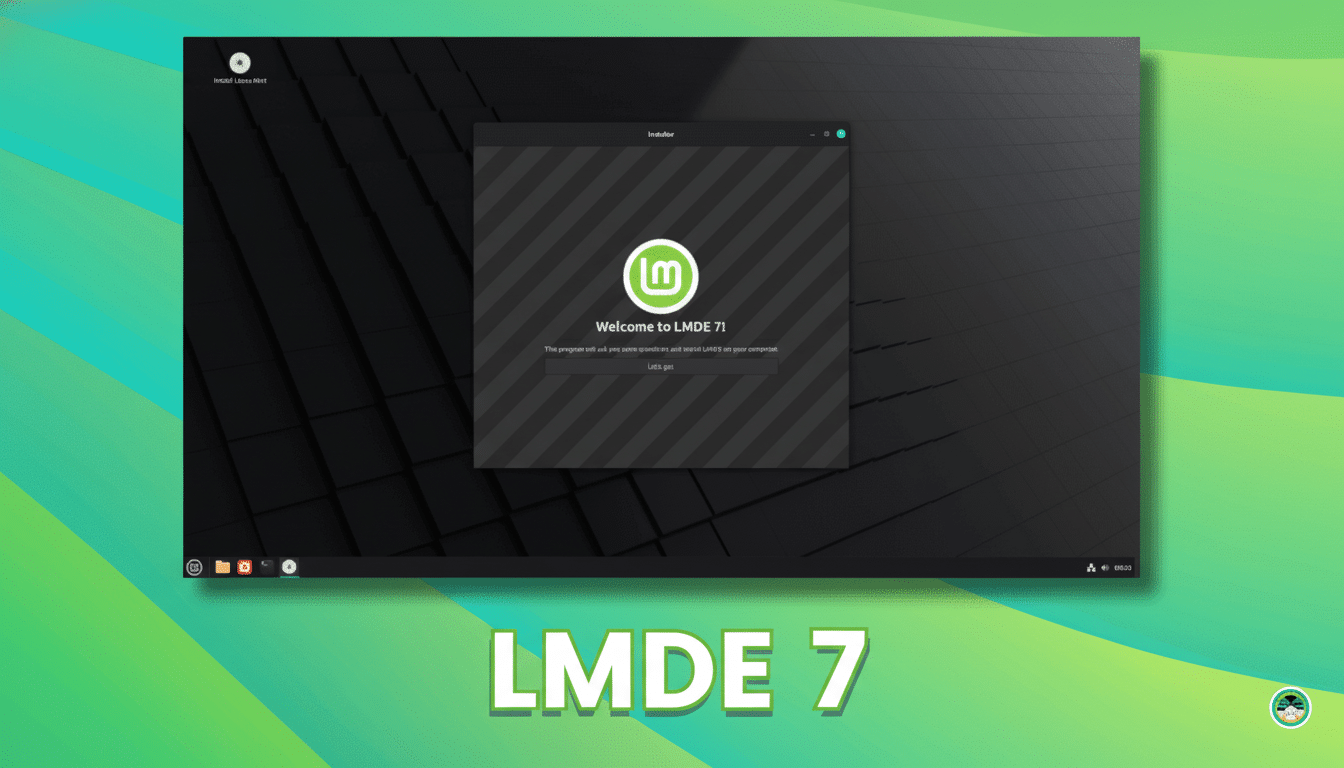
LMDE 7 will be developed on top of Debian 13 “Trixie” and ship with all the usual Mint desktop awesomeness and tools over Debian’s stable base. There should be all of the goodness from Mint 22.2—the performance enhancements, updates to Mint tools, and polish on Cinnamon—backported down onto the Debian base for a more consistent experience across editions.
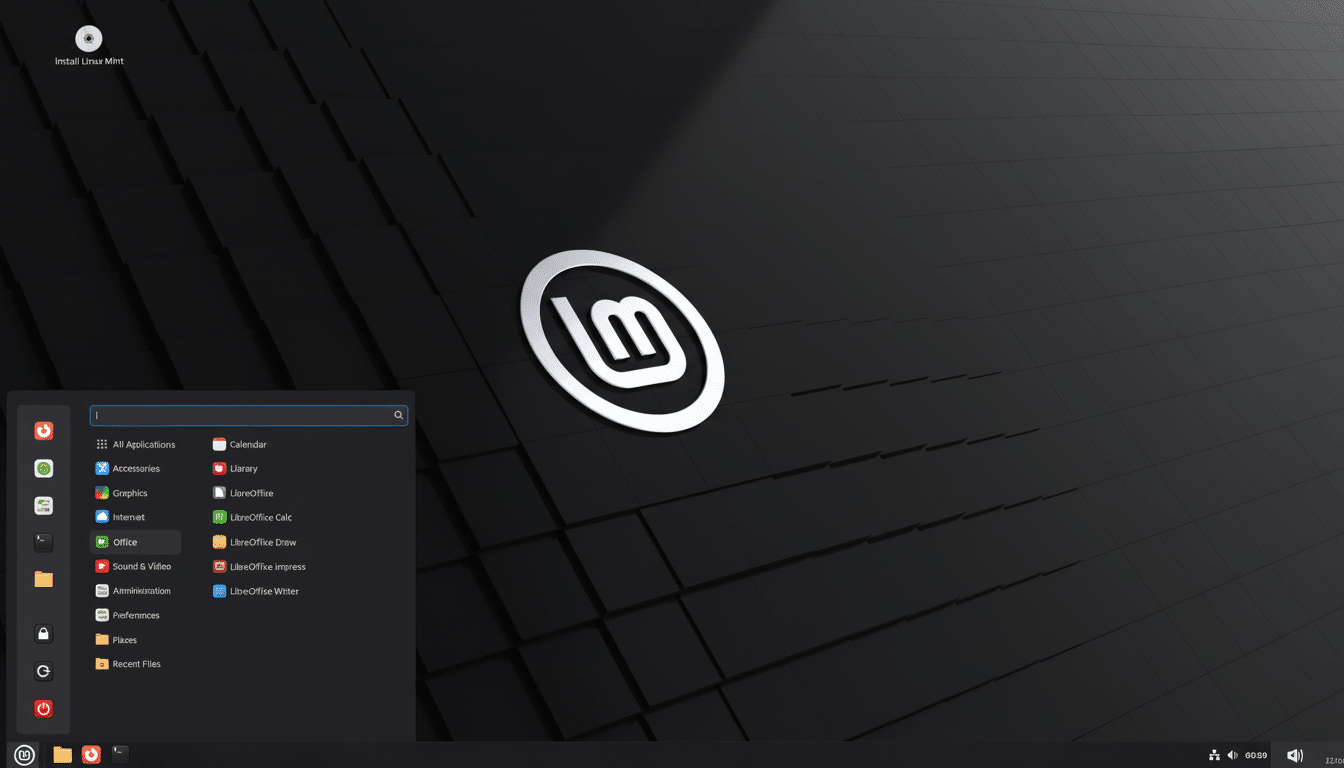
One newsworthy change: LMDE 7 will not come with i386 builds. Support will be amd64-only, consistent with upstream’s decision and responding to a state of the world where industry developments long ago went in that direction. Nearly every consumer CPU from AMD and Intel manufactured in the past decade has been 64‑bit, and the software ecosystem, from browsers to graphics drivers, has followed suit.
Also making an appearance is long-desired OEM installation support. That one checkbox is meaningful: it allows system integrators and PC manufacturers to offer LMDE preinstalled with a first-boot setup flow for end users. This lowers the barrier to entry for boutique suppliers and local OEMs, and makes LMDE a serious contender for preinstalled Linux computers.
Why LMDE exists — and why it matters for Linux Mint users
Mint has always emphasized that LMDE is a side project, or backup plan really: Mint as we know it would still manage to thrive if Canonical’s rug ever got yanked out from under them. That’s not hand‑waving. The project historically has disagreed with Canonical on important decisions, including rejecting the Mir display server and preventing Snap installations by default. LMDE leaves Mint’s options open and provides people who like the Debian operating system with a well-polished Mint experience.
Strategically, LMDE 7 expands Mint’s strength without shattering its cohesion. The team is very dedicated to its flagship, which is obviously built around Ubuntu, and of course investing in LMDE means that important stuff like tooling, installers, or desktop components always remains portable and distribution-agnostic. In a practical sense, it’s risk management for a project that has millions of installs.
Mint 22.3: UI polish, smarter status tools, Wayland groundwork
22.3 Mint will be a short-cycle release with focused upgrades. Look forward to a revamped application launcher for quicker navigation, a fresh new status applet to bring system notifications to the surface, and better support for keyboard layout and input methods that work on Wayland. It’s not that they aim for a wholesale switch to Wayland, but when or if the time comes, it will be painless.
There’s also a quality-of-life fix incoming for the Mint‑Y dark variant. The low-contrast elements have gotten attention; the team intends to raise palette and contrast-ratio standards without compromising Mint’s appearance. Little changes like this can go a long way toward making the product easier to use on a regular basis.
Cinnamon will also be bumped in 22.3, which maintains its constant march of performance improvements and fractional scaling adjustments as well as further smoothing out window management.
With the Linux desktop broadly, the pace at which Wayland adoption is accelerating—propelled by the efforts of the Wayland project and heavyweights in the display stack, as well as distros like Fedora—means the sustained modernization of Cinnamon, under Mint’s direct control, is that piece.
What it means for users and hardware vendors
If you are on 22.2, you’re in good shape. The move to 22.3 should be smooth, with the changes focusing on UI tweaks and under‑the‑hood development, as opposed to a radical remapping of your workflow. A significant number of 32‑bit enthusiasts will already have been forced to the next release down from LMDE, or made a move to less ambitious 64‑bit‑capable hardware.
LMDE’s OEM installer gives a way for system builders to implement a cleaner preinstall story. This would be especially useful for education and other public-sector installs, as well as boutique vendors who want Debian’s pace but Mint’s desktop experience, tools, and muscle. It also broadens the Linux preinstall market from just one base distribution.
Recent data from StatCounter also puts Linux desktop share above four percent, growth of which ties in with improved hardware enablement, more intuitive installers, and steady desktop experiences.
Those are the sorts of pragmatic touchstones that transform experiments into defaults over time, and things like LMDE OEM support and Mint’s incrementally growing readiness for Wayland only serve to underscore that sentiment.
Bottom line: what these Linux Mint updates signal next
Mint is shipping quickly—without fixing what people love about it. LMDE 7 improves the project’s bedrock and OEM history, and 22.3 tries to make itself more useful, recognizable, plus generations-and-upgrades‑compatible. If 22.2 was a reliable, finished workstation for you, the next two releases appear less like detours and more like on‑ramps to where the Linux desktop is headed.
