


LineageOS just delivered a crowd-pleasing upgrade that moves two hallmark Pixel experiences into the custom ROM world. With the release of LineageOS 23.2, users gain Material 3 Expressive theming and a fully customizable Quick Settings panel, bringing Pixel-style polish and control to a wide range of devices—many of which will never see these touches from their original manufacturers.
Alongside the feature bump, the project is shifting to a six-month cadence for major builds, aligning with the Android Open Source Project’s bi-yearly rhythm while keeping monthly security bulletins intact. The upshot is faster access to meaningful UX upgrades without sacrificing the steady drumbeat of security fixes.
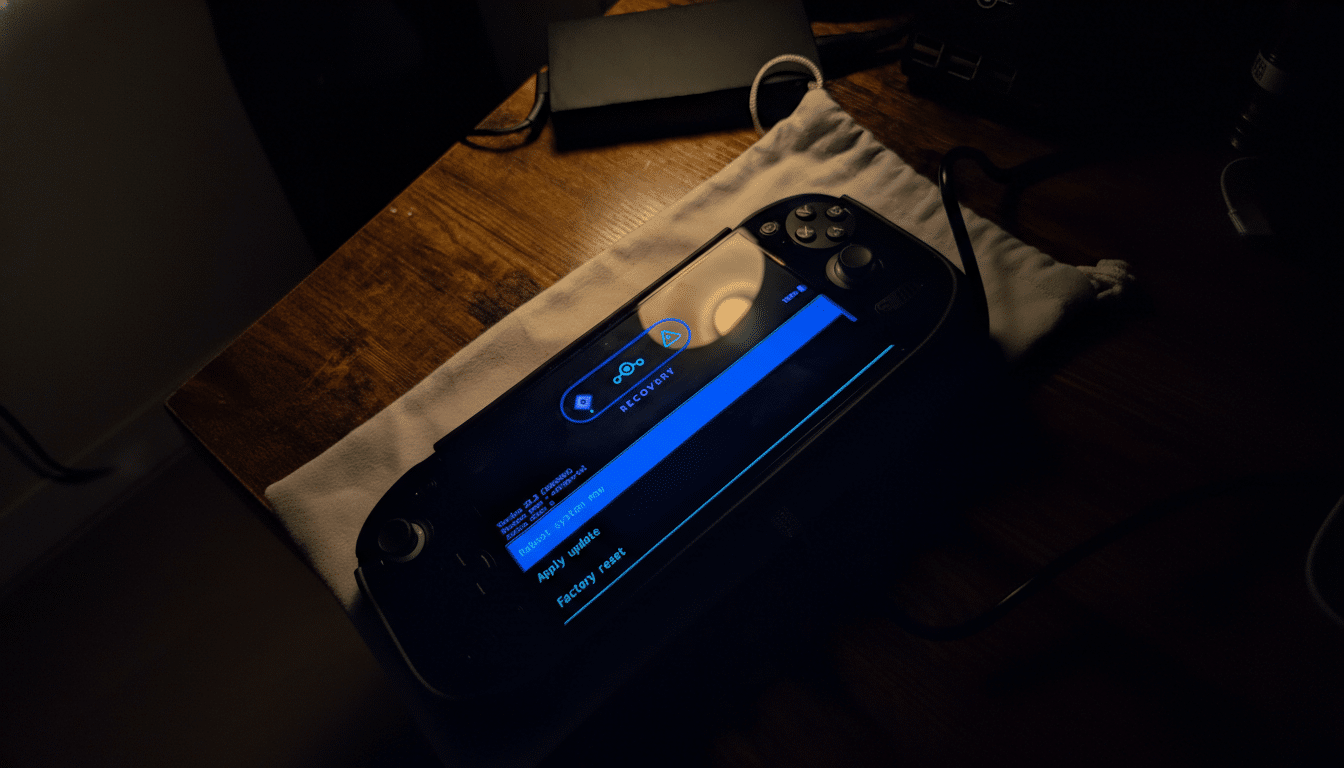
What’s New in LineageOS 23.2: Features and Changes
The headliner is support for the Material 3 Expressive style, Google’s richer take on dynamic color. It extends beyond accent tweaks to cohesive changes in animations, background blur, typography, and menu layouts. System apps such as Calculator and Music pick up the same look and feel, so the interface reads as one consistent design language rather than a patchwork of skinned pieces.
The other big win is a fully customizable Quick Settings panel—long one of the most-touched surfaces on Pixel phones. Users can freely reorder tiles, tune the grid density, and adjust elements like the brightness slider to their preference. This mirrors the personalization options seen on Pixel devices with Android 16 QPR1, giving power users more control over one-handed reach, glanceable toggles, and daily workflows.
Rounding out the release, LineageOS adds an expanded dark theme for better contrast and deeper blacks across UI elements, plus more capable file utilities for Android’s Private Space. The latter makes it easier to manage sensitive content in an area locked behind separate authentication, echoing Google’s renewed emphasis on compartmentalized privacy.
Why Pixel Features Matter to Custom ROM Users
Material 3 Expressive and customizable Quick Settings are not flashy add-ons; they are high-impact, high-frequency experiences. Dynamic color reinforces a device’s personal identity every time the screen turns on, and a well-tuned Quick Settings grid trims seconds off each interaction throughout the day. Google’s Material Design team has consistently found that cohesive motion, blur, and visual hierarchy improve wayfinding and task completion, and these changes deliver exactly that for LineageOS users.
The reach is significant. LineageOS maintains official builds for over 200 devices spanning brands like Samsung, OnePlus, Xiaomi, Sony, and Motorola, extending modern Android UX conventions to hardware that may be years past its last OEM update. For owners of classics like the Poco F1 or OnePlus 6, this is a meaningful upgrade path that feels current rather than merely functional.
Cadence shift aligns with AOSP’s twice-yearly schedule
The project’s move to six-month major releases follows the AOSP change to a twice-yearly cycle. In practice, this reduces heavy rebasing churn for device maintainers, shortens the path from upstream features to end users, and allows each milestone to focus on depth rather than breadth. Crucially, the team confirms that monthly security bulletins will continue, preserving a cadence that power users and security-conscious organizations rely on.
This predictable tempo should also help app and kernel developers plan against stable baselines, improving compatibility for frameworks and mods that often ride alongside LineageOS. The result is a healthier ecosystem where polish lands faster and regressions get ironed out with fewer surprises.
Real-World Upside On Older And Newer Phones
On large-screen phones, customizable Quick Settings can materially improve reachability by pulling critical toggles and the brightness bar closer to the thumb. For smaller devices, tightening the grid and prioritizing compact tiles increases information density without clutter. Meanwhile, Material 3 Expressive breathes new life into aging panels by pairing richer color palettes with updated typography and motion, sharpening the perceived quality of the whole interface.
Security and privacy see quiet gains too. A more capable Private Space reduces friction for separating work and personal data on bring-your-own-device setups, a use case often cited by enterprise mobility teams. And with monthly patches, users do not have to choose between fast features and timely CVE coverage.
The bottom line on LineageOS 23.2’s new features
LineageOS 23.2 does not just add features—it closes the gap between custom ROM flexibility and Pixel-grade finesse. With Material 3 Expressive theming, customizable Quick Settings, a steadier release tempo, and continued security focus, the project delivers a modern Android experience to a broad device roster. For anyone holding onto reliable hardware or seeking a cleaner, more personal interface, this is a compelling step forward.
