


Amazon’s pen-first Kindles have emerged as a two-track story: the familiar monochrome Kindle Scribe, and its new stablemate, the Kindle Scribe Colorsoft.
Both are aimed at readers who need to write, annotate, and manage documents, but one will ask you to pay for color. For your $600, this is how to determine which one actually earns a spot in your bag.
- Price and hardware at a glance for both Kindle Scribe models
- Writing and reading experience on Scribe and Colorsoft
- What Colorsoft actually adds to note-taking and reading
- Software features and workflow fit across both models
- Battery life expectations and build quality considerations
- Who should spend $600 on Kindle Scribe versus Colorsoft
- Context and competitors in the color e-paper landscape
- Bottom line on choosing Kindle Scribe or Colorsoft today
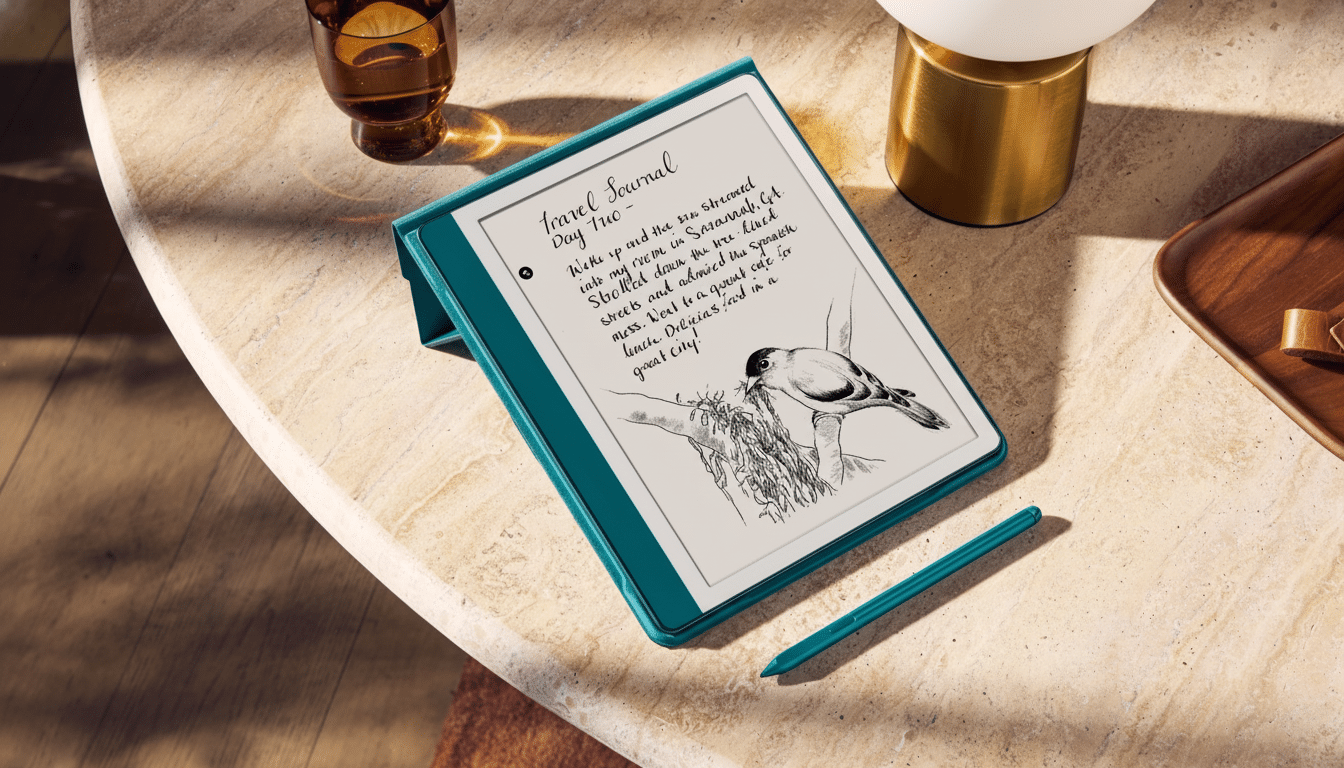
Price and hardware at a glance for both Kindle Scribe models
A standard Scribe will run you about $500, while a Colorsoft version starts around $630. You’re really just deciding whether color ink and additional creative tools are worth about a $100–$150 premium even after considering storage or accessories.
—Justin Krajeski
Both models go big with an 11-inch page-like canvas, a slim 5.4mm profile, and a travel-friendly 400g weight. The hardware is designed to mimic the feel of paper, with texture-molded glass for pen resistance and reduced parallax so that strokes land precisely under the tip. Amazon also claims faster performance than last year’s Scribe, an essential upgrade for avid note-takers.
Writing and reading experience on Scribe and Colorsoft
The Scribe line plays up the “paper, but smarter” ethos. That’s where the textured glass comes in handy: It slows down your pen just enough so that you can control handwriting and sketching. Note-taking is faster as well, thanks to a new Quick Notes shortcut from the Home screen that reduces the number of taps required for getting an idea down.
As for reading, the monochrome Scribe has the sharpest text contrast and cleanest grayscale shades, and that still matters if you’re devouring novels, editing manuscripts, or annotating research over long sessions. When it comes to reading, monochrome e-paper is still the best thing ever for your eyes and readability: Everything is sharp, with barely a hint of glare.
What Colorsoft actually adds to note-taking and reading
With Colorsoft, a range of full-color (up to 10 drawing colors and five highlight colors) annotations can be used in layers that build watercolor-style shading. The latency seems slight, meaning scribbling in color doesn’t end up feeling like a handwriting race. For those who think visually and depend on color-coded systems, that’s a real productivity raiser.
There are trade-offs. A small palette can also rein in artistic ambitions, and color e-paper usually loses some of the purely textual punch compared with monochrome. For people who read mostly prose, the advantages of color diminish rapidly. If you absorb charts, schematics, printed textbooks, or magazines, color highlights and diagram redlines can save time while reducing the risk of a misread.
Software features and workflow fit across both models
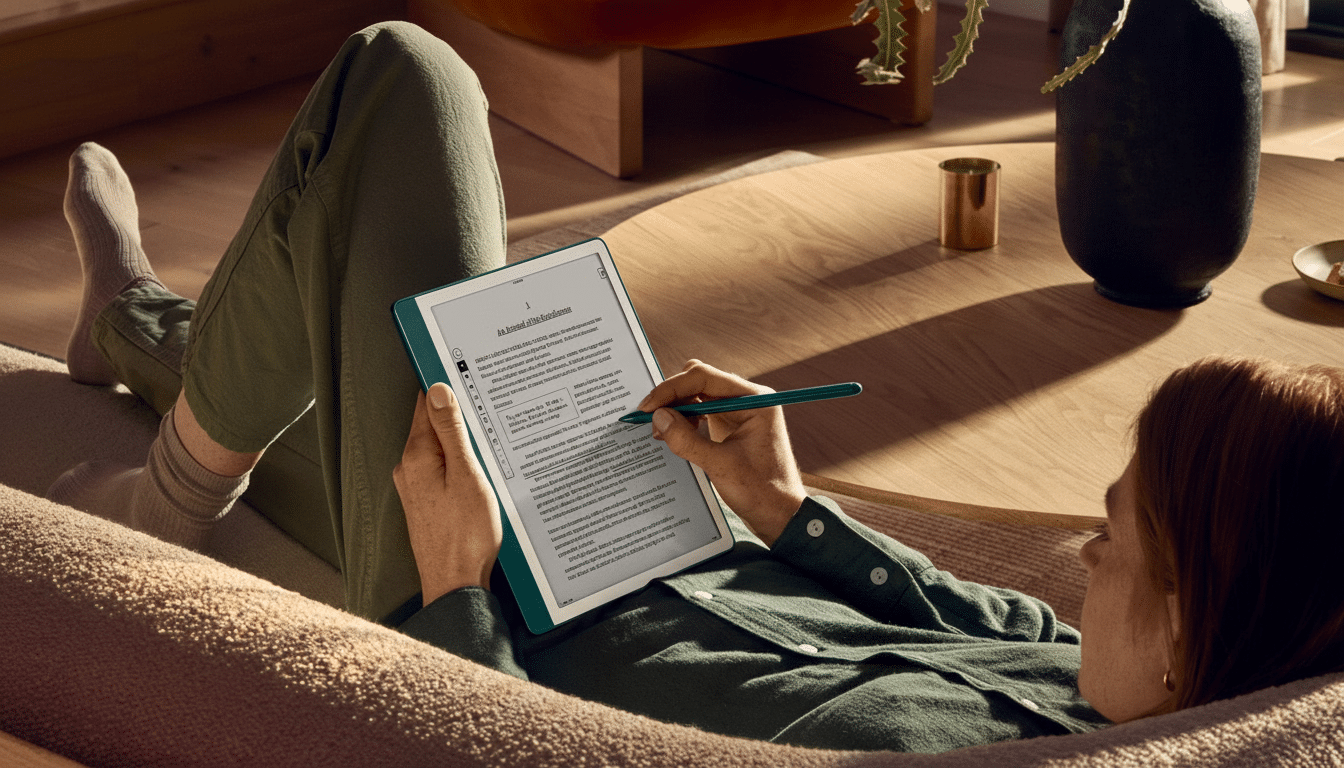
Now both Scribe models plug into the same workflows: import and export from Google Drive and Microsoft OneDrive, AI-powered search across notes, and automatic summaries that show you key points. You’ll also be able to send notes to her, and chat about them with Alexa, Amazon says, so that you can use the feature hands-free for recaps or follow-ups.
For students and pros who live in PDFs, the ability to highlight, handwrite notes on them, and then push chapters or documents back to the cloud without any extra hoops is the headline upgrade. Industry watchers like IDC have said demand for pen-enabled devices that nestle into hybrid work has remained strong — and this is Amazon’s clearest indicator of that so far.
Battery life expectations and build quality considerations
Amazon hasn’t cited official battery numbers, but last year’s Scribe consistently lasted for roughly a month of reading and multiple weeks of writing on a charge. And when it comes to long-form work, e-paper remains far more efficient than LCD and OLED tablets. A desk-to-commute crossover is also painless, thanks to the slim, rigid chassis.
Who should spend $600 on Kindle Scribe versus Colorsoft
Go for Kindle Scribe Colorsoft if your work or study is reliant on color and structure. Imagine STEM and med students marking up diagrams, project managers color-coding dependencies, teachers grading with multicolor annotations, or researchers dissecting multi-hue charts. If one color helps avoid mistakes or delays understanding, the premium pays back quickly.
If you read and annotate in black-and-white mostly, the standard Kindle Scribe is your choice. Old-school book readers, editors, lawyers reading monochrome PDFs, and long-haul travelers will appreciate superior text contrast and a lower price tag, with fewer distractions. For serious reading and solid handwriting, black-and-white is still the king of clarity.
If you’re considering an iPad or Android tablet instead, just recall the trade-offs: those slates offer more apps and richer color while bringing glare, shorter battery life, and notification noise. “E-paper comes out ahead when focus and long-duration use are crucial.”
Context and competitors in the color e-paper landscape
Color e-paper has been moving fast, with companies like E Ink Corporation pushing image quality forward and competitors like Kobo and Onyx offering pen-first devices of their own at different price points. Meanwhile, the reading audience continues to be wide: About three in 10 American adults read an ebook in a typical year, according to Pew Research Center. The bet that Amazon is making is that many of them would also like to have a quiet place to think and write.
Bottom line on choosing Kindle Scribe or Colorsoft today
If color is central to how you process information, organize thoughts, or present them, the Scribe Colorsoft is the smarter $600-class purchase. If you spend most of your day between text and grayscale PDFs, the normal Scribe provides a cleaner reading experience and better value. Both are built for distraction-free work, but only one turns color into a part of your thinking toolkit.
